


முக்கிய விஷயங்கள்
- TNEB bills can be paid online through the official TANGEDCO website, the TANGEDCO consumer app, or any UPI app like GPay, PhonePe, Paytm.
- You don't need to create an account - your Consumer Number (or Service Number) on the old bill is enough to pull up the amount due.
- UPI and net banking payments usually carry zero extra charge. Card payments often add a small gateway fee.
- The receipt lands instantly on screen - take a screenshot, because that's your only proof if there's a dispute later.
- Setting a reminder or auto-pay saves you from late fees and that annoying 'disconnection notice' SMS.
What exactly is TNEB online payment?
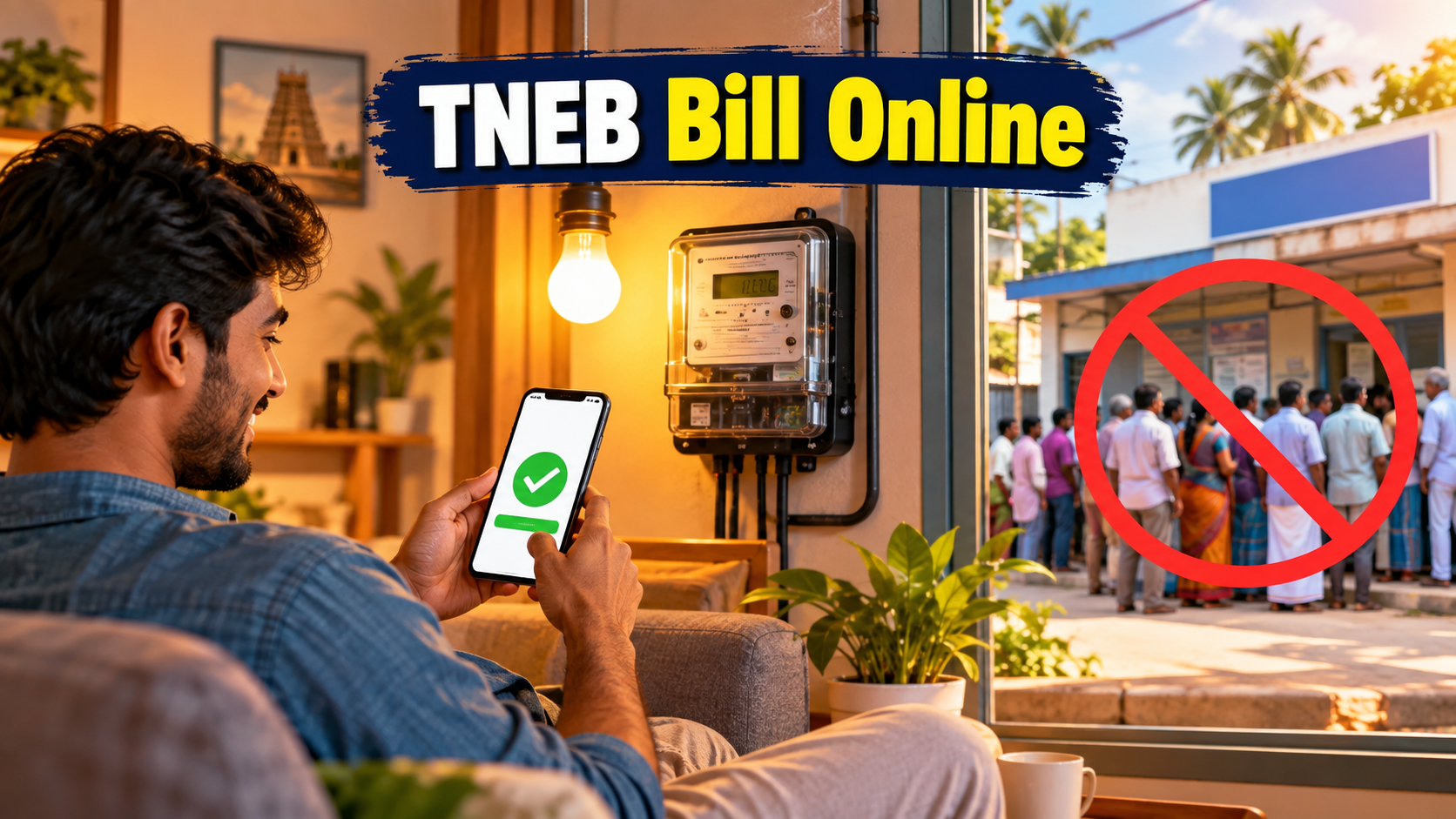
Picture this. It's the last week of the month, the sun is doing its worst, and there's a queue outside the EB office that hasn't moved in twenty minutes. That used to be the only way to pay your current electricity bill in Tamil Nadu. Not anymore.
TNEB stands for Tamil Nadu Electricity Board, though the official body today is called TANGEDCO - Tamil Nadu Generation and Distribution Corporation. Nobody's updated the habit though. We still say TNEB the way we still call every auto an 'auto' even when it's electric now.
TNEB online payment simply means settling your current electricity bill through the internet instead of standing in a line with cash. You can do this from the TANGEDCO website, their official app, or straight from a UPI app you already use every day for recharges and groceries.
Why does this matter right now? Because in Tamil Nadu, UPI has basically replaced cash for anything under a few thousand rupees. Your mom, your college-going cousin, your office colleague - everyone pays bills from their phone now. The EB counter queue is shrinking, and honestly, it should.
How do you pay your TNEB bill online - step by step?
There are two easy routes. Pick whichever you're more comfortable with.
Route 1 - TANGEDCO website or app:
Open the TANGEDCO consumer portal (search 'TANGEDCO bill payment' and go to the official domain, not a random third-party site). Look for 'Quick Pay' or 'Pay Bill Online'. Enter your Consumer Number or Service Number - this is printed on your previous paper bill or in the SMS TANGEDCO sends you. Type the captcha, and your current bill amount will show up on screen. Pick UPI, card, or net banking, finish the payment, and the receipt appears right there. Download or screenshot it.
If TANGEDCO has an official app listed on Google Play or the App Store under their verified publisher name, the same steps work there, just with a cleaner mobile layout.
Route 2 - UPI apps like GPay, PhonePe, or Paytm:
Open the app and go to the 'Bill Payments' or 'Recharge' section. Search for 'Tamil Nadu Electricity' or 'TANGEDCO'. Enter your Consumer Number once, and most apps will remember it for next month too - so it becomes a two-tap job after the first time. Confirm the amount, pay with your UPI PIN, done.
What are the payment options and charges?
Here's the thing most people don't check before paying - not every method costs the same, and not every method reflects at the same speed.
| Payment Method | Extra Charge | Time to Reflect | Best For |
|---|---|---|---|
| TANGEDCO Website/App | Usually none | Instant | Direct, official route |
| UPI (GPay/PhonePe/Paytm) | Usually none | Instant | Quick monthly habit |
| Net Banking | Usually none | Instant to a few hours | Desktop/laptop users |
| Debit/Credit Card | Small gateway fee (varies by bank) | Instant | Backup when UPI is down |
| Offline at EB counter | None | Same day, with queue time | Senior citizens, cash payers |
UPI stays the cheapest and fastest combo for most people, which is exactly why it's become the default. Cards work fine too, just don't be shocked by a tiny convenience fee tacked on at checkout - that's the payment gateway, not TANGEDCO, pocketing a small cut.
What mistakes do people make with TNEB online payment?
Small errors here cause big headaches later. A few that keep repeating:
Typing the wrong Consumer Number. If your area recently got a smart meter upgrade, the number format might've changed - double check against your latest bill, not an old one from a drawer.
Paying twice because the receipt took a second to load and they panicked and clicked again. Wait at least a minute and check your bank SMS before retrying any payment.
Assuming online payment updates the disconnection system instantly. It usually does within minutes, but if you're paying literally on the due date deadline, give it some buffer - don't pay at 11:58 PM and hope.
Clicking random Google ad links that promise 'TNEB bill pay' - always stick to the official TANGEDCO domain or a UPI app's verified bill-pay listing. Fake bill-payment pages are one of the oldest scam tricks around.
Not saving the receipt. If a payment doesn't reflect for some reason, that screenshot is your only proof when you call support or visit the office.
Who should use TNEB online payment and who shouldn't?
If you've got a smartphone and a UPI app already installed - which is most of Tamil Nadu at this point - online payment is a no-brainer. It's faster, it's free, and it skips the queue entirely.
It suits working professionals, students managing their own rented house bills, and anyone who moves between cities and can't always visit the local EB office in person.
It's less smooth for elderly consumers who aren't comfortable with apps, or for areas with patchy internet. For them, the offline counter or a local mobile recharge shop that also accepts bill payments still does the job fine. Nothing wrong with that either - the point is convenience, not forcing everyone online.
What else can the TANGEDCO portal do besides taking your payment?
Most people only open the TANGEDCO site once a month, pay, and forget it exists. That's a bit of a waste, because the same login that handles your bill also gives you a running history of your consumption - month by month, in units. If you've ever wondered why February's bill suddenly jumped compared to January, this is where you check whether it's actually your AC running longer or a meter reading mistake worth flagging.
The portal also handles things people don't associate with 'online payment' at all - applying for a new connection, requesting a name transfer when you move into a rented flat, or registering a complaint about a faulty meter or a pole that's been sparking for a week. For solar rooftop owners, there's a net metering section too, since more households in Chennai, Coimbatore, and Madurai are adding panels now that payback periods have gotten shorter. None of this needs a separate visit to the EB office anymore, which is genuinely useful if you're the kind of person who avoids government offices on principle.
The honest limitation here is that TANGEDCO's digital system, like a lot of state utility portals, can be slow to update outside the core bill-payment flow. A name transfer request might sit pending for weeks, and complaint tracking isn't always as instant as a UPI receipt. Treat the payment side as rock solid and fast - because lakhs of people use it every single day - but keep your expectations a notch lower for anything beyond that. If a request seems stuck for too long, a phone call or an in-person visit still clears things faster than refreshing the portal every hour.




Comments (0)
Be the first to comment!