


முக்கிய விஷயங்கள்
- TNPSC Group 1 hall ticket வருவது ஒரே இடத்துல தான் — tnpsc.gov.in, candidate login section.
- Postல hall ticket அனுப்ப மாட்டாங்க. Download பண்ணி, print எடுத்து தான் exam hallக்கு வரணும்.
- Registration ID + Date of Birth / Password வச்சு தான் login பண்ணணும். Details மறந்துட்டா, 'Forgot Password/ID' option use பண்ணலாம்.
- Hall ticket-ல Name, Photo, Exam Centre code சரியா இருக்கான்னு exam date-க்கு முன்னாடியே check பண்ணிடணும்.
- Original photo ID (Aadhaar/Voter ID/Driving Licence) இல்லாம hall ticket மட்டும் கொண்டு போனா entry கிடைக்காது.
What just happened with TNPSC Group 1 hall ticket 2026?
Every year, lakhs of Tamil Nadu candidates apply for the Group 1 exam hoping for a Deputy Collector or DSP seat. The actual hall ticket release is not a one-time news event — TNPSC quietly puts it up on its website roughly 7 to 10 days before the exam date, and candidates have to go hunt for it themselves.
That's exactly why this search — "tnpsc hall ticket download 2026 group 1" — spikes every single exam cycle. There's no SMS alert, no courier at your door. If you don't check the site at the right time, you could be scrambling the night before.
How does the TNPSC hall ticket download actually work?
The process hasn't changed much in years, and that's a good thing — once you know it, you know it forever. Here's the simple version.
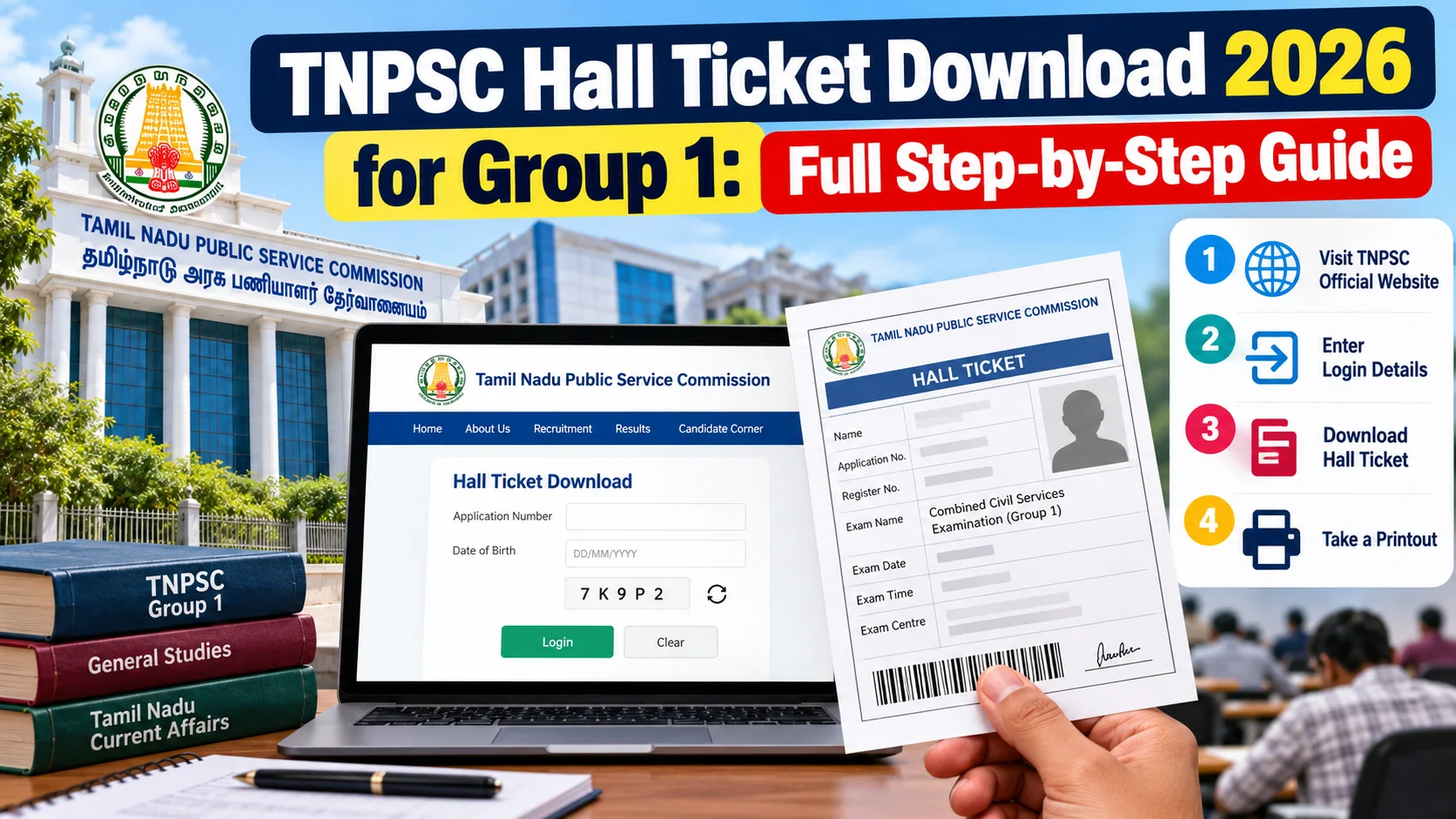
- Go to the official site, tnpsc.gov.in. Don't trust any other site or app claiming to have your hall ticket — TNPSC never issues it anywhere else.
- Look for the "Hall Ticket Download" or "Candidate Login" link on the homepage, usually under the Group 1 / CCSE-I notification banner.
- Log in using your Registration ID (OTR number) and the Date of Birth or Password you set during One Time Registration.
- Once logged in, your hall ticket shows up as a PDF. Download it on a laptop or desktop if possible — PDFs sometimes render oddly on small phone screens.
- Print it on plain A4 paper, in clear black-and-white or colour. No lamination needed, but keep it crease-free and readable.
A quick table for anyone also tracking the money side of a Group 1 application — this is roughly what the standard TNPSC fee structure looks like (always confirm against the latest notification since fees can be revised):
| Category | One-time Registration Fee | Examination Fee (Group 1) |
|---|---|---|
| General / OC | ₹150 (one-time, lifetime) | ₹100 |
| BC / BC(M) | ₹150 (one-time, lifetime) | ₹100 |
| MBC / DNC | ₹150 (one-time, lifetime) | Exempted |
| SC / SC(A) / ST | ₹150 (one-time, lifetime) | Exempted |
| Destitute Widows / PWD | ₹150 (one-time, lifetime) | Exempted |
Notice the registration fee is "one-time, lifetime" — meaning if you've already done your OTR for a past TNPSC exam, you don't pay it again. This is the same OTR account you'll use to log in and pull your hall ticket.
What mistakes do candidates usually make?
Honestly, most hall ticket problems are completely avoidable. The usual suspects:
- Waiting till the last day. The site gets flooded right before the deadline, and server slowness is real. Download it the moment it's live.
- Not checking the photo and name. If your photo looks blurry or your name has a spelling mismatch with your ID proof, flag it with the TNPSC regional office early — not at the exam hall.
- Forgetting the exam centre code. Centres do sometimes shift between the application stage and the hall ticket stage. Read the address line properly, don't assume it's the same place you selected.
- Carrying only a phone screenshot. TNPSC exam staff want a physical printout. A screenshot on your phone, however clear, usually won't be accepted.
- No original ID proof. Hall ticket plus Aadhaar/Voter ID/Driving Licence/Passport — any one original, not a photocopy — is non-negotiable at the gate.
What changes for people in India / Tamil Nadu candidates specifically?
For a state-level exam like Group 1, almost every candidate is from Tamil Nadu or settled here, so the stakes feel personal — this is the exam that decides Deputy Collector, DSP, and other Group 1 postings people have been preparing years for. A missed hall ticket download isn't a small glitch here; it can mean missing the exam entirely, since TNPSC doesn't offer a walk-in option without it.
The shift to fully digital hall tickets (no postal delivery at all) also means rural candidates with patchy internet need to plan ahead — maybe download it at a nearby browsing centre or on a friend's broadband connection rather than depending on mobile data alone on exam eve.
What should you do now?
Bookmark tnpsc.gov.in today, not the night before your exam. Keep your OTR Registration ID and password written down somewhere safe — a notes app, a diary, anywhere you won't lose it.
Once the hall ticket window opens, download it immediately, print two copies (one as backup), and cross-check your photo, name, exam centre, and exam date against your original ID proof. If anything looks off, reach out to your TNPSC regional office well before exam day — don't wait at the gate hoping someone will sort it out on the spot.
What if the hall ticket shows wrong details or won't download?
This happens more often than TNPSC would like to admit, and panicking won't help. If the PDF won't open, try a different browser first — Chrome on a desktop usually works better than mobile browsers for TNPSC's site, especially when traffic is heavy right after release. Clear your cache, or try an incognito window before assuming the server itself is down.
If the hall ticket does open but something's wrong — your photo is from an old registration, your name has a typo, or the exam centre doesn't match what you picked during application — don't just show up and argue at the gate. Email or call the TNPSC regional office listed on the website, explain the discrepancy, and ask for a correction or a confirmation letter you can carry alongside the hall ticket. Keep screenshots of the error and any communication as proof, because exam-day staff work strictly off what's printed in front of them, not what you tell them verbally.
Also worth remembering: TNPSC usually keeps the download link active for a decent window before the exam, so if it fails once, wait a few hours and try again rather than refreshing frantically every five minutes. Peak-time overload is common in the first couple of hours after release, and things usually settle down by the next day. If problems persist close to the exam date, visiting the regional TNPSC office in person with your OTR details is often faster than waiting on email replies.



Comments (0)
Be the first to comment!