


முக்கிய விஷயங்கள்
- TNPDS portal (tnpds.gov.in) is the official site to check your Tamil Nadu ration card status — not any random third-party app.
- You just need your Ration Card number OR your Aadhaar-linked mobile number to pull up the status.
- The TNPDS mobile app does the same job from your phone, no need to open a browser.
- Status usually shows as Active, New Application Pending, Under Verification, or Rejected.
- If the site is down or slow, the TNPDS helpline and your nearest ration shop (PDS outlet) can tell you the same thing offline.
What exactly is TNPDS, and why should you care?
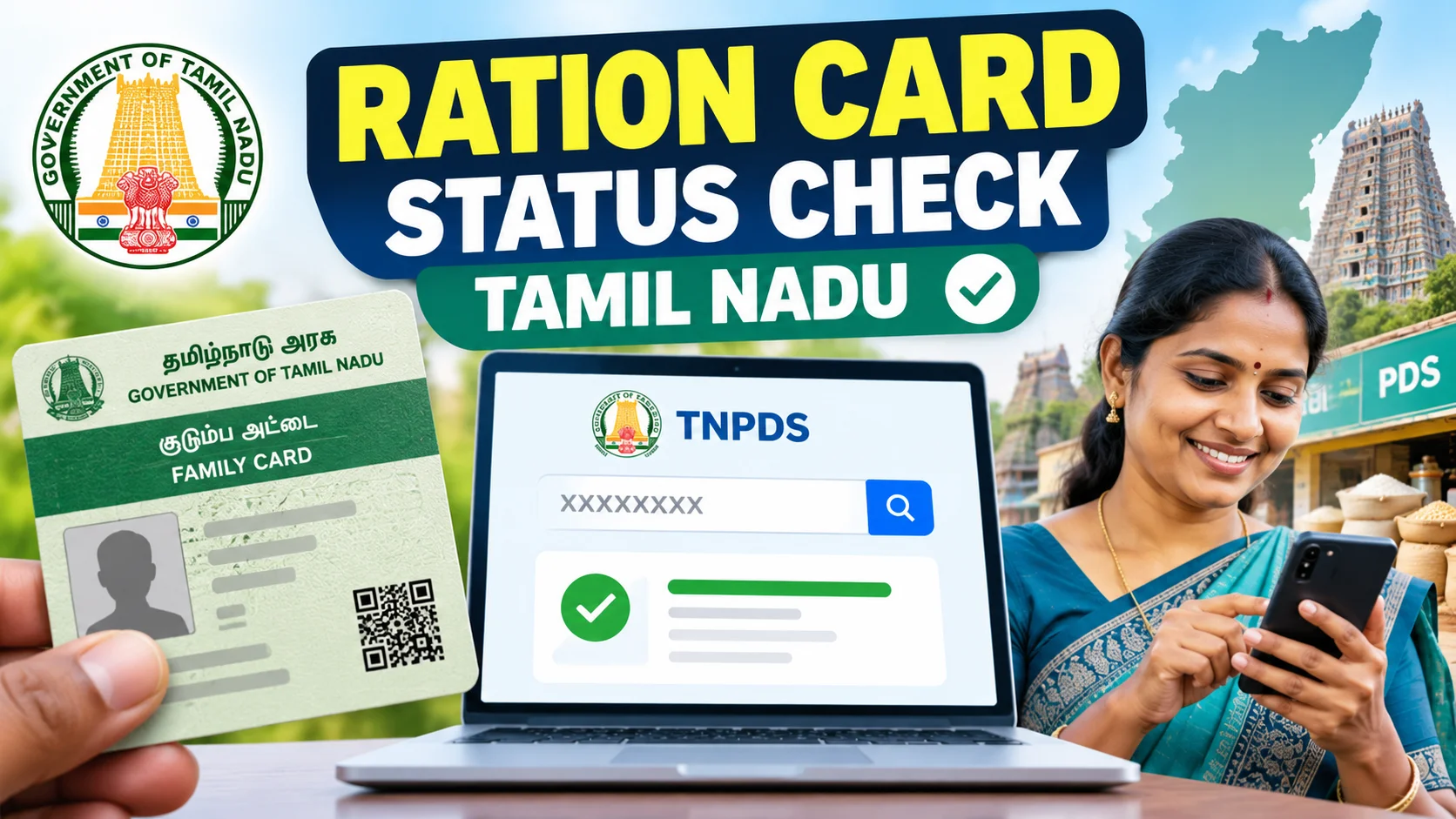
The quickest way to run a ration card status check in Tamil Nadu is through the official TNPDS portal (tnpds.gov.in), using either your Ration Card number or Aadhaar-linked mobile number — no login needed for a basic status lookup. This guide walks through the exact steps, the TNPDS mobile app alternative, what each status label like "Under Verification" actually means, and what to do if the website is slow or your card number is missing.
Every family's card, every shop's stock, every month's quota is tracked here. So when you say "ration card status check Tamil Nadu", you're really asking — what does TNPDS say about my card right now?
This matters because a lot of things quietly depend on that card. New gas connection subsidy, school scholarship proof, even address proof for some bank KYC — officials often ask "is your ration card active?" before anything else.
How do I check my ration card status online in Tamil Nadu?
Simple, five steps, do it on your phone right now.
1. Open tnpds.gov.in on any browser.
2. Look for the tab that says "Ration Card" or "Know Your Ration Card Details / Status".
3. Choose search by Ration Card Number, or by Aadhaar Number, or by Name + District + Taluk.
4. Enter the details carefully — spelling mismatches are the number one reason people get "no record found".
5. Hit search. The status, card type, and family member list will show up on screen.
Takes about two minutes if your number is handy. No login, no OTP drama for the basic status check.
What if I don't remember my ration card number?
Happens to almost everyone — the card is usually tucked away in some old file at home. On TNPDS, you can search by name along with district and taluk instead.
You can also search using the head of family's Aadhaar number, since most TN ration cards are Aadhaar-seeded by now. If even that fails, your area's ration shop dealer has the card number in their register — one visit sorts it out.
Are there other ways to check besides the website?
Yes, and honestly the app is less fiddly than the website on a slow connection. Here's how the options stack up.
| Method | What you need | Time taken | Best for |
|---|---|---|---|
| TNPDS Website | Ration card no. or Aadhaar no. | 2-3 minutes | Quick desktop/browser check |
| TNPDS Mobile App | Phone, same card details | 1-2 minutes | People checking often, low data |
| Ration shop (PDS outlet) | Just walk in, mention your name/area | Same visit | No smartphone, elders at home |
| Toll-free helpline | Phone call, basic details | 5-10 minutes | Website down or confusing |
| Taluk / Revenue office | ID proof, written application | Few days | New applications, disputes, corrections |
What mistakes do people make while checking status?
Biggest one — typing the name exactly as it sounds instead of exactly as it's printed on the card. TNPDS is strict about spelling, initials, and even spacing.
Second mistake — assuming "Under Verification" means rejected. It doesn't. It just means your local officer hasn't signed off yet, which can take a few weeks depending on the backlog in your taluk.
Third — people give up after one failed search. Try the Aadhaar route if the ration card number route fails, and vice versa. Between the two, almost every genuine card shows up.
Who actually needs to check this, and when?
New applicants obviously — if you've applied for a fresh ration card after marriage, moving house, or splitting a family card, checking status tells you whether it's approved or still stuck in verification.
Existing cardholders should check too, especially if rice or sugar stopped coming from the shop one month. Sometimes the card gets "frozen" because of a pending Aadhaar seeding issue, and the status page shows that clearly before you even visit the shop and argue with the dealer.
Anyone applying for a new ration card after shifting from another state also needs this — the old card has to show as cancelled or transferred before the new Tamil Nadu one gets processed.
Bottom line — this isn't a once-in-a-lifetime check. Treat it like checking your bank balance before a big UPI transfer. Two minutes now saves a wasted trip to the ration shop later.
What do the different status messages on TNPDS actually mean?
Four words show up most often on the portal — Active, New Application Pending, Under Verification, and Rejected — and each one tells a different story about where your card stands. Active simply means your card is live, linked to a ration shop, and your family's monthly quota is being tracked normally. This is the status you want to see every single time you check, because it confirms rice, sugar, and kerosene allotments will keep flowing without interruption.
New Application Pending shows up right after you submit a fresh application — for a new family card, a split card after marriage, or a transfer from another state. It just means the file has reached the system but no officer has touched it yet, so don't panic if it sits there for a week or two during a busy season. Under Verification is a step further along — a Village Administrative Officer or Taluk staff is actually cross-checking your Aadhaar, address proof, and family details, and this stage can genuinely take a few weeks depending on how backed up your local office is.
Rejected is the one that worries people, but it almost always comes with a reason code or a short remark next to it on the portal — duplicate Aadhaar, address mismatch, or missing document being the common ones. Read that remark carefully before assuming the worst, because most rejections are fixable with one correction, not a full restart of the application.
What should I do if my status shows a problem or the application gets rejected?
First thing — don't re-apply blindly from scratch. Go back to the TNPDS site, note down the exact rejection reason shown against your application number, and carry that along with your original documents to the nearest Taluk Supply Office. In most cases it's something small like a spelling mismatch between your Aadhaar and your address proof, and the staff there can fix it on the spot with a correction request instead of making you start the whole process again.
If the issue is Aadhaar-seeding related — meaning your Aadhaar number isn't properly linked to your family's ration card — you'll need to do that linking either at the ration shop dealer's counter or through the e-Seva/CSC centre near you. This is increasingly important because TN, like most states, has been tightening the push toward Aadhaar-linked PDS delivery, and an unseeded card can quietly stop showing allotments even when the status still says Active on paper.
For genuine disputes — say your card shows Rejected but you're sure all your documents were in order — you can file a written appeal at the Taluk office or escalate through the TNPDS helpline. Keep a photocopy of every document you submit and ask for an acknowledgment receipt each time; this paper trail is what actually gets a stuck case moving when phone calls alone don't.



Comments (0)
Be the first to comment!