


முக்கிய விஷயங்கள்
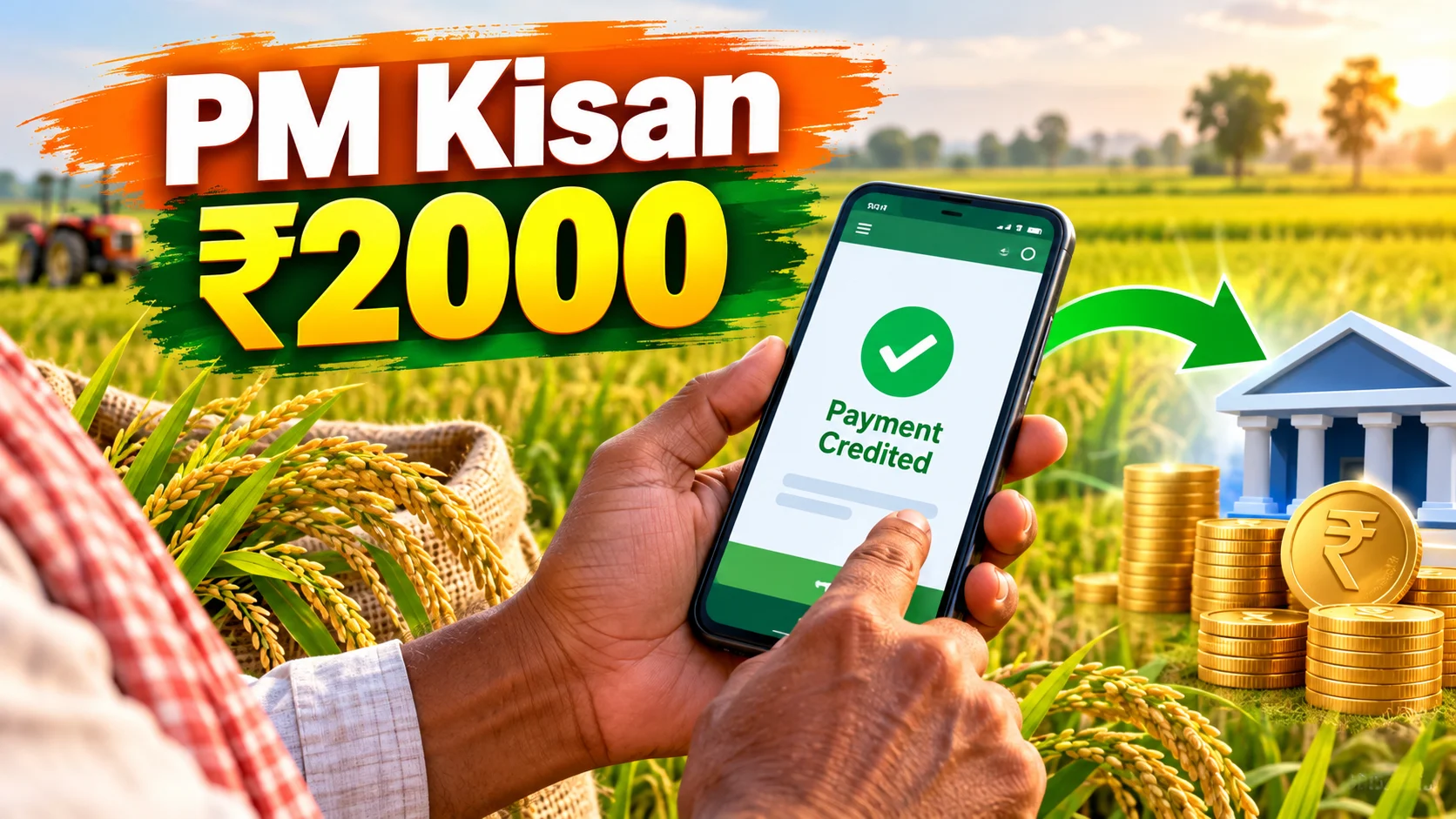
- PM-KISAN gives eligible small and marginal farmers ₹6,000 a year, paid in three ₹2,000 installments directly to their bank account.
- You can check your status on pmkisan.gov.in under 'Know Your Status' using your Aadhaar number, mobile number, or bank account number — no login needed.
- The PM Kisan mobile app does the same job if you'd rather tap than type on a browser.
- Most 'payment not received' cases come down to three things: Aadhaar-bank mismatch, pending eKYC, or unverified land records.
- CSC centres and the PM-KISAN helpline exist exactly for the farmers who can't sort this out on their own online.
What is PM-KISAN and why does the status check actually matter?
PM-KISAN, full form Pradhan Mantri Kisan Samman Nidhi, is a central government scheme that puts cash directly into the bank accounts of small and marginal farmer families. ₹6,000 a year, split into three equal installments of ₹2,000 each, roughly every four months. No middleman, no cheque, straight DBT (Direct Benefit Transfer) into the linked bank account.
Here's why the status check becomes such a big deal for lakhs of families, including plenty in Tamil Nadu. For a small farmer, ₹2,000 isn't pocket change — it's fertiliser money, it's the seed cost for the next season, sometimes it's just the gap between managing and not managing. So when the installment doesn't show up on the expected date, people naturally panic and start asking around at the ration shop or the VAO office. The status check page is supposed to answer that panic without anyone leaving their village.
How does the PM-KISAN status check actually work?
Simple enough once you know where to click. Go to pmkisan.gov.in, the official portal. On the homepage, there's a 'Farmers Corner' section — inside that, click 'Know Your Status' or the older 'Beneficiary Status' option, depending on which version of the site loads for you.
You'll be asked for your Aadhaar number, your registered mobile number, or your bank account number — pick whichever one you registered with originally. Punch in the captcha code shown on screen, hit 'Get OTP' if it asks for mobile verification, and your status pops up on the same page.
What you'll actually see is a list showing each installment — which ones were released, which date the money moved from the government side, and whether your bank confirmed receipt. If you'd rather not deal with a browser at all, the PM Kisan mobile app (available on the Play Store) has the exact same status-check option, just with bigger buttons and less scrolling.
No internet at home? That's fine too — your nearest Common Service Centre (CSC) or the local agriculture office can pull up the same status using your Aadhaar number.
What do the different status messages actually mean?
This is where most farmers get stuck — not the checking part, but understanding what the result on screen is trying to tell them.
| Status shown | What it means | What you should do |
|---|---|---|
| FTO generated and processed | Payment has been sent from the government side, should credit soon | Just wait 3-5 working days, then check your bank passbook |
| Payment success | Money has reached your bank account for that installment | Nothing — you're done for that cycle |
| Aadhaar not linked / Aadhaar failed | Your Aadhaar isn't properly linked to the bank account | Visit your bank branch to link Aadhaar with the same account |
| eKYC pending | You haven't completed the mandatory eKYC on the portal or app | Do it via OTP on the PM Kisan app, or biometric at a CSC |
| Rejected by state / land verification pending | Your local revenue officials haven't verified your land records yet | Follow up with your VAO or Village Administrative Office |
Notice how most of the 'bad' statuses aren't actually about the central government holding your money back. They're almost always a document mismatch somewhere in the chain — your name spelled differently on Aadhaar versus your bank passbook, or land records that haven't been digitally updated after a family partition. Fix the document, the payment usually follows within the next cycle.
What changes for farmers across Tamil Nadu and India with this system?
Before PM-KISAN, a lot of farmer welfare money moved through state departments, cooperative societies, sometimes even through local agents — and delays or leakages weren't uncommon. DBT straight to the bank account removes a layer of that friction. You don't need to go anywhere, you don't need to know anyone at the office, the money just appears if your paperwork is clean.
The flip side is that the entire system now depends heavily on digital records being accurate — Aadhaar, bank KYC, land registry data all talking to each other correctly. For an older farmer who's never updated his Aadhaar address or whose land is still in his late father's name, that's exactly where things break down. The status check page is honest about this — it tells you precisely which record is the problem, which is more than can be said for a lot of older paper-based welfare systems.
What should you do if your status shows pending or rejected?
First, don't assume it's a scam or that someone stole your money — that's rarely the case. Read the exact status message carefully, because the portal is usually specific about what's missing.
If it's an Aadhaar-bank mismatch, that's a bank branch visit, not a government office visit. If it's eKYC pending, open the PM Kisan app, there's a direct eKYC option using Aadhaar OTP — takes two minutes if your mobile number is updated with Aadhaar. If it's a land record issue, that one genuinely needs a visit to your VAO or taluk office, since only they can update verification status on the backend.
And if none of this makes sense over the phone, the PM-KISAN helpline numbers (listed on the portal's homepage) and the CSC centre in your area exist precisely for this. Don't let a random WhatsApp forward about 'new PM Kisan rules' decide your next move — always cross-check on pmkisan.gov.in directly.



Comments (0)
Be the first to comment!