


Key Takeaways
- FASTag recharge online is basically topping up your toll-tag wallet using UPI, net banking, debit/credit card, or an app like Paytm, PhonePe, GPay, or your issuing bank's app.
- The recharge itself is almost always free - banks don't charge a convenience fee for topping up, though a few third-party wallets sneak in a small processing charge.
- Minimum balance requirements usually sit between ₹100 and ₹300 depending on the bank that issued your FASTag.
- NHAI's NETC FASTag portal, your bank's app, and UPI apps are the three safest ways to recharge - avoid random third-party links from SMS or WhatsApp.
- A low-balance FASTag means you pay double the toll in cash at the booth, so recharging a day before a long drive saves you the headache.
What exactly is FASTag recharge online?
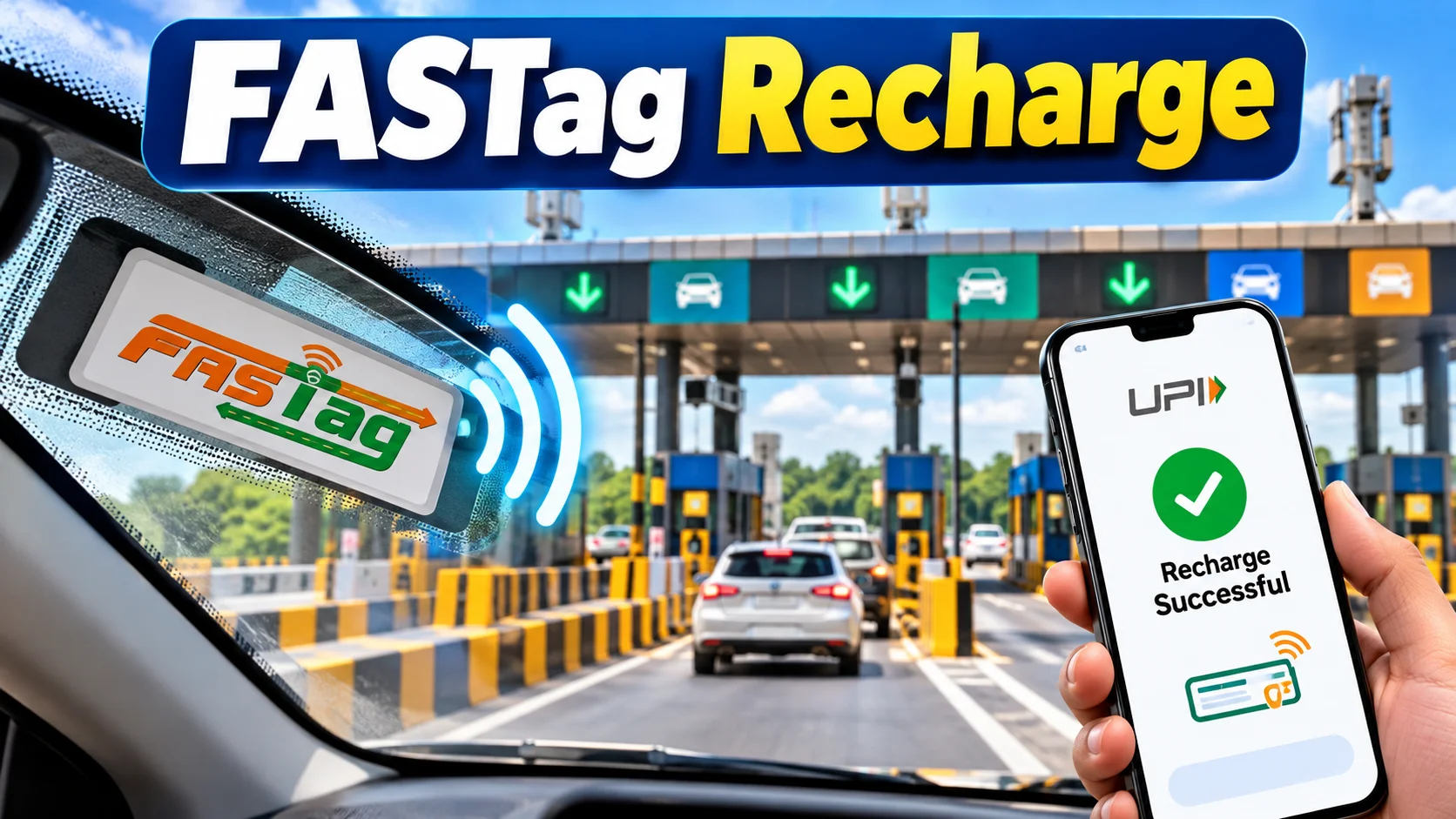
FASTag recharge online means adding money to your FASTag account over the internet instead of standing in a queue at a toll booth or bank branch. Your FASTag is basically a prepaid wallet stuck to your windshield, and every time you cross a toll plaza, the toll amount gets deducted automatically through RFID scanning.
When that wallet runs low, the barrier either doesn't open or you get charged double as a penalty. Recharging online just means topping up that wallet from your phone, sitting in your car or at home, without ever visiting the toll plaza office.
Simple example - you're driving from Chennai to Madurai on NH38, and somewhere near Trichy your FASTag balance drops below ₹100. Instead of panicking at the barrier, you open GPay or your bank app right there, add ₹500, and you're through in seconds.
How do you actually do FASTag recharge online?
You can recharge FASTag online in three or four simple steps, and the exact screen differs slightly by app but the logic stays the same everywhere.
First, open your UPI app (GPay, PhonePe, Paytm) or your bank's net banking/mobile app. Second, search for "FASTag recharge" in the services or bill payments section. Third, enter your vehicle number or the FASTag ID printed on your tag, select the issuing bank, and punch in the amount. Fourth, confirm with your UPI PIN or OTP, and the balance usually reflects within a minute or two.
If you're not sure which bank issued your FASTag, check the sticker on your windshield - most banks print their name right next to the tag number. That one detail saves you from choosing the wrong bank and the recharge failing.
Where can you recharge FASTag online - which apps actually work?
There isn't just one app for this - NHAI, banks, and UPI players all offer the same basic service, just with different interfaces. Here's a quick comparison of the common options Tamil Nadu drivers actually use.
| Platform | How it works | Recharge Fee | Time to Reflect |
|---|---|---|---|
| Google Pay / PhonePe | Search FASTag, enter vehicle number, pay via UPI | Free | Instant to 2 mins |
| Paytm | FASTag recharge section, select bank + vehicle number | Free (occasional ₹1-5 gateway charge on cards) | Instant |
| Bank's own app (ICICI, HDFC, Axis, SBI) | Direct linking to your own FASTag account | Free | Instant |
| MyFASTag / NETC portal (NHAI) | Official NHAI-backed recharge for any bank's tag | Free | 2-10 mins |
| Net banking | Bill pay / FASTag option inside net banking | Free | 5-15 mins |
How much does FASTag recharge actually cost in India?
The recharge amount itself has no fixed price - you decide how much to add, from as low as ₹100 to as high as ₹5,000 or more depending on your bank's cap. What does have a fixed cost is the FASTag itself and the minimum balance you're required to maintain.
Buying a fresh FASTag usually costs around ₹100 as a one-time issuance fee, plus a security deposit that varies - somewhere between ₹200 and ₹500 depending on vehicle type and bank. On top of that, most banks ask you to keep a minimum balance of ₹100 to ₹300 in your FASTag wallet at all times, separate from whatever you recharge for toll usage.
None of the UPI apps charge you extra for the recharge itself - that's the whole point of digital payments replacing toll booth cash counters. The only time you'll see a small charge is if you use a credit card for recharge through certain third-party wallets, where a 1-2% processing fee can sneak in.
What mistakes should you avoid while recharging FASTag online?
The biggest mistake is entering the wrong vehicle number - one typo and your money can get credited to a stranger's tag, and getting it reversed is a genuine headache with the bank's customer care. Always double-check the number plate format matches exactly, including any dashes or spaces the app expects.
Second mistake - clicking random FASTag recharge links from SMS or WhatsApp forwards. NHAI and banks never send recharge links through unsolicited texts, so treat anything like that as a scam attempt and go directly to the official app instead.
Third, people often forget that each vehicle needs its own separate FASTag - you can't use one tag's balance for a different car, even if both belong to the same person. And lastly, don't wait until your balance hits zero before recharging; set up auto-recharge if your bank offers it, so you're never caught off guard mid-journey.
Who does online FASTag recharge actually suit?
If you drive on national highways even occasionally - weekend trips, work travel, or long festival drives back to your hometown - online recharge is built for you. It saves the one genuinely annoying part of highway driving, which is fumbling for cash while traffic piles up behind you at the booth.
Commercial vehicle owners and daily cab/taxi drivers benefit even more since their FASTag drains faster with multiple toll crossings a day. For someone who drives maybe twice a year, a one-time recharge before the trip is enough; for daily users, setting auto-debit through the bank account is the smarter move so the balance tops up on its own whenever it dips low.




Comments (0)
Be the first to comment!