


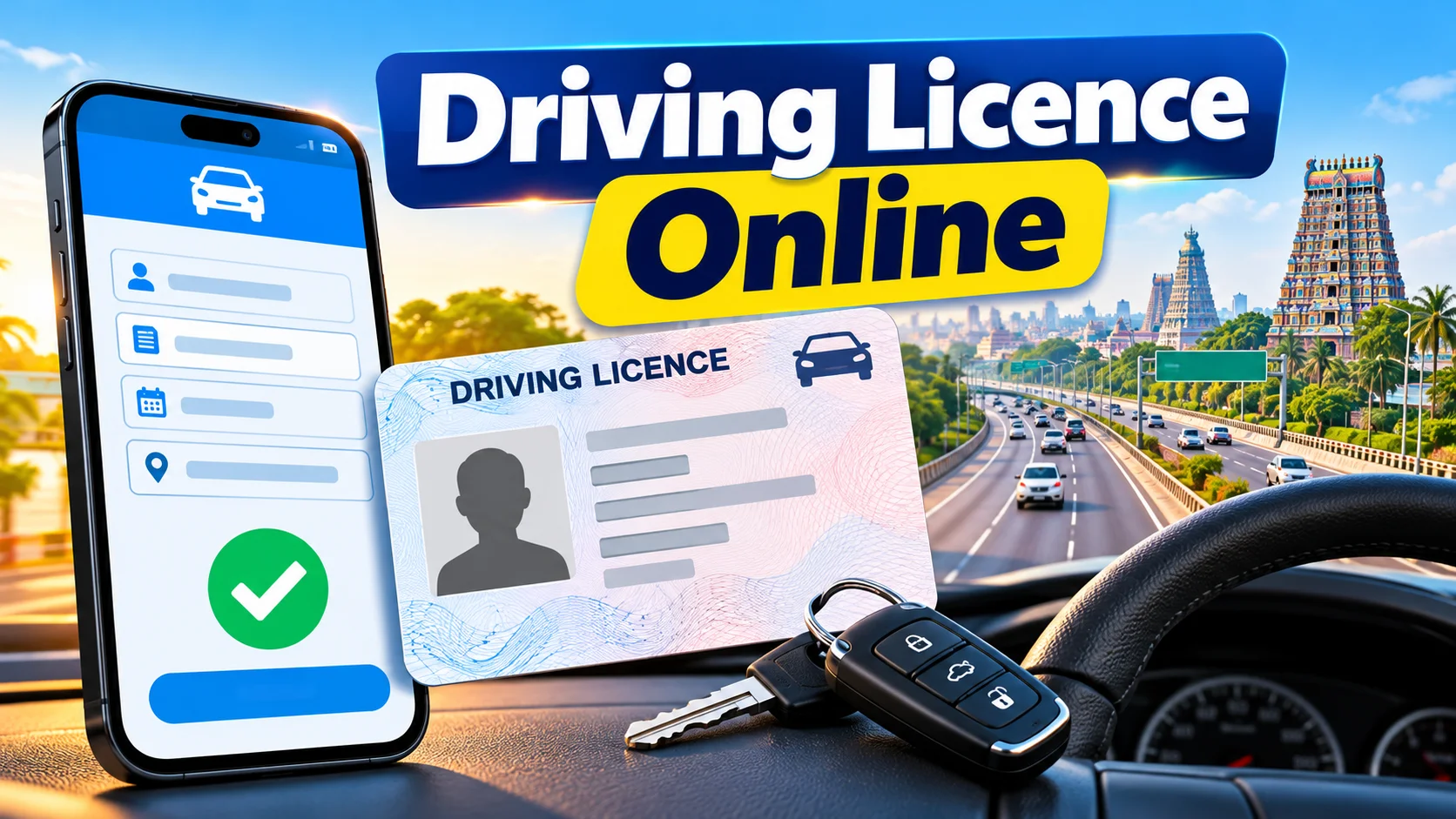
Key Takeaways
- TN driving licence apply online process runs on sarathi.parivahan.gov.in — pick Tamil Nadu, apply for Learner's Licence (LL) first.
- You still need ONE RTO visit for the LL test (often online slot test) and ONE more for the final driving test.
- Total government fee for a fresh licence usually lands between ₹700-₹900, paid online via UPI/card/net banking.
- There's a mandatory 30-day gap between getting your Learner's Licence and applying for the Permanent one.
- Once issued, your DL is also available digitally on DigiLocker and mParivahan — you don't have to carry the plastic card everywhere.
What's the fastest way to apply for a driving licence online in Tamil Nadu?
Everyone's first question at the tea stall is the same: "Bro, RTO-ku போகாம முடியுமா?" Short answer — mostly yes, but not 100%. The entire paperwork, document upload, fee payment, and even slot booking happens online through the Parivahan Sarathi portal. The part that still needs you in person is the actual test — either the Learner's Licence computer test or the final driving test track.
In Tamil Nadu, the portal you want is sarathi.parivahan.gov.in. Some readers also land on the Tamil Nadu e-Sevai site, which routes the same RTO services, but Sarathi is the direct, official one MoRTH built for this.
How does the online process actually work, step by step?
Think of it as two separate applications stitched together — Learner's Licence first, Permanent Licence second. You can't skip the LL stage, even if you already know how to drive.
Step 1: Go to sarathi.parivahan.gov.in, select "Tamil Nadu" as the state. This matters — pick the wrong state and your application won't match your local RTO.
Step 2: Click "Apply for Learner Licence." Fill in your personal details, select the vehicle class (MCWG for two-wheeler, LMV for car, etc.), and upload your documents — address proof, age proof, a passport photo, and your signature as a scanned image.
Step 3: Pay the LL fee online. You'll get an application number — save this, you'll need it at every later step.
Step 4: Book a slot for the LL test. In most Tamil Nadu RTOs now, this test is an online, computer-based traffic-rules quiz, sometimes doable from home itself depending on the RTO. Pass it, and your Learner's Licence gets generated instantly as a PDF.
Step 5: Wait at least 30 days — this gap is mandatory everywhere in India, not just Tamil Nadu. It exists so you actually practise before the real test.
Step 6: After 30 days, log back into Sarathi with the same application number, click "Apply for Permanent Driving Licence," fill the form, pay the fee, and book a slot for the driving test at your RTO.
Step 7: Turn up at the RTO on the test date with your original documents and LL. The driving test itself — reverse parking, figure-8, braking — still has to be in person. No app has figured out how to test your clutch control yet.
Step 8: Pass, and your DL gets printed and either couriered to your address or made available for pickup, plus a digital copy lands on DigiLocker and mParivahan.
How much does it cost — ₹ breakdown?
Fees are set by the central Motor Vehicles Rules, so Tamil Nadu broadly follows the same structure as the rest of India, with small variations some RTOs add for local services. Here's the usual range you should expect to pay.
| Stage | Typical Fee (₹) |
|---|---|
| Learner's Licence application | ₹150 |
| LL test fee | ₹50 |
| Driving test fee (Permanent DL) | ₹300 |
| Smart card / licence issuance fee | ₹200 |
| International Driving Permit (optional, separate) | ₹500 |
So a straightforward first-time car or bike licence usually totals somewhere between ₹700 and ₹900, paid in two instalments — once for the LL, once for the Permanent DL. These are government fees only; if you go through an agent or driving school for "help," add their service charge on top, and that's where a lot of people overpay for no real reason.
What documents do you actually need?
Keep scans of these ready before you even open the portal — it saves a second login session. Age proof — 10th mark sheet, birth certificate, or passport. Address proof — Aadhaar, voter ID, passport, or a recent utility bill. A passport-size photo and a signature, both as clean scanned images, not blurry phone photos. If you're above 40, or applying for a commercial vehicle licence, you'll also need a medical certificate, Form 1A, signed by a registered doctor.
What mistakes make this process drag on?
The most common one — uploading a blurry or oddly-cropped photo and signature. The system rejects it, and you have to redo the upload, sometimes losing your slot in the process. Second mistake — picking the wrong RTO jurisdiction when your address proof belongs to a different one; this causes verification mismatches later. Third — people forget the 30-day LL-to-DL gap exists and try to book the driving test early, only to get an error. Fourth — showing up at the RTO without the original physical documents, assuming the online upload was enough; it isn't, carry the originals. Fifth — not revising basic traffic signs before the LL test and failing it, which pushes the whole 30-day clock back.
Who does this online route actually suit?
First-time applicants turning 18 who want a bike or car licence, people renewing an expired licence, those adding a new vehicle class to an existing DL, and NRIs visiting Tamil Nadu who need to convert or renew while home. If you already hold a licence from another state and just moved to Tamil Nadu, the process is slightly different — it's a transfer of jurisdiction, not a fresh application, so don't follow this same flow for that.
What should you do now?
If you're starting today, don't call an agent first. Open sarathi.parivahan.gov.in, select Tamil Nadu, and fill the LL form yourself — it genuinely takes fifteen minutes if your documents are ready. Save every application number the system gives you in your Notes app, because you'll need it repeatedly across the 30-day gap. And once your DL is issued, add it to DigiLocker or mParivahan immediately — traffic police in Tamil Nadu now widely accept the digital copy, so you don't need to risk losing the physical card.


Comments (0)
Be the first to comment!