


முக்கிய விஷயங்கள்
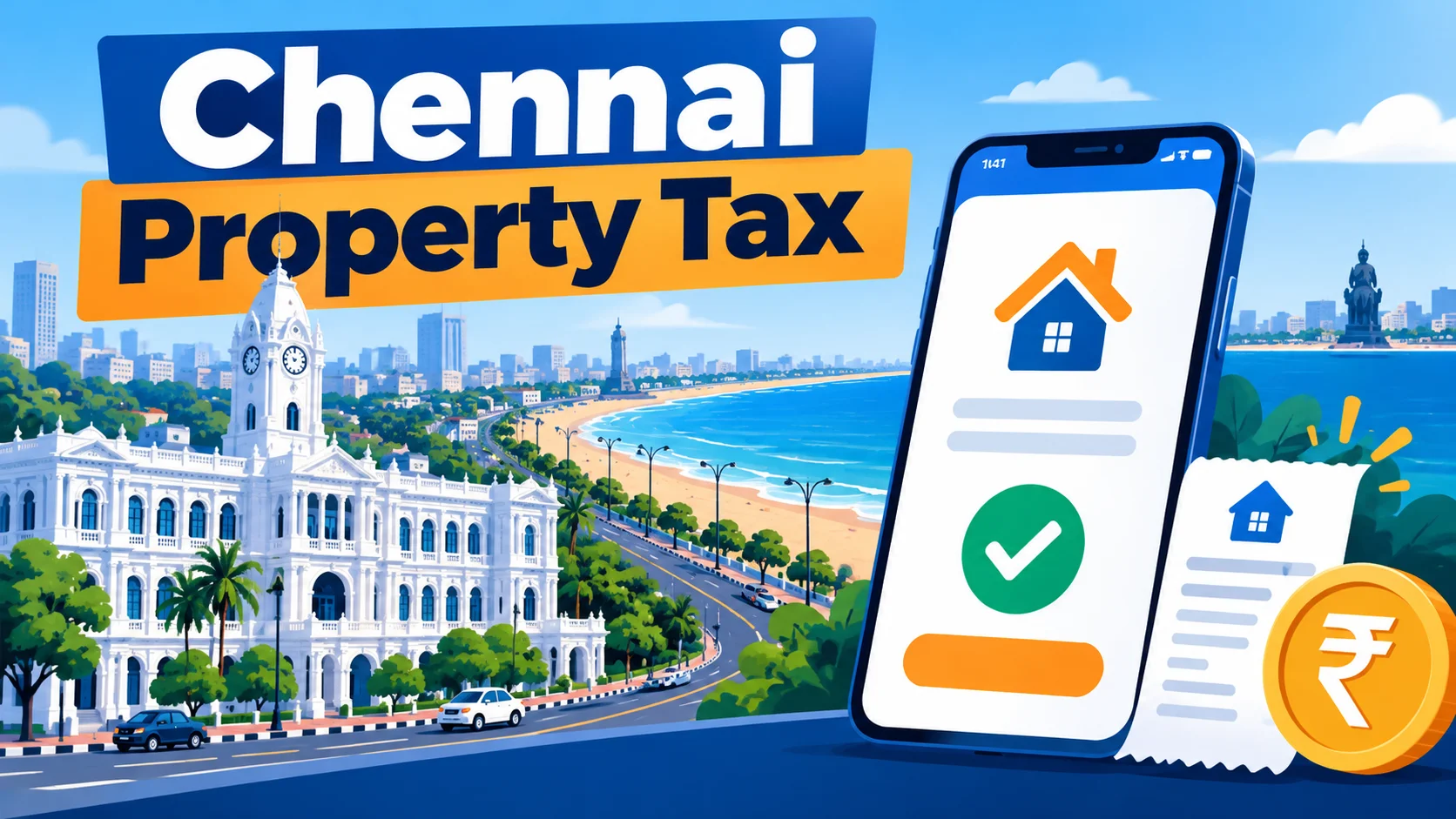
- Greater Chennai Corporation (GCC) lets you pay property tax online through chennaicorporation.gov.in — no need to visit the zonal office.
- You need your PTIN (Property Tax Identification Number) or old assessment number handy before you start.
- Tax is collected half-yearly, roughly April-September and October-March — missing the due date adds monthly interest.
- Net banking, debit/credit cards and UPI all work on the portal; always download the e-receipt after paying.
- If your PTIN doesn't load, it's usually a data-entry issue, not a payment failure — don't retry the payment blindly.
What exactly is this Chennai Corporation property tax payment?
Every property owner in Chennai — house, flat, shop, godown, whatever — owes a tax to the Greater Chennai Corporation twice a year. This is separate from water tax, income tax, or anything the state government collects. It's purely a civic body charge that funds roads, drains, streetlights and garbage collection in your area.
For years this meant standing in a line at the zonal office with a chalan book and exact cash. Now GCC runs an online portal where you can do the entire thing from your phone, between two WhatsApp forwards, basically.
How do you actually pay it online, step by step?
Open chennaicorporation.gov.in on your phone or laptop. Look for the 'Online Civic Services' or 'Property Tax' section on the homepage — GCC reshuffles the homepage layout every now and then, so if you don't see it immediately, check the services menu.
You'll be asked for your Zone number, Division code, Bill number, and Sub number — this combination is your old assessment details. If you already have your PTIN, some payment pages let you search directly with that instead. Either way, keep your previous tax receipt next to you; the numbers are printed right on it.
Once the system pulls up your property, it shows the tax amount due for the current half-year, plus any arrears or interest if you're late. Check this against your last receipt — if the half-year amount looks wildly different, don't pay yet; verify with the zonal office first, because it could be a reassessment issue, not a software glitch.
Pick your payment mode — net banking, debit card, credit card, or UPI — and complete the payment through the gateway. Once it goes through, the portal generates a receipt number. Download that PDF immediately and save it somewhere you won't lose it, like your email or Google Drive, not just your phone gallery.
What are the charges and payment modes available?
The good news: paying online itself doesn't usually cost you anything extra over the tax amount for net banking and UPI. Card payments can sometimes attract a small gateway convenience fee depending on your bank — this is standard across most government portals, not something GCC invented.
| Payment Channel | Where You Do It | What You Need | Best For |
|---|---|---|---|
| GCC Online Portal | chennaicorporation.gov.in | PTIN / Zone-Division-Bill number | Anyone with internet access, fastest option |
| Net Banking | Inside the online portal | Bank login credentials | No card fee, direct bank debit |
| UPI (GPay/PhonePe etc.) | Inside the online portal | UPI app with linked bank account | Quick, no card details needed |
| Zonal Office Counter | Your local GCC zonal office | Old receipt, cash or DD | Senior citizens, offline preference |
| e-Sevai / CSC Centres | Common Service Centres in your area | Property documents, small service charge | People without smartphones or internet |
GCC has, in some years, offered a small rebate for property owners who pay their full annual tax early in one shot instead of splitting it into two half-yearly payments. Whether that offer is running in any given year, and the exact percentage, changes — always check the notice board on the official portal before assuming it applies to you.
What mistakes do people make with this payment?
The most common one — paying against the wrong Division or Bill number because the old paper receipt is faded or someone misread a digit. This creates a payment that technically went through, but got attached to a property that isn't yours. Always zoom into your old receipt and double-check each number before submitting.
Second mistake: paying late and assuming the interest will magically disappear next cycle. It doesn't — property tax arrears carry a monthly interest charge that keeps compounding until you clear it, and GCC's system tracks this automatically every half-year.
Third: not saving the e-receipt. If you ever sell the property, apply for a bank loan against it, or need an income certificate, the tax receipt is proof you're a compliant owner. Losing it means another trip to the zonal office to get a duplicate, which defeats the entire point of paying online in the first place.
And a smaller but real one — people retry the payment multiple times when the page loads slowly, assuming it failed, and end up paying twice. If the amount got deducted from your bank but the portal didn't confirm, wait a few hours and check your bank statement before trying again.
Who should use the online method, and who shouldn't?
If you have a smartphone, a bit of patience, and your old receipt or PTIN, online is simply the better option. It saves a half-day trip, works at 11pm on a Sunday, and gives you an instant digital receipt.
It's not ideal for someone who's never done a UPI or card payment before and isn't comfortable with it — for them, the zonal office counter or an e-Sevai centre with staff assistance is the safer bet, even if it takes longer. There's no shame in that; the goal is getting the tax paid correctly, not proving a point about digital adoption.
Landlords managing multiple properties across Chennai benefit the most from the online route, since they can knock out three or four payments back to back without visiting three different zonal offices scattered across the city.
What if you've lost your PTIN or the portal shows wrong details?
This happens more than GCC would like to admit. Someone inherits a house from their parents, the old chalan book is nowhere to be found, and suddenly they're stuck not knowing their Zone, Division, Bill or Sub number. The fix isn't to panic and start guessing combinations on the portal — that just locks you out after a few failed attempts. Instead, use the 'Search Property Tax' or 'Know Your PTIN' option on the GCC site, which usually lets you search by owner name, door number, and street, even without the old numbers.
If the search still comes up empty, or the portal shows a completely different owner name, different built-up area, or a tax slab that doesn't match your property, that's a database mismatch — not something you fix by paying anyway and hoping it sorts itself out. Visit the zonal office once with your sale deed or patta, and ask them to correct the ownership or assessment record. Once that's fixed on their end, the online payment will show the right numbers every time after, so it's a one-time hassle, not a recurring one.
Here's the part that trips up a lot of flat owners specifically — if you bought a new apartment in the last couple of years, the property might still be under the builder's name in GCC records because nobody applied for the name transfer. The online portal will happily show you a tax bill, but it's technically still tied to the builder's PTIN. You can pay it to keep the civic dues cleared, but get the name transfer done in parallel, otherwise things get messy later when you try to sell or take a loan against the flat. Keep an eye on GCC's notices too — every now and then they run a window for self-assessment corrections or revised property tax slabs, and missing that window means waiting for the next cycle to fix your record.



Comments (0)
Be the first to comment!