


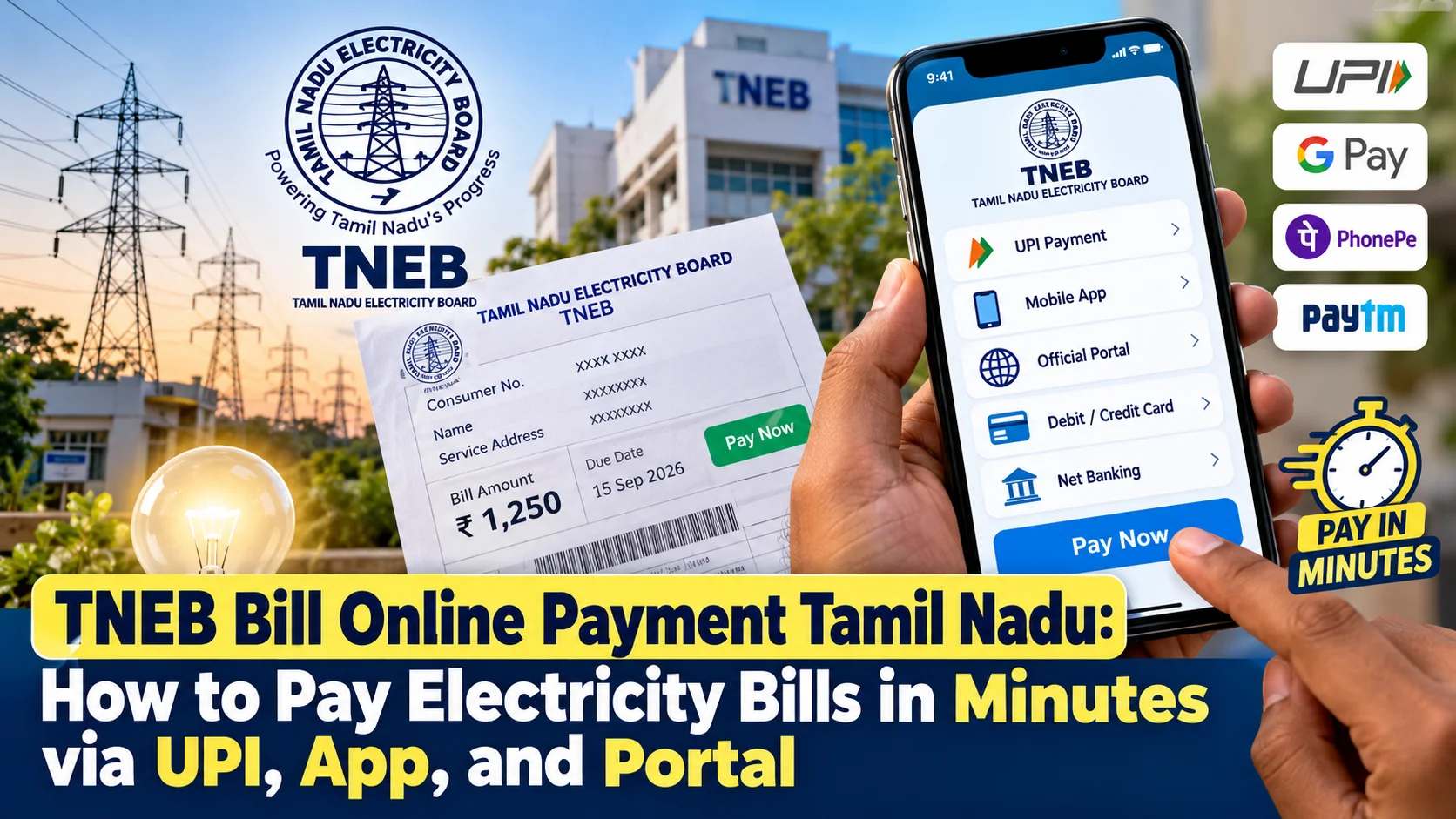
- You can pay your TNEB electricity bill instantly without logging in by using TANGEDCO Quick Pay or any BBPS-enabled UPI app like GPay, PhonePe, or Paytm.
- Your 10-digit TNEB consumer number is split into a 2-digit region code, section code, distribution code, and service number.
- Always link your Aadhaar with your TNEB consumer number to retain the 100 units free power subsidy in Tamil Nadu.
- Payment receipts download instantly from the portal; avoid making duplicate payments if the money is debited but the status takes time to update.
What just happened?
Remember standing in that endless line outside the local TNEB section office on a scorching afternoon, holding a crumpled paper bill card and exact cash? That era is completely behind us. If you live anywhere in Tamil Nadu, you can clear your bi-monthly TANGEDCO current bill in under two minutes right from your phone while sipping your morning tea.
Yet, thousands of consumers still get confused about regional consumer numbers, failed UPI debits, or missing payment receipts. Whether you live in Chennai, Madurai, Coimbatore, or a village in Tirunelveli, TNEB bill online payment is now unified under the Bharat Bill Payment System (BBPS) and TANGEDCO's official Quick Pay portal.
You do not even need an account or password to clear your dues. All you need is your consumer connection number, a smartphone, and a working UPI app or debit card.
How does this actually work?
TANGEDCO generates your power bill once every two months based on your meter reading. Once the assessor logs your reading, the bill reflects on the central server within 24 to 48 hours. From that moment, you have multiple digital routes to pay.
The simplest method for most people is UPI through apps like GPay, PhonePe, or Paytm. Open your UPI app, search for 'TNEB' or 'Tamil Nadu Electricity Board', enter your 10-digit consumer number, and your exact pending amount pops up automatically. You tap pay, enter your UPI PIN, and your bill is settled instantly with an official BBPS transaction reference.
If you prefer using the official government website, you do not even have to register. Go to the TANGEDCO Quick Pay portal (nsc.tnebltd.gov.in/qpay). Type your consumer number with your region code, verify your registered mobile number, check the bill amount on screen, and pay using UPI, Net Banking, or a Debit Card without paying any extra processing fee.
For regular monitoring, the official 'TANGEDCO Mobile App' available on the Google Play Store and Apple App Store lets you track your previous consumption patterns, download old receipts, and register meter complaints in one spot.
What changes for people in India?
Online electricity payments in Tamil Nadu are not just about saving bus fare to the EB office; they directly protect your domestic subsidies and credit health. The Tamil Nadu government provides 100 units of free electricity for domestic connections, along with subsidized slabs up to 400 units. When you check your bill online, you see the exact subsidy deduction listed clearly before making the payment.
Another crucial factor is Aadhaar linking. TANGEDCO made Aadhaar linking compulsory for all domestic and agricultural connections to weed out ghost meters while preserving the 100-unit free scheme for genuine tenants and homeowners. If your Aadhaar is linked, your consumer number stays active for seamless digital billing without interruption.
For tenants and landlords, digital payments eliminate monthly disputes. Landlords can track meter readings from another city, while tenants get instant PDF receipts showing the exact tariff, fixed charges, and payment timestamp directly on WhatsApp or email.
What should you do now?
First, find your complete 10-digit consumer number. Look at your previous white meter card or an old receipt. It consists of your Region Code (01 to 09 for Chennai, Coimbatore, Erode, Madurai, Trichy, Tirunelveli, Vellore, Villupuram), Section Code, Distribution Code, and Service Number. Combine them without any spaces or slashes.
Second, save this consumer number inside your preferred UPI app under 'Saved Bills'. Turn on bill reminders so the app alerts you the moment your bi-monthly assessment goes live. This prevents late payment surcharges, which start accumulating the day after your due date.
Third, always download the payment receipt as a PDF immediately after completing the transaction. If your money gets deducted from your bank account but the TNEB portal does not show 'Paid', do not panic and do not make a second payment right away. The BBPS reconciliation system takes between 2 to 24 hours to sync with TANGEDCO's bank gateway. You can check the payment status later using the 'Check Status' tab on the Quick Pay site using your bank transaction reference ID.
What common mistakes should you watch out for?
The most frequent blunder people make is ignoring their meter card reading dates and waiting until the very last hour on the due date to make an online transfer. When thousands of users rush to TANGEDCO Quick Pay or BBPS portals on the final evening of the billing cycle, bank server timeouts become quite common. If your UPI payment gets stuck in 'Pending' status right at 11 PM on the due date, TANGEDCO servers might log the final settlement on the next working day, automatically slapping a late payment penalty or disconnection notice on your next cycle.
Another major mistake involves typing incorrect consumer numbers or confusing old 9-digit manual meter identifiers with the official 10-digit digital format. If you enter an incorrect region code—for example, mixing up Chennai North with Chennai South—you could end up paying someone else's domestic bill without realizing it. TANGEDCO will not issue an automatic refund for payments sent to an active wrong consumer account, requiring you to visit your local section office in person with proof of transaction and identification documents to get it rectified.
Finally, always keep an eye on your consumption slab when your reading crosses 400 or 500 units during hot peak summer months. If you notice a sudden unexplained jump in your calculated bill, do not blindly authorize the digital payment on GPay or PhonePe without cross-checking the actual meter reading against the units listed on your TANGEDCO receipt. If there is a wrong reading entered by the field assessor, you can raise an assessment dispute through the official web portal before the payment due date expires.



Comments (0)
Be the first to comment!