


முக்கிய விஷயங்கள்
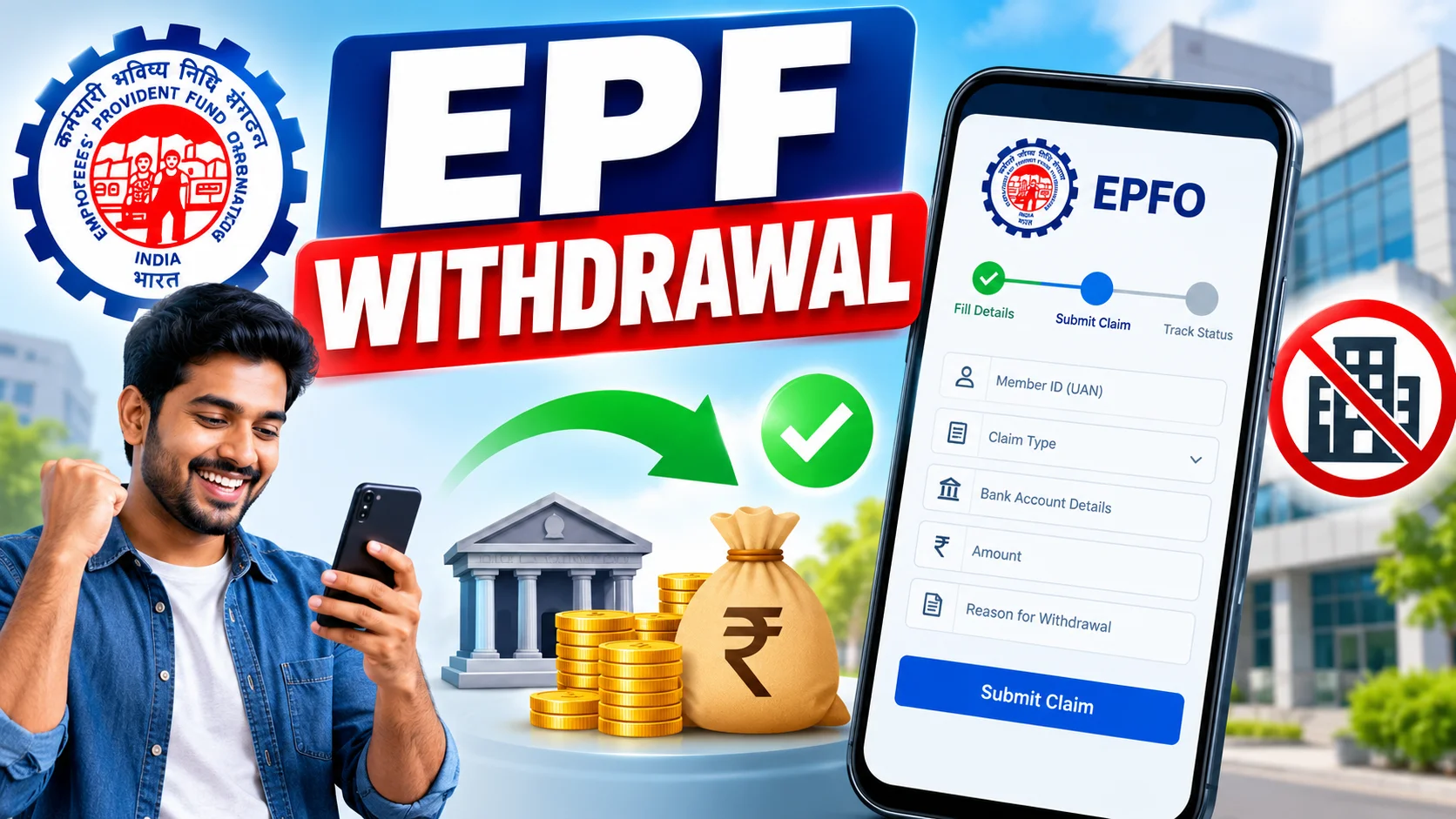
- EPF withdrawal claim-ஐ முழுக்க online-ல் UAN member portal மூலமா file செய்யலாம் — office போக வேண்டாம், agent வேண்டாம்.
- Aadhaar-linked UAN, active mobile number, KYC-approved bank account — இந்த மூணும் இல்லாம எதுவும் move ஆகாது.
- Full withdrawal (Form 19), pension withdrawal (Form 10C), advance (Form 31) எல்லாமே ஒரே dashboard-ல் ஒரு claim-ஆ தான் போடுறது.
- Claim approve ஆன பிறகு பணம் account-க்கு வர 3 முதல் 15 working days ஆகும்.
- PAN upload பண்ணாம போனா, TDS 10%-ல இருந்து 34.6%-க்கு போகும் — இது பெரிய தப்பு.
What is an EPF withdrawal online claim and why does everyone keep googling it?
An EPF withdrawal online claim is simply the request you file on the EPFO member portal to pull out your own Provident Fund money — fully or partially — without ever visiting a regional PF office. That's the whole thing. No queue, no rubber stamp, no HR middleman required.
People search this the moment real life hits. You've just quit a job and rent is due. A family wedding is three weeks away. A hospital bill landed on your table. Your EPF balance has been quietly sitting there, growing at a decent interest rate, and suddenly you need a chunk of it today.
Here's the thing most people don't realise — you've probably already set up the account that lets you do this. If you've ever checked your PF balance on the UAN portal or the UMANG app, you're 90% of the way there. The claim form is just one more tab away.
How does the EPF withdrawal online claim actually work, step by step?
It works through the UAN member portal, and the whole thing takes maybe 10 minutes if your KYC is already sorted. Here's the real sequence, not the textbook version.
First, log in at the EPFO member e-sewa portal with your UAN and password. Go to the 'Manage' tab and check your KYC status — Aadhaar, PAN, and bank account should all show a green tick. If even one is pending, stop here and fix that first, because the claim button simply won't let you move forward otherwise.
Second, head to 'Online Services' and click 'Claim (Form-31, 19, 10C)'. The portal will ask you to verify the last four digits of your Aadhaar-linked bank account — this isn't optional, it's how EPFO confirms you're really you.
Third, pick your claim type. Full and final settlement (Form 19), pension withdrawal (Form 10C), or a partial advance (Form 31) depending on why you're withdrawing. The portal auto-detects what you're eligible for based on your employment status and years of service.
Fourth, if it's a partial advance, you'll upload supporting documents — medical bills, marriage invitation, sale deed for a house purchase, whatever fits your reason. For full withdrawal after leaving a job, usually no documents are needed at all.
Finally, you submit, get an OTP on your Aadhaar-linked mobile, confirm, and you're done. A claim ID gets generated — save that, it's how you track status later.
| Withdrawal Reason | Who Is Eligible | Max Amount You Can Pull Out |
|---|---|---|
| Unemployment (partial) | After 1 month without a job | Up to 75% of your PF balance |
| Unemployment (full) | After 2 months without a job | 100% of your balance |
| Medical treatment | No minimum service needed | Lower of 6x monthly wage+DA or your own share with interest |
| Marriage (self/child/sibling) | 7 years of service | Up to 50% of employee's share with interest |
| Children's education | 7 years of service | Up to 50% of employee's share with interest |
| House purchase/construction | 5 years of service | Up to 90% of total PF balance |
| Retirement | Age 58 | 100% of balance |
What changes for people in India — forms, tax, and limits?
The old days of filling separate Form 19 and Form 10C by hand, getting employer signature, and submitting at the PF office are basically gone for anyone with Aadhaar-seeded UAN. The portal picks the right 'Composite Claim Form' logic for you automatically.
Tax is the part people skip reading and then get surprised by. If you withdraw before completing 5 years of continuous service and the amount is over ₹50,000, TDS applies. With PAN linked, it's 10%. Without PAN, it jumps to the maximum marginal rate — around 34.6%. That's not a typo, that's the actual gap, so always keep PAN updated on your UAN before filing.
If you've completed 5+ years of service, withdrawal is tax-free, no TDS deducted at all. This is one reason financial advisors keep telling people not to touch their PF the moment they switch jobs — let it sit, let the compounding work.
Employer approval used to be a bottleneck. Now, if your UAN is Aadhaar-verified, most claims move to 'employer not required to approve' category and go straight to EPFO for processing. That's the single biggest speed change in recent years.
What should you do now — mistakes to avoid?
Mismatch between your name on Aadhaar and your name in EPFO records is the number one reason claims get rejected. Even a small spelling difference — 'Mohammed' vs 'Muhammed' — can bounce your claim. Fix this in UAN KYC before you even attempt to file.
Second mistake — bank account not seeded with your UAN, or IFSC code outdated because you changed branches. The portal checks this live; a mismatch here is instant rejection.
Third — people file a full withdrawal claim while technically still on an employer's rolls (notice period not updated in EPFO records yet). The system sees you as 'employed' and rejects it. Wait till your exit date reflects correctly, usually a few weeks after your last working day.
Fourth — not tracking the claim ID. Once submitted, go to 'Track Claim Status' under Online Services every few days instead of assuming it'll just land in your account. If it's stuck beyond 20 days, that's when you raise a grievance on the EPFiGMS portal.
And one more — don't withdraw your entire PF the moment you're between jobs unless you genuinely need the cash. That balance is earning a government-backed interest rate most bank fixed deposits can't match right now. Pulling it out resets your compounding clock to zero.


Comments (0)
Be the first to comment!