


Key Takeaways
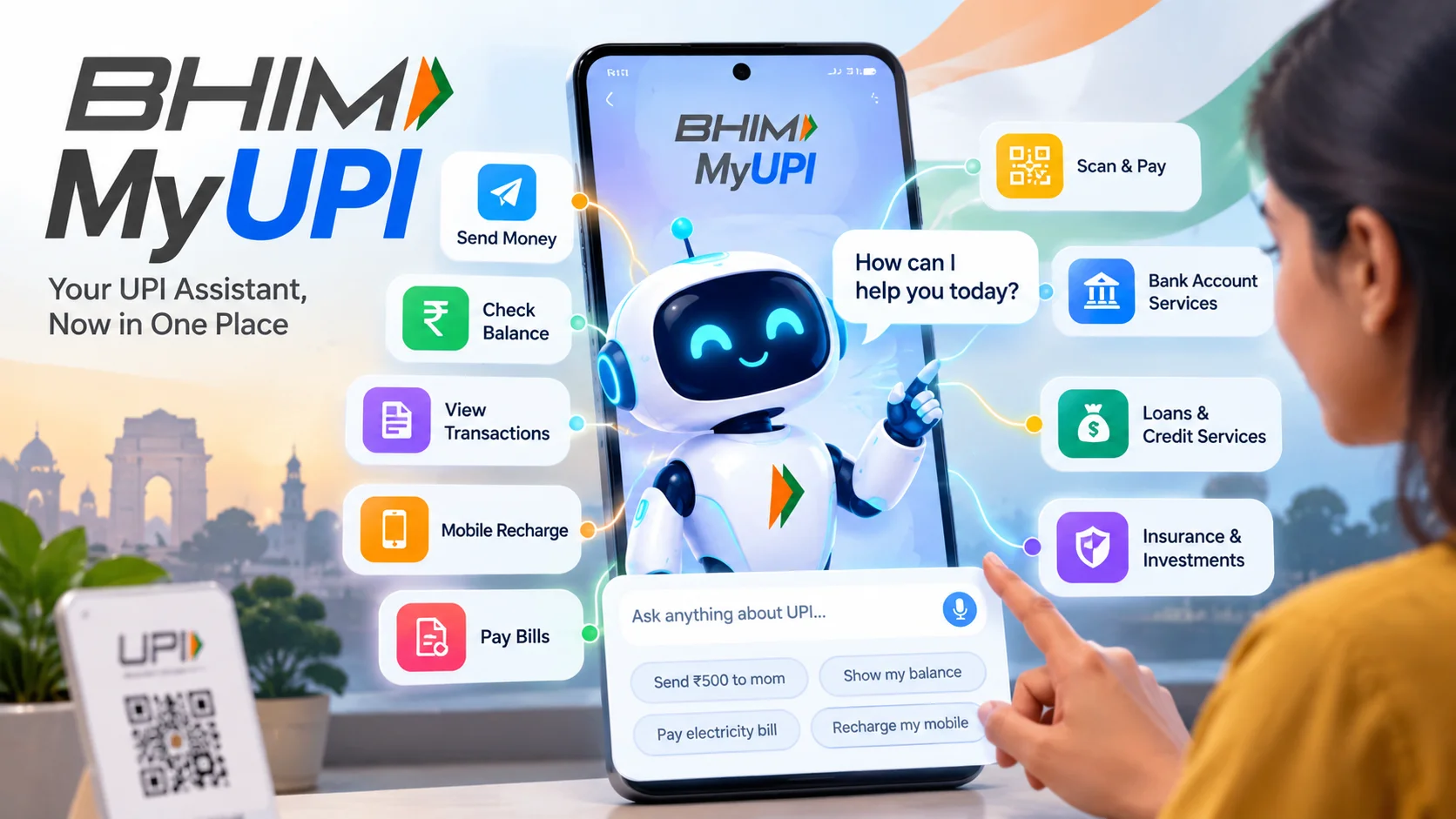
- BHIM has rolled out MyUPI, a conversational AI assistant that brings nine essential UPI tasks into one place.
- You can track past spending, manage recurring Autopay mandates, report failed payments, and check fraud warnings directly through chat.
- Instead of clicking through multiple confusing app menus, you simply type or speak your request in natural language.
- The feature helps everyday users resolve stuck transactions and spot suspicious payment links without calling helpline desks.
What just happened?
Think about the last time money got debited from your bank account at a tea stall, but the shopkeeper's QR scanner never received the payment. You probably spent the next ten minutes tapping through transaction history screens, clicking tiny help buttons, and struggling to find where to register a formal dispute.
BHIM is trying to fix that exact headache. The payments app has rolled out MyUPI, a conversational AI assistant designed to handle nine routine UPI services through a simple interactive interface.
Instead of burying Autopay lists, balance queries, fraud checks, and dispute tracking under three layers of settings, MyUPI packs them into a single chat screen. You ask for what you need, and the assistant fetches the data or triggers the right action immediately.
This update comes at a time when UPI transactions happen by the billions every month across India. As payment volumes surge, user confusion around failed transfers, hidden auto-debits, and phishing links has multiplied just as fast.
How does this actually work?
MyUPI works like a smart virtual teller sitting inside your BHIM app. You open the assistant and type what you are trying to do, or select from quick conversational prompts.
The assistant covers nine distinct functional areas. First, it handles transaction tracking. If you want to know how much money you sent to your grocery store last week or find a specific transaction reference number from three days ago, you simply ask in plain words.
Second, it brings complete visibility to Autopay mandates. Most of us set up recurring mandates for OTT subscriptions, mutual funds, or phone recharges and promptly forget about them. MyUPI lets you pull up every active mandate on your linked accounts, review next debit dates, and pause or revoke them right inside the chat.
Third, it streamlines dispute resolution. When an amount gets debited without the merchant receiving it, raising a complaint usually feels like filling out an insurance form. MyUPI identifies the specific failed transfer from your recent list, submits the ticket to the banking switch, and gives you real-time tracking updates on refunds.
Fourth, the assistant includes a fraud risk checker. If you receive an unsolicited collect request or suspect a merchant VPA looks fishy, you can verify it through MyUPI before punching in your UPI PIN.
The rest of the bundled capabilities include balance lookups across linked accounts, quick limit management, statement summaries, and instant help for common error codes that pop up when bank servers go down.
What changes for people in India?
For tech-savvy users who already know how to navigate banking apps, MyUPI saves time. You skip five taps and get the job done in five seconds.
For older parents or first-time digital payment users, this change is much bigger. Many people across smaller towns in India hesitate to use UPI for large payments because they fear getting stuck if something goes wrong. Finding a dispute resolution form inside complex app menus is intimidating for anyone who is not tech-literate.
Having a conversational interface removes that anxiety. If your father wants to know why Rs 299 was deducted this morning, he does not need to learn banking jargon. He can open MyUPI, ask about the latest debit, and see that it was just his telecom validity recharge renewing automatically.
The fraud detection capability also matters deeply in the current environment. Scammers frequently send deceptive collect requests pretending to be electricity boards or lottery rewards. Giving users a quick way to test a suspicious request inside their everyday payment app adds a helpful layer of defense right before they commit a costly mistake.
What should you do now?
If you already have the BHIM app installed on your phone, head over to the Google Play Store or Apple App Store and check for updates to make sure you are running the latest version.
Once updated, open the app and look for the MyUPI banner or chat icon on your home dashboard. Take two minutes to test it out with a simple task.
A great first step is asking the assistant to list all your active Autopay mandates. You might be surprised to find old subscriptions you no longer watch still holding permission to debit your bank account each month.
Remember the golden rule of digital payments: no matter how smart conversational AI assistants get, you should never share your UPI PIN or enter it to receive money. MyUPI can help you track, dispute, and review transactions, but your PIN remains strictly yours to protect.






Comments (0)
Be the first to comment!