


முக்கிய விஷயங்கள்
- Aadhaar address update online நடக்கும் இடம் myAadhaar portal (myaadhaar.uidai.gov.in) - but only if your mobile number is linked to Aadhaar.
- Fee is small, around ₹50, charged for the update request itself.
- You need a valid address proof document scanned and uploaded - no document, no update.
- Processing can take anywhere from a few days to 90 days as per UIDAI norms - track it with your URN.
- Mobile not linked? Then online is off the table, you have to walk into an Aadhaar Seva Kendra.
What exactly is Aadhaar address update online?
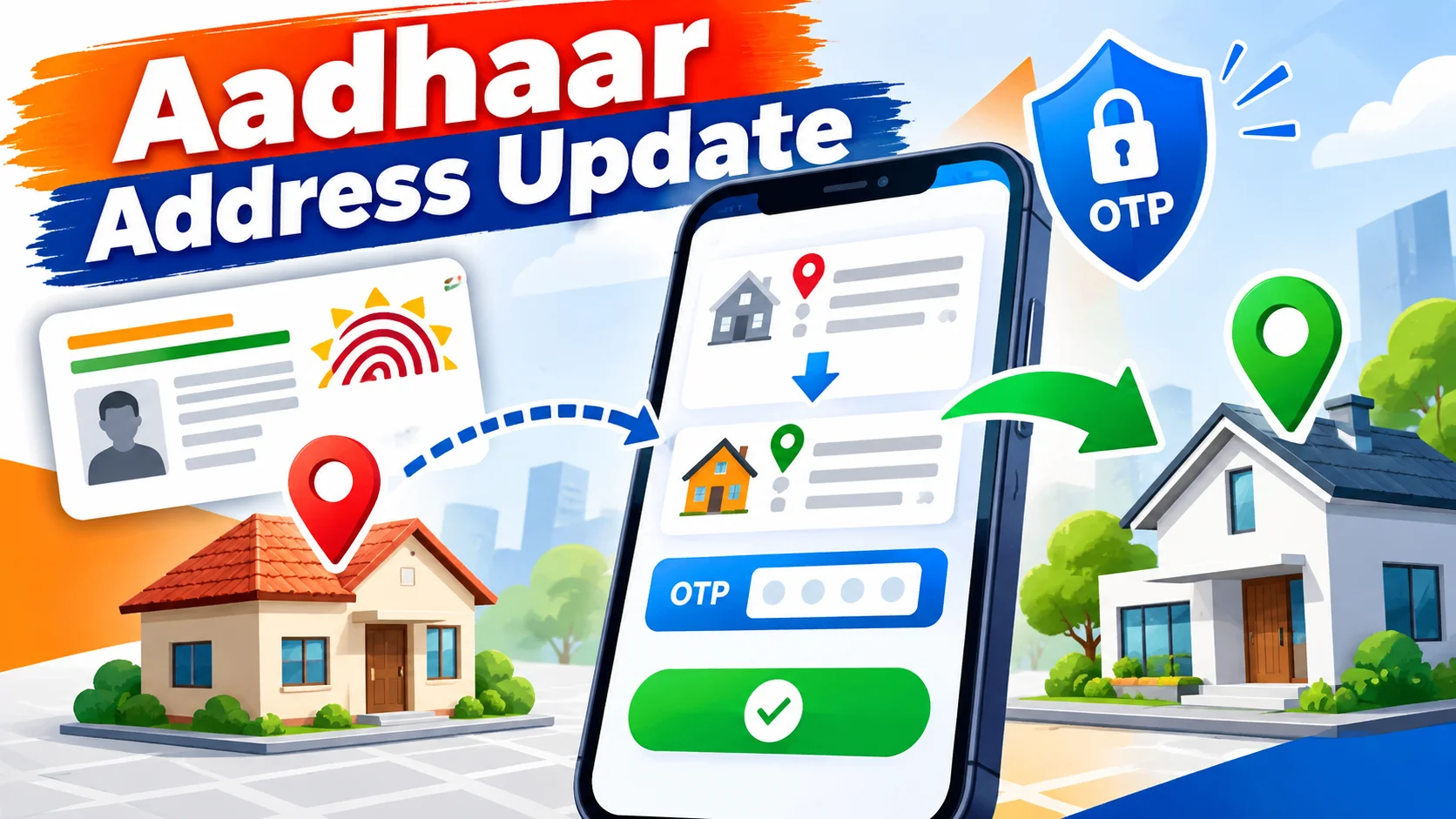
The real way to do an aadhaar card address update online is through UIDAI's myAadhaar portal at myaadhaar.uidai.gov.in, but only if your mobile number is already linked to your Aadhaar. You log in with OTP, enter the new address, upload a proof document, pay a small fee of around ₹50, and track the request with your URN. This guide walks through every step, the documents that actually count as proof, the fee and timeline, and the one mistake that stops most people cold.
Sounds simple. It mostly is - if your mobile number is already linked to your Aadhaar. If it's not, this whole online route just won't work for you, and we'll get to that.
Why does this even matter in 2026? Because Aadhaar isn't just an ID card anymore - it's attached to your bank KYC, SIM card, LPG connection, PF account, even your kid's school admission. An old address on it creates small headaches everywhere, from a bank calling you for re-KYC to a courier that never arrives.
How do you update Aadhaar address online, step by step?
Open a browser and go to the myAadhaar portal at myaadhaar.uidai.gov.in. This is the official UIDAI self-service site, nothing else.
Log in using your 12-digit Aadhaar number and the OTP sent to your registered mobile. Once inside, look for 'Update Aadhaar' and pick the address field specifically - you don't need to touch anything else.
Type in your new address exactly how it appears on your proof document. Don't shorten it, don't guess the pincode - copy it as it is.
Upload a scanned copy or clear photo of your address proof document. PDF or JPEG under the size limit works fine.
Pay the update fee online through UPI, debit card, or net banking - whatever is offered at that step. You'll get an Update Request Number, usually called URN. Save it, screenshot it, write it down - this is your tracking ID.
What documents count as valid address proof?
UIDAI accepts a fairly wide list, so most people have something lying around. Voter ID card, passport, bank or post office passbook with your current address, ration card, recent electricity or gas bill, and a registered rent agreement are the common ones people actually use.
One catch - the document must show your current name and the new address clearly. A blurry photo or a document that's months expired will get the request kicked back.
Aadhaar address update: fee and time, compared
| Method | கட்டணம் (Fee) | Time Needed | Who it suits |
|---|---|---|---|
| myAadhaar online portal | ₹50 approx | Few days to 90 days | Mobile already linked to Aadhaar |
| Aadhaar Seva Kendra (offline) | ₹50 approx | Few days to a few weeks | Mobile not linked, or document issues |
| Address Validation Letter (Head of Family consent) | Low/no extra document cost | Depends on postal delivery | Family members without separate address proof |
| mAadhaar app assisted request | ₹50 approx | Similar to online portal | People comfortable using the app instead of browser |
Notice the fee doesn't really change much between online and offline - the real difference is convenience. Online saves you the travel and the queue, that's the whole point.
What mistakes should you avoid?
The single biggest mistake - trying to update address online when your mobile number isn't linked to Aadhaar. The portal simply won't let you log in with OTP, and people waste hours figuring out why.
Second mistake - uploading a document where the address doesn't exactly match what you typed. Even a small mismatch like 'Street' vs 'St' can get it rejected after days of waiting.
Third - ignoring the URN. Without it, you can't check status, and support will ask for it first thing if something goes wrong.
Fourth - using someone else's utility bill as proof without being on it. UIDAI does check this, and it's not worth the risk.
Who should actually use the online method?
If you've shifted cities for a job - a classic case for a lot of young professionals moving from Tamil Nadu to Bangalore or Chennai to Hyderabad - online update is the easy fix. Same goes for students who moved into a new rented flat and have a rent agreement in hand.
If your mobile isn't linked, or you don't have any document in your name for the new address, online isn't really built for you right now. Walking into an Aadhaar Seva Kendra with an operator who can guide you through alternate proofs is the better route.
What should you do right now?
Check first whether your mobile number is linked to Aadhaar - that decides everything else. If it is, keep one clear address proof document ready as a scan before you even open the portal, it saves a second attempt.
Do the update once your move is settled, not immediately after you shift - landlords sometimes delay rent agreements, and a half-ready document is worse than waiting a week.
And once it's submitted, don't keep refreshing the portal every hour. Save the URN, check status every couple of days, and let UIDAI's own timeline play out.
What changes automatically after your Aadhaar address update, and what doesn't?
Here's the part most people miss - updating your address on Aadhaar does not automatically update it everywhere else linked to your Aadhaar number. Your bank account, your SIM card registration, your EPF/PF records, your voter ID, your driving licence - none of these pull the new address from UIDAI's database by themselves. You still have to walk into your bank branch or open its app and do a separate address change request, often asking you to re-upload the same Aadhaar copy you just updated. It feels repetitive, but that's how the systems are built right now in India - they're not interconnected in real time.
This catches a lot of people off guard, especially after a job move. Someone shifts from Chennai to Bangalore, updates Aadhaar online in a week, and assumes their bank KYC is sorted too - only to get a courier bounced back three months later because the bank still has the old Chennai address on file. The fix is simple once you know it - treat the Aadhaar update as step one, then separately check your bank's net banking 'update KYC' section, your telecom operator's app for SIM re-verification, and your EPFO member portal if you're a salaried employee. Each of these takes a few extra minutes but saves a bigger headache later.
One honest limitation worth flagging - UIDAI's own processing window of up to 90 days means your 'updated' Aadhaar PDF might still show the old address for weeks even after submission, and there's no way to speed this up by calling anyone. If you need the new address urgently for something like a loan application or a new SIM, don't bank on the Aadhaar update finishing in time - carry your rent agreement or utility bill as backup proof instead. Going forward, keep an eye on whether UIDAI rolls out faster turnaround times or auto-sync with linked services, since that's the one real gap in an otherwise smooth online process.



Comments (0)
Be the first to comment!