


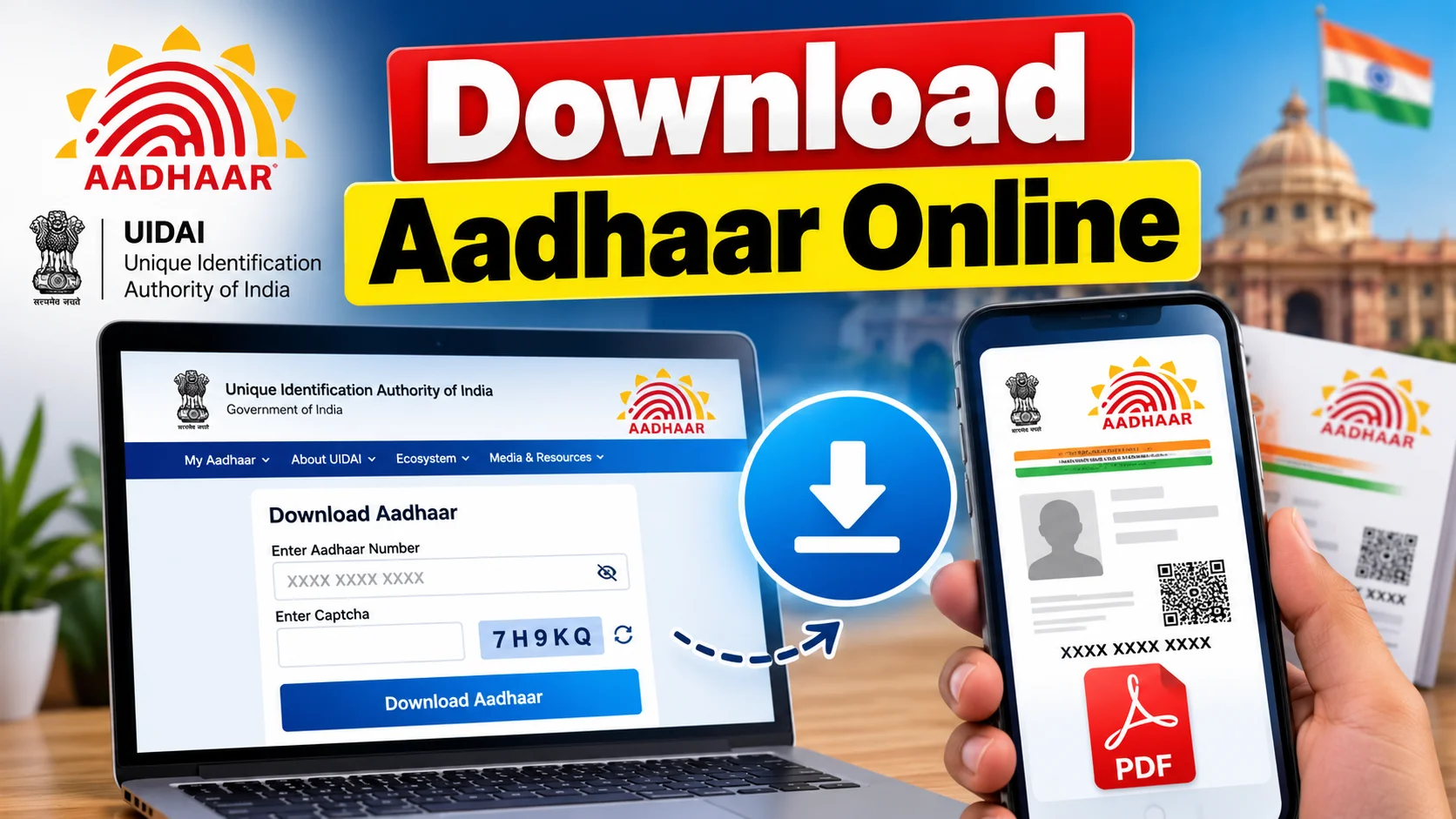
முக்கிய விஷயங்கள்
- Aadhaar download is completely free on the official UIDAI site — anyone asking money for it is scamming you.
- You need your registered mobile number for OTP. No registered mobile, no online download.
- The eAadhaar PDF opens only with a password: first 4 letters of your name in capitals + your birth year.
- Masked Aadhaar hides your first 8 digits, showing only the last 4 — safer to share for small KYC jobs.
- The mAadhaar app lets you carry Aadhaar on your phone, no printout needed for most counters.
What is Aadhaar download, in one line?
Downloading your Aadhaar card simply means pulling a digital copy — called eAadhaar — of your 12-digit UIDAI identity record as a PDF, straight from the government's own website or app. You don't visit any office, you don't pay anyone, and it takes under five minutes if your mobile number is linked to your Aadhaar.
This is the exact answer most people are hunting for when they type "download aadhar card" into Google at 11 pm because a bank or a telecom store suddenly asked for a copy. Good news — it's one of the smoothest government digital services India has, honestly smoother than a lot of private apps.
How do you actually download it, step by step?
Open myaadhaar.uidai.gov.in on your phone or laptop. Avoid random third-party "Aadhaar download" apps on Play Store — stick to the official UIDAI portal or the mAadhaar app, both free.
Step 1: Click on "Download Aadhaar" on the homepage.
Step 2: Choose whether you're entering your Aadhaar number, Enrolment ID, or VID (Virtual ID — a temporary 16-digit number you can generate if you don't want to share your actual Aadhaar number).
Step 3: Type the number, fill the captcha, and hit "Send OTP." The OTP lands on the mobile number you originally registered with Aadhaar — not any random number.
Step 4: Enter the OTP, and the site generates your eAadhaar PDF instantly. Download it.
Step 5: Open the PDF. It's password protected. The password is the first four letters of your name in CAPITALS followed by your year of birth. So if your name is Ravi and you were born in 1995, it's RAVI1995.
That's it. You now have a valid, UIDAI-recognised copy that works everywhere — banks, SIM purchase, LPG connection, job KYC, flight check-in, all of it.
Is there an app, and should you use the mAadhaar app instead?
Yes, and for daily use it's actually more convenient than carrying a PDF. The mAadhaar app, built by UIDAI, lets you store your Aadhaar profile on your phone with a QR code that any scanner can verify instantly.
You log in with the same OTP flow, set a 4-digit mPIN once, and after that you can open the app offline to show your details. Airport security, hotel check-ins, and most local shops accept the mAadhaar screen just like they'd accept a printed card.
What does it cost, and what are your real options?
Here's the part people get confused about — the digital copy is always free, but UIDAI also sells a physical reprint if you want an actual plastic-feel card couriered home.
| ஆப்ஷன் | என்ன கிடைக்கும் | கட்டணம் | எப்போ வேணும் |
|---|---|---|---|
| eAadhaar PDF | Password-protected digital copy | Free | Instant KYC, online forms |
| Masked Aadhaar | Same PDF, first 8 digits hidden | Free | Sharing photocopies with shops, HR |
| mAadhaar App | QR-based mobile profile | Free | Daily carry, no printout |
| Reprint PVC Card | Physical card by post | Approx ₹50 | Lost original card |
| Update via Aadhaar Seva Kendra | Mobile/address correction + fresh copy | Approx ₹50 | No registered mobile / details changed |
Notice there's no ₹500 or ₹1000 anywhere on that list. If an agent near a government office quotes you a big number for "urgent Aadhaar download," that's pure overcharging for a free service — walk away and do it yourself on your phone.
What is masked Aadhaar, and when should you use it?
Masked Aadhaar is the same eAadhaar but with your first 8 digits replaced by "XXXX XXXX" — only the last 4 digits and your photo show. UIDAI itself recommends this version whenever you're handing a photocopy to a shopkeeper, gym, or random office that doesn't strictly need your full number.
You can pick this option right on the download page itself — there's a toggle before you generate the PDF. It still works as valid proof for most low-stakes verifications while keeping your full Aadhaar number private.
Which mistakes get people into trouble?
The biggest one: typing your name and OTP into some random Aadhaar-download website that showed up in a Google ad. UIDAI's only official domains are uidai.gov.in and myaadhaar.uidai.gov.in — bookmark one of these and ignore everything else.
Second mistake — forgetting the mobile number linked to Aadhaar has changed. If your old SIM is gone, the OTP simply won't reach you, and no amount of retrying fixes that. You'll need to visit an Aadhaar Seva Kendra to update the number first, then download.
Third — people WhatsApp their full, unmasked Aadhaar PDF to strangers for small jobs like gym membership or a SIM upgrade. Use masked Aadhaar for these. Your full Aadhaar number plus a photo is enough data for identity fraud if it lands in the wrong hands.
Fourth — getting the PDF password wrong repeatedly. Remember it's name-first-4-letters-in-CAPS plus birth YEAR, no spaces. People often try the full name or DD-MM-YYYY and get stuck.
What should you do right now if you need your Aadhaar urgently?
If your mobile is still linked, just go to myaadhaar.uidai.gov.in this minute — the whole thing takes less time than ordering chai. If your number has changed, that's your real blocker, not the download itself, so sort the mobile update at the nearest Aadhaar Seva Kendra first.
For everyday carrying, shift to the mAadhaar app so you're never stuck without your ID again, even if you forget to print anything.
What if your mobile number isn't registered with Aadhaar at all?
This is where a lot of people get stuck, especially folks who got Aadhaar made years ago on a SIM they don't use anymore. The honest answer is that UIDAI's online portal simply won't work for you without that OTP — there's no backdoor, no email-OTP option, no customer care trick that skips this step. Your only real path is walking into the nearest Aadhaar Seva Kendra with a valid ID proof, getting your mobile number updated through biometric verification, and only then coming back home to download the eAadhaar PDF.
Some readers ask if they can retrieve just their Aadhaar or Enrolment ID number first if they've lost the physical card and the number too. UIDAI does allow this through the "Retrieve Lost or Forgotten EID/UID" option on the same myaadhaar portal, again using an OTP — so you're back to needing a working registered mobile either way. There's no shortcut here, and that's actually a good thing from a security angle, because it means nobody can pull your Aadhaar data just by knowing your name and date of birth.
One more limitation worth knowing: the UIDAI servers do slow down during peak KYC seasons, like when banks push mandatory Aadhaar-linking deadlines or around tax-filing rushes, so don't wait till the last hour if you need the PDF for something time-sensitive like a flight or an exam hall ticket. Keep a masked Aadhaar copy saved in your phone's files or email draft in advance, so you're not refreshing a slow government page at 11 pm the night before you need it.


Comments (0)
Be the first to comment!