


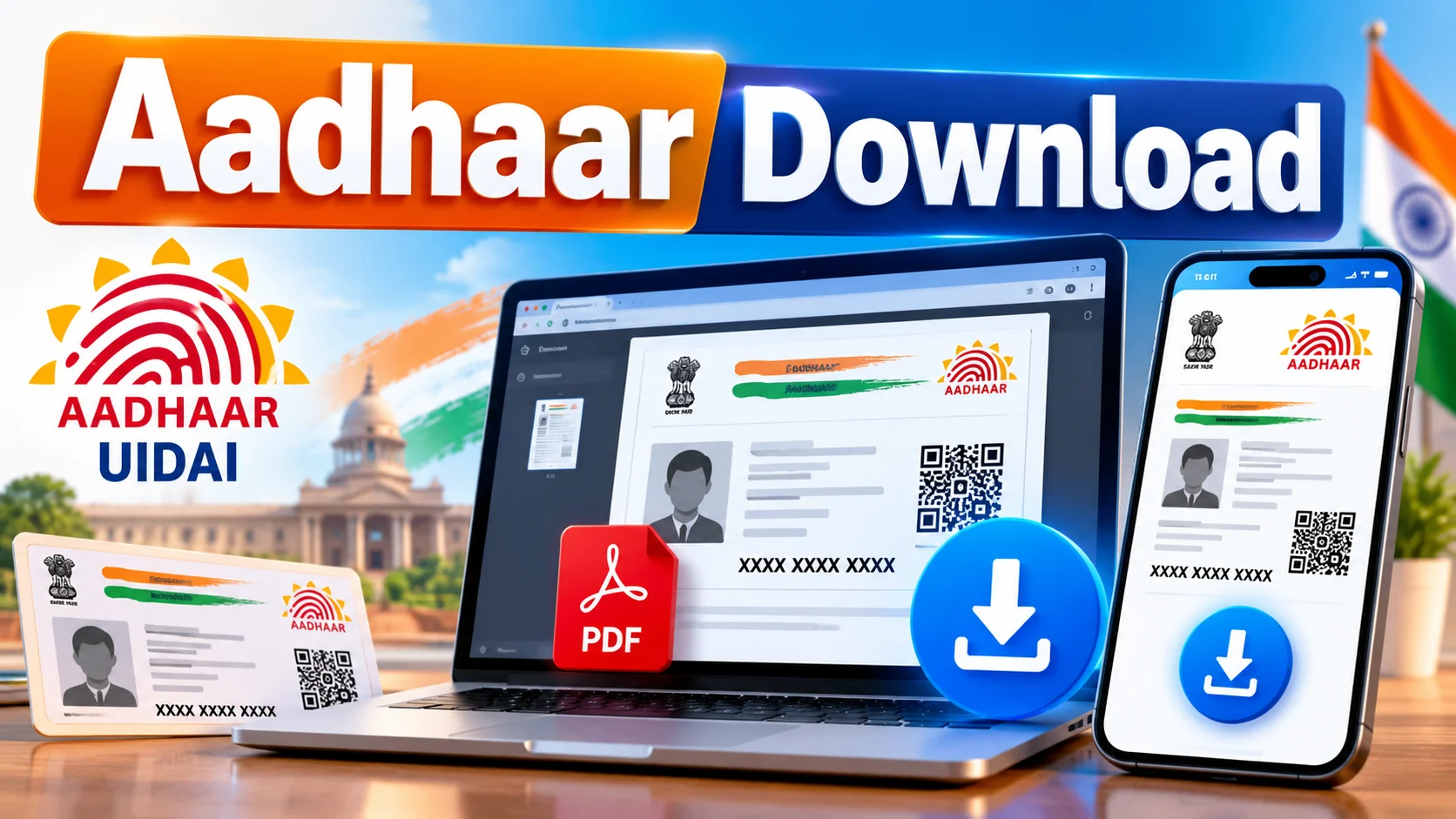
முக்கிய விஷயங்கள்
- Aadhaar download is 100% free on the official UIDAI website — uidai.gov.in — you don't need any third-party app or cyber cafe for the basic PDF.
- You need either your Aadhaar number, Enrolment ID, or Virtual ID, plus the mobile number linked to it, to get the OTP.
- The downloaded e-Aadhaar PDF is locked with a password — first 4 letters of your name (capital) + birth year (YYYY).
- If you don't have a registered mobile number, you can't self-download — you'll need to visit an Aadhaar Seva Kendra.
- A physical Aadhaar PVC card (with better print quality and a QR code) costs ₹50 and gets delivered by post.
What is Aadhaar download, in one line?
"Aadhaar download" simply means getting a digital copy of your 12-digit UIDAI Aadhaar card as a PDF file straight from the government's own portal, without stepping out of your house. People search "aadhar download uidai" mostly when they've misplaced the physical card, need it urgently for a train ticket KYC, a new SIM, or a bank account, and don't have time to go hunting for the original.
The good news — UIDAI built this exact use case into their system years ago. The PDF you download is called e-Aadhaar, and it's legally as valid as the plastic card in your wallet, as long as it's the latest version.
How do you download Aadhaar from the UIDAI website, step by step?
You download it in under five minutes if your mobile number is linked. Here's the actual flow, no shortcuts:
- Step 1: Open uidai.gov.in on your phone or laptop. On the homepage, look for "Download Aadhaar" under the "My Aadhaar" section.
- Step 2: Pick one of three IDs — Aadhaar Number (12 digits), Enrolment ID (the slip number you got during registration), or Virtual ID (a temporary 16-digit number you can generate for privacy).
- Step 3: Enter the captcha code shown, then hit "Send OTP". This OTP lands on the mobile number that's registered with your Aadhaar — not any random number you type.
- Step 4: Enter the OTP within the time limit and click "Verify and Download".
- Step 5: A PDF gets downloaded straight to your device. To open it, use the password — first 4 letters of your name in CAPITALS, followed by your birth year. Example: if your name is Kumar and you were born in 1998, the password is KUMA1998.
That's it. No fees, no login account needed, no app install required for this particular method. If the UIDAI site is slow (it does happen during peak hours like exam admission season), just retry after a few minutes — the servers get hammered a lot in Tamil Nadu around college admission and bank KYC deadlines.
Which one should you pick — e-Aadhaar, mAadhaar app, or PVC card?
UIDAI actually gives you three different ways to carry or access your Aadhaar, and most people don't realise all three exist. Pick based on what you actually need it for.
| Option | What it is | Price | Best for |
|---|---|---|---|
| e-Aadhaar (PDF) | Password-protected PDF downloaded from uidai.gov.in | Free | Quick KYC, printing a copy for bank/SIM work |
| mAadhaar App | Official UIDAI mobile app showing your Aadhaar profile with QR code | Free | Showing ID on the go without carrying the physical card |
| Aadhaar PVC Card | Credit-card-size laminated Aadhaar with better print and security features | ₹50 | Replacing a torn/lost original, daily wallet use |
| Masked Aadhaar | Same e-Aadhaar PDF but hides first 8 digits of your Aadhaar number | Free | Sharing with hotels, offices where you don't want the full number visible |
| Order Reprint via post | UIDAI courier delivers a fresh PVC Aadhaar to your address | ₹50 (plus normal delivery time) | People without printer access at home |
If you just need something to show for KYC today, go with the free e-Aadhaar PDF. If your card is physically damaged and you want a sturdy replacement, the ₹50 PVC card is worth it — it has a better finish than the old paper one most people still carry.
Which mistakes get people into trouble with Aadhaar download?
The most common one — typing the Aadhaar number wrong and getting locked out after too many OTP attempts. UIDAI's system blocks repeated failed tries for a while, so double-check every digit before hitting send.
Second mistake — downloading Aadhaar from some random third-party website that promises it in "2 minutes, no OTP needed". That's a scam setup every single time. UIDAI never asks for payment for the basic e-Aadhaar, and no legitimate site can bypass the OTP step tied to your registered mobile.
Third mistake — forgetting the password format. People try their Aadhaar number, their name in lowercase, their phone number — none of that works. It's always NAME (first 4 letters, capital) + birth year, nothing else.
Fourth — not updating your mobile number before trying to download. If your number changed years ago and was never updated in UIDAI records, the OTP goes to a phone you don't own anymore. In that case, download won't work until you update your mobile number at an Aadhaar Seva Kendra first.
What should you do now if you need Aadhaar urgently?
If your mobile number is linked and working, just go to uidai.gov.in right now and download the e-Aadhaar — it takes less time than reading this article. Save the PDF somewhere safe like Google Drive so you're not stuck next time too.
If your number isn't linked, don't panic and don't pay a cyber cafe guy ₹200 for something that should be free — visit your nearest Aadhaar Seva Kendra, update your mobile number with biometric verification, and then download it yourself. It's a one-time hassle that saves you repeated trips later, especially with how often banks and telecom companies in India now ask for fresh Aadhaar verification.
What about downloading Aadhaar without a registered mobile number, or for someone else?
A lot of people assume e-Aadhaar download is a one-size-fits-all process, but there are edge cases worth knowing before you waste a trip. If you're trying to download Aadhaar for an elderly parent or a child who never linked a mobile number, the OTP route simply won't work — UIDAI has no way to verify identity without that linked number, and there's no "skip OTP" option anywhere on the official site, no matter what some YouTube video claims.
In these cases, the realistic fix is a visit to the nearest Aadhaar Seva Kendra or a permanent/UIDAI-authorised Aadhaar enrolment centre, where staff can update the mobile number using biometric verification — fingerprint or iris scan — on the spot. Once that's done, the same five-minute download process on uidai.gov.in works like normal. This is especially common in Tamil Nadu households where grandparents hold the original Aadhaar but never bothered linking a phone number back when they enrolled, and now their children need a fresh copy for a hospital admission or pension KYC.
One more scenario worth flagging — if you've lost both your Aadhaar number and the enrolment slip, UIDAI's "Retrieve Lost or Forgotten EID/UID" option on the same website can email or SMS your Aadhaar number to your registered contact, provided that contact detail is still active. If even that's outdated, there's no shortcut — a Seva Kendra visit with your original ID proof is the only honest way forward, and it usually takes under 30 minutes once you're in the queue.

Comments (0)
Be the first to comment!