


முக்கிய விஷயங்கள்
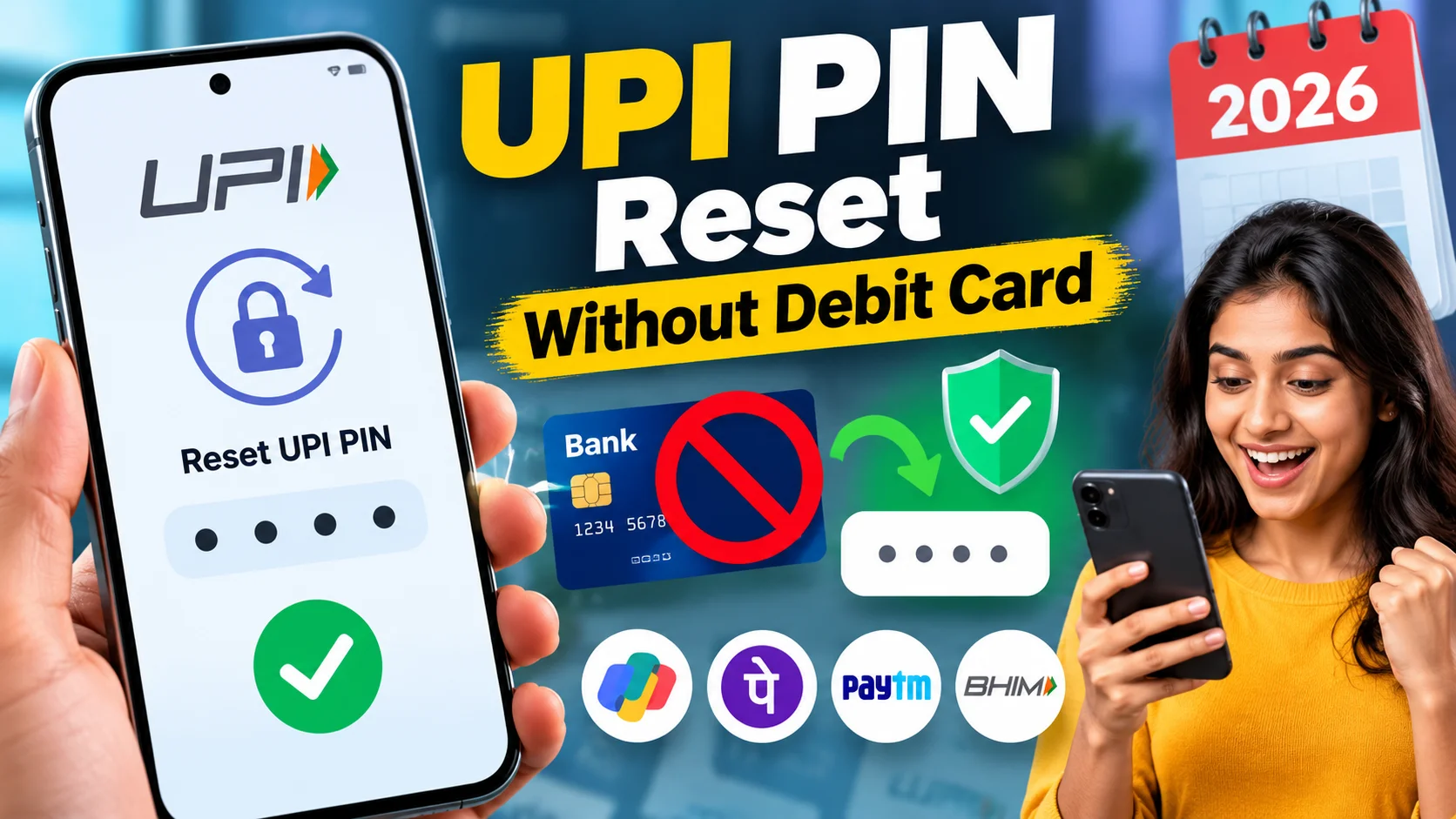
- Most UPI apps now let you reset your PIN using Aadhaar OTP instead of debit card details — if your bank supports it.
- GPay, PhonePe, Paytm and BHIM all show a "Forgot UPI PIN" option inside the bank account settings.
- Net banking login is the backup route when the Aadhaar option isn't available for your bank.
- The whole process is free — no reissue fee, no branch visit needed in most cases.
- If your Aadhaar mobile number is outdated, this trick won't work — fix that first at the bank or UIDAI centre.
What is UPI PIN reset without debit card, in one line?
It's simply setting a new 4 or 6-digit UPI PIN using your Aadhaar number and an OTP, instead of entering your debit card's last 6 digits and expiry date. NPCI rolled this out a few years back and by 2026 almost every major bank — SBI, HDFC, ICICI, Bank of Baroda, Canara, Union Bank — supports it inside GPay, PhonePe, Paytm and BHIM.
So if your card is lost, expired, or you simply never got a physical card (common with newer savings accounts opened online), you're not stuck. You just need your Aadhaar-linked mobile number working.
How do you do it, step by step?
The flow is almost identical across apps, only the menu names differ slightly.
On Google Pay: Open the app, tap your profile photo, go to your bank account, tap "Forgot UPI PIN" or the three-dot menu next to the account. Choose "Reset using Aadhaar" if it shows up. Enter the first 6 digits of your Aadhaar number. An OTP lands on the mobile number linked to Aadhaar — not necessarily the same SIM your UPI app is registered on, so keep that phone handy. Enter OTP, set a new PIN, confirm it. Done.
On PhonePe: Go to "My Accounts", pick the bank, tap "Reset UPI PIN", select Aadhaar card as the verification method instead of debit card. Same OTP-and-PIN flow follows.
On Paytm: Profile → Bank Accounts → tap the account → "Forgot UPI PIN" → choose Aadhaar verification.
On BHIM: This was actually the first app to push the Aadhaar route widely. Bank Account section → Forgot UPI PIN → Aadhaar option.
If your bank hasn't switched on the Aadhaar option yet, the backup is net banking. Inside the same "Forgot UPI PIN" screen, pick the net banking login option, enter your net banking user ID and password, verify OTP, and set the new PIN. No card involved there either.
Worst case — neither option shows — a quick call to customer care or a visit to the nearest branch with your Aadhaar and PAN will get it sorted, though that obviously takes longer.
What are the actual options, and which should you pick?
Here's a quick side-by-side of what's realistically available right now.
| Method | Needs Debit Card? | Needs Aadhaar? | Time Taken | Cost |
|---|---|---|---|---|
| Aadhaar OTP (in-app) | No | Yes | 2-3 minutes | Free |
| Net Banking login (in-app) | No | No | 3-5 minutes | Free |
| Bank branch visit | No (ID proof instead) | Yes (as ID) | Same day to 1 day | Free |
| Customer care call | Sometimes asked | Sometimes | 10-20 minutes | Free |
| New physical debit card request | N/A (you're getting one) | No | 5-7 working days | ₹0 to ₹300 depending on bank |
For most people stuck without a card, the Aadhaar OTP route inside the UPI app itself is the fastest. Net banking is the next best if Aadhaar isn't showing. Ordering a fresh debit card only makes sense if you actually need a physical card for ATM withdrawals too, not just UPI.
Which mistakes get people into trouble here?
The biggest one — people try the Aadhaar OTP option without checking if their Aadhaar is even linked to a working mobile number. If you changed your SIM two years ago and never updated Aadhaar, that OTP is going to a number you don't own anymore. Fix that at a UIDAI centre or through the mAadhaar app before trying PIN reset.
Second mistake — entering the wrong UPI PIN attempt repeatedly while trying to "guess" the old one. Three wrong tries and most banks lock the UPI PIN entry for 24 hours, forcing you into a reset anyway, except now with a cooldown period.
Third, and this one's serious — scam callers posing as "bank support" who ask you to share the OTP you just received for "verification." No genuine bank or UPI app support person ever needs your OTP over a phone call. The OTP is meant to stay inside the app, period.
Also worth noting — the Aadhaar route only works if your savings account itself is Aadhaar-seeded with the bank. If your account was opened purely with PAN and address proof years ago without Aadhaar linking, the option simply won't appear.
What should you do right now if you're stuck?
Open whichever UPI app you use daily, head to the bank account section, and just look for "Forgot UPI PIN" — don't overthink it. Try the Aadhaar option first since it's the quickest. If it's missing, net banking login is your next stop, and almost every bank account holder has net banking credentials set up even if rarely used.
Keep your Aadhaar-linked mobile number current — this single thing solves half the UPI headaches people run into, from PIN resets to new account linking. And if none of the in-app options work, a short branch visit with Aadhaar and PAN will sort it out in one sitting, no drama needed.
What if you don't have Aadhaar as an option at all?
Not every account can use the Aadhaar route, and it helps to know this before you waste ten minutes tapping around the app. NRI accounts, accounts opened purely through a passport and overseas address proof, or really old accounts that predate Aadhaar seeding often simply won't show the Aadhaar OTP button inside GPay, PhonePe or Paytm. In that case net banking is still your best bet, and if that too isn't active, a branch visit with passport, PAN, and whatever KYC documents the bank originally took from you is the only clean path. It's slower, but it's the only way when the digital shortcuts genuinely don't apply to your account type.
There's also the question of joint accounts and family-managed UPI IDs, which trip up a surprising number of people in Tamil Nadu, especially with parents or grandparents who have someone else operating their UPI on their behalf. The Aadhaar linked for OTP purposes has to belong to the actual account holder, not the person physically holding the phone. So if your father's bank account is linked to his Aadhaar and his old number, but you're the one trying to reset the PIN from your own phone, the OTP will land on his number, not yours — and that's by design, not a bug. Keep that in mind before assuming the process is broken.
Looking ahead, NPCI has been quietly expanding authentication options beyond just Aadhaar OTP and net banking, including pilots around face authentication for UPI and simplified flows for feature-phone users through UPI123Pay. None of these are universal yet across every bank in 2026, and rollout speed still depends heavily on how quickly individual banks like SBI, Canara or Union Bank integrate the newer NPCI standards into their backend. For now, Aadhaar OTP and net banking remain the two reliable, free routes almost everyone in Tamil Nadu can actually use, and it's worth checking your UPI app every few months since banks do add these options silently without much announcement.



Comments (0)
Be the first to comment!