


முக்கிய விஷயங்கள்
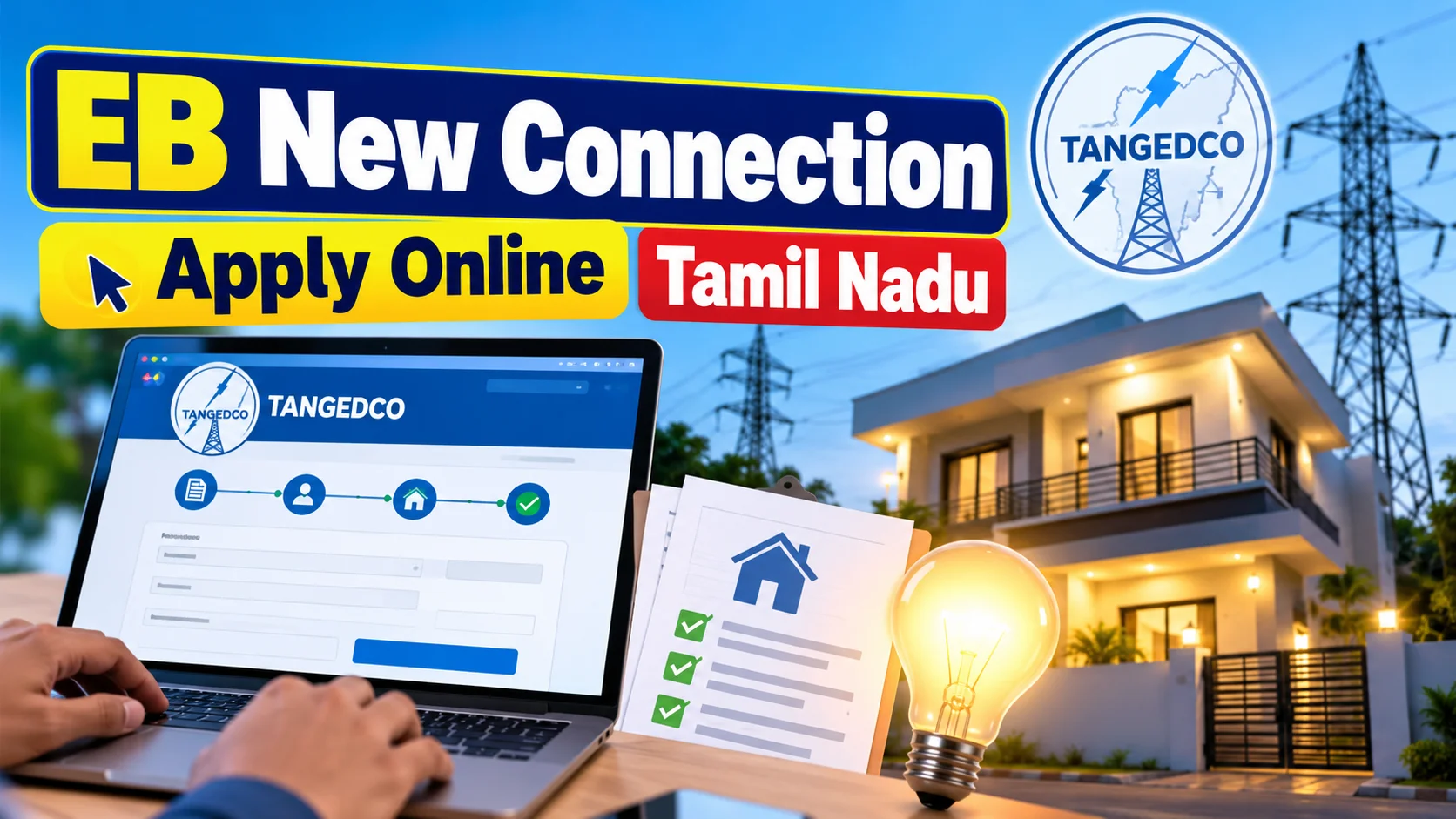
- Tamil Nadu-ல new EB connection க்கு TANGEDCO official portal (tangedco.gov.in) வழியா online-ல apply பண்ணலாம், office போக வேண்டிய அவசியமே இல்ல.
- Domestic, Commercial, Industrial, Agricultural என category வைப்பா application fee, security deposit மாறுபடும்.
- Aadhaar, address proof, property tax receipt/patta, passport photo basic documents தேவை.
- Rental வீடா இருந்தா owner-ன்னு NOC letter கேட்பாங்க, அது இல்லாம application முன்னேறாது.
- Site inspection முடிஞ்ச பிறகுதான் meter மற்றும் connection release ஆகும், இது பொதுவா சில நாட்கள் முதல் சில வாரங்கள் ஆகலாம்.
So what exactly is this EB new connection online process everyone searches for?
Simple. If you've built a new house, shifted to a new shop, or started a small workshop in Tamil Nadu, you need a fresh electricity connection from TANGEDCO (Tamil Nadu Generation and Distribution Corporation). Earlier this meant physically visiting the local EB office with a file full of papers.
Now TANGEDCO lets you apply for a New Service Connection (NSC) through its own web portal. You fill the form, upload your documents, pay the application fee online, and the local EB office takes it from there. No standing in line just to submit papers.
How does the TANGEDCO online apply process actually work?
Here's the broad flow — the exact screens change a bit over time, but the logic stays the same.
- Step 1 — Register: Go to the TANGEDCO consumer portal and create a login using your mobile number and email ID.
- Step 2 — Pick your connection type: Domestic (LT 1A), Commercial (LT 2), Industrial, or Agricultural. This decides your tariff and deposit later.
- Step 3 — Fill the NSC form: Name, address, load requirement in kW, and your Service Connection Number of a nearby property (if available) for the area code.
- Step 4 — Upload documents: ID proof, address proof, property tax receipt or patta/title deed copy, passport-size photo, and a site/location sketch.
- Step 5 — Pay online: Processing fee, security deposit, and meter charges through net banking, UPI, or card.
- Step 6 — Wait for site inspection: A lineman or JE from the local EB section visits your premises to check feasibility and load.
- Step 7 — Connection release: Once approved, the meter gets installed and power is switched on.
Your application number works like a tracking ID — you can log back into the portal anytime and check status instead of calling the office.
What does it actually cost — ₹ prices and deposits
Charges depend on your category and the load you request, and TANGEDCO revises these from time to time through its tariff orders. Treat the numbers below as a rough, indicative range — always check the live figure on the portal before paying, because exact slabs change.
| Connection Type | Typical Load | Indicative Charges |
|---|---|---|
| Domestic (LT 1A) | Up to 2-5 kW | Low processing fee + refundable security deposit per kW |
| Commercial (LT 2) | 2-10 kW | Higher deposit slab than domestic, same meter cost |
| Small Industrial (LT 4) | Above 10 kW | Load-based deposit, site inspection mandatory |
| Agricultural | Varies | Subsidised rates, separate scheme rules apply |
| Meter cost (single phase) | - | One-time charge, added to the bill |
The security deposit is refundable in theory — it sits against your account and gets adjusted or returned if you close the connection. Keep your receipt safe; you'll need it later.
What changes for people in Tamil Nadu applying this way?
The biggest shift is time. Earlier, a new connection could stretch across multiple office visits just for paperwork corrections. Now most of that friction moves online — you fix mistakes on the portal itself instead of making another trip.
It also helps people who've moved cities for work. A techie in Chennai buying a flat in Coimbatore, or a family building a house in a small Theni village, can start the application from their phone and only need to be physically present for the site inspection.
For businesses, this matters even more. A small shop owner or a home-based tailoring unit can apply for a commercial connection without losing a working day standing in a queue.
What mistakes should you avoid before hitting submit?
Most rejections or delays trace back to the same handful of errors.
- Blurry document scans: The portal rejects unclear photos of ID proof or property papers — scan, don't click a shaky photo.
- Mismatched name/address: Your Aadhaar name and property document name should match, or carry a supporting affidavit.
- No rental NOC: If you're a tenant, the property owner's No Objection Certificate is compulsory — skip it and your file gets stuck.
- Wrong load estimate: Asking for less load than you'll actually use (to save deposit) often backfires during inspection.
- Ignoring the tracking ID: People forget to note their application number and then can't follow up properly.
Who does this online route actually suit?
Anyone building a new house, buying a resale flat without an existing connection, opening a new shop, or setting up a small workshop in Tamil Nadu. It suits people who want to avoid office queues and track progress from their phone.
It's less smooth for very large industrial loads or agricultural pump-set connections in remote areas, where physical verification and scheme-specific paperwork still dominate — the online form is just the entry point there, not the whole journey.
What should you do right now if you need a new connection?
Keep your documents ready before you even open the portal — Aadhaar, address proof, property tax receipt or patta, a passport photo, and the rental NOC if applicable. Scan them clearly in advance; this alone avoids half the delays.
Apply through the official TANGEDCO portal only, note down your application number, and check status every few days instead of waiting for a call. If the site inspection gets delayed beyond a reasonable window, a visit to the local EB section office with your application number usually moves things faster than waiting online.
What happens after the meter is installed — paying bills and using the TANGEDCO app?
Once the connection is live, your real relationship with TANGEDCO shifts from "applying" to "paying every month", and this part is also fully online now. Every consumer gets a Consumer Number printed on the first bill, and that number becomes your login ID on the TANGEDCO consumer portal and the official mobile app. You can check current dues, past bill history, and unit consumption trends without waiting for the paper bill to land in your letterbox, which matters a lot in apartment complexes where paper bills often go missing or get delayed.
Payment itself works the way most Indian utility bills do today — UPI apps like GPay or PhonePe, net banking, debit cards, and even the TANGEDCO app's own payment gateway are all supported, so you're not forced to stand in a queue at the EB office counter again. Many consumers also set up auto-reminders or recurring UPI mandates so the bill clears on due date without manual tracking, which is useful for working couples or small shop owners who genuinely forget the 15th-of-the-month deadline. Late payment still attracts a surcharge, and repeated defaults can lead to disconnection notices, so the online convenience doesn't remove the need to actually pay on time.
Looking ahead, Tamil Nadu has been gradually rolling out smart meters in select areas, which will eventually let consumers see near-real-time usage instead of a monthly snapshot — useful for spotting a leaking geyser or an AC left running. This rollout is uneven right now; cities see it faster than smaller towns, and rural agricultural connections are mostly untouched by it. If you're applying for a new connection today, don't expect a smart meter by default — ask the local EB section what's available in your specific area, because the answer genuinely changes street to street.

Comments (0)
Be the first to comment!