


- Upload a photo to Gemini and type the edit in Tamil, Tanglish, or English. That typed line is the prompt.
- Free Gemini covers most family and shop photos. Paid Google AI plans mainly raise daily limits.
- Every good prompt names what must stay, what must change, and the mood.
- Keep Aadhaar, passports, and other people's faces out of the chat.
- If Tamil lettering on a board looks broken, ask Gemini to leave the sign alone.
What is a Gemini Tamil photo-editing prompt, in one line?
A Gemini photo-editing prompt is the instruction you type after you drop a picture into Google Gemini, in Tamil, Tanglish, or English, telling the AI what to change and what to leave untouched. If you searched for Gemini photo editing prompts in Tamil, the short answer is yes: Gemini will take a Tamil request and try to rebuild your photo around it.
You are on the 21C to Guindy. A cousin has dumped a yellow, cramped function photo in the family WhatsApp group. Nobody is opening Photoshop at 8.40 am. You open the Gemini app, attach the image, and type: background-ஐ சுத்தமா வெள்ளை-ஆ மாத்து, face-ஐ மாத்ததே.
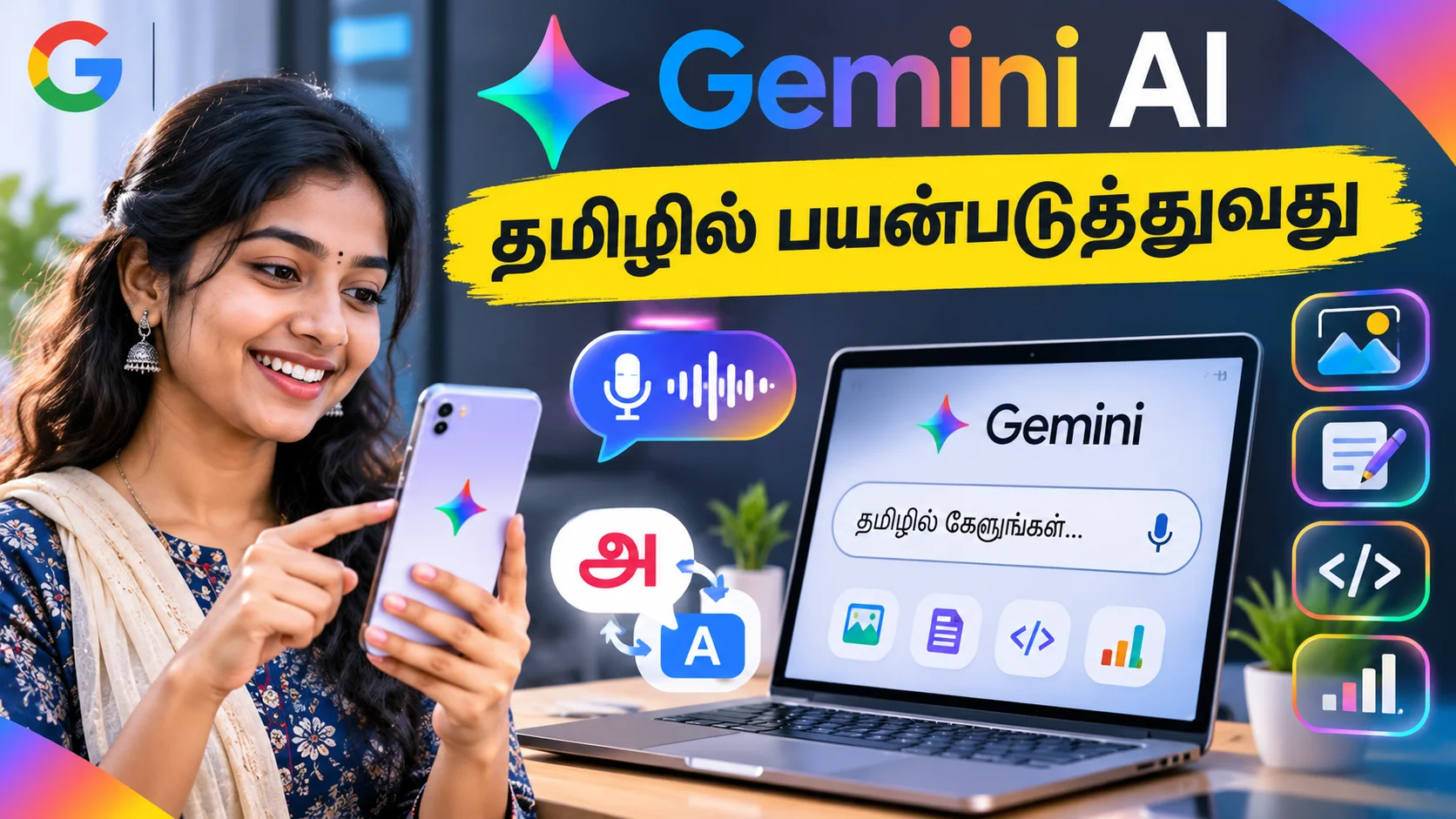
That sentence is the prompt. Gemini is Google's AI chat app, not a separate Tamil photo studio. The same Gemini on Android, iPhone, and gemini.google.com can read the picture and your words together.
This is useful in India because we already describe photos in Tamil in our head. We say the light is harsh, the wall is dirty, the bike should go. We do not say luminance mask. Gemini does that translation inside the Google account you already use for Gmail.
It is still a guesser. Faces drift. Fingers multiply. Tamil on a shop board often becomes a scribble. Treat it like a fast intern, not like a Chennai studio that will stand behind a print.
How do you edit a photo in Gemini with a Tamil prompt?
Open the Gemini app or gemini.google.com, upload your photo, and type the change in Tamil. That is the whole method.
Login with Google. Tap the image control and pick a file from Gallery. A 1-2 MB export is plenty. Gemini does not need the 40 MB camera original, and a fat file only crawls on a crowded Jio 4G hop.
Write the prompt the way you would talk to a cousin holding the camera. Spoken Tamil works. Tanglish works. English works. A one-word shrug like nice ஆக்கு or HD பண்ணு does not.
Pack three things into one message. First, what must not move: your face, the mole, the spectacles, the pattu border, the gopuram behind you. Second, what must change: the bike, the greasy wall, the 2 pm sun, the stranger on the right. Third, the mood: passport, wedding glow, clean catalogue shot for WhatsApp Business.
Here are lines you can actually paste.
இந்த photo-ல நான் தான் நிற்கிறேன். Face, spectacles, shirt colour எல்லாம் மாத்ததே. பின்னாடி இருக்கிற bike-ஐ remove பண்ணு. Background pale office wall, soft light.
Make this a passport-style photo. White background. Do not change my eyes, jaw, or the mole on the left cheek.
old faded colour photo look, slightly grainy, people still sharp, no plastic skin.
வலது பக்கத்து stranger-ஐ மட்டும் எடு. மற்ற faces-ஐ தொடாதே.
cot மேல இருக்கிற cooker-ஐ clean white table-ல வை, top-down product photo, for a WhatsApp catalogue.
Send it. If the first result is 70 percent right, stay in the same chat. Reply that the wall is still dirty, the face is perfect, and you only want the wall cleaned. Gemini then works off the last image plus your correction. That second and third message is the real craft.
Download the frame you like and zoom to 100 percent. Check ears, teeth, jewellery, hairline, and any writing on t-shirts. Six fingers? Say so in the next line. Do not post it and hope no one notices at the next family function.
Two more distinctions. If you want a brand-new picture from text alone, that is generation, not editing, so skip the upload. If a YouTube short shows sliders inside Google Photos, that is Magic Editor, a different Google tool. A Gemini prompt lives in the Gemini chat box.
What does Gemini photo editing cost in India?
You can do this for free on the Gemini app and website with a normal Google account.
Google also sells paid AI plans in India, usually bundled with extra Google One storage and the stronger Gemini models. Those plans mainly lift how many AI images you can generate or edit in a day. They do not unlock a secret Tamil switch. Language does not change the bill.
The rupee number lives on Google's plan screen and it moves, so this page will not invent a rate that is stale next month. Open Gemini or Google One, tap the plan or upgrade option, and read the live ₹ price before you pay. UPI and cards both work on Google's India checkout. You cancel from Google subscriptions like any other app.
Five function photos for the family group? Free is enough. A small shop posting every day and hitting a try-later wall? Then the paid plan is a capacity call, not a quality religion. Ignore WhatsApp forwards that quote an old price.
Which mistakes get people into trouble?
The lazy prompt. Hero மாதிரி பண்ணு gives you a gym you never joined and a chin your relatives will roast. Name the shirt colour. Name the time of day. Name the one thing that must not move.
Documents. Do not feed Gemini your Aadhaar, PAN, voter ID, passport, boarding pass, or a school marksheet so it can make it clear. You do not need an AI for a government ID, and you do not want that file sitting in a chat. Google's Gemini Apps help pages also warn you not to paste confidential information.
Other people's faces. Your own portrait is your decision. Pasting a colleague's head onto another body, or chasing a film-star lookalike, is how you pick a fight. It also walks toward consent trouble. Skip it.
Tamil painted onto the image. Gemini still stumbles when it has to draw clean Tamil letters on a flex board or a saree pallu. If the words matter, keep the original sign or add type later in a real editor.
Random Photoshop APK links. Gemini is a Google Login. It is not a sideloaded editor from a Telegram channel that wants full Gallery access.
Plastic skin. Add do not change face shape or skin texture, in Tamil or English, if the photo has to look like you at the next wedding.
Photos you do not own. A newspaper portrait, a paid wedding album, a brand logo: running it through Gemini does not make it yours to post.
Kids. Do not upload school photos of children who are not yours, and do not ask the app to age-slide or prettify a minor. If Gemini refuses, stop. Do not try to trick the filter.
What should you do now?
Pick one photo you actually need recently. A cooker on a cot. A group shot with a photobomber. A dull headshot for a form.
Open Gemini. Upload it. Write one Tamil paragraph with stay, change, and mood. Generate. Correct it twice in the same thread. Zoom in. If the face slipped, say that in the next line instead of starting over.
Save three prompts that worked with your hall lighting and your phone camera into Google Keep. That tiny personal list will beat any 100 Gemini prompts image doing the rounds, because those were written for someone else's room.
This suits you if you think in Tamil, you already have Gmail, and you need a cleaner picture today, not a design diploma. It does not suit jewellery catalogues that must match a real stone, legal ID photos, or Tamil typography a client will pay for.
Tamil was never the blocker. Vague language was.

Comments (0)
Be the first to comment!