


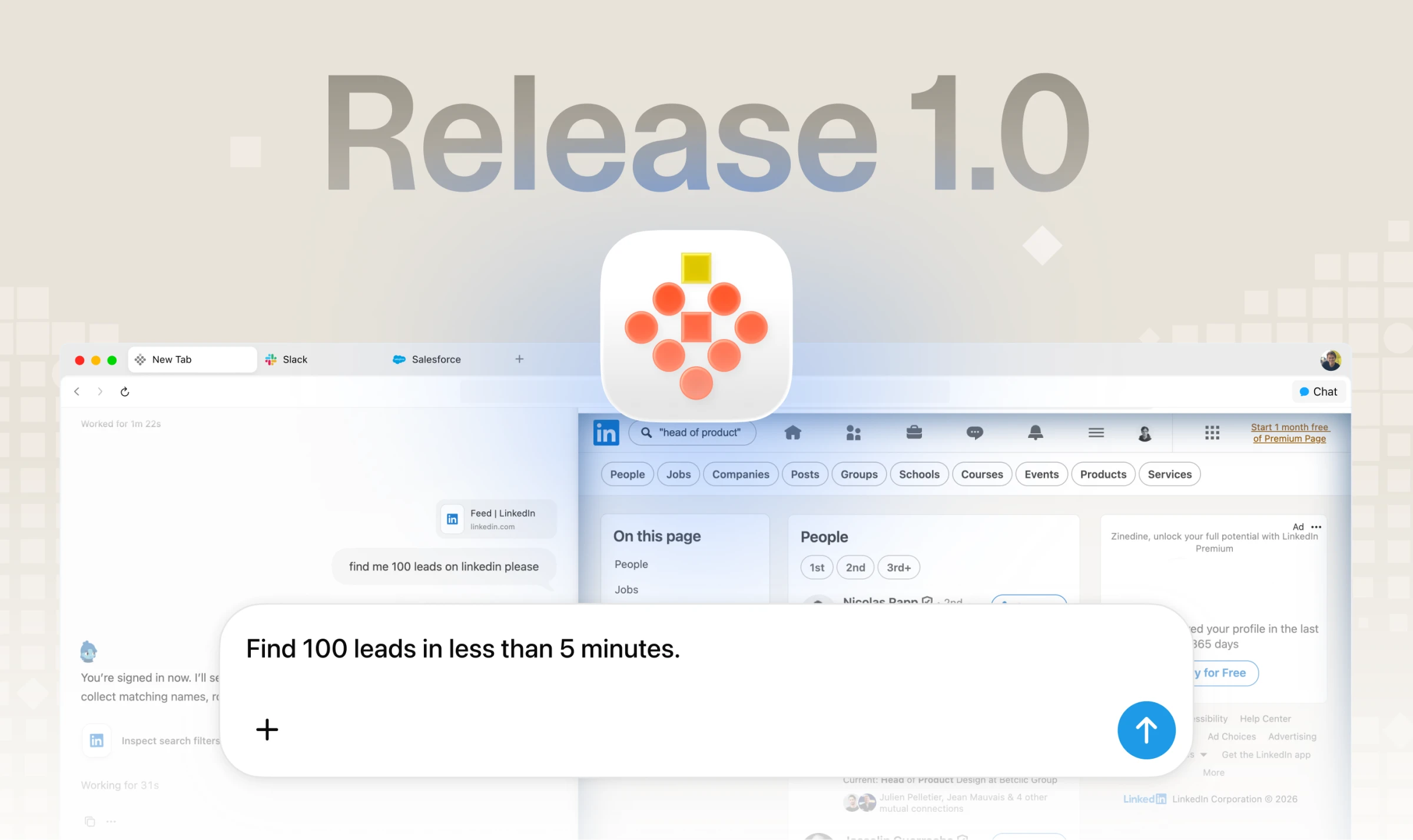
You open Chrome, copy a paragraph from a website, paste it into ChatGPT, then copy the answer into a Google Sheet. For a college assignment, a job application or office research, that back-and-forth can eat a whole evening.
Strawberry is a web browser that tries to cut that loop. You type what you need in plain words, and a built-in AI teammate — the company calls it a companion — can open the pages, collect the details and do the clicking for you, while you watch.
This is a free editorial explainer, not a paid placement. TamilTech was not paid by Strawberry to write it. We used screenshots and a short product description the company shared, and we checked the official site and pricing page on 18 November 2026.
The short version
- Strawberry is a desktop web browser for macOS and Windows, with AI companions built into the browser itself.
- A companion is not a separate chatbot tab. It can work in the websites and logged-in tools you already use, if you allow it.
- There is a free plan with 500 credits a month. Ordinary browsing does not use credits. Credits are used when the AI does work for you.
- You can watch the work as it happens, stop it, and decide which actions need your approval — for example, before an email is sent.
- It can help with research across many sites, putting data into a spreadsheet, drafting messages, and taking meeting notes. It is not a phone app, and the paid plans are priced in US dollars.
What is Strawberry Browser?
Think of the browser you already use — Chrome, Edge or Safari. You open tabs, save bookmarks, store passwords and visit the same sites every day: Gmail, WhatsApp Web, college portals, job sites, Google Sheets.
Strawberry is that kind of browser, with an AI assistant sitting inside it. The official description is simple: it is a browser with AI companions built in, made in Stockholm, Sweden, and free to download for Mac and Windows.
This is the main difference from ChatGPT or Gemini. Those tools usually wait for you to paste text or upload a file. Strawberry's companion can look at the page already open in your tab, use a connected app, and carry out a multi-step job in the browser. The company's own docs put it this way: your browser already holds the work context, so the AI can use that context directly instead of asking you to copy everything into a separate chat box.
The team that built it is Dendrite Systems. The founders listed on the official press page are Charles Maddock, Arian Hanifi and Sebastian Thunman.
How does it work?
When you open a new tab, you see a chat box and a companion. In the screenshot the company shared, the companion is named Simon. You can type a request, or pick a suggested task, and start from there.
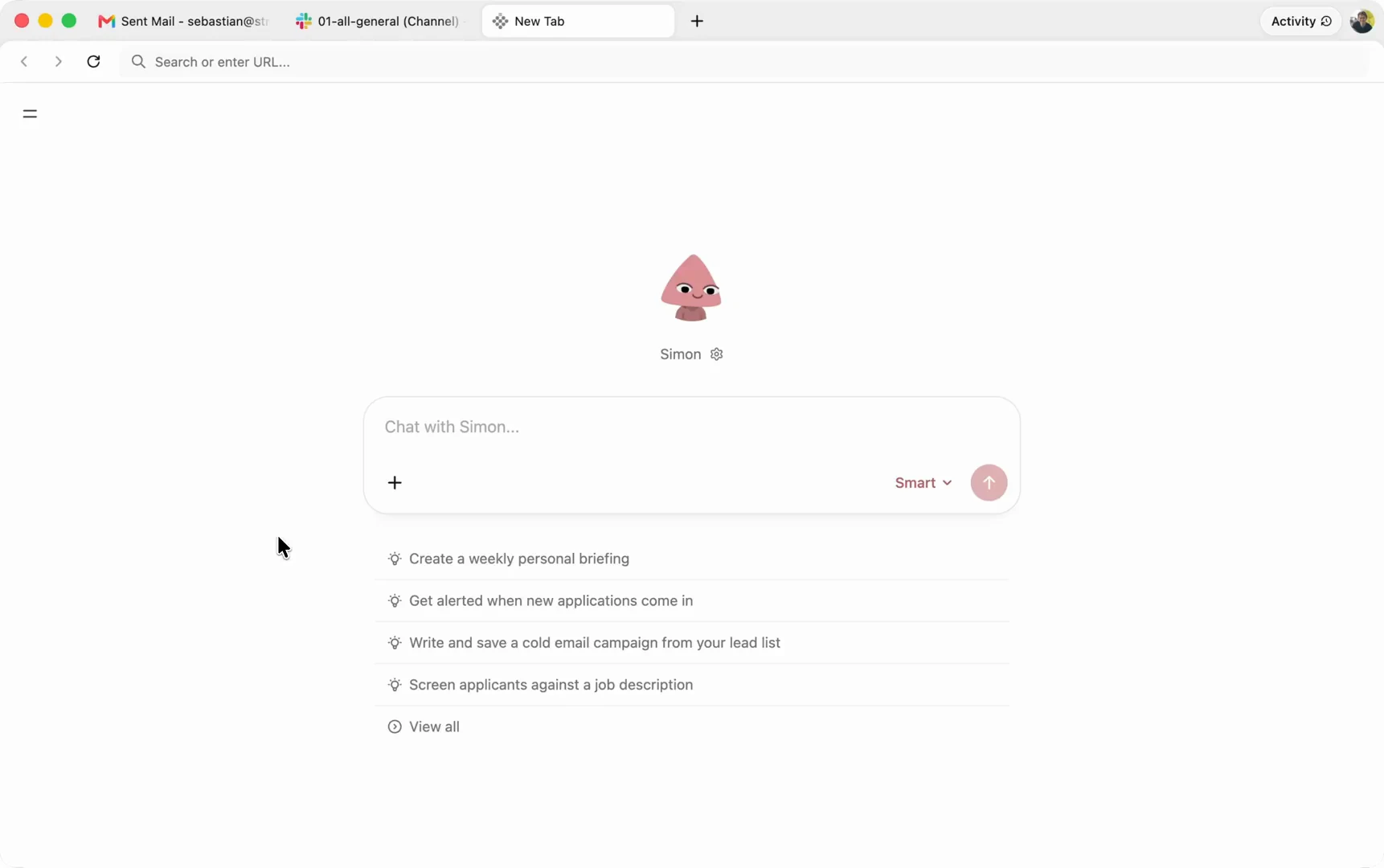
Three ideas are worth knowing before you try it.
Companion. This is the AI teammate you talk to. You can use a ready-made one, or create your own for a particular kind of work — for example, one for research and another for email. Each companion can have its own instructions and memory. Memory, here, just means it can remember useful facts and preferences so you do not have to repeat them every time.
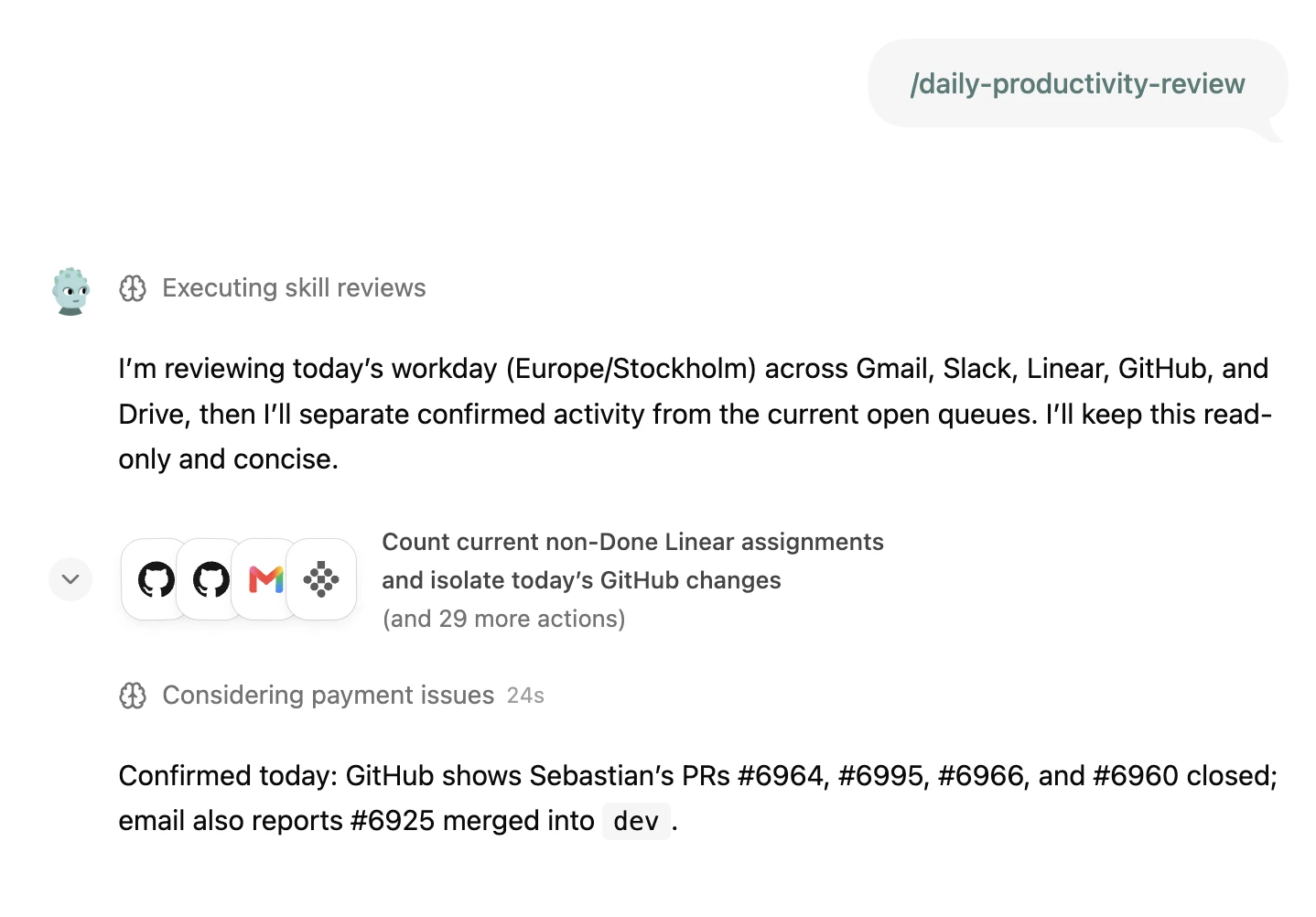
Agent run. When the job is more than a short answer — say, “open these sites, collect internships in Chennai, and put them in a sheet” — the companion can move through pages, use tools and show a work trail. You can see what it is doing, step in, or stop it.
Credits. Think of these like a prepaid mobile recharge, but only for the AI part. Opening websites and browsing as usual does not spend credits. When the companion replies, researches, or does a task, credits go down. A short question usually costs less than a long research job. Official docs also say a regular chat reply can use credits, even when it does not look like a big “agent” task.
You stay in control of permissions. In settings, you can ask the companion to check with you before it takes certain actions, always allow a specific action, or block it. The company and the person who wrote to us both say you approve anything that matters before it is sent. Still, read the approval card before you tap yes — especially if it is about sending a message, changing a file, or using a paid account.
What can it do?
The official site and docs list the kinds of work it is built for. Here is what that looks like in everyday Indian use, without inventing results we have not tested ourselves.
Research across many websites
Instead of opening ten tabs and copying lines into a notebook, you can ask for a clear outcome. For example: “Find 10 internships in Chennai for B.Com students and put the company, role, last date and link in a Google Sheet.” Or: “Compare mid-range laptops under Rs 50,000 on two Indian shopping sites and make a table with price, RAM and warranty.” You should still open the final list and check it. AI tools can miss a date or misread a price.
Work inside tools you already use
You can connect apps so the companion has the right context. Official docs suggest starting with one or two, such as Gmail or Outlook, Google Calendar, Google Drive, Docs, Sheets, Notion or Slack. The pricing page also says you can connect ChatGPT for more usage. The press kit image below shows a typical request: check Gmail, Slack and Google Calendar, then summarise what actually needs your attention today.
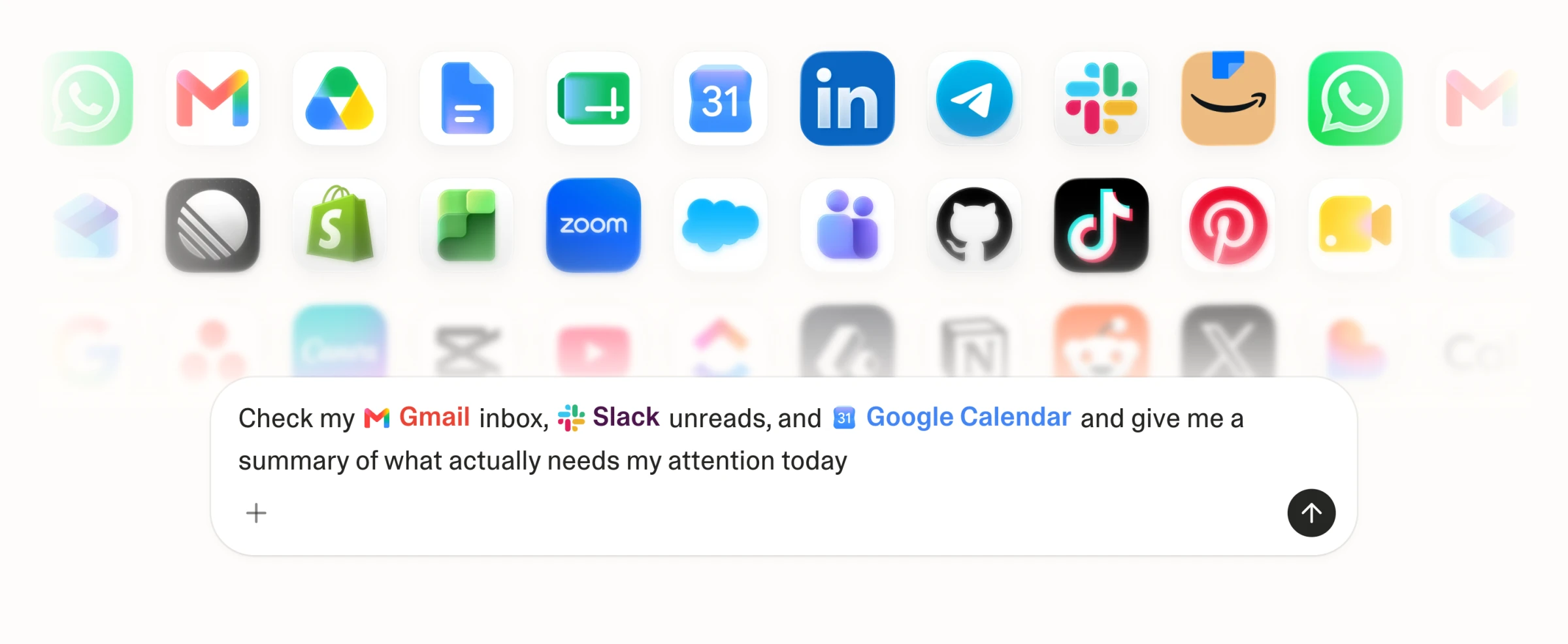
Because it is a browser, official pages also say it can work on websites you are signed into — the same way you would, if you give it permission. That is useful, and it is also why you should be careful with bank sites, IRCTC, income-tax portals and anything that can move money.
Meeting notes, without adding a meeting bot
Official documentation says Strawberry can record meetings, transcribe them, write notes and pull out follow-up tasks. It says this works with video conferencing tools, and that it does not need to drop a separate bot into the call. The press screenshot below shows a “Google Meet detected” prompt with a Record button.
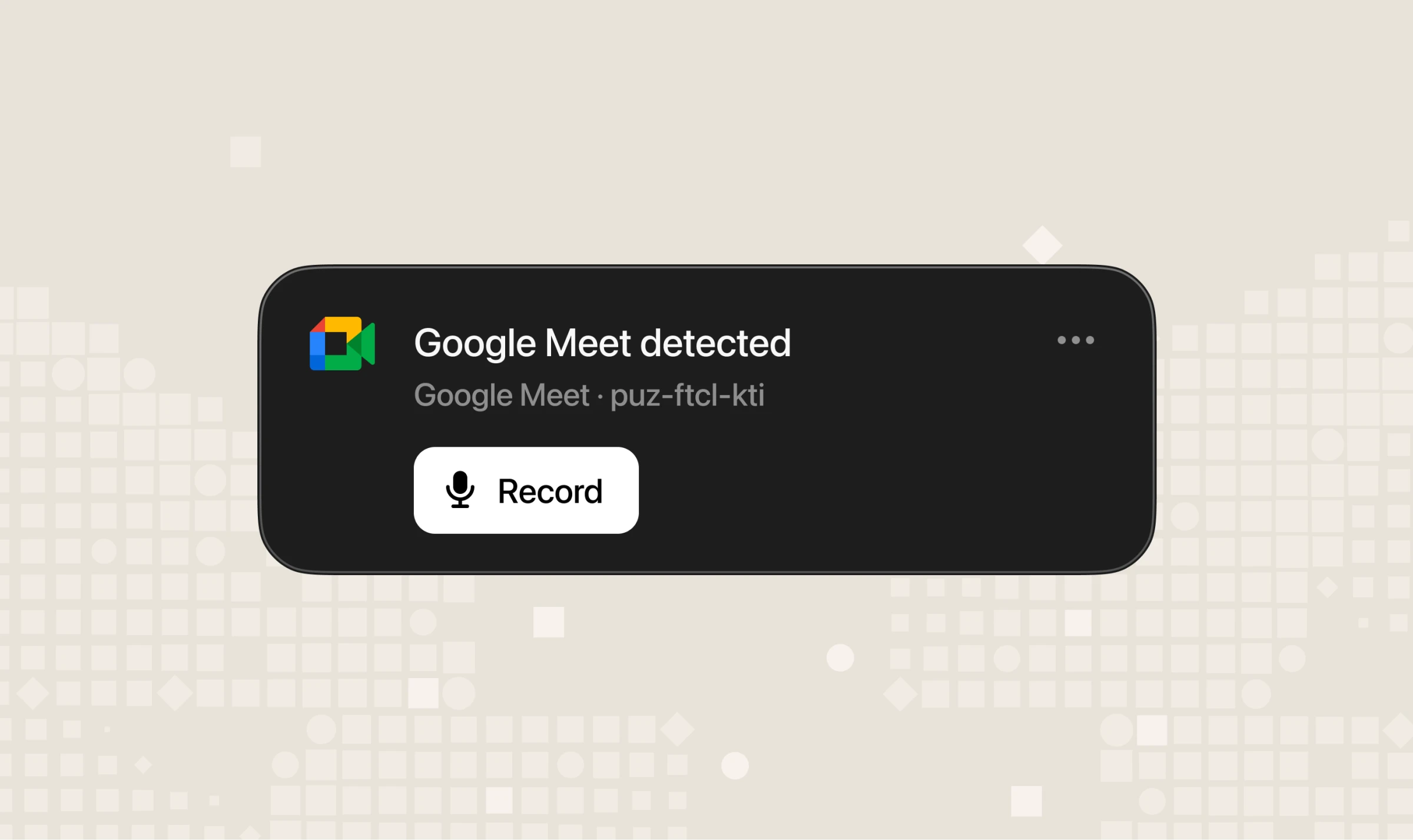
If you are on a college group project call or a work stand-up, this can save the “who said they would do what” recap. Tell the other people before you record. In many places, recording a call without consent is unfair, and sometimes not allowed.
Repeat the same job automatically
If you do the same task often, you can save it. A skill is a reusable set of instructions, like a saved recipe. A routine runs on a schedule or when something happens — for example, a morning briefing, or a draft reply when a certain kind of email arrives. Official docs say you should keep approval in place for anything that sends a message or changes important data.
How to install it and try a first task
These steps follow Strawberry's official quickstart, written in plain language.
- Download and sign in. Go to strawberrybrowser.com/download. The page asks for your email and then sends a download link. It is available for macOS and Windows. Install the app and sign in. After that, you can open account settings to see your plan and credit usage.
- Optional: bring your old browser data. You can import bookmarks, passwords, history, cookies and tabs from browsers such as Chrome, Safari, Firefox and Arc, depending on what is available on your computer. If you only want a low-risk start, import bookmarks first and leave passwords for later.
- Start from the new tab. Open a new tab, pick a companion, and type a request — or drop in a file. If you want ready-made workflow ideas, the app has a use-cases section. Read one before you click to run it.
- Connect one or two apps, if you need them. For email or calendar work, connect only what that task needs. You do not have to connect everything on day one.
- Give a focused first prompt. Say the outcome you want, the context it should use, and the format of the answer. A good first test is a small, checkable job: “Look at this one college notice page and list the dates and documents needed in bullet points.” For a large job, official docs suggest asking for a small sample first, then the full batch. That helps you catch mistakes early and saves credits.
- Review before anything goes out. If the companion asks for approval, read the card. If it has drafted an email, check the recipient, subject and body. Then decide.
Pricing and the free plan
Prices below are from the official pricing page, checked on 18 November 2026. They are listed in US dollars. The page does not show an Indian rupee price or a student discount.
| Plan | Monthly credits | Price |
|---|---|---|
| Free | 500 | Free |
| Intern | 6,000 | $20 a month |
| Part-Time | 25,000 | $85 a month |
| Full-Time | 75,000 | $250 a month |
A few official rules matter more than the plan names:
- Browsing is always free. Credits are used only when companions step in to help.
- The 500 free credits are enough to try the product. A long research task can use credits quickly.
- Plan credits refresh each month and do not roll over. If you buy extra credits (top-ups), those are listed at $0.01 per credit and do roll over.
- The company told us the free plan works without a payment card, so you can try it first.
- There are also Team and Enterprise options for shared work. Check the pricing page if that is what you need.
The rupee cost of a paid plan will move with the day's US dollar rate. Check the official page before you pay, because plans and allowances can change.
Privacy: what to know before you let it into your tabs
Because this tool can read pages and use connected accounts, privacy is not a side note.
Official docs say chat history is saved with your Strawberry account so it can come back when you sign in on another computer. Chat titles and some light details are stored separately. Messages, drafts and detailed chat data are encrypted before they are saved on Strawberry's servers.
The official pricing page says “No training on your content.” The privacy policy (version 3.2, last updated 19 October 2026) says that, by default, Strawberry does not use your user content to train its own or third-party generative AI models. The same policy also says user content may be sent to third-party AI providers so the product can complete a task. In plain words: they say they do not train on your work by default, but the AI still has to see the material to help you, and that material may leave your computer in the process.
Two other lines from that policy are worth reading yourself. It says the service is offered for business use, not for personal or family use, and that it is not intended for anyone under 18. The public website still has a free download and a free plan. If you sign up, read the privacy policy and decide what you are comfortable connecting.
Practical advice: start with a low-risk task. Do not connect your primary bank, UPI, income-tax or Aadhaar-linked accounts just to test the product. Do not paste passwords, OTPs or customer data into a chat unless you have a clear reason and have read how the tool handles that data. Review anything before it is sent.
Who should try it — and who should wait
It may be useful if you already work on a Windows PC or a Mac, and you spend a lot of time moving information between websites: literature surveys, internship or job shortlists, comparing courses or products, drafting emails from real context, or turning a meeting into notes and tasks.
It may not help much if you mainly use a phone, you only need a simple chatbot for homework questions, or you want unlimited AI use on a free plan. There is no official Android, iPhone or Linux app listed on the download page. Five hundred free credits will not last through heavy daily research. Paid plans start at $20 a month, which is a real cost in rupees, and no student discount was listed when we checked.
We have also included Strawberry as a bonus pick in our best AI tools for students in India guide. This article is the fuller, standalone explainer.
Limitations to keep in mind
- We have not run a full hands-on product review for this article. The features and prices here come from official pages, official docs, and material the company shared.
- AI output can be wrong. Check facts, prices, dates and names before you submit an assignment, publish a post or send a mail.
- A companion that can use your logged-in sites is powerful. A wrong approval can send a message or change data you did not mean to change.
- Platforms are limited to macOS and Windows today.
- Plans and credit allowances can change. Treat the table above as a snapshot from 18 November 2026.
The bottom line
Strawberry is not “ChatGPT inside a new website.” It is a full desktop browser whose AI companion can work in the tabs and tools you already use, if you let it. The free plan is a fair way to see whether that actually saves you time.
If you try it, start small: one clear task, one or two apps, and approval switched on for anything that sends or changes something important. Keep the official site and privacy policy open in another tab, and do not pay for a higher plan until you have seen how quickly your own work uses the 500 free credits.
Download it from strawberrybrowser.com. If the product or pricing changes, we will update this explainer.




Comments (0)
Be the first to comment!