

Key takeaways
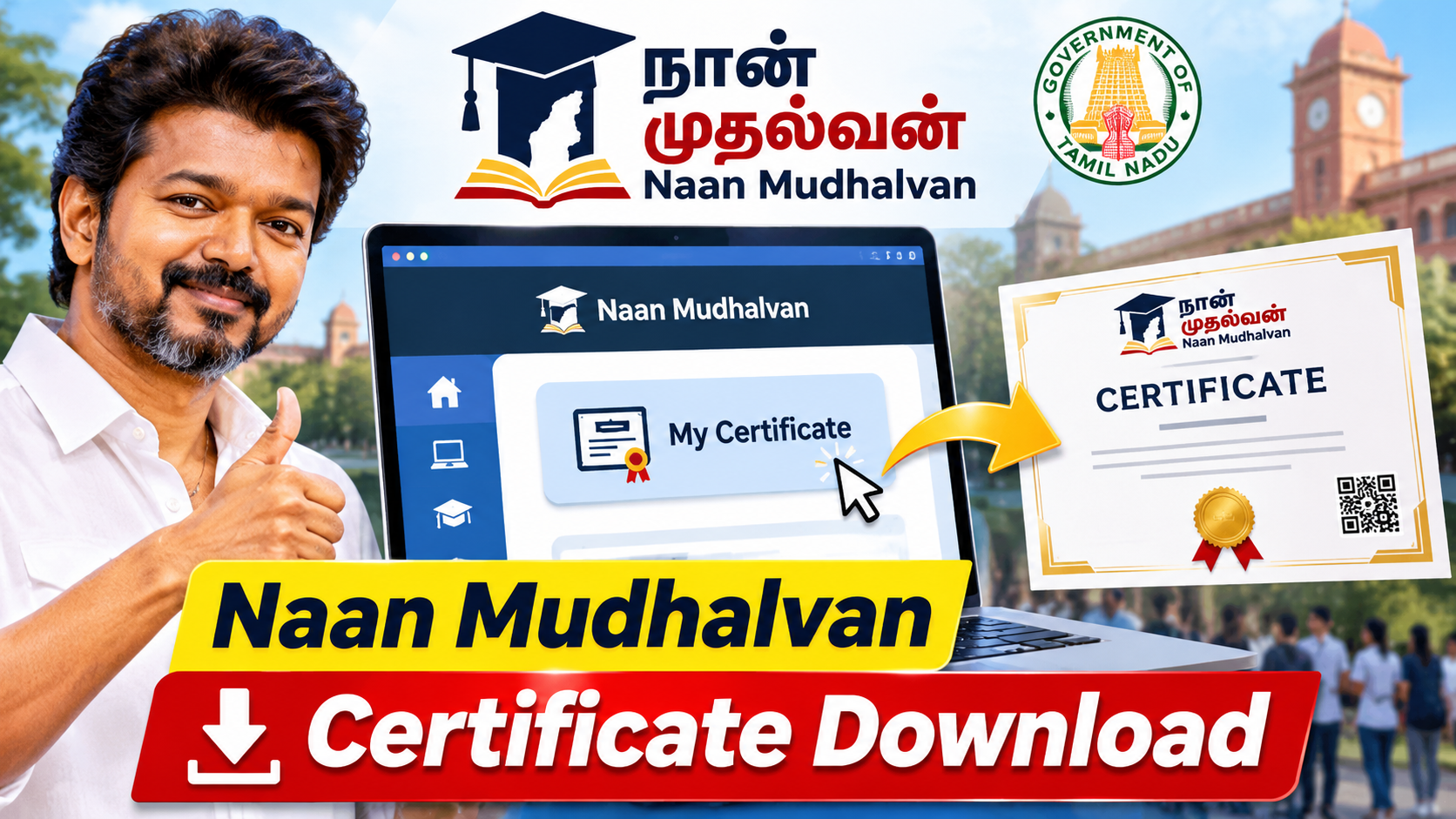
- The certificate sits on your official Naan Mudhalvan student login after the course and assessment show as complete. Random Google links are not a shortcut.
- Use the same mobile number or student ID from enrolment, open the finished course, download the PDF, and check your name before you close the tab.
- The file itself is free. If a page asks for UPI, a “portal fee”, or an OTP to a number you do not recognise, leave.
- A missing download button usually means the result is not published yet, not that your Phone is broken.
- Save the PDF in Drive or Files and keep a dashboard screenshot. Placement cells ask for both, always at the worst time.
What is a Naan Mudhalvan portal certificate, in one line?
You download your Naan Mudhalvan portal certificate from the official student login once the course shows as complete. Third-party links will not mint that PDF for you. This guide covers the login path, how to save the file, why the download is free, what a missing button actually means, and the fake portal-fee pages that pop up when someone Googles the query at 11 pm.
College WhatsApp at 11.40 pm is a special kind of chaos. Someone needs the file for a placement folder tomorrow. Ten people reply with ten links. Half of those links were copied from Google ads, not from the portal.
Naan Mudhalvan is the state’s skilling programme for school and college students — short, industry-flavoured courses, then a certificate if you actually finish the work. The PDF is what internships, department files, and some campus drives ask to see.
So the search query has a boring, correct answer. Open the official student portal, log in, find the completed course, download the certificate. If the dashboard still says in progress, there is nothing to download yet. No third-party “agent” can mint that file for you.
How do you download the Naan Mudhalvan certificate step by step?
You log in on the official Naan Mudhalvan student portal, open the completed course, and download the PDF from that course’s certificate or records section.
Do this on Chrome or another normal browser. Hostel Wi-Fi is fine. A borrowed Phone is fine too, as long as you log out after.
First, type the official site yourself. Look for a Tamil Nadu government domain — typically a tn.gov.in address — not a page that ranks because someone paid for ads. If the URL looks like a blog, a “.result” clone, or a random .xyz, you are in the wrong place.
Use student login, not faculty login, not a coordinator login your friend forwarded. The mobile number or student ID should be the one used when your college or school enrolled you. OTP will land on that number. If it does not, you are on the wrong account, not on a “server down” mystery.
Once you are in, ignore the banners and go to the bit that lists your courses. Names differ slightly by batch, but you want Completed, Certificates, or My courses. Open the course you finished. If attendance or assessment is still pending, the download control will not magically appear because you refreshed 14 times.
When the certificate is ready, download it as PDF. Open the file immediately. Check your name spelling, course title, and any ID printed on it. If the name is wrong, that is a college coordinator job, not a Telegram admin job.
Save a second copy. Drive, Files, email to yourself — pick one place you will still have in 2027. Screenshot the dashboard page that shows the course as complete. Paper files get lost. Phone storage gets wiped before interviews.
If your department wants a printout, any shop will do. The official part is the PDF, not the laminate.
What does a Naan Mudhalvan certificate cost?
The certificate download is ₹0 on the official portal; you only spend money if you choose to print a copy at a shop.
Naan Mudhalvan is a government student programme. Enrolment on the usual school and college track is not a paid consumer course like a private app subscription. Nobody legitimate needs your GPay pin to “release” a PDF that already belongs to your login.
| என்ன | நீங்க கட்டணம் | Notes |
|---|---|---|
| Certificate PDF from the portal | ₹0 | Student login only |
| Typical student course enrolment | ₹0 | Mapped through school or college |
| Printout at a xerox shop | About ₹5–₹20 | Optional, shop rate |
| Colour print / extra copies | Shop rate | Still optional |
| Random “download agent” websites | Do not pay | Not the government portal |
| College photocopy or file copy | Usually free or nominal | Follow your department |
If a page talks like Flipkart checkout — “pay ₹99 to generate certificate” — it is not the Naan Mudhalvan portal. Close it. Your college already put you on the programme.
This suits Tamil Nadu students who were actually enrolled and who finished that course’s required sessions and tests. It does not suit someone hunting a blank certificate for a course they never attended. The portal will not invent a completion record because a placement deadline is tomorrow.
Which mistakes get people into trouble?
The expensive mistakes are fake links, paying strangers, and downloading from the wrong login — not a missing button on a course that is still incomplete.
Mistake one: tapping the first Google result. Lookalike pages copy the logo, ask for mobile number, then ask for money or a second OTP. You gave them a way into the real account. Search, then type the government address yourself.
Mistake two: using a parent’s number because “OTP வரல”. If enrolment was on your number, the certificate is on your number. Mixing logins is how people download a classmate’s file, or no file, then panic.
Mistake three: treating an incomplete course like a glitch. No assessment, no attendance mark-up, no download. Refreshing will not publish results faster. Ask the Naan Mudhalvan coordinator in your college or school, with the course name, not “sir portal down”.
Mistake four: doing this in a cyber cafe and leaving the PDF in Downloads, still logged in. The next student on that PC gets a copy of your certificate and your session. Download, copy to your Phone, log out, delete the cafe copy.
Mistake five: editing the PDF because a letter is ugly. Placement cells notice. If the printed name is wrong, get it corrected through the official channel. A Photoshop certificate is a problem you do not need.
Do not share login OTP in the class group, even with a friend who “knows the portal”. Friends forward that screenshot. That is how accounts get emptied of files you needed.
What should you do now?
Open the official portal on purpose, not through a forwarded link, and see whether the course already shows as complete.
If it does, download the PDF today. Do not wait for the morning of the interview. Check the name. Park a copy in Drive. Screenshot the dashboard.
If it does not, write down the course name and the status you see. Take that to your college or school coordinator. They can tell you whether assessment is pending, whether your enrolment never mapped, or whether the batch certificate is still being generated. That conversation is faster than twenty YouTube videos titled with the same search query.
Keep the file with your other student records — marksheets, ID, internship letters. Naan Mudhalvan certificates are one more PDF in that stack, not a magic job offer. They help when a campus form asks “skill courses completed”. They do not replace a degree.
And the next time the hostel group drops a mystery link at midnight, ignore it. The portal you already have is the whole trick.


Comments (0)
Be the first to comment!