


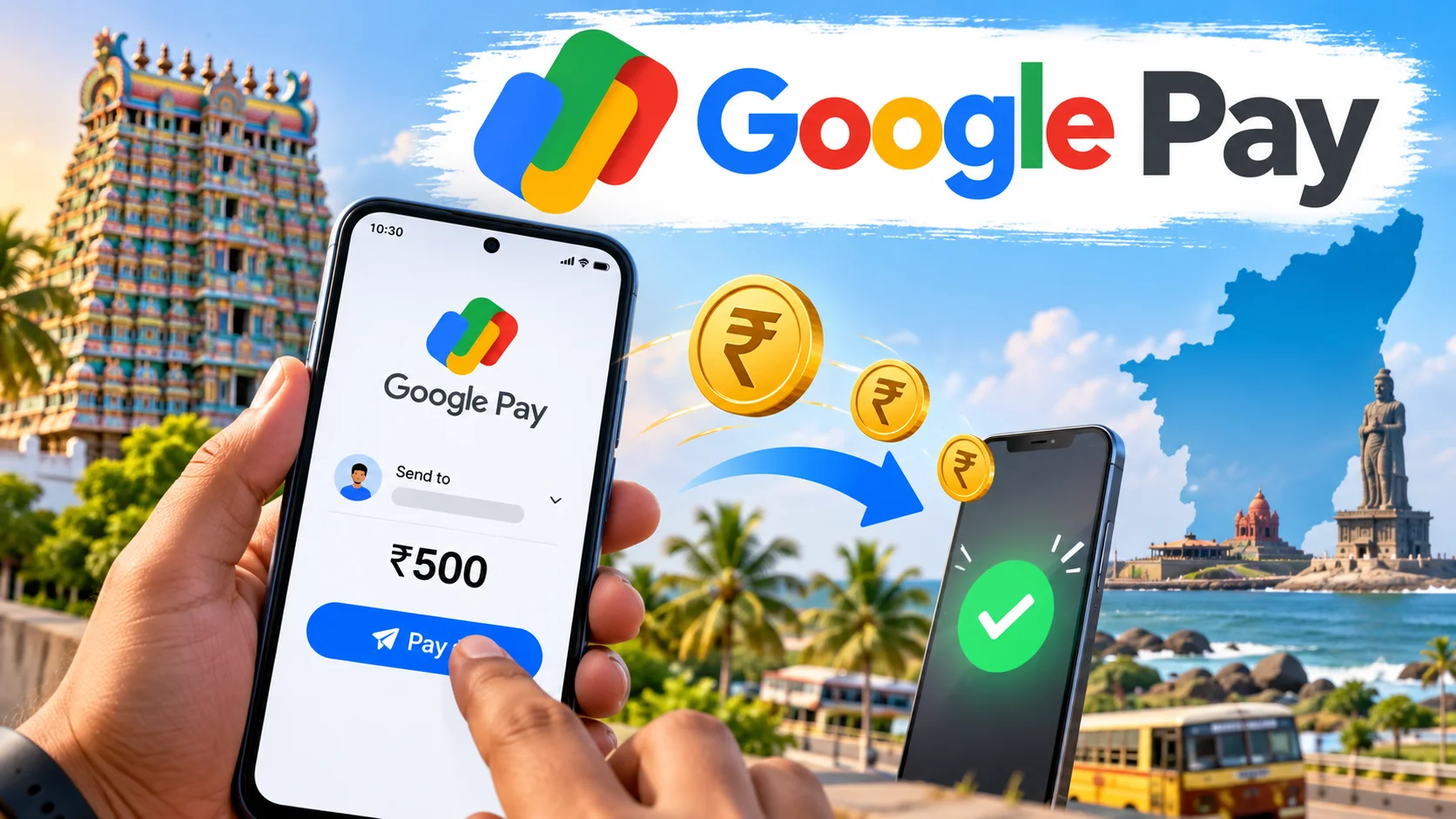
Key takeaways
- Google Pay sends money in India through UPI—person-to-person transfers are free on the app side.
- You can pay with a mobile number, UPI ID, bank account + IFSC, or by scanning a QR code.
- Flow is simple: open GPay → Pay → pick contact or enter UPI ID → amount → note → screen lock / UPI PIN.
- Watch bank and UPI daily limits (often around ₹1 lakh per day for many users; your bank may set lower caps).
- Biggest fails: wrong UPI ID, sharing UPI PIN, and paying unknown “collect” requests.
To send money on Google Pay, open the app, tap Pay, choose the person via mobile number, UPI ID or QR, enter the amount in ₹, then confirm with your phone lock or UPI PIN—money moves over UPI in seconds and person-to-person sends stay free. This piece covers the full walkthrough for Tamil Nadu users: payment options, bank limits, daily-life examples, mistakes to avoid, and who GPay actually suits.
Short answer: open Google Pay, tap Pay / New payment, choose the person (phone number, UPI ID, or QR), enter the amount in ₹, add a note if you want, then confirm with your phone lock or UPI PIN. Money moves over UPI, usually in seconds, and GPay does not charge you for a normal person-to-person send.
Rest of this piece is the full walkthrough—options, limits, who it suits, and the traps people in Chennai, Coimbatore, and Madurai hit every week.
What is Google Pay money send, in plain words?
Google Pay (GPay) is a UPI app. UPI means your bank account is linked to a virtual address—your UPI ID—so you can push money without typing account numbers every time.
Why it matters in India in 2026: cash for rent split, tea-shop QR, auto fare, family support to native place—all sit on UPI. GPay is one front-end. PhonePe, Paytm, and your bank’s own app do the same rails. The money still leaves your bank; GPay is the remote control.
Daily-life example: you owe a roommate ₹1,200 for Wi-Fi. You pick their saved number in GPay, type 1200, hit pay, enter UPI PIN. Their bank SMS lands before the lift door closes.
How do you actually send money on Google Pay?
First, the boring checklist. Phone needs internet (Jio / Airtel / Wi-Fi, whatever works). GPay must be updated from Play Store. At least one bank account should already be linked and a UPI PIN set. If PIN is not set, the app will force that before the first pay.
Step 1 — Open and hit Pay. Launch Google Pay. On the home screen look for Pay, New payment, or the scannable pay area. Tap it.
Step 2 — Choose who gets the money. Four common paths:
- Mobile number: pick a contact or type the number. If they have UPI, GPay shows their name and UPI handle.
- UPI ID / VPA: type something like name@oksbi or name@okicici. Read the name GPay shows. If the name feels wrong, stop.
- Scan QR: shop, street vendor, or a friend’s QR poster. Confirm the merchant or person name on screen.
- Bank account: enter account number + IFSC when someone has no UPI. Slightly slower path; still UPI under the hood on many banks.
Step 3 — Amount and note. Type rupees. Add a short note—“rent Mar”, “dinner”—so both of you remember later. Notes are visible in history; don’t write secrets.
Step 4 — Pay from which account. If two banks are linked, pick the one with balance. GPay shows the account ending digits.
Step 5 — Confirm. Phone lock (fingerprint / face / pattern) or UPI PIN, depending on amount and your settings. Wait for the success tick and the bank SMS.
That’s the whole “panam anuppuvathu” loop. No branch visit. No IMPS form.
What options do you get—and what does it cost in ₹?
Person-to-person UPI on GPay is free on the app. Your bank also does not usually charge for standard UPI sends. You still need balance; “free” is not “credit”.
Useful options inside the same app:
- To contact / UPI ID: everyday friends and family.
- QR pay: shops, temples’ donation QRs, canteen counters.
- Self transfer: move money between your own linked banks.
- Pay later / credit-style products: separate feature, not the same as free UPI send—read the fine print before you tap.
- International / abroad flows: different rules and fees; don’t assume domestic UPI pricing.
Limits (ballpark, verify in your app and bank): many users see a daily UPI cap near ₹1,00,000, with per-transaction caps lower on some banks. New UPI IDs and fresh devices sometimes get tighter limits for a few days. Night-time cool-offs exist on some banks after big first transfers. If a payment fails with “exceeds limit”, it is usually the bank or NPCI cap—not GPay inventing drama.
Balance check: GPay can show bank balance after UPI PIN on supported banks. If balance looks wrong, trust the bank SMS / netbanking over the widget.
What mistakes should you avoid?
Wrong UPI ID is the classic heartbreak. One letter off, money sits in a stranger’s account. Always match the name GPay displays with the person you know. If name is “X-Y Private Limited” and you wanted your cousin, cancel.
Never share UPI PIN, OTP, or screen-share during a “GPay support” call. Real Google / bank staff will not ask for UPI PIN on phone. PIN is your signature.
Collect requests: someone can send a “request money”. You do not have to pay it. Scammers spam collect requests after leaking a number. Ignore, decline, move on.
QR stickers on parked bikes and random lamp posts—some are swapped. Prefer dynamic QR from the shop counter bill, or type the UPI ID the shopkeeper says while you watch them.
Public Wi-Fi plus huge transfers is poor hygiene. Use mobile data for rent-sized payments if you can.
Screenshot of success is not always final if the bank later reverses a failed switch. Keep the UTR / transaction ID from GPay history when a landlord argues.
Who does this suit—and when should you pick something else?
GPay UPI suits anyone in Tamil Nadu with a smartphone, a bank account that supports UPI, and a need to move small-to-medium sums fast: room rent, salary split, college canteen, native-place family support, Flipkart COD top-ups to a friend who paid for you.
It suits less if you need a paper challan, a same-day huge corporate bulk payout past UPI caps, or you refuse to keep a smartphone. Then NEFT from netbanking or a branch draft still exists.
Feature phones and pure cash households: a family member’s GPay can send on their behalf—but only with clear consent. Don’t “borrow” someone else’s unlocked phone and PIN. That’s how friendships end and FIRs begin.
What should you do now?
Open GPay once when you are calm—not when the auto driver is waiting. Confirm your UPI ID under profile / bank accounts. Note which bank is primary. Send ₹1 to a trusted person as a test if you have never paid before. Watch the name match, success screen, and SMS.
Save frequent people so you are not typing UPI IDs in a hurry. Turn on app notification so failed payments don’t sit silent. If a payment shows pending, wait a few minutes before retrying; double-pay is a real way to lose money and dignity.
If the app asks for account re-linking after a phone change, do it on official GPay only, on your SIM, with bank OTP. No “agent” should do this for a fee at a browsing centre.
That’s the whole habit: verify name, verify amount, protect PIN, respect limits. Once muscle memory kicks in, “GPay-la anuppu” takes under thirty seconds—including the argument about who pays for filter coffee.
FAQs people type the same way you did
Below are the search-style questions that sit next to “google pay panam anuppuvathu eppadi tamil”—answered without the fluff.


Comments (0)
Be the first to comment!