


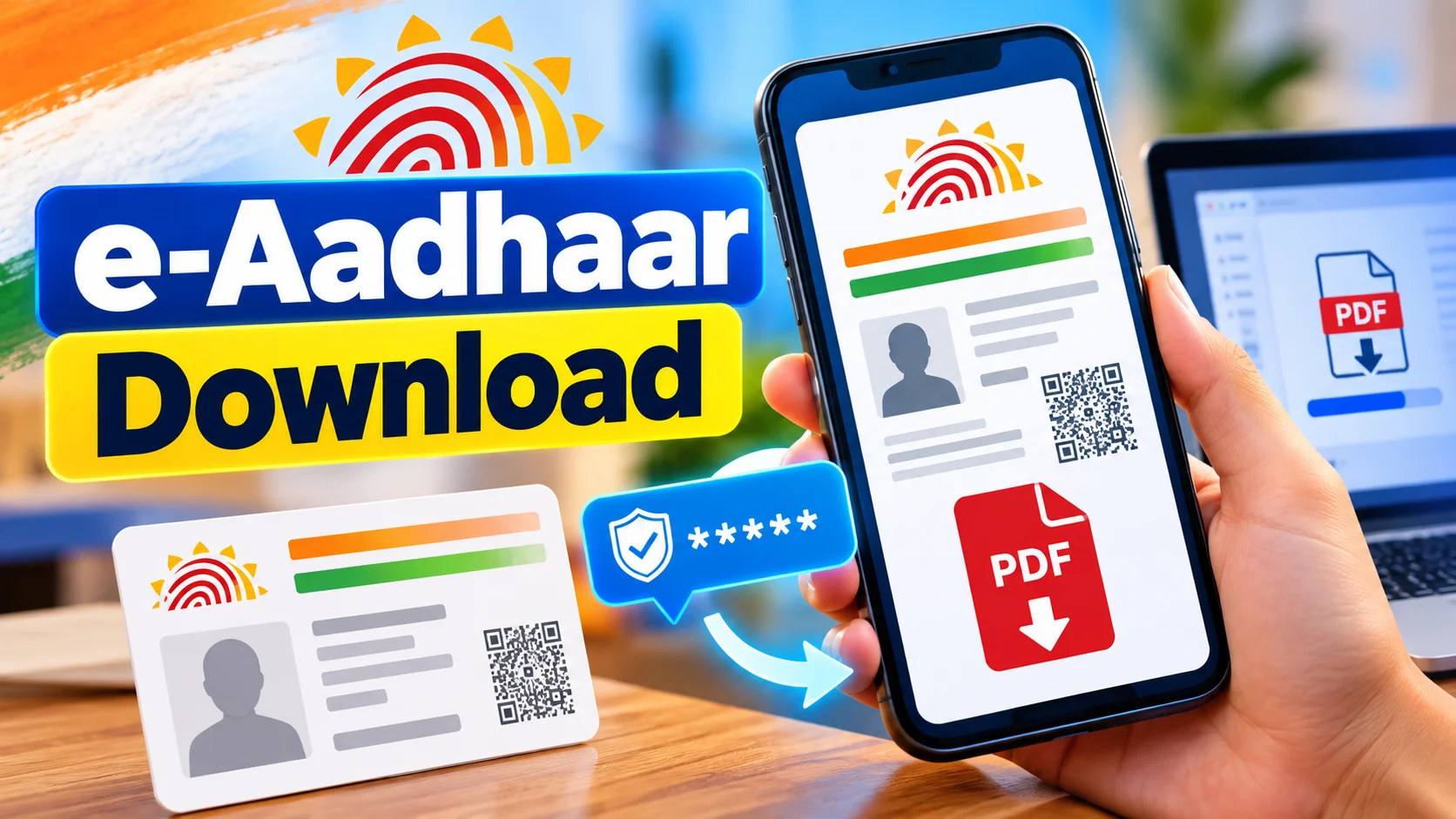
முக்கிய விஷயங்கள்
- e-Aadhaar download is completely free on the official UIDAI site — no app purchase, no hidden ₹ charge.
- You can download it with your Aadhaar number, Enrolment ID, or Virtual ID (VID), as long as your mobile is linked.
- No registered mobile? UIDAI still has a workaround via TOTP on the mAadhaar app.
- The PDF opens only with a password — your name's first 4 letters (capital) + birth year.
- Masked Aadhaar hides your full 12-digit number for situations where you don't want to share it fully.
What exactly is e-Aadhaar?
The fastest way to get your e-Aadhaar is straight from UIDAI's official site, eaadhaar.uidai.gov.in, where you can pull a password-protected PDF for free using your Aadhaar number, Enrolment ID, or Virtual ID in under three minutes. This piece walks you through that exact process, the mAadhaar app workaround if your mobile number has changed, how to crack open the PDF password, when to use a masked Aadhaar instead, and the small mistakes that trip up most first-time downloaders.
Legally, it's just as valid as the plastic card. Banks, telecom stores, airports, even IRCTC counters accept it the same way. The only catch is it has to be the latest one pulled straight from UIDAI, not some old screenshot floating in your WhatsApp gallery.
Here's why this matters in daily life. Say you're standing at a Jio store to get a new SIM, and you left your Aadhaar card at home. If your phone has internet, you open the UIDAI site, pull the PDF, show it on screen or print it at a nearby Xerox shop — done. No waiting for a re-issue, no running home.
How do you actually download e-Aadhaar?
There are three starting points UIDAI accepts — Aadhaar number, Enrolment ID (the 28-digit number on your enrolment slip), or Virtual ID. Pick whichever you have handy and the process stays almost identical after that.
Go to eaadhaar.uidai.gov.in, choose your ID type, enter the number along with the captcha, and hit "Send OTP". The OTP lands on your Aadhaar-registered mobile number within seconds — this is the part people trip on, because it has to be the number UIDAI has on file, not whatever SIM you're currently using.
Once you key in the OTP, your e-Aadhaar downloads as a PDF straight to your phone or laptop. Open it, and it'll ask for a password — type your name's first four letters in CAPITALS followed by your birth year. For example, if your name is Karthik born in 1998, the password is KART1998.
What if your mobile number isn't linked to Aadhaar?
This trips up a lot of people, especially older family members whose Aadhaar was made years ago on a number they've since changed. UIDAI has a backup route for exactly this — the mAadhaar app.
Install mAadhaar from the Play Store or App Store, generate a TOTP (Time-based One Time Password) inside the app, and use that instead of an SMS OTP during download. It works even if your current SIM has nothing to do with the one registered on Aadhaar, as long as you can still access the app linked to your UID.
If even that's not possible, the only real fix is visiting your nearest Aadhaar Seva Kendra or enrolment centre to update your mobile number first. There's no online shortcut around that one — UIDAI keeps it offline on purpose, for security.
| முறை (Method) | தேவை (What you need) | விலை (Cost) | நேரம் (Time) |
|---|---|---|---|
| UIDAI website (eaadhaar.uidai.gov.in) | Aadhaar/Enrolment ID/VID + registered mobile | Free | 2-3 minutes |
| mAadhaar App (TOTP) | App login linked to your UID | Free | 3-5 minutes |
| DigiLocker | DigiLocker account + Aadhaar number | Free | 5 minutes |
| Aadhaar Seva Kendra (printout) | Visit in person with ID proof | ₹30-₹50 | Same day, with queue |
| PVC Aadhaar Card (by post) | Order online with OTP | ₹50 | 7-10 working days |
What mistakes should you avoid?
The most common one — people forget the password format and keep guessing, locking themselves out of frustration. It's always first four letters of your name (as per Aadhaar, in CAPS) plus birth year, nothing fancy.
Second mistake: downloading e-Aadhaar from random third-party apps or websites that promise "instant Aadhaar download". UIDAI's own domain is the only safe one. Anything else asking you to enter your Aadhaar number and OTP on a sketchy site is a straight-up phishing risk.
Third — using an outdated PDF for important KYC. Banks sometimes reject old e-Aadhaar copies if your address or photo has since been updated. If it's been over a year, just pull a fresh copy before submitting it anywhere.
Who actually needs this and when?
Students applying for scholarships, people doing bank KYC, anyone buying a new SIM, train tickets booked on someone else's ID proof during travel — e-Aadhaar covers almost every situation where the physical card isn't within reach.
It's also handy for NRIs and people working outside their home state, who don't always carry the original card but need to furnish ID proof quickly for rentals, Jio/Airtel connections, or opening a new bank account in a different city.
What should you do now?
If you haven't already, download your e-Aadhaar once today and save the PDF somewhere easy to find — Google Drive, email to yourself, wherever you'll actually remember. Keep it as a backup, not something you scramble for during an emergency KYC at a bank branch.
And if you're not sure your mobile number is still linked to Aadhaar, check that first. Half the "I can't download Aadhaar" complaints online trace back to an old SIM number sitting in UIDAI's records from a decade ago.
What about Masked Aadhaar and DigiLocker — how are they different?
Masked Aadhaar is the same e-Aadhaar PDF, except the first eight digits of your 12-digit number get replaced with 'XXXX XXXX' — only the last four digits stay visible. UIDAI added this option years back after privacy concerns around photocopies lying around in hotel lobbies and gym registers. You select it on the download page itself, right before hitting the OTP button, so it costs nothing extra and takes no extra time.
DigiLocker works a bit differently — instead of downloading a fresh PDF each time, it pulls your Aadhaar details directly from UIDAI's servers and stores a verified copy inside your DigiLocker account. Once it's there, you don't need OTP access every single time; you just log into DigiLocker with your mobile number and a quick PIN or biometric check. This is handy for people who travel a lot or switch phones often, since the document stays parked in the cloud rather than buried in a Downloads folder.
The honest limitation here — not every office counter in Tamil Nadu accepts a DigiLocker screen the same way they accept a printed e-Aadhaar. Government offices and banks have gotten better about it, but smaller shops or local agents sometimes still ask for a physical printout. Carrying both a saved PDF and a DigiLocker login covers you either way, and it costs nothing to set up both in advance instead of scrambling when someone at a counter says 'இது ஆகாது, original வேணும்'.


Comments (0)
Be the first to comment!