


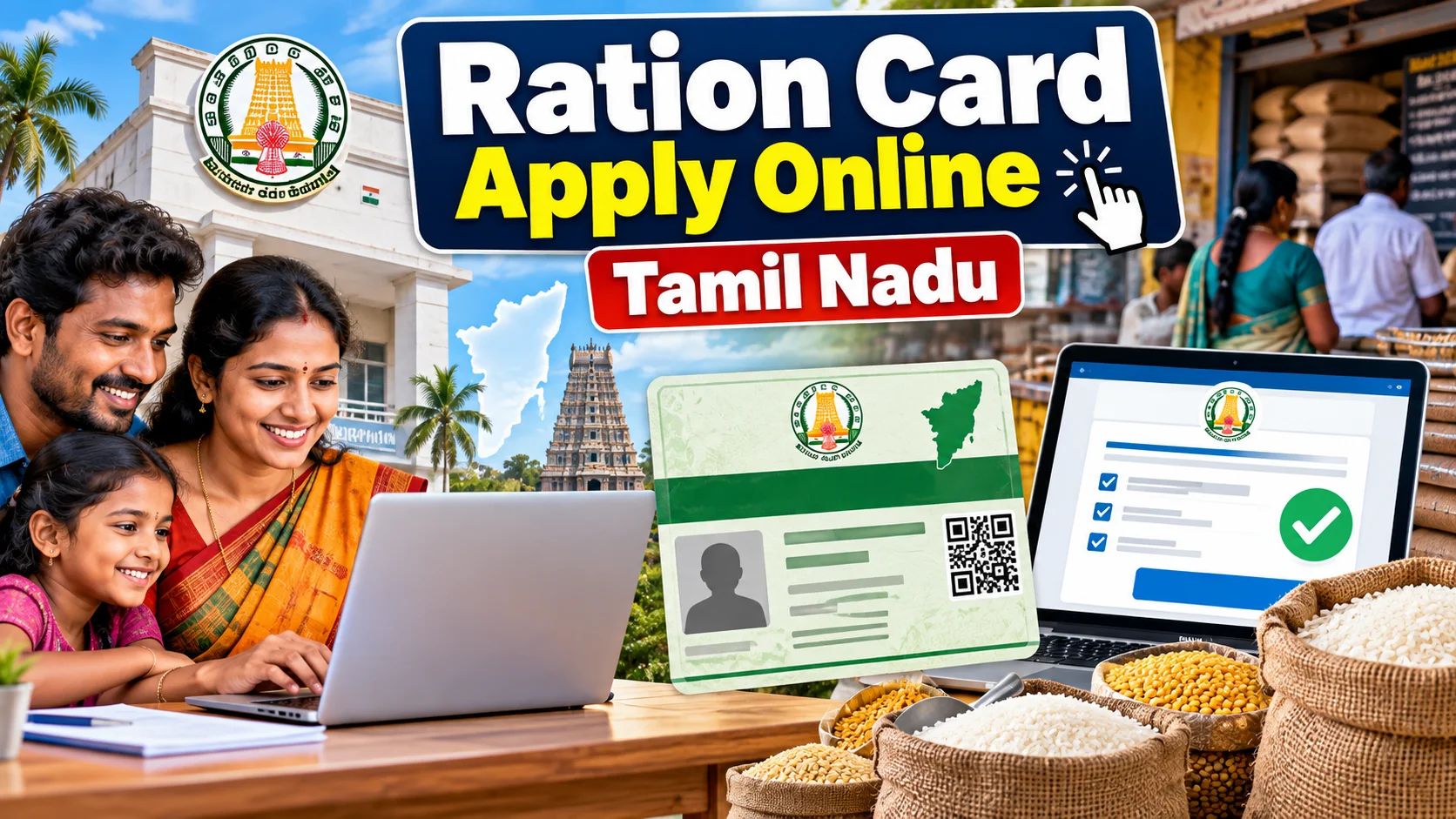
முக்கிய விஷயங்கள்
- Tamil Nadu ration card apply பண்ண வேண்டிய official portal: tnpds.gov.in (Tamil Nadu Public Distribution System).
- New ration card-க்கு apply பண்றது பொதுவா free. Correction, duplicate card மாதிரி services-க்கு மட்டும் nominal fee இருக்கும்.
- Aadhaar, address proof, family photo, income proof - இவை இல்லாம application முன்னுக்கு போகாது.
- Online-ல submit பண்ணதும் field verification officer வீட்டுக்கு வந்து check பண்ணுவாங்க - இது skip ஆகாது.
- Application status-ஐ TNPDS site-லயே application number வச்சு எந்நேரமும் track பண்ணலாம்.
What is TNPDS and why does every Tamil Nadu family need it?
The official way to apply for a ration card online in Tamil Nadu is through tnpds.gov.in, the state's TNPDS portal, where new card applications are free but require Aadhaar, address proof, and a mandatory home verification by a Food Inspector before approval. This guide walks through the exact steps, the documents you need ready, the real costs involved, and the common mistakes that get applications stuck in limbo.
Why does this matter in 2026? Simple - your ration card isn't just about getting rice and sugar anymore. It's used as address proof, income category proof, and sometimes even as eligibility document for government schemes. No ration card means extra paperwork everywhere else.
How to apply for a ration card online in Tamil Nadu?
Here's the actual step-by-step, no jargon.
Step 1: Go to tnpds.gov.in on your phone or laptop. Look for the option that says 'New Ration Card' or 'Apply Online' on the homepage.
Step 2: Register using your mobile number. You'll get an OTP - standard stuff, like any UPI app login.
Step 3: Fill the application form. Family head details, Aadhaar numbers of all family members, address, and the category you're applying under (we'll get to categories below).
Step 4: Upload scanned copies of documents - Aadhaar, address proof, passport photo. Keep file sizes small, the portal is picky about this.
Step 5: Submit and note down your Application Reference Number. Screenshot it, don't just trust memory.
That's the online part done. But - and this is the bit most guides skip - your work isn't over. A Food Inspector or Revenue official will physically visit your address to verify. This is mandatory, can't be skipped, can't be done online. So keep your documents ready at home too.
What documents do you actually need?
This is where most applications get stuck. Have these ready before you even open the portal:
- Aadhaar card of the family head and all members
- Address proof - EB bill, property tax receipt, or rental agreement
- Recent passport-size photo of the family head
- Income certificate (if applying for priority/AAY category)
- Bank passbook copy (mainly for Aadhaar-bank linking verification)
- If you're removing yourself from an old ration card in another district, you need the surrender proof too
Pro tip - if your Aadhaar address and your current residence don't match, keep a valid reason document ready. The verification officer will ask.
How much does it cost? Is TNPDS ration card application free?
Applying for a brand new ration card through TNPDS is free - the Tamil Nadu government doesn't charge a fee for first-time applications. Where small charges come in is for duplicate cards, urgent corrections, or printing a smart card copy at an e-Sevai or CSC centre, which usually involves a nominal service charge at the centre, not the government portal itself.
Because these service-centre charges can change and vary by location, the safest move is to check the fee displayed on the TNPDS portal or ask at your nearest e-Sevai centre before paying anything.
Which ration card category should you choose?
| Card Type | Who it's for | What you get |
|---|---|---|
| Priority Household (PHH) | Families below a certain income threshold | Subsidised rice, sugar, kerosene depending on scheme |
| Antyodaya Anna Yojana (AAY) | Poorest of the poor households | Higher quantity of subsidised foodgrains |
| Non-Priority Household | Families above income limit, mainly for ID/address proof | No major subsidy, mostly used as identity document |
| Smart Ration Card / e-card | All existing cardholders migrating to digital format | Digital copy usable across TN fair price shops |
If you're not sure which one fits you, don't guess - the TNPDS form itself asks income and family details and routes you to the right category based on that.
What mistakes do people make while applying online?
Most rejections in Tamil Nadu ration card applications aren't because of eligibility - they're silly, avoidable mistakes.
Spelling your name differently from your Aadhaar card is the number one issue. Even a small mismatch like 'Kumar' vs 'Kumaar' can hold up verification for weeks.
Second mistake - uploading blurry or cropped document photos. The portal accepts the upload, but the verification officer rejects it later, and you find out only after a long wait.
Third - not being reachable when the field officer visits. If nobody's home and the officer can't verify, your application just sits there. Give a working mobile number and try to be around during the verification window.
How long does it take and how do you check status?
There's no fixed national timeline, but realistically, between document verification and field visit, it usually takes a few weeks rather than days - don't expect instant approval like a Swiggy order.
To check status, go back to tnpds.gov.in, find the 'Application Status' or 'Know Your Application Status' option, and enter your Application Reference Number. It'll show where exactly your file is stuck - submitted, under verification, or approved.
Who should still visit the Taluk office instead of going fully online?
If you're not comfortable with scanning documents or your village doesn't have reliable internet, walking into the nearest e-Sevai centre or Taluk Supply Office is perfectly fine - staff there will do the online submission for you, usually for a small service charge.
Also, if your case involves something unusual - like a family dispute over an existing card, or you've recently moved from another state - it's genuinely better to talk to an officer in person rather than guessing fields on a form.
What happens after the field verification, and can you add or remove family members later?
Once the Food Inspector or Revenue official signs off on the field visit, the application moves to the approval stage at the Taluk level, and you'll get an SMS or portal update once the card is sanctioned. From there, the smart card or digital e-card gets linked to your family's Aadhaar numbers, and that's what your local fair price shop scans every month. It's not a one-time thing either - TNPDS lets you add a new family member (say, after marriage or a newborn) or remove someone who's moved out, through the same portal under 'Member Addition/Deletion', though each change triggers its own mini-verification.
This is actually where a lot of families lose track. People apply once, get the card, and never touch the portal again - until they need to add a spouse or a child and realise the process has quietly changed, or their mobile number on file is outdated. The fix is simple: treat tnpds.gov.in like your bank's net banking, not a one-time government form. Check it once a year, make sure your linked mobile number works, and update address changes immediately instead of waiting until you need the card urgently for some other scheme.
One honest limitation worth knowing - TNPDS runs smoothly in cities and larger towns with decent e-Sevai coverage, but in some remote panchayats, server load and inconsistent internet still slow things down during peak hours, especially near month-end when people check their ration quota. If the site hangs or the OTP doesn't arrive, it's usually not your mistake, just try again later in the day or head to the nearest CSC instead of resubmitting the same form repeatedly, which can sometimes create duplicate entries and more delay.



Comments (0)
Be the first to comment!