


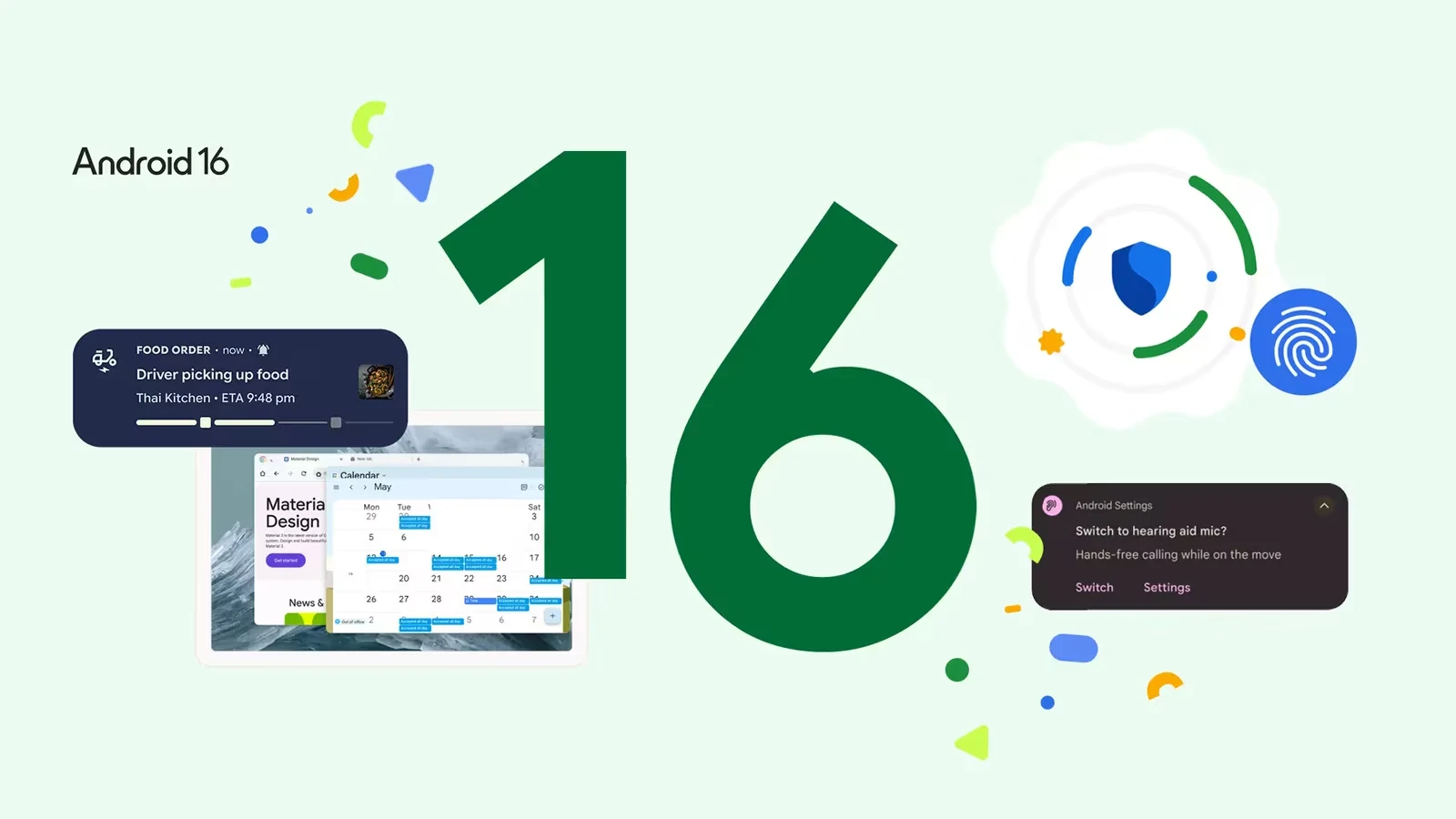
Android 16, released in June 2025, is one of Google's most significant platform updates in years. With a stunning visual overhaul, productivity-focused features, and enhanced security, it transforms how you use your phone. Here are the 12 best features and how to use them.
1. Material 3 Expressive — A Beautiful New Look
Android 16 introduces Material 3 Expressive, a major visual overhaul featuring:
- Increased use of animations, colors, and blur effects
- Custom icon shapes on your home screen
- Monochrome theme option across all app icons
- Enhanced dark theme that darkens even apps without native dark mode
Try it: Long-press home screen → Wallpaper & Style → explore new customization options
2. Auto-Grouped Notifications
Tired of notification clutter? Android 16 automatically groups similar notifications together:
- AI-powered grouping based on app type and content
- Conversation summaries for lengthy chat threads
- Priority notifications rise to the top
- Organizer silencing for low-priority groups
3. Live Updates in Notifications
Track real-time progress without opening apps:
- Ride-sharing: See your driver's location and ETA
- Food delivery: Track order preparation and delivery
- Flight status: Gate changes and delays
- Package tracking: Real-time delivery updates
4. Desktop Windowing Mode
Turn your tablet or phone into a desktop-class device:
- Open, resize, and stack multiple app windows
- Custom keyboard shortcuts for faster navigation
- Taskbar overflow for managing many open apps
- Connect tablets/phones to external displays for expanded desktop (coming in future update)
Enable: Settings → About Phone → tap Build Number 7 times → Developer Options → Enable Desktop Mode
5. Identity Check
A powerful new security feature that requires biometrics outside trusted locations:
- If someone changes your Google account password from an unfamiliar location, they need your face/fingerprint
- Prevents account takeovers even if someone knows your PIN
- Trusted locations (like home/office) allow normal PIN/password access
Path: Settings → Security & Privacy → Identity Check
6. Advanced Protection Mode
The strongest security package Android has ever offered, combining multiple safeguards:
- Protection from online attacks and harmful apps
- Unsafe site warnings
- Scam call detection
- Enhanced app verification
7. Predictive Back with 3-Button Navigation
Now available in 3-button navigation mode: get a preview of your previous screen before going back. The animation shows you where you'll land, reducing accidental navigation.
8. Haptic Sliders
Volume and brightness sliders now provide tactile feedback — you can feel subtle vibrations as you adjust, making precise control easier without looking at the screen.
9. Phone as Mic for Hearing Aids
Use your Android phone as a microphone input for LE Audio hearing aids. Amplify voices in noisy environments without extra equipment.
Path: Settings → Accessibility → Hearing Devices
10. Gemini-Powered Camera Description
Guided Frame now uses Gemini AI to provide detailed descriptions of what's in your camera view. Invaluable for visually impaired users and useful for everyone.
11. Text Scam Protection
Android 16 adds built-in protections against text-based scams:
- AI identifies suspicious messages
- Warns before you click dangerous links
- Blocks known scam numbers
12. Maps Navigation on Home Screen
A subtle but useful feature: Google Maps navigation appears as a small pill on your home screen, so you can see turn-by-turn directions while using other apps.
How to Get Android 16
Android 16 is available on Pixel 7 and newer, Samsung Galaxy S23 and newer, OnePlus 12 and newer, and select devices from Xiaomi, OPPO, and Motorola. Check Settings → System → System Update.






Comments (0)
Be the first to comment!