


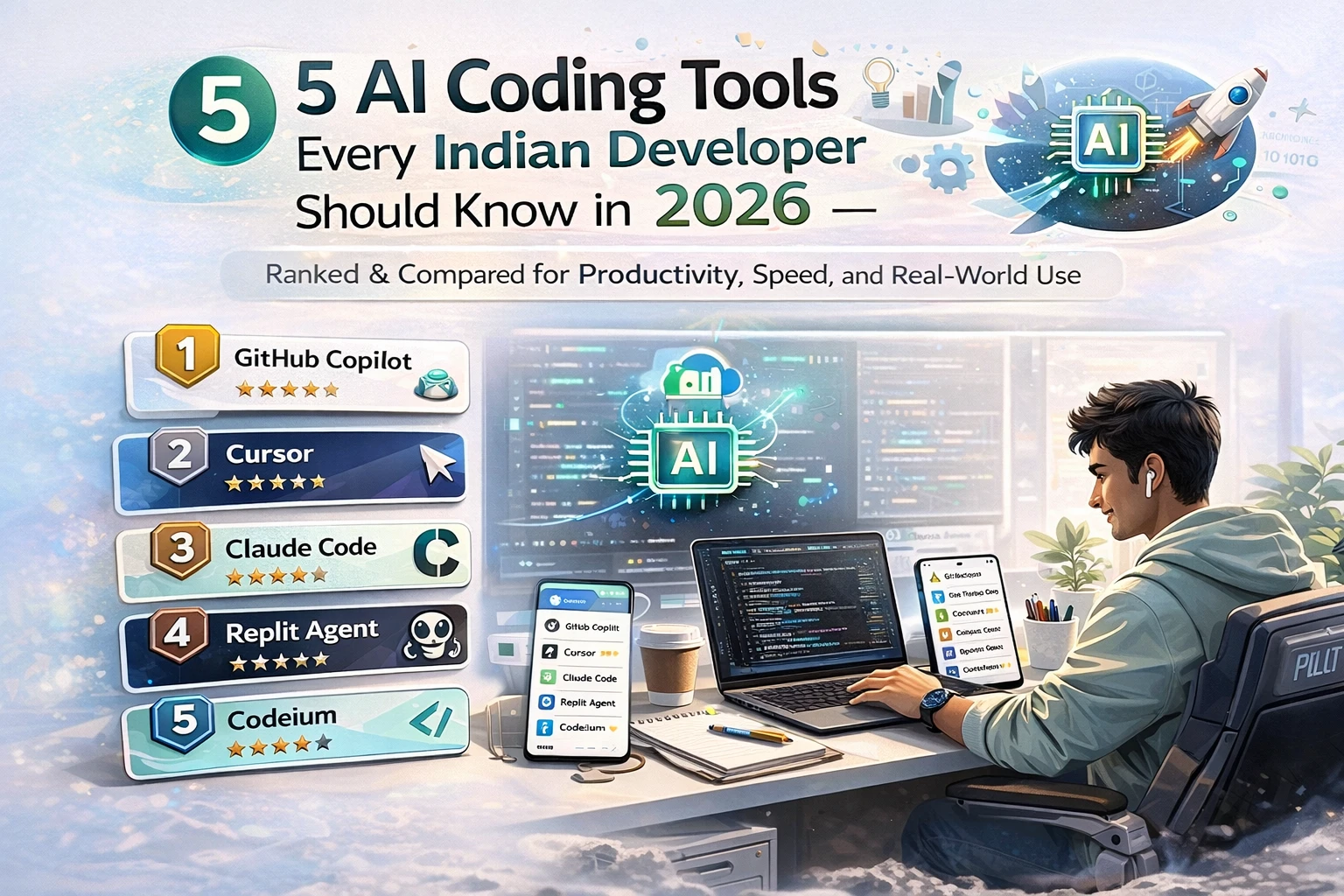
AI coding tools are no longer optional — the question is which ones
Two years ago, AI coding assistants were a novelty. A cool demo, a party trick. Today, the developers who aren't using them are falling behind on raw output speed. The question has shifted from "should I use AI tools" to "which ones, how much do I spend, and how do I combine them without losing my mind."
There are now five tools that serious developers need to have an opinion on: GitHub Copilot, Anthropic's Claude Code, Google's Gemini CLI, CodeRabbit, and OpenClaw. Each fills a different part of the development workflow. Used well together, they're a significant productivity multiplier. Used randomly, they're expensive and confusing.
This guide is for Indian developers — students, working professionals, freelancers, and startup engineers — who want a clear-eyed view of what each tool does, what it costs in INR terms, and how to build a setup that actually makes sense.
GitHub Copilot — the baseline every developer should have
GitHub Copilot is the closest thing to a standard that the AI coding world has. It's integrated directly into VS Code, JetBrains IDEs, Neovim, and Visual Studio. It's used by 90% of Fortune 100 companies. For most developers, it's the first AI tool they encounter, and for good reason — it's deep, it works, and the GitHub integration is unmatched.
Premium Content
Full breakdown of all 5 tools with pricing, use cases, and which combination actually works for Indian developers — inside.
You've used 3 of 3 free articles today.
Subscribe NowAlready subscribed? Sign in





Comments (0)
Be the first to comment!