


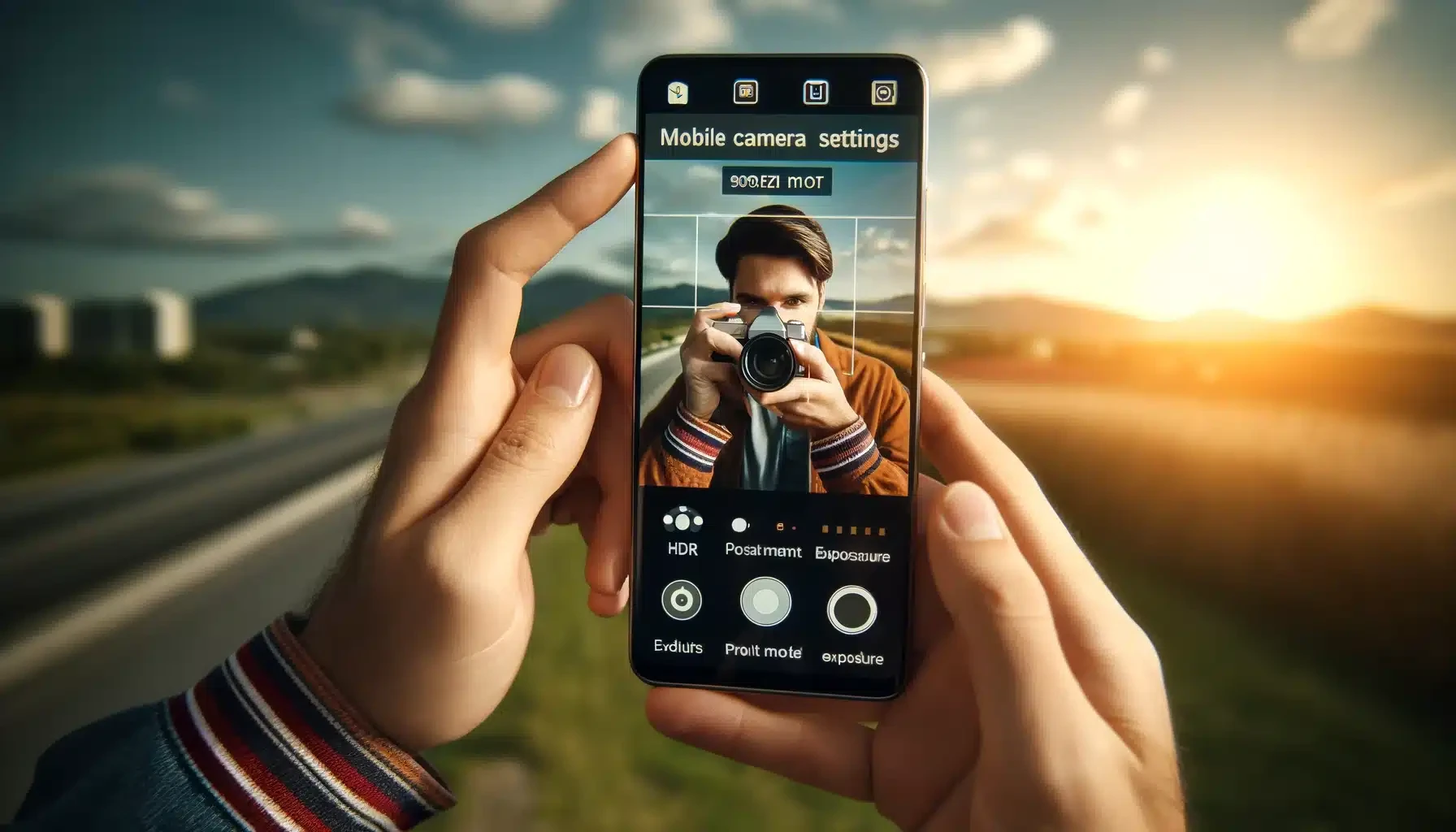
Modern Android phones like the Galaxy S25 Ultra, Pixel 10 Pro, and OnePlus 13 have cameras that rival professional DSLRs — but only if you know how to use them properly. Here are 12 pro-level tips that will dramatically improve your phone photography.
1. Always Tap to Focus Before Shooting
The number one mistake most people make is pointing and shooting without tapping the screen. Always tap on your subject to set focus and exposure:
- Tap and hold to lock focus (AE/AF lock) — essential for moving subjects
- After tapping, slide up or down on the sun icon to adjust exposure
- On Samsung: Tap the subject, then drag the brightness slider
2. Use the Rule of Thirds with Grid Lines
Enable grid lines to compose professional-looking shots:
- Enable: Camera Settings → Grid Lines → ON
- Place your subject at the intersection points of the grid lines
- Position the horizon along the top or bottom third line, not in the center
- This creates naturally balanced, visually appealing photographs
3. Master Night Mode for Low-Light Photography
Night Mode captures multiple exposures and stitches them together using AI for dramatic low-light results:
- Night Mode works best when you hold the phone steady for 3–5 seconds
- Lean against a wall or rest on a surface for better stability
- Avoid zooming in Night Mode — use the main lens for best results
- Pro tip: Night Mode also works great for indoor photos, not just outdoors at night
4. Get Closer Instead of Zooming
Digital zoom degrades image quality. Instead:
- Physically walk closer to your subject
- Use the optical zoom lens (2x, 3x, 5x) — these are real lenses with no quality loss
- Use Macro mode for extreme close-ups of flowers, insects, textures
- Only use digital zoom beyond optical as a last resort
5. Shoot During Golden Hour
The golden hour — one hour after sunrise and before sunset — provides warm, soft light that makes everything look magical:
- Portraits glow with warm, flattering skin tones
- Landscapes have dramatic long shadows and vibrant colors
- Overcast days are also great — clouds act as a natural softbox
- Avoid harsh midday sun which creates unflattering shadows
6. Use Burst Mode for Action Shots
Capturing kids, pets, sports, or any fast movement? Use Burst Mode:
- Pixel: Press and hold the shutter button
- Samsung: Swipe the shutter button downward
- OnePlus: Press and hold the shutter button
- Burst captures 10–30 frames per second — pick the best one later
7. Try Different Angles and Perspectives
Most people shoot from eye level every time. Break this habit:
- Low angle: Shoot from ground level for dramatic, powerful compositions
- High angle: Shoot from above for flatlay or food photography
- Ultra-wide lens: Switch to 0.5x for architecture, groups, and landscapes
- Symmetry: Find natural lines and patterns for geometric compositions
8. Use HDR for High-Contrast Scenes
HDR (High Dynamic Range) combines multiple exposures to capture detail in both bright and dark areas:
- Perfect for sunsets, windows with bright backlighting, and architectural photos
- Most phones enable HDR automatically, but you can force it ON in camera settings
- Samsung's "Scene Optimizer" and Pixel's "HDR+ Enhanced" are both excellent
9. Master Portrait Mode for Professional Bokeh
Portrait mode creates that beautiful blurred background (bokeh) effect:
- Keep 1–2 meters distance from your subject for best results
- Ensure good lighting — portrait mode struggles in very dark conditions
- After shooting, adjust blur intensity in the Gallery editor
- Works for objects too, not just people — try it on food, flowers, products
10. Edit Your Photos — Don't Skip This Step
Even great photos can be improved with a quick edit:
- Google Photos editor: Free, powerful, with AI-powered tools like Magic Eraser and Best Take
- Samsung Gallery: Built-in AI remaster, object eraser, and filters
- Key edits: Increase contrast slightly, boost saturation a bit, crop for better composition
- Don't over-edit: Subtle adjustments look more professional than heavy filters
11. Use a Tripod for Stability
A simple phone tripod (₹300–₹500) unlocks advanced techniques:
- Long exposure: Silky smooth waterfalls and light trails
- Time-lapse: Capture sunsets, clouds, and cityscapes
- Night photography: Steady shots with Night Mode for maximum quality
- Group photos: Use the timer and include yourself
12. Try a Third-Party Camera App for Manual Control
For full creative control, try these camera apps:
- Open Camera: Free, full manual controls, histogram, ISO control
- Camera FV-5: DSLR-like interface with separate focus and exposure points
- Pro tip: Set focus and exposure separately, shoot in RAW for maximum editing flexibility




Comments (0)
Be the first to comment!