


What’s the buzz?
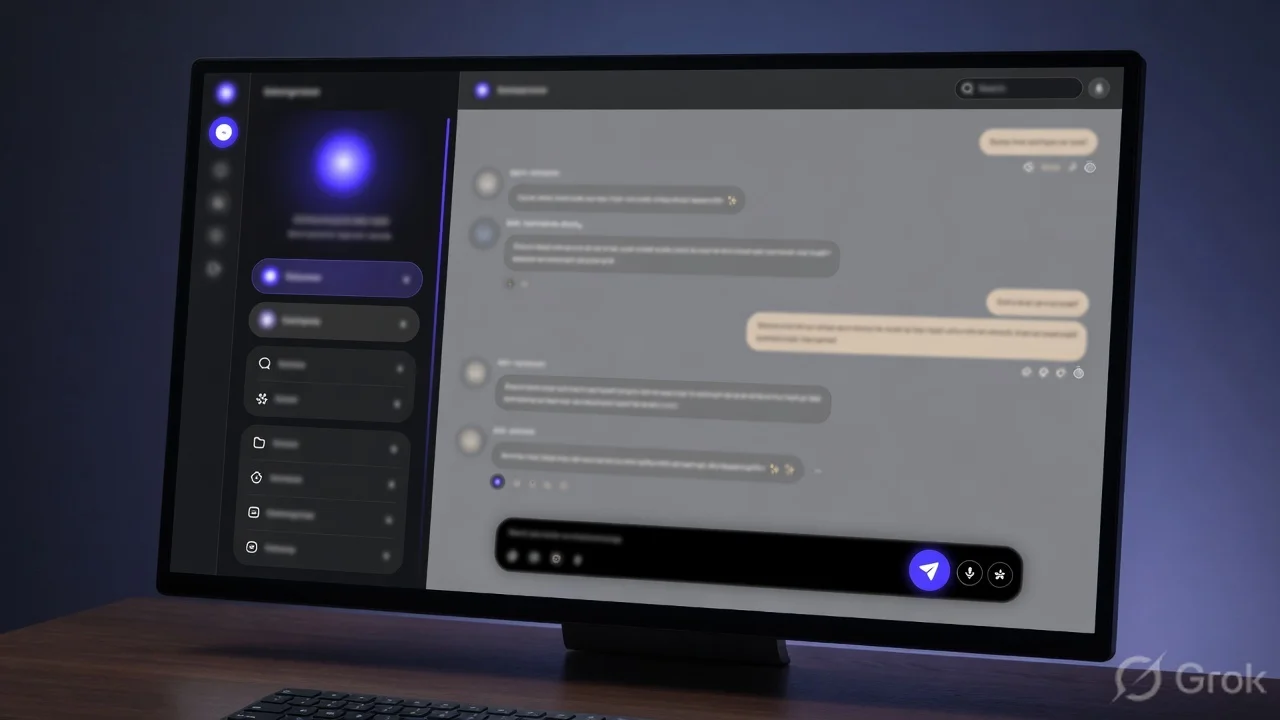
Anthropic, the folks behind Claude, rolled out a brand‑new desktop client that feels more like a lightweight IDE than a chat window. The update adds a left‑hand sidebar to juggle several Claude sessions, a drag‑and‑drop canvas to arrange prompts, an embedded terminal for quick shell commands, and a file editor that lets you open, edit and save code without leaving the app.
Key changes at a glance
- Sidebar for multiple sessions – Think of it as a tab manager but vertical. You can spin up a new Claude chat, pin it, rename it, and switch instantly.
- Drag‑and‑drop layout – The main pane now supports blocks. Drop a prompt, a code snippet, a terminal, or a file view and rearrange them on the fly.
- Integrated terminal – A Bash‑like console lives inside the app, so you can run
git pull,npm installor any CLI tool while Claude watches. - Built‑in file editor – Open .py, .js, .ts, .md files directly. Save changes back to your local folder with a single click.
- Theme & font tweaks – Dark/Light mode toggle, custom font size, and line‑height options for better readability.
Why does this matter for Indian devs?
Most of us in India still rely on a mix of VS Code, terminal windows and separate chat tabs for AI assistance. Having all four tools in one window cuts down on context‑switching, which is a real productivity killer when you’re on a 4‑hour bandwidth‑limited train ride or juggling multiple client tickets.
Step‑by‑step: Getting started
- Download the latest Claude desktop client from Anthropic’s website (Windows 10/11, macOS 12+, Linux .deb/.rpm).
- Run the installer and sign in with your Anthropic account.
- On first launch, you’ll see the new sidebar on the left. Click + New Session to create a fresh chat.
- Drag any block from the Toolbox (top‑right) onto the canvas. Choose Terminal to open a shell.
- To open a file, click the File Editor block, browse to your project folder, and start editing.
- Use the Pin icon on any session to keep it sticky; it stays in the sidebar even after you close the app.
How it stacks up against the competition
OpenAI’s ChatGPT desktop app recently added a “Code Interpreter” but still lacks a native file explorer. Google Gemini’s web UI has a side panel, yet you have to switch tabs for terminal access. Claude’s new layout bundles everything, making it a hybrid between an AI chat and a minimalist IDE.
Indian price & availability
Claude’s desktop client is free for the first 10 K tokens per month – that’s roughly 50 minutes of continuous chat for a solo developer. After that, the pay‑as‑you‑go rate is ₹0.30 per 1 K tokens, which is cheaper than most local cloud AI services. No special Indian pricing yet, but the flat‑rate model works well for freelancers and small startups.
Our take – TamilTech‑ஓட கருத்து
Honestly, this feels like a game‑changer for anyone who’s tired of juggling VS Code, a separate terminal and a browser window for Claude. The drag‑and‑drop canvas is intuitive – you can line up a prompt next to a terminal output and watch Claude suggest code in real time. The built‑in file editor isn’t a full‑blown IDE, but for quick tweaks it’s perfect.
There are a couple of downsides. The terminal is sandboxed; it can’t access network‑restricted corporate VPNs unless you run the client with admin rights. Also, the file editor currently supports only plain‑text formats – no project‑wide search or Git UI. For heavy‑weight development you’ll still need VS Code, but for quick prototyping or learning, Claude’s new desktop feels like a Swiss‑army knife.
What’s next?
Anthropic hinted at future plugins – think linting, test runners, or even a direct Jupyter notebook view. If they roll out a Git integration, the desktop could replace a lot of our current toolchain. Keep an eye on the release notes; the next minor update is expected in two weeks.
Bottom line
If you’re a developer, data‑scientist or even a power‑user who loves AI‑assisted coding, upgrade to the new Claude desktop today. It won’t replace your main IDE, but it will shave minutes off every debugging session – and those minutes add up, especially when you’re billing by the hour.





Comments (0)
Be the first to comment!