


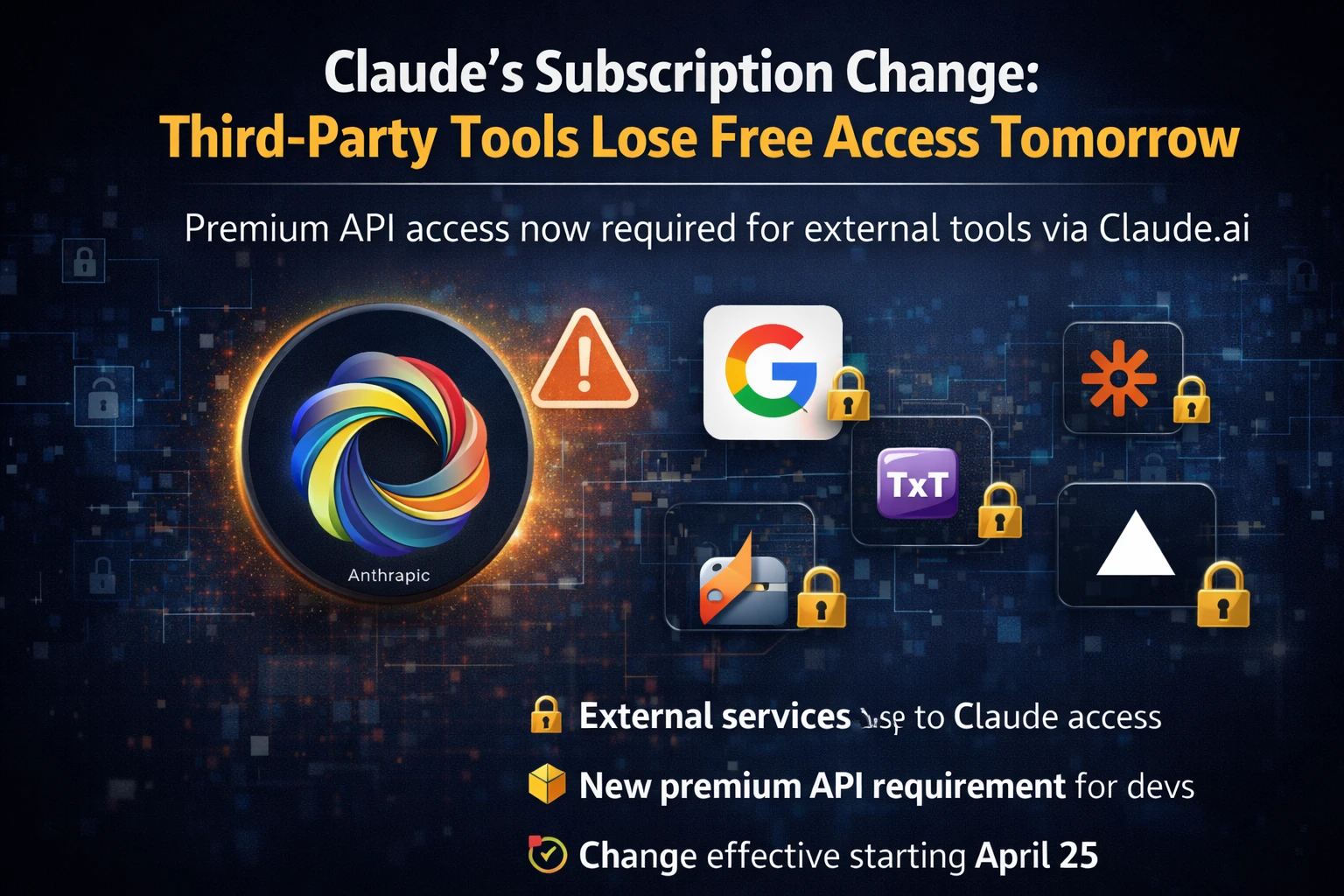
What’s happening?
Effective tomorrow, 12 pm PT, Anthropic’s Claude subscription will no longer include usage on third‑party integrations such as OpenClaw. In plain English – if you’re on a paid plan and you’ve been using Claude inside other tools, those calls will now be billed separately.
How the new model works
There are two ways to keep the workflow you love:
- Extra usage bundles: Anthropic is rolling out new bundles that you can purchase on top of your existing plan. They’re being launched at a discount for early adopters, so you’ll pay less per 1 M tokens compared to the regular rate.
- Claude API key: If you prefer a more granular approach, you can generate an API key from the Anthropic console and feed it directly into the third‑party app. This way you control the exact spend and can even set hard limits.
Why the shift?
Anthropic says the move helps them separate core AI usage from partner‑driven traffic, allowing clearer pricing and better resource allocation. For us Indian users, the key takeaway is that the “all‑in‑one” subscription you may have been counting on is now split into two line items.
Impact on Indian users
Most of us in India use these AI tools for content creation, coding assistance, or quick research. Here’s what the change means for a typical workflow:
- Cost visibility: You’ll see separate line items on your Anthropic invoice – one for the base Claude subscription and another for third‑party usage.
- Currency conversion: Anthropic bills in USD, so the INR amount will fluctuate with the exchange rate. Keep an eye on the daily INR‑to‑USD rate if you have a tight budget.
- Local alternatives: If the extra cost feels steep, consider home‑grown tools like JioChat’s AI or open‑source models you can run on a cheap VPS.
How to add a usage bundle
Follow these steps to avoid any surprise charges:
- Log in to your Anthropic dashboard.
- Navigate to the “Billing” section.
- Click “Add Usage Bundle”.
- Select the bundle size (e.g., 10 M tokens) and confirm the discounted price.
- Save the changes – the bundle will auto‑apply to any third‑party calls.
Using an API key in OpenClaw
If you prefer the API route, here’s a quick setup:
Get your API key from Anthropic console
export CLAUDE_API_KEY=your_key_here
# In OpenClaw config file (openclaw.yaml)
api_key: $CLAUDE_API_KEY
After saving, OpenClaw will start pulling Claude responses directly via the API, and you’ll see the usage reflected under your API usage tab.
Our take – TamilTech opinion
Honestly, this feels like a double‑edged sword. On one hand, the discount bundles are a nice gesture, and having an API key gives you tighter control over spend. On the other hand, the extra layer of billing adds complexity for users who just want a seamless experience.
For Indian freelancers and small agencies, the extra cost could bite – especially when the INR is weak against the dollar. If you’re already paying for a Claude plan, evaluate whether the third‑party integrations are essential or if you can switch to native Claude usage or local alternatives.
What to watch next
Anthropic hinted that more partner‑specific pricing could roll out in the coming months. Keep an eye on their announcements; they might introduce tiered bundles for heavy users, which could be a win for the Indian market.
Bottom line: Update your billing settings today, grab a discounted bundle if you need it, and test the API route before your current quota runs out. Stay ahead of the change and you won’t feel the pinch.





Comments (0)
Be the first to comment!