


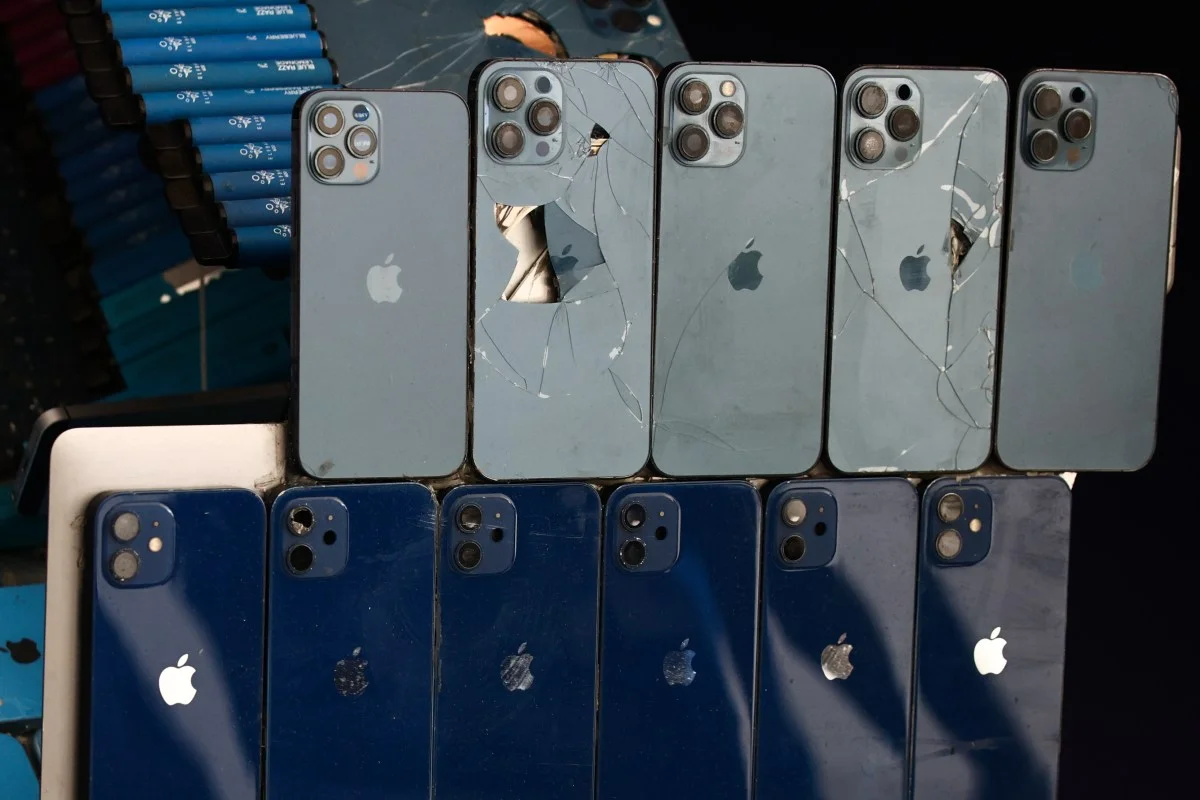
Someone just published iPhone hacking code on GitHub — and anyone can use it
This is a genuine security emergency for iPhone and iPad users. Two sophisticated hacking toolkits — named Coruna and DarkSword — have been used by state-sponsored attackers and cybercriminals for months to silently steal data from iPhones and iPads. These weren't script-kiddie tools. They were nation-state level weapons.
Then someone leaked a newer version of DarkSword on GitHub. Public. Downloadable. Deployable.
A security researcher who analyzed the leaked files described them as "just HTML and JavaScript" — meaning anyone with basic web knowledge can copy, paste, and host the attack on a server "in a couple of minutes to hours." No iOS expertise required. No special equipment. Just download the files and point a website at them.
The scale of potential exposure here is enormous. Hundreds of millions of iPhones and iPads running older iOS versions are vulnerable to these exploits. If you haven't updated your iPhone recently — or if you're running an older device that can't update to iOS 26 — read this carefully.
What are Coruna and DarkSword — and what can they do?
Coruna and DarkSword are exploit kits — collections of attack tools that chain multiple vulnerabilities together to break into iPhones and iPads. They were discovered by researchers at Google's Threat Intelligence Group (GTIG), iVerify, and Lookout, who had been tracking cyberattack campaigns targeting Apple users across multiple countries.
Coruna targets iPhones and iPads running iOS 13 through iOS 17.2.1 — that's every iPhone from iOS 13 up to the December 2023 release. If someone in your family has an older iPhone that stopped getting updates, and it's running anything in that range, Coruna is a threat.
DarkSword targets more recent devices — iPhones and iPads running iOS 18.4 through iOS 18.7. That covers devices released and updated between September 2025 and earlier this year. These aren't ancient devices. These are relatively recent iPhones that simply haven't been updated to the latest iOS version.
Both toolkits exploit vulnerabilities in WebKit — the browser engine that powers Safari, and also runs inside every other browser app on iOS (Chrome, Firefox, Brave — they all use WebKit on iPhone). This means the attack surface is every website you visit.
How the attack actually works — and why it's scary
These attacks are what security researchers call "watering hole" attacks. The name comes from the predator strategy of waiting at a watering hole rather than chasing prey. In digital terms: the attacker compromises a website you might visit, and when your vulnerable iPhone loads that page, the exploit fires automatically.
You don't click a link. You don't download anything. You don't approve any permission. You just visit a website — maybe a news site, a shopping page, a forum — and if the attacker has injected DarkSword or Coruna into that site, your device is compromised silently in the background while the page loads normally.
Once the exploit runs, the attacker gains extensive access to your device. The data that can be stolen includes your messages (iMessage, SMS), browsing history, saved passwords, location history, photos, Apple Health data, and cryptocurrency wallet credentials. Essentially, everything on your iPhone.
The stolen data is then transmitted to attacker-controlled servers. You see nothing unusual. Your phone works normally. The theft has already happened.
Why the GitHub leak changes everything
Before the GitHub leak, DarkSword was a weapon in the hands of sophisticated actors — governments, commercial surveillance vendors, well-funded criminal groups. Using it required technical capability and operational infrastructure. The barrier was high.
After the leak, that barrier is gone. The files are HTML and JavaScript — the most basic web technologies in existence. Anyone who can run a web server can now deploy these exploits. The security researcher who analyzed the leaked code put it bluntly: the exploits will "work out of the box" and there is "no iOS expertise required."
What was previously a targeted threat — used against journalists, activists, specific high-value individuals — has now become a potential mass threat. Random criminal groups, opportunistic hackers, even individuals with basic technical knowledge can now launch DarkSword attacks against anyone running a vulnerable iOS version.
The researcher who made this assessment also noted: "I don't think that can be contained anymore. So we need to expect criminals and others to start deploying this."
Which iPhones are at risk — exact versions
You are at risk if your iPhone or iPad is running any of these iOS versions:
Coruna risk — iOS 13, iOS 14, iOS 15.0 through 15.8.6, iOS 16.0 through 16.7.14, iOS 17.0 through 17.2.1. These are older but still very common, especially on iPhone 6s, iPhone 7, iPhone 8, iPhone X, and older iPad models that are still in daily use across India.
DarkSword risk — iOS 18.4 through 18.7. These are recent versions — the kind of iPhone that got iOS 18 updates but hasn't been updated since September 2025 or later.
You are NOT at risk if your device runs iOS 26, the latest iOS 18.x patches (18.7.6 or later), iOS 16.7.15, iOS 15.8.7, or iPadOS equivalents. Apple issued an emergency patch on March 11 specifically addressing these vulnerabilities.
What to do right now — step by step
Open Settings on your iPhone or iPad. Tap General, then tap Software Update. If an update is available, download and install it immediately. This is the most important thing you can do.
If your device can run iOS 26 or the latest iOS 18 release, update to it. If your device is too old to run those versions but can still receive updates (older iPhones can still get iOS 15.8.7 or iOS 16.7.15), install those emergency patches — Apple released them specifically for older devices that can't run iOS 26.
If your device truly cannot receive any more updates — like an iPhone 6 that maxed out at iOS 12 — consider whether you need to replace it. A device with no security update path is permanently vulnerable.
Enable Lockdown Mode as an additional layer of protection. Apple confirmed that Lockdown Mode can further limit these exploits even on older devices. You'll find it in Settings → Privacy & Security → Lockdown Mode. It restricts some features (certain web content, link previews, FaceTime restrictions with unknown contacts), but it significantly reduces the attack surface.
Why Indian iPhone users specifically need to act fast
India has one of the largest iPhone user bases in Asia, and a significant portion of those iPhones are older devices — iPhone 8, iPhone XR, iPhone 11 — bought second-hand or held onto for 4-5 years. These devices are disproportionately likely to be running older iOS versions, either because users haven't updated or because the devices can't update beyond a certain iOS version.
Second-hand iPhones bought through platforms like OLX, Quikr, or even local phone shops in Chennai, Mumbai, and Delhi markets often come with outdated iOS versions. If you bought a used iPhone recently and haven't checked the iOS version or updated it, now is the time.
The data at risk is also particularly sensitive for Indian users: iMessage conversations, Safari saved passwords that might include banking logins, UPI app credentials stored in device memory, and contacts that could be used for further social engineering attacks.
Enable automatic updates if you haven't already: Settings → General → Software Update → Automatic Updates. Turn on both Download iOS Updates and Install iOS Updates. Your phone will update overnight while charging, without you having to remember to do it manually.
TamilTech's take
The combination of government-grade exploit tools and a GitHub leak that removes the technical barrier is a genuinely dangerous situation. This isn't theoretical risk — security researchers are explicitly warning that criminal deployment is expected to begin immediately.
The fix is simple and free: update your iPhone. Apple already patched this on March 11. If you've updated since then, you're protected. If you haven't, you're running on borrowed time.
Check every iPhone in your household — especially the older devices belonging to parents, grandparents, or siblings who might not stay on top of updates. This is one of those times where the responsible thing is to check on the people around you, not just yourself.



Comments (0)
Be the first to comment!