


Key Takeaways
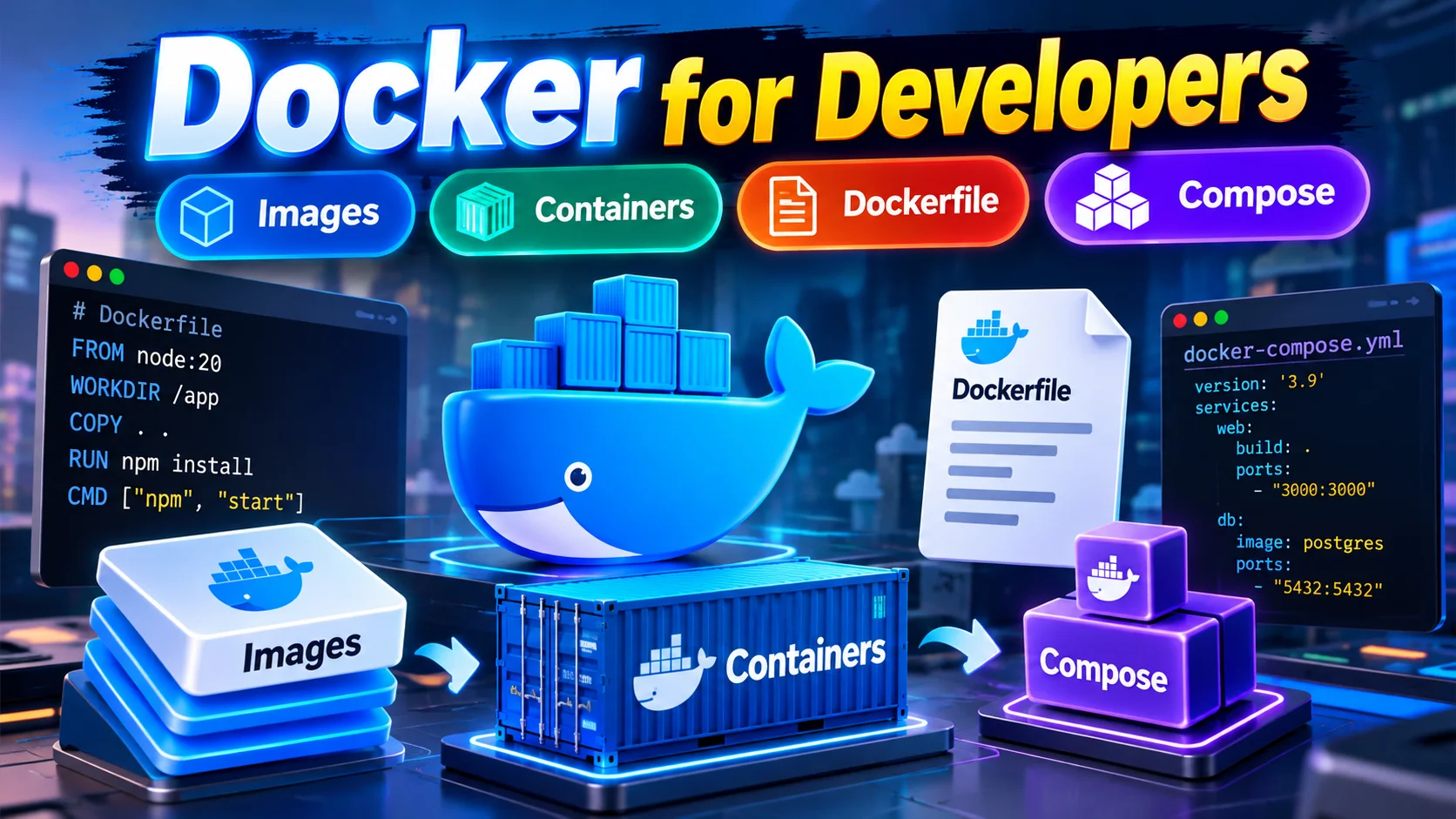
- A Docker image is a frozen, immutable snapshot; a container is that image running live in memory with its own read-write layer.
- Ordering matters in a Dockerfile: copy dependency files first to exploit layer caching and cut your build times down from minutes to seconds.
- Containers are stateless by default; if you do not attach a volume, any database record you create disappears the moment the container stops.
- Docker Compose links your multi-tier stacks (like a Node API and a Postgres database) with internal networking so you never have to juggle loose terminal commands.
Every developer in an Indian IT corridor, from Chennai's OMR to Bengaluru's Outer Ring Road, has heard the classic excuse during a sprint demo: "It works on my machine, bro." Then the build goes to staging, crashes on Node version mismatches, and ruins your Friday evening. That frustrating ritual ends the day you understand Docker.
Docker packages your application code alongside the runtime, system libraries, configuration, and environment dependencies into a single distributable bundle. Whether your code runs on your MacBook, a colleague's ThinkPad running Fedora, or an AWS EC2 instance in Hyderabad, it behaves identically. Here is how the entire ecosystem fits together without the corporate buzzwords.
What is the real difference between a Docker image and a container?
The cleanest way to understand images and containers is through basic object-oriented programming. A Docker image is the class; a Docker container is the running instance. You define an image once, and you can spin up five hundred identical containers from it across a server cluster.
Think of a Docker image like a packet of ready-made idli batter from the supermarket. It sits on the shelf: cold, immutable, packaged, and unchanging. You do not edit the batter inside the sealed packet. When you pour that batter into a hot pan and steam it, you get an idli you can eat right now. That cooked idli on your plate is your container. It lives, consumes resources, and eventually gets finished.
Technically, an image consists of stacked, read-only filesystem layers generated during the build process. When you run an image, the Docker daemon slaps a thin, writable layer on top. Any file created, modified, or deleted by your running program happens strictly within that scratch layer.
Download a lightweight web server image and launch it as a named container
docker run -d --name dev-server -p 8080:80 nginx:alpine

# Check the active status of your running container
docker ps

# View stdout logs without SSHing into the instance
docker logs --tail 25 dev-server
How do you write a clean, production-ready Dockerfile?
A Dockerfile is simply a step-by-step recipe that tells Docker how to assemble your image. Every instruction in this file creates a cached layer. If a step has not changed since the last build, Docker skips re-running it, making subsequent builds blisteringly fast.
The biggest amateur mistake developers make is copying the entire project folder before installing dependencies. If you copy your entire source code first, editing a single comment in a JavaScript or Python file invalidates the build cache, forcing Docker to download all your libraries from scratch. Always copy package manifests first, run your installation command, and only then copy your source code.
Step 1: Base image with a minimal Linux footprint
FROM node:22-alpine

# Step 2: Establish the isolated working directory inside the container
WORKDIR /usr/src/app

# Step 3: Copy manifests and install dependencies before app code to save cache
COPY package*.json ./
RUN npm ci --omit=dev

# Step 4: Copy the remaining application source code
COPY . .

# Step 5: Switch away from root user for runtime security
USER node

# Step 6: Expose port and run the process
EXPOSE 3000
CMD ["node", "server.js"]
Keep your base images lean. Avoid starting from full distribution images like standard Ubuntu unless your binary strictly requires specific OS libraries. Using an Alpine or Debian-slim base can reduce image sizes from 1.2 GB down to under 150 MB, saving network bandwidth during deployments.
How do volumes and port mapping actually save your data?
Containers are ephemeral. That means they are designed to be stopped, destroyed, and replaced without sentimental attachment. If you run a MongoDB or PostgreSQL database inside a bare container and drop that container, every record stored inside its filesystem is permanently lost.
Volumes solve this by creating a bridge between the container's virtual path and your host machine's storage. When you mount a volume, the database writes files directly to the host disk, completely bypassing the container's temporary storage layer. When you kill the container and spawn a new one pointing to the same volume, all your data remains intact.
Port mapping works on the same bridge principle for network traffic. A container sits on its own isolated virtual network. If your web app listens on port 3000 inside the container, nobody on your host machine can reach it through a browser until you publish that port. The flag -p 8080:3000 forwards incoming traffic from port 8080 on your host machine straight into port 3000 inside the isolated container.
How do you run your app and database together using Docker Compose?
Building a real application rarely means running a single isolated script. You usually have a backend API, a database like PostgreSQL, and maybe a caching layer like Redis. Running separate docker run commands with manual network links quickly becomes an unmanageable mess.
Docker Compose lets you define your entire infrastructure stack inside a single declarative configuration file, historically called docker-compose.yml (or simply compose.yaml). With one terminal command, Docker Compose builds your application image, pulls the necessary database image, creates a private internal network, mounts persistent storage volumes, and starts the services in the correct sequence.
services:
  api:
    build: .
    ports:

"3000:3000"
    environment:

DB_HOST=dbDB_PORT=5432DB_NAME=store
    depends_on:

db

  db:
    image: postgres:17-alpine
    environment:
      POSTGRES_DB: store
      POSTGRES_USER: devuser
      POSTGRES_PASSWORD: localpassword123
    volumes:

db_data:/var/lib/postgresql/data

volumes:
  db_data:
Notice that inside the Compose network, services can talk to each other directly using their service names as domain hostnames. Your backend API does not need to know a private IP address; it simply connects to http://db:5432, and Docker's internal DNS handles the routing automatically.
Which common Docker mistakes trip up developers?
First, developers frequently forget to create a .dockerignore file. Without this file, your local node_modules, virtual environments, Git history, and sensitive .env files get baked straight into the Docker build context. This inflates your image size and leaks secrets.
Second, running containers as the root user inside production environments remains a major vulnerability. If an attacker discovers an arbitrary code execution exploit in your application, running as root inside the container makes container breakouts significantly easier. Always define a non-privileged user using the USER instruction.
Third, bundling production configuration keys into your Dockerfile instructions creates dangerous audit failures. Never hardcode API keys or database passwords in ENV instructions inside a Dockerfile. Anyone with access to pull the image can inspect the build history with docker history and read those secrets in plain text. Inject secrets at runtime using environment variables or a secrets manager.
Where is this tested in Indian tech interviews, and what should you practice today?
Whether you are interviewing for mid-level backend roles at product startups in Indiranagar or cloud platform teams at systems integrators like TCS and Infosys, container basics are no longer optional. Interviewers will test if you understand the operational mechanics behind containers rather than just memorized flags. Expect direct questions on layer caching optimization, the exact difference between CMD and ENTRYPOINT, how to troubleshoot OOMKilled exit codes, and how container networking resolves internal DNS.
Here is your twenty-minute practice task to lock down this knowledge today: Write a tiny script in Python, Go, or Node that reads an environment variable called APP_MESSAGE and prints it to the console every five seconds. Create a Dockerfile with a non-root user, build it into an image named my-greeter:v1, and run it passing a custom message flag from your terminal. Once you see your message printing cleanly from an isolated container process, you have officially moved past the tutorial phase.


Comments (0)
Be the first to comment!