


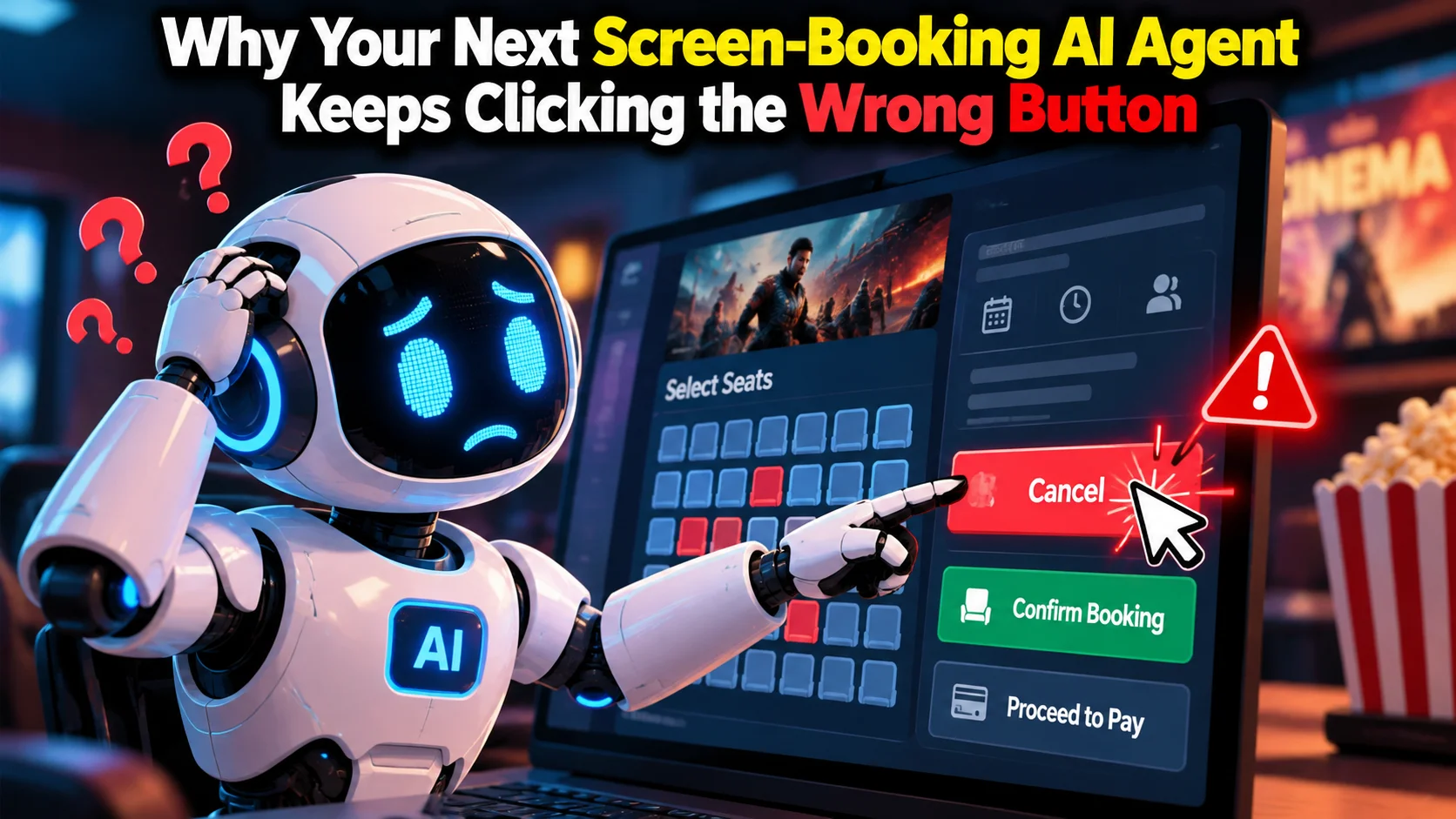
- GUI agents often fail because old screenshots, sound inputs, and device logs create a clutter problem researchers call Sequential Distraction.
- Nanyang Technological University researchers built FocusGUI, an adapter that dynamically filters multimodal noise into a compact latent vector.
- In benchmark tests, it improved Exact Match by 3.0 times and Type Match by +33.2 over frozen base models.
- Because it requires zero backbone retraining and trains purely from action supervision, it offers a budget-friendly path for builders automating complex phone and desktop workflows.
What is a focused omni-modal GUI agent, in one line?
It is an artificial intelligence system that controls apps by looking only at the exact button or prompt it needs right now, ignoring previous screen clutter. Think about how you use your phone. You open an app like Swiggy, search for a dish, glance at a discount banner, enter a coupon code, and finish payment through UPI. At every single step, your eyes throw away 90% of the screen and lock onto one field.
Today's AI GUI agents try to do the same task across screenshots, audio streams, device states, and click histories. But until now, most models had a bad habit: they tried to stare at every single visual element and log from every previous step all at once. That sounds smart, but in practice, it makes the AI act like a distracted toddler.
Why do screen-controlling AI models keep getting confused?
The problem is what researchers call Sequential Distraction. When an agent takes an action on a screen, that action changes what appears next. If the agent made a tiny mistake three steps ago, that mistake stays sitting in its memory buffer.
Say an agent is trying to fill an address form. In step one, a floating promotion pop-up appears. The agent closes it. But in steps two, three, and four, the visual memory of that pop-up is still being fed into the model alongside current screenshots and device state logs.
What was useful information two seconds ago is now pure visual clutter. The model gets confused by its own history, drifts off course, and clicks the wrong text box. Once this trajectory drift starts, the agent rarely recovers on its own. The entire automated session collapses.
How does FocusGUI solve this screen clutter?
Researchers at Nanyang Technological University tackled this with an idea called Focused Perception, packaged into an architecture called FocusGUI.
Think of a delivery partner riding through peak Bengaluru traffic in heavy rain. If that rider tries to read every shop signboard, listen to every honking vehicle, and re-read the delivery receipt at every intersection, an accident is bound to happen. What the rider actually does is simple: filter out the city noise and look exclusively for the next left-turn arrow on the GPS screen.
FocusGUI acts like that internal filter. Instead of feeding every pixel, audio frame, and log uniformly into the agent at every turn, it uses a lightweight adapter. This adapter checks what decision needs to happen right at this step, dynamically prioritizes the relevant multimodal channels, and compresses that evidence into a compact latent representation.
Then comes the clever part. FocusGUI injects this compact representation directly into the frozen decoder embeddings of the base model. It nudges where the model should focus its attention without changing the model's core parameters.
Best of all, training this system does not require humans to manually label which part of every screenshot was important. FocusGUI trains strictly from action supervision alone. If the final tap or keystroke was correct, the adapter learns which inputs mattered.
What do the research numbers actually show?
The team tested FocusGUI across four omni-modal backbones, and the jump in execution accuracy is notable. You can inspect the preprint directly on the Hugging Face paper page.
Across the four evaluated backbones, FocusGUI raised overall Type Match by +33.2 points on average compared to the untouched, frozen backbone. Even more striking, it improved Exact Match by 3.0 times over the frozen baseline.
When matched against the strongest existing enhancement method available for these architectures, FocusGUI still beat it, posting a +30.1 point increase in Type Match. These gains came without touching the underlying weights of the foundational models.
Why does this matter for Indian developers building app bots?
If you build software in India, you know our digital interfaces are notoriously crowded. Between regional language toggles, OTP verification sheets, scratch cards, and aggressive sale notifications, consumer apps here are packed with visual noise.
Building an autonomous agent that can navigate a chaotic portal—say, filing an invoice or walking an elderly relative through a pension KYC portal—usually fails because standard vision-language models choke on all those extra banners.
The standard workaround has been fine-tuning entire massive models on thousands of annotated screen traces. For an early-stage startup or a college student working on a laptop, renting high-end GPU clusters on cloud providers is completely out of reach. Paying lakhs of rupees every month just to fine-tune a model that might break when the app updates its UI is impractical.
A lightweight adapter changes that equation. Because FocusGUI works with frozen backbones and trains purely from action outcomes, developers can potentially build reliable computer-use agents on much smaller compute budgets. You keep the base model frozen, attach a compact adapter layer, and let the adapter do the heavy lifting of cutting out screen garbage.
Which mistakes get people into trouble with this tech?
The biggest trap is assuming this paper represents a drop-in software development kit ready for your production code right now. It does not.
This is academic research. While the code is publicly shared on GitHub under the repository fyzhang1/FocusGUI, it is a research artifact designed to prove a concept, not an enterprise-grade library with customer support and stability guarantees.
Another common mistake is expecting an adapter to fix bad system prompts. If your instruction to the agent is vague, or if your backend cannot supply clean device state feeds, even the sharpest perception adapter will still take the wrong action.
There is also the real-world latency check. Compressing streaming omni-modal inputs on the fly still takes compute cycles. If you run this across a slow mobile connection or on an underpowered local server, the agent will lag behind live UI animations.
What should you do now?
Do not rewrite your product roadmap around this paper overnight. Instead, treat it as a clear architectural hint for where screen automation is heading.
If you are building browser extensions, robotic process automation bots, or testing scripts for Android apps, take a look at their repository. Study how they structure the step-specific decision reference and how they hook the adapter into decoder embeddings without unfreezing the base weights.
Keep an eye on popular open-source agent frameworks over the coming months. As these adapter-based perception methods get adapted into everyday developer tooling, the cost of running reliable UI automation will drop, making app-controlling agents far more practical for everyday software.

Comments (0)
Be the first to comment!