


What’s the buzz?
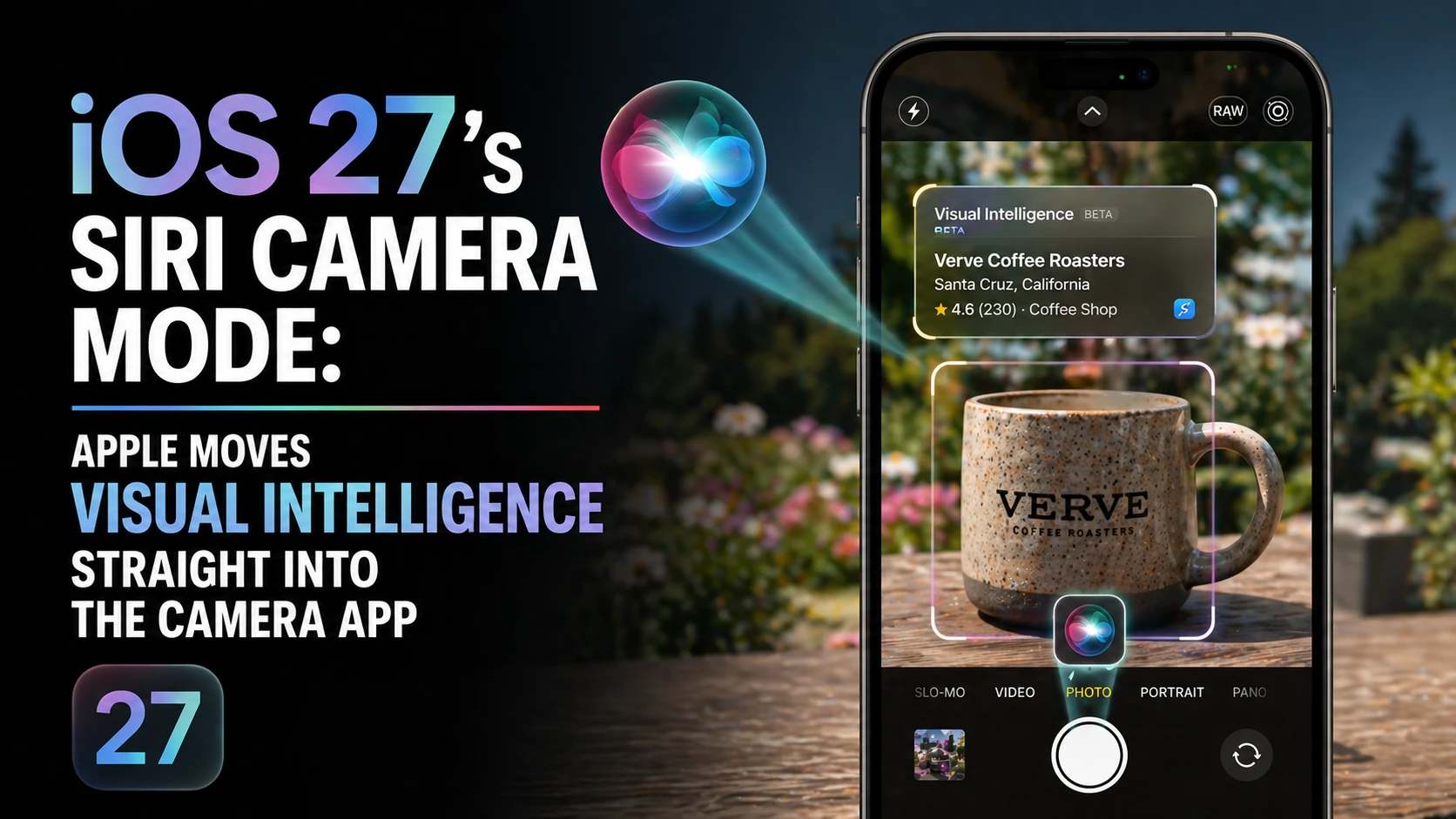
Apple is about to roll out a brand‑new Siri camera mode in the upcoming iOS 27. Instead of tucking Visual Intelligence behind the little Camera Control button, the tech‑giant will give it its own slot inside the Camera app. In plain English – you’ll be able to say "Hey Siri, take a portrait of my friend" and the phone will automatically switch to the right shooting mode, apply the right AI‑boost, and snap the picture – all without you touching a single button.
Why does this matter?
Since iOS 16, Apple has been quietly adding AI‑powered tricks (like subject isolation, night‑mode enhancements, and real‑time object detection) to the camera. They were all hidden behind a long‑press on the shutter button. The new approach makes those tricks instantly reachable, turning the camera into a true voice‑first tool. For Indian users who love to capture moments on the go – think of a bustling market, a quick selfie at a temple, or a spontaneous video of a cricket match – this could be a game‑changer.
How it works – the tech behind Visual Intelligence
Visual Intelligence is Apple’s umbrella term for on‑device machine‑learning that analyses the scene in real time. It decides whether you’re looking at a landscape, a portrait, a low‑light setting, or a fast‑moving object, and then tweaks exposure, focus, and even HDR processing on the fly. The heavy lifting happens in the A‑series chip’s Neural Engine, so everything stays private and fast.
What iOS 27 adds
- Siri‑only camera mode: A dedicated button on the bottom toolbar that launches Siri in camera‑only mode.
- Context‑aware commands: Say "Siri, capture the fireworks" and the system will automatically enable night‑mode HDR, increase exposure, and lock focus on the fireworks.
- Multi‑object tracking: Ask Siri to "record the dance performance" and the phone will keep the subjects in frame, even if they move across the stage.
- Localized language support: Siri will understand Tamil, Hindi, Telugu, etc., for camera commands, making it more natural for Indian users.
Step‑by‑step: Using the new Siri camera mode
- Open the Camera app on your iPhone running iOS 27.
- Tap the new ‘Siri’ icon on the bottom toolbar (it looks like a microphone inside a circle).
- When Siri lights up, speak your command – for example, "Hey Siri, take a portrait of my mom".
- The camera switches to Portrait mode, applies AI‑enhanced depth, and takes the shot when you say “cheese”.
- Review the photo as usual – the AI‑processed version will be saved automatically.
Indian angle – why it’s more than a cool gimmick
India is a market where hands‑free interaction matters. Think of commuters on crowded trains, street vendors juggling multiple tasks, or kids pulling out phones during a family gathering. Voice‑first camera control means less fumbling, fewer missed shots, and better composition in noisy, fast‑moving environments.
Moreover, Apple’s on‑device AI respects privacy – a big selling point after recent data‑privacy debates in India. No data goes to the cloud; everything stays on the iPhone’s Neural Engine.
TamilTech‑ஓட கருத்து
Honestly, this feels like a natural evolution. Apple has been pushing AI under the hood for years, but most of it stayed hidden. By exposing it through Siri, they’re turning the iPhone into a true “assistant photographer”. For power‑users who already rely on Siri for reminders and HomeKit, adding a camera command feels seamless.
That said, the feature will only shine on the latest hardware – iPhone 15 series and newer. Users on older models might still see the old long‑press method. Also, voice recognition in noisy Indian streets can be tricky, but Apple’s multilingual models have improved dramatically, so we’re hopeful.
What’s next?
iOS 27 is slated for a public release in September 2026, with a developer beta in June. Expect Apple to polish the Siri voice models for regional accents, and maybe bundle a few AR‑based camera tricks (think “Siri, show me how to frame a perfect group selfie”). Keep an eye on the Settings → Siri & Search menu – you’ll likely need to enable “Camera commands” the first time.
Until then, if you’re already on iOS 16‑17, you can start practising voice commands with the existing “Hey Siri, take a photo” shortcut. It won’t have the full AI boost, but it’ll get you used to the workflow.
Bottom line
Apple’s decision to move Visual Intelligence into a dedicated Siri camera mode is a smart play for the Indian market. It blends privacy‑first AI with hands‑free convenience, and could make iPhone photography even more appealing to everyday users who want great shots without the hassle.





Comments (0)
Be the first to comment!