‹ முகப்புக்கு திரும்ப

iOS 26.4-ல் Liquid Glass கண்ணை கொளுத்துதா? இந்த 5 Settings போட்டா சரியாகும்!

iOS 26-ஓட Liquid Glass design promo-ல் beautiful-ஆ தெரியும் — ஆனா daily use-ல் கண்ணை கொளுத்தும் flashing, blinding transparency, non-stop animations-னு பலர் frustrated-ஆ இருக்காங்க. iOS 26.4 finally real controls add பண்ணியது. 5 settings, exact location, என்ன change ஆகும்னு step-by-step Tamil-ல்.

Keerthika 3 min read
Google-ல் Follow
அப்டேட் 1 மாதம் முன்
iPhone Tips iOS 26.4-ல் Liquid Glass கண்ணை கொளுத்துதா? இந்த 5 Settings போட்டா சரியாகும்! 3 நிமிடம் மீதம் Google-ல் Follow
iOS 26.4-ல் Liquid Glass கண்ணை கொளுத்துதா? இந்த 5 Settings போட்டா சரியாகும்!

தமிழ்டெக் AI சுருக்கம்

iOS 26-ல வந்த Liquid Glass design முதல்ல premium-ஆ தெரிஞ்சாலும், bright flash, அதிக transparency, low contrast மாதிரி பிரச்சனைகளால பல user-ங்க daily use-ல கண்ணு வலி, readability issue-லாம் face பண்ணி frustration ஆனாங்க. அதனால Apple iOS 26.4-ல Reduce Bright Effects என்ற புதிய setting கொடுத்து touch, menu, notification-ல வர flash-ஐ off பண்ண வழி செஞ்சிருக்கு; இதோட Tinted Liquid Glass style, Reduce Transparency, Reduce Motion, Increase Contrast ஆகிய old accessibility settings-ஐயும் சேர்த்து customize பண்ணலாம். Flashing மட்டும் தொந்தரவுனா Reduce Bright Effects போதும்; calm look வேணும்னா Tinted + Reduce Bright Effects; outdoor readability-க்கு Tinted + Reduce Transparency + Increase Contrast use பண்ணலாம். Liquid Glass-ஐ fully off பண்ண single toggle இல்ல, Dark Mode try பண்ணினா intensity கம்மியாகும், security-க்காக old iOS-ல stick ஆகாம இந்த settings-ஐ ரெண்டு வாரம் test பண்ணி பாருங்க. TamilTech suggestion-ம் Tinted + Reduce Bright Effects combination-தான் — modern look வச்சுக்கிட்டே கண்ணுக்கு easy-ஆ இருக்கும்.

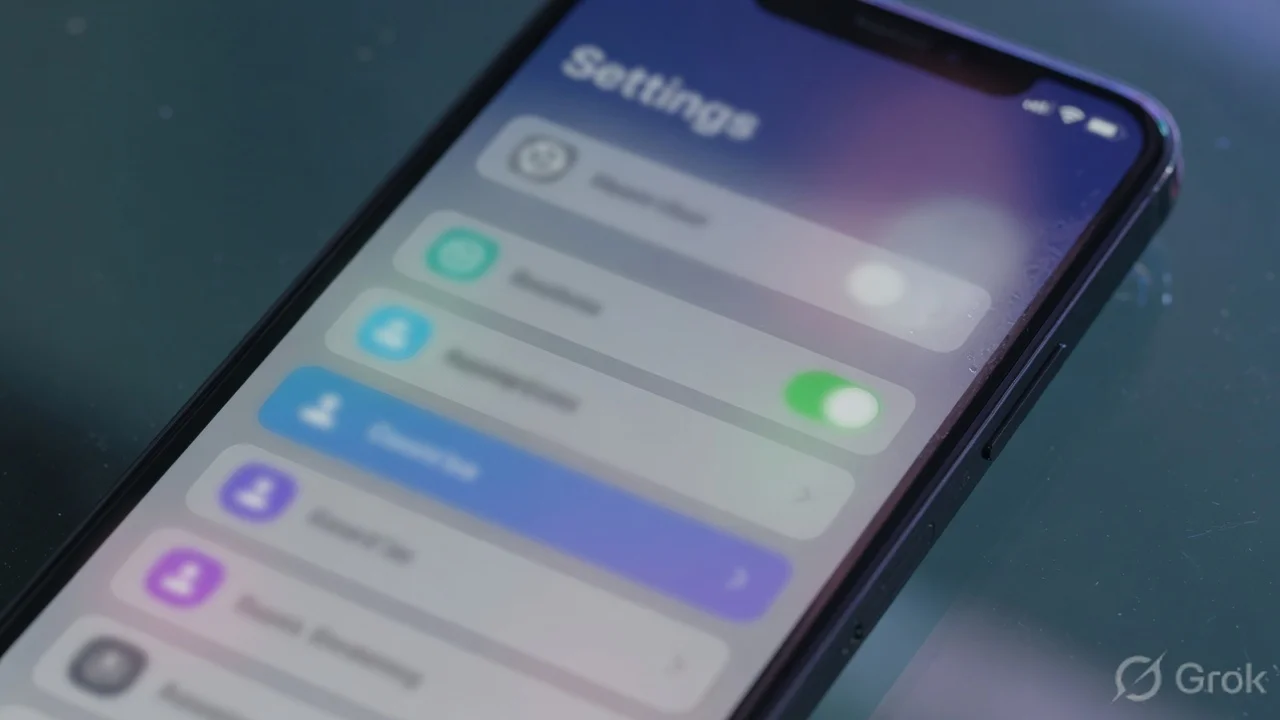
  • iOS 26.4 புது 'Reduce Bright Effects' setting — touch பண்ணும்போது வர்ற bright flash off; Settings → Accessibility → Display & Text Size-ல் இருக்கு
  • Best combo: Tinted mode + Reduce Bright Effects — modern look without visual aggression; iOS 26.1-ஓட Tinted alone 60% complaints fix
  • Complete iOS 18 feel வேணும்னா: Tinted + Reduce Bright Effects + Reduce Transparency + Reduce Motion — 4 settings, 85% back to iOS 18

AI உதவியுடன் தயாரான சுருக்கம் — தமிழ்டெக் எடிட்டர்ஸ் சரிபார்த்தது.

Liquid Glass — Theory-ல் Beautiful, Daily Use-ல் Headache?

iOS 26 launch ஆனப்போ Apple-ஓட Liquid Glass design-ஐ பாத்து half iPhone users "wow" சொன்னாங்க. Translucent, glassy, futuristic look — genuinely premium feel. ஆனா மறு half? ஒரு week-க்குள்ளயே frustrated ஆகிட்டாங்க.

காரணம்: button touch பண்ணும்போது bright flash வருது. Every menu transparent-ஆ இருக்கு, பின்னாடி என்ன இருக்குன்னு wallpaper blur ஆகி தெரியும். Animations layer on top of layer. வெயில்ல phone பாக்கணும்னா contrast இல்லாம text தெரியல. இரவில் dark room-ல் use பண்றோம்னா திடீர்ன்னு bright flash-ஓட eyes pain ஆகுது.

Apple கேட்டாங்க. iOS 26.4-ல் "Reduce Bright Effects" என்ற புதிய setting add பண்ணியது — specifically அந்த flashing-ஐ off பண்றதுக்கு. இதோட சேர்த்து previous updates-ல் வந்த settings use பண்ணா — iOS 26.4 இப்போ genuinely customizable. 5 settings-ஓட complete guide இங்க.

Premium Content

5 settings that actually work — exact paths, what each one changes visually, and the combination that makes iOS 26.4 feel like iOS 18 again. All inside.

You've used 3 of 3 free articles today.

Subscribe Now

Already subscribed? Sign in

நாளைய டெக் செய்திகள் உங்க WhatsApp-க்கே

தினமும் ஒரு சின்ன update, இலவசம். TamilTech channel-ஐ follow பண்ணுங்க.

What do you think?

people reacted

Keerthika

தமிழ்டெக் எடிட்டோரியல் டீம் · 3,344 கட்டுரைகள்

Keerthika is an editor at TamilTech, the Tamil and English technology publication founded by Praveen Kumar S. She covers AI, smartphones, gadgets, EVs, startups and cybersecurity i...

மேலும் Keerthika

WhatsApp-ல் TamilTech-ஐக் கேளுங்க

டெக் சந்தேகமா? தமிழிலோ ஆங்கிலத்திலோ கேளுங்க — எங்க WhatsApp அசிஸ்டன்ட் TamilTech கட்டுரைகளில் இருந்து சில நொடிகளில் பதில் சொல்லும்.

தொடர்புடைய செய்திகள்

கருத்துகள் (0)

| Supports **bold**, *italic*, `code`

Be the first to comment!

அடுத்த செய்தி Siri‑யில் ஒரே வாக்கியத்தில் பல ஆணைகள் – iOS 27‑ல் Grammarly‑போன்ற கீபோர்டு
Tamiltech

Tamiltech

Install app for faster access

Earn XP 🏆
WhatsApp
Notifications