


Key Takeaways
- An RTX 2050 laptop under ₹50,000 offers dedicated 4GB GDDR6 VRAM, hardware ray tracing support, and DLSS upscaling, outperforming integrated Iris Xe and Radeon graphics by over 2x in creative and gaming workloads.
- The Acer Aspire 7 and Lenovo IdeaPad Gaming 3 remain the most balanced budget contenders, pairing capable H-series processors with decent cooling configurations.
- Never settle for 8GB single-channel RAM long-term; budget an extra ₹1,500 to add an 8GB stick right away to unlock full frame-rate potential.
- Watch out for display color accuracy and battery life; sub-₹50k gaming machines typically deliver 45% NTSC panels and under 4 hours on battery.
What is an RTX 2050 laptop under 50000, in one line?
An RTX 2050 laptop under ₹50,000 is an entry-level performance laptop featuring Nvidia's dedicated 4GB GDDR6 graphics card, designed for college students, casual gamers, and beginner video editors who need dedicated GPU acceleration on a tight budget. It delivers steady 60 FPS gameplay in popular esports titles at 1080p and handles 4K video rendering inside Premiere Pro far better than any laptop running on integrated graphics. If your hard ceiling is ₹50,000, this GPU is the undisputed sweet spot in the Indian market.
Walk into Ritchie Street in Chennai or check listings during a Flipkart sale, and you will notice that laptops under half a lakh are crowded with thin-and-light machines running basic Intel Core i3 or AMD Ryzen 3 chips. While those laptops are fine for binge-watching YouTube and typing assignments, they choke the moment you fire up GTA V or export a timeline with heavy color grading. The Nvidia GeForce RTX 2050 bridges that gap by packing 2,048 CUDA cores and Tensor cores into entry-level hardware.
Which RTX 2050 laptop should you pick right now?
Finding the right machine comes down to how well the manufacturer handles cooling, power delivery, and build quality. Here are the top five options you can buy under ₹50,000.
1. Acer Aspire 7 (Intel Core i5-12450H / RTX 2050) — Approx. ₹48,990
The Acer Aspire 7 is a sleeper hit. It skips the flashy RGB gamer styling and adopts an understated matte chassis you can carry into a college seminar or office meeting without drawing stares. Powered by a 12th Gen Intel Core i5-12450H processor with 8 cores, it chews through multitasking with ease. The dual-fan exhaust handles sustained rendering workloads admirably, making it arguably the most balanced all-rounder on this list.
2. Lenovo IdeaPad Gaming 3 (AMD Ryzen 5 5500H or 7535HS / RTX 2050) — Approx. ₹47,490
Lenovo’s keyboard ergonomics are legendary, and the IdeaPad Gaming 3 inherits that smooth 1.5mm key travel with crisp tactile feedback. The cooling system features twin heat pipes that keep palm rest temperatures cool during marathon sessions. Pair that with a sturdy chassis and easy upgradeability for both storage and memory, and you get an ultra-reliable daily workhorse.
3. ASUS TUF Gaming F15 (Intel Core i5-11400H / RTX 2050) — Approx. ₹49,990
If durability tops your priority list, the TUF Gaming F15 carries MIL-STD-810H military-grade drop resistance certifications. Its 144Hz display panel offers smooth visual fluidity in high-tempo games like Valorant and CS2. The aesthetic leans heavily into gamer territory with angular cuts and a backlit WASD cluster, but the high TGP ceiling on the GPU ensures you squeeze every drop of frame rate out of the silicon.
4. HP Victus 15 (AMD Ryzen 5 5600H / RTX 2050) — Approx. ₹49,490
HP brought its sleek OMEN design language down to the budget category with the Victus series. The Ryzen 5 5600H remains an efficient 6-core 12-thread chip that stretches battery runtime slightly further than its Intel counterparts during light web browsing. The thermal vents on the rear look clean, though the screen hinge exhibits slight wobble if you type with heavy hands.
5. MSI Thin 15 (Intel Core i5-12450H / RTX 2050) — Approx. ₹44,990
For those whose budget stops strictly at ₹45,000, MSI offers the thinnest entry point. Weighing around 1.86 kg, it is noticeably easier to slip into a backpack than bulkier alternatives. However, the compact single-fan thermal solution means fan noise ramps up quickly under sustained exports, so you will need to keep the vents elevated on a flat desk.
What do they cost and how do specs compare?
Here is how the top RTX 2050 models stack up in specifications and pricing across Indian retailers:
| Laptop Model | Processor | Display | Weight | Approx. Price (INR) |
|---|---|---|---|---|
| Acer Aspire 7 | Intel Core i5-12450H | 15.6" FHD 144Hz | 2.15 kg | ₹48,990 |
| Lenovo IdeaPad Gaming 3 | AMD Ryzen 5 5500H | 15.6" FHD 120Hz | 2.25 kg | ₹47,490 |
| ASUS TUF Gaming F15 | Intel Core i5-11400H | 15.6" FHD 144Hz | 2.30 kg | ₹49,990 |
| HP Victus 15 | AMD Ryzen 5 5600H | 15.6" FHD 144Hz | 2.29 kg | ₹49,490 |
| MSI Thin 15 | Intel Core i5-12450H | 15.6" FHD 144Hz | 1.86 kg | ₹44,990 |
Which buying mistakes get budget gamers into trouble?
Buying a budget gaming laptop comes with clear trade-offs. Knowing what to inspect beforehand will save you a world of disappointment down the road.
First, never judge a graphics chip purely by its name. The Total Graphics Power, or TGP, tells you how much electrical wattage the laptop manufacturer feeds into the GPU. An RTX 2050 capped at 35W will perform substantially worse than the same chip configured at 55W or 65W. Always check the official spec sheet for the graphics wattage before buying.
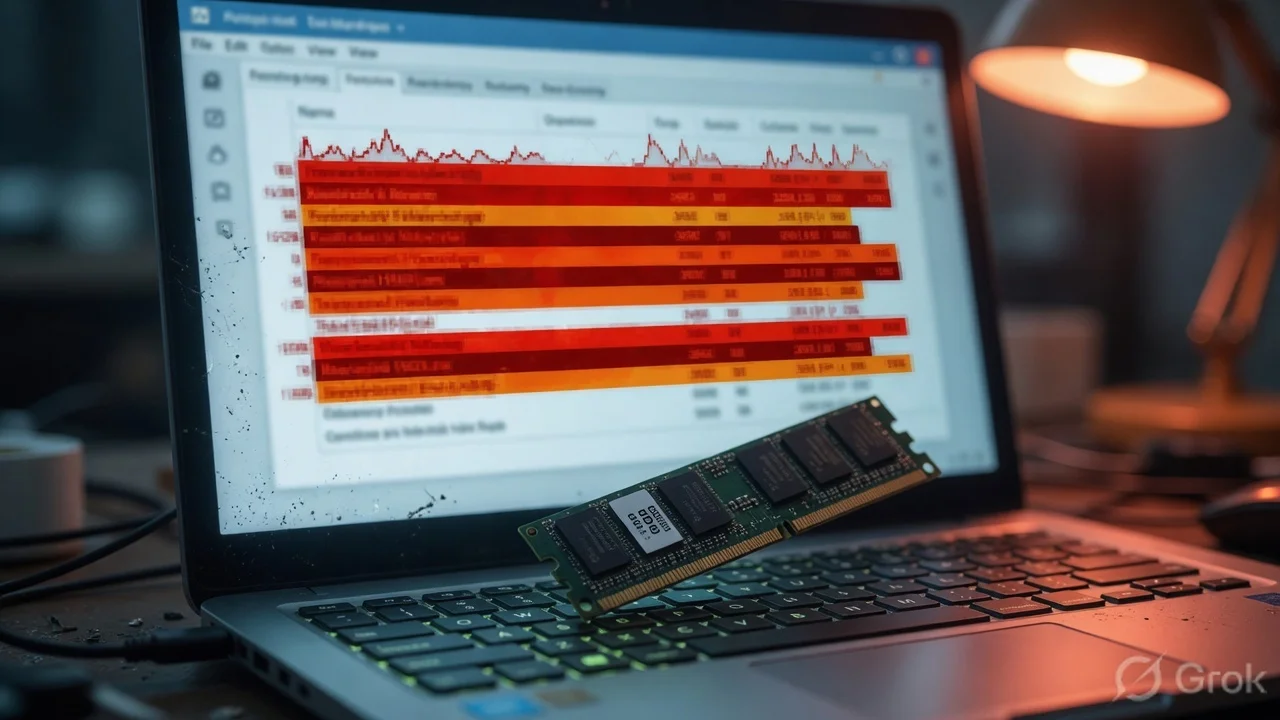
Second, avoid staying on single-channel 8GB RAM. Most sub-₹50,000 models ship with a single 8GB memory module to hit aggressive retail price tags. Running single-channel memory restricts CPU-GPU data transfers, slicing 15% to 25% off your in-game frame rates. Crack open the back panel and drop in a matching 8GB DDR4 or DDR5 RAM stick right after unboxing.
Third, do not expect professional-grade color grading out of the box. Nearly every display in this price tier features a 45% NTSC color gamut with around 250 nits of peak brightness. Colors will look somewhat washed out if you are designing print graphics or grading commercial cinema footage. If high-end visual design is your bread and butter, budget for an external 100% sRGB monitor later.
What should you do before swiping your card?
Check the seasonal bank discounts on platforms like Amazon India or Flipkart. HDFC, ICICI, and SBI credit card instant discounts routinely shave ₹2,000 to ₹4,000 off these laptops, easily dragging a ₹52,000 machine right under your ₹50,000 cap.
Next, confirm warranty extension offers. Brands like Lenovo and Asus run student back-to-college promotions where registering your laptop serial number on their official redemption portals bags you a 2-year extended warranty and accidental damage protection for under ₹1,500. For a high-performance machine with dedicated thermals, that peace of mind is worth every single rupee.





Comments (0)
Be the first to comment!