


What’s the buzz?
Anthropic, the AI start‑up behind Claude, just dropped a beta version of Claude for Word. It plugs the Claude large‑language model straight into Microsoft Word and adds a set of AI editing assistants plus clickable citations. The rollout is limited to Team and Enterprise licences, so the target audience is anyone who lives inside heavy‑document workflows – think legal firms, consultancies, marketing agencies and large corporates.
How it works
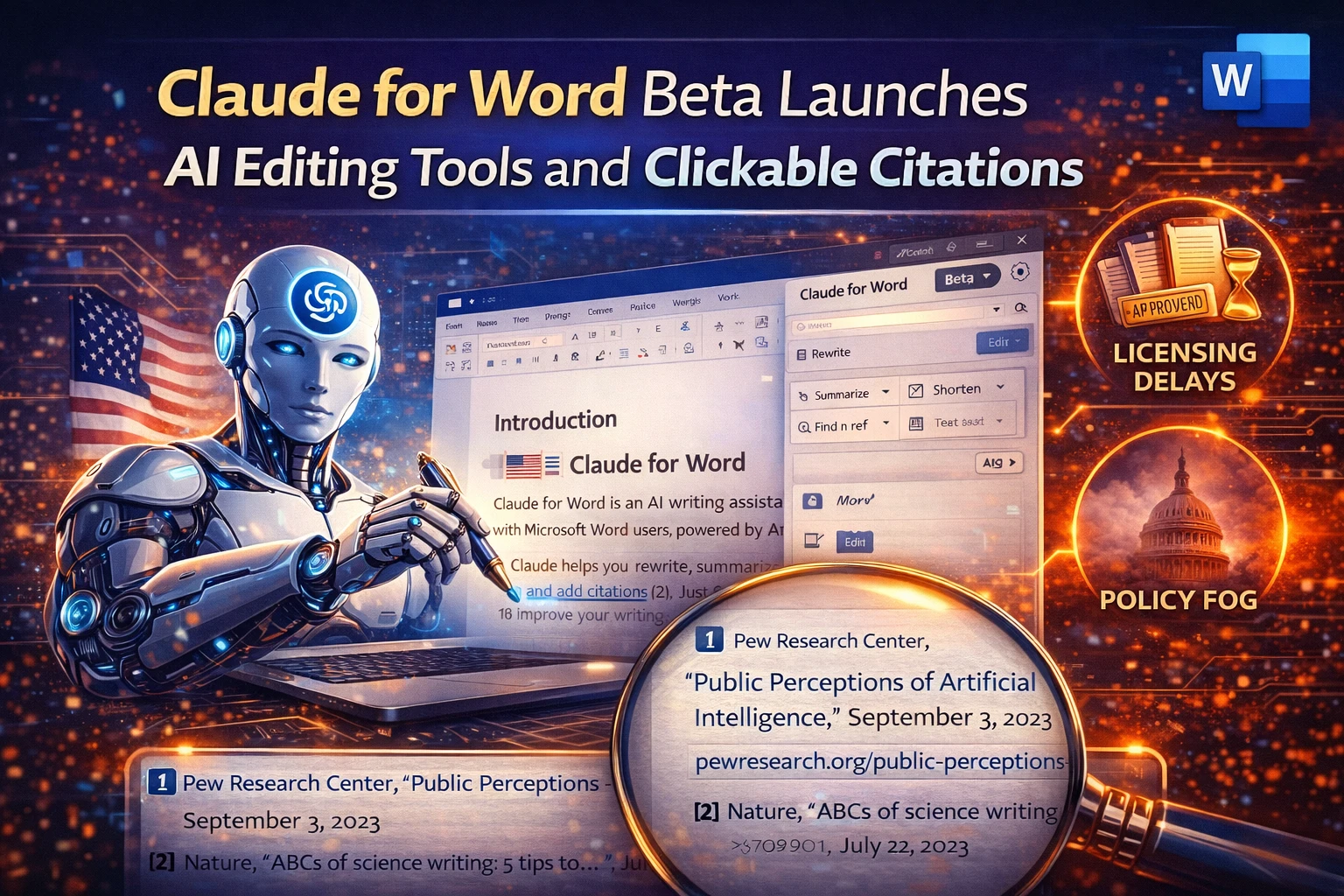
When you open a Word document and click the new Claude pane, you can ask the model to rewrite a paragraph, shorten a section, or even change the tone from formal to conversational. The AI also scans the text for references and inserts clickable citations that link back to the original source URL or PDF. All edits happen in‑place, so you never have to copy‑paste from a separate chat window.
Key features in beta
- AI Rewrite & Summarise – select any block of text and tell Claude to condense it, expand it, or rewrite it in a different style.
- Citation Generator – paste a URL or DOI and Claude creates a formatted citation (APA, MLA, Chicago) with a live link.
- Context‑aware suggestions – the model reads the whole document, not just the selected paragraph, to keep the voice consistent.
- Team collaboration – edits are saved to the document’s version history, and teammates can comment on AI‑suggested changes.
Why Indian enterprises should care
India’s corporate world still relies heavily on Word for contracts, proposals, and policy docs. The average employee spends around 6‑7 hours a week drafting or editing documents, according to a recent NASSCOM survey. Claude for Word promises to shave off at least 30 % of that time, which translates to huge cost savings for B‑POPs and large consultancies.
Another plus: many Indian firms use in‑house citation standards for research reports. The clickable citation feature means analysts can instantly link to government PDFs, RBI reports, or academic papers without manual formatting – a real time‑saver during audit seasons.
Pricing & availability
Anthropic is still in beta, so the service is free for eligible Microsoft 365 Team and Enterprise customers. After the public launch, pricing is expected to be bundled into the existing Microsoft 365 Enterprise plans, likely adding a few hundred rupees per user per month. For small businesses that can’t afford Enterprise licences, Anthropic hinted at a “Pro” tier later this year, priced around ₹1,500 / month per seat.
TamilTech’s take
We’re impressed by the seamless Word integration. Most AI writing tools force you to switch apps, copy‑paste, and then re‑format. Claude for Word keeps you inside the document you’re already working on, which is a huge ergonomic win.
Pros:
- Real‑time, context‑aware rewriting reduces back‑and‑forth with editors.
- Clickable citations cut down on manual bibliography work.
- Enterprise‑grade security – Anthropic says data never leaves the Microsoft cloud.
Cons:
- Beta means occasional hallucinations – always double‑check facts.
- Only available to Teams/Enterprise, so freelancers and SMBs wait.
Overall, if your day revolves around contracts, proposals or research reports, Claude for Word could become the quiet productivity partner you didn’t know you needed.
What’s next?
Anthropic plans to roll out more specialised prompts – think legal‑jargon polishing or marketing‑copy optimisation – in the next quarter. Keep an eye on the Microsoft AppSource page for the final release date and any pricing updates.





Comments (0)
Be the first to comment!