


What’s the buzz?
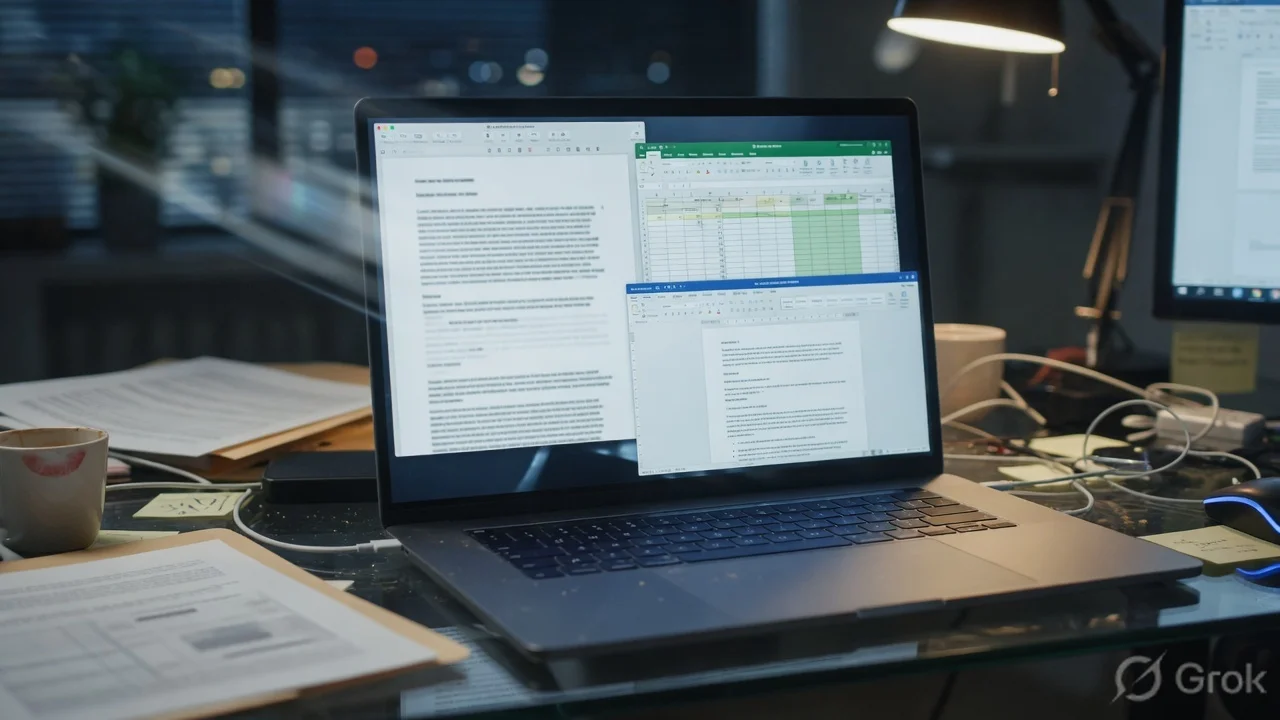
Google just rolled out a new capability in the Gemini app: the AI can now generate actual files instead of plain text answers. Think of a chatbot that hands you a .pdf, a .docx, an .xlsx, a .txt or a .md file, ready to download or share.
How it works
When you ask Gemini to draft a report, a budget plan or a simple note, you can now tap a Download button and pick the format you need. The AI formats the content on the fly, preserving tables, headings and bullet points. It also supports Google Docs and Sheets natively, so you can push the output straight into your Drive.
Supported formats at a glance
- PDF – perfect for official documents, contracts or printable reports.
- Microsoft Word (
.docx) – easy to edit in MS Office or Google Docs. - Microsoft Excel (
.xlsx) – great for budgets, data tables or simple analytics. - Google Docs – auto‑saved to your Drive, collaborative by default.
- Google Sheets – same collaborative vibe for spreadsheets.
- Plain Text (
.txt) – lightweight, no‑frills notes. - Markdown (
.md) – for developers, bloggers and anyone who loves clean formatting.
Why Indian users should care
Most of us juggle a mix of Google Workspace and Microsoft Office at work, school or home. Until now, we’d have to copy‑paste Gemini’s answer into Word or Excel manually – a tedious step that often breaks tables or loses styling. With this update, the AI does the heavy lifting, saving us time and reducing copy‑paste errors.
Consider a small business owner in Chennai who needs a GST invoice template. A quick prompt to Gemini – “Create a GST invoice for a ₹15,000 sale” – now returns a ready‑to‑use .xlsx file that can be opened in Excel, Google Sheets or even LibreOffice. No more formatting from scratch.
Step‑by‑step: Getting a file from Gemini
- Open the Gemini app on Android, iOS or the web.
- Type your request, e.g., “Draft a 2‑page project proposal in PDF”.
- When Gemini finishes, tap the Download icon that appears beneath the answer.
- Select the desired format – PDF, DOCX, XLSX, TXT or MD.
- The file downloads to your device or saves directly to Google Drive, depending on your settings.
Impact on the Indian market
India’s digital ecosystem runs on a mix of Google and Microsoft tools. According to recent surveys, over 65% of SMEs use Google Workspace, while 48% still rely on Microsoft 365 for legacy documents. Gemini’s multi‑format output bridges that gap.
For students, the ability to get a neatly formatted .docx essay or a .pdf lab report instantly can shave off hours of formatting work, especially during exam season. For developers, the Markdown export means you can paste code snippets directly into GitHub READMEs without manual tweaking.
Our take – TamilTech‑ஓட கருத்து
Google is clearly aiming to make Gemini a true productivity partner, not just a chat companion. The file‑generation feature feels like a natural evolution of the AI‑assisted workflow that we’ve been seeing in apps like Microsoft Copilot.
Pros:
- Time‑saving – no copy‑paste, no re‑formatting.
- Cross‑platform – works with both Google and Microsoft ecosystems.
- Instant collaboration – files saved to Drive are share‑ready.
Cons:
- File quality depends on the prompt – vague requests can still produce messy tables.
- Privacy concerns – generated files are stored in your Google account; users must trust Google’s data handling.
Overall, we think this is a win for Indian power users who live in the hybrid Office world. The real test will be how well Gemini handles complex formatting like multi‑column layouts or large data sets. If it nails those, we might see a shift from traditional Office suites to AI‑first document creation.
What’s next?
Google hinted that more file types – such as PowerPoint (.pptx) and even image‑based PDFs – could land later this year. Keep an eye on the Gemini updates, especially if you’re a freelancer, teacher or small‑biz owner. The sooner you start using the download feature, the quicker you’ll discover the shortcuts that actually boost productivity.





Comments (0)
Be the first to comment!