


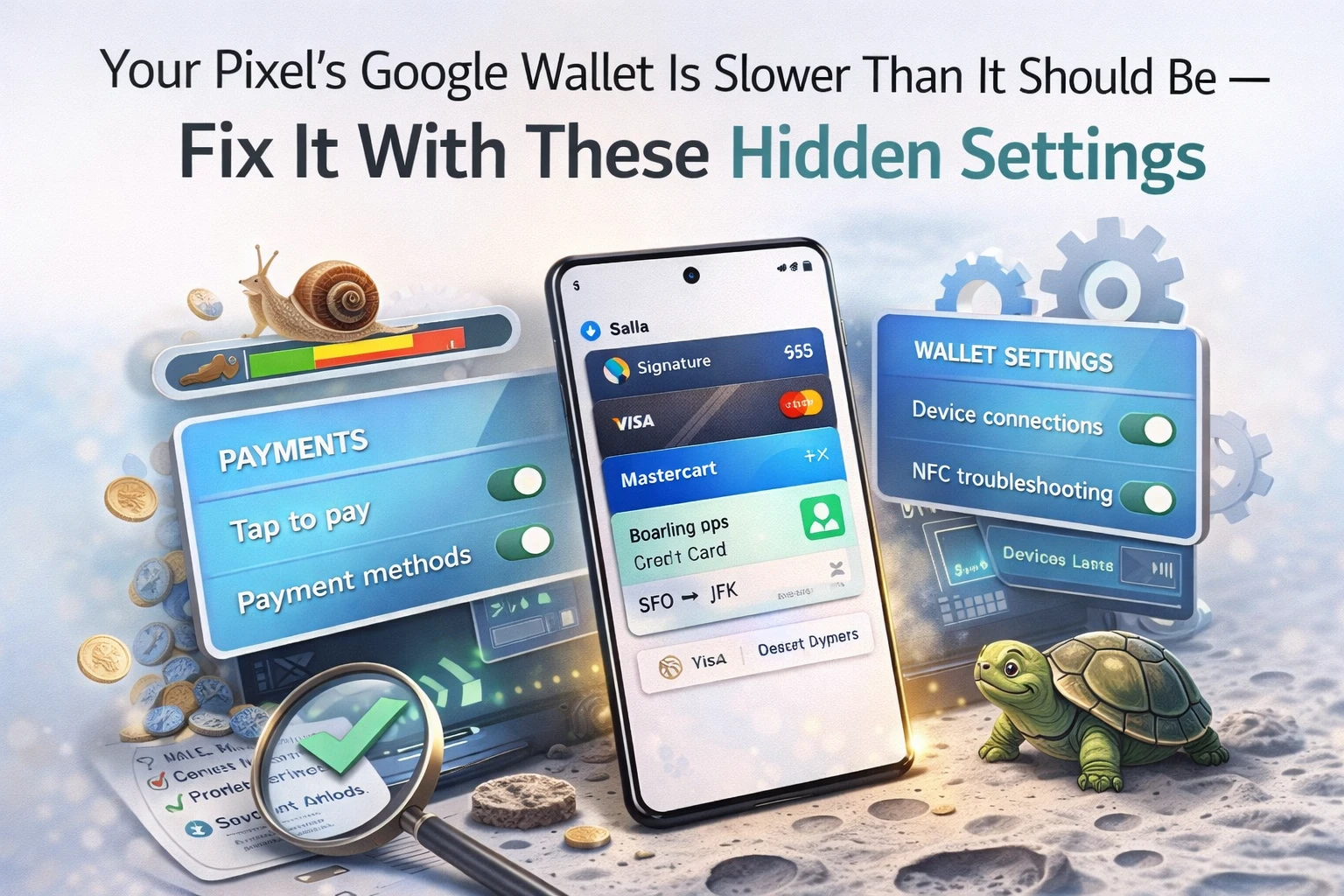
The checkout counter is not the place to be figuring out your phone
You've been there. Standing at a billing counter at D-Mart or a Zomato pickup point, trying to pay with your phone, and the thing just won't cooperate. The fingerprint sensor didn't register. You accidentally opened the camera. The Google Wallet app is somewhere buried in your app drawer and you're holding up the line. The person behind you is visibly judging you.
Here's the thing — this isn't a Google Wallet problem. The app is genuinely good. The problem is that Pixel's default settings aren't optimized for fast payments. They're optimized for... not much in particular. A few changes buried in System settings and Gestures can completely transform your tap-to-pay experience from an embarrassing fumble into a one-press, done-in-under-two-seconds interaction.
Premium Content
All 6 hidden Pixel settings that turn Google Wallet into a one-press payment machine — step-by-step Tamil guide inside.
You've used 3 of 3 free articles today.
Subscribe NowAlready subscribed? Sign in





Comments (0)
Be the first to comment!