‹ Back to Home

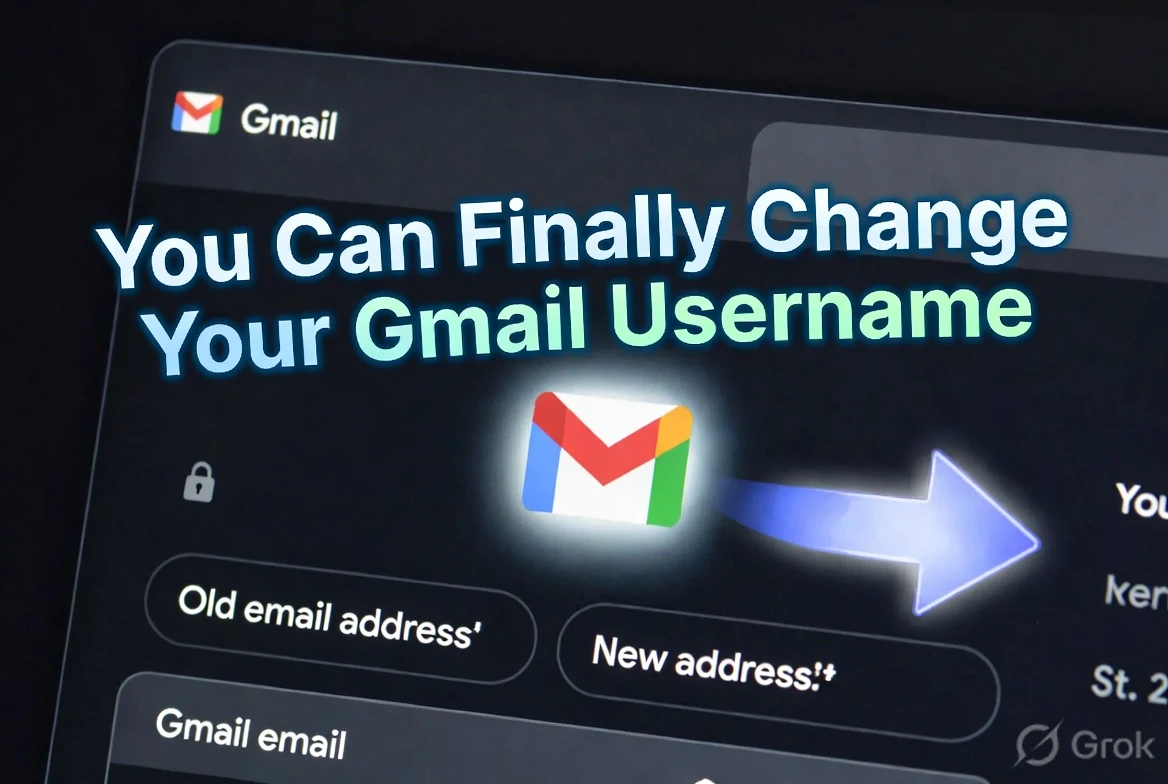
You Can Finally Change Your Gmail Address Without Losing Anything — Here's Exactly How to Do It

For 20 years, changing your Gmail address meant deleting your account and starting over. Google just quietly fixed that. You can now change your @gmail.com address and keep every email, contact, and linked account exactly where it is. Here's the full step-by-step guide.

Keerthika 6 min read 622
Follow on Google
Updated 5 months ago
Tips & Tricks You Can Finally Change Your Gmail Address Without Losing Anything — Here's Exactly How to Do It 6 min left Follow on Google
You Can Finally Change Your Gmail Address Without Losing Anything — Here's Exactly How to Do It

TamilTech AI summary

Google finally lets you change your actual @gmail.com username without creating a new account or losing anything, which fixes a frustration that stuck around since 2004. Your old address stays active as an alias so mail still arrives, and all your emails, Drive files, Photos, contacts, YouTube history, and linked services remain exactly where they are. You can only make this change once per year and three times total for the life of the account, so pick a clean, professional name you’ll want long-term—ideally something like firstname.lastname without random numbers or underscores. The option is rolling out gradually (including for many users in India); on desktop go to myaccount.google.com/google-account-email, or on mobile open Gmail → profile photo → Manage your Google Account → Personal info → Email, then follow the change steps and verify. This matters most if you’re job-hunting, applying to schools, or just tired of an old teenage address on your resume, because a polished Gmail looks far more professional while the alias system means you don’t have to scramble and notify everyone overnight.

  • Google now lets you change @gmail.com address without losing any data — old address becomes alias, all emails preserved
  • Limit: once per year, maximum 3 times total — choose your new address carefully before committing
  • Available for Indian users now via myaccount.google.com/google-account-email — rolling out gradually

AI-assisted summary, checked by the TamilTech editorial team.

The Gmail problem that's been frustrating people since 2004

Think about the email address you created when you first signed up for Gmail. Maybe you were in school. Maybe you picked something you thought was cool at the time. Maybe your name was already taken so you ended up with something like firstname.lastname1987 or a nickname that made sense when you were 16 and makes zero sense on a professional resume in 2026.

For the entire history of Gmail — since 2004 — there was no way to fix this without creating a completely new account and manually migrating everything. Contacts, emails, Google Drive files, YouTube history, Google Pay setup, Flipkart account, Amazon India account, UPI registration — all of it tied to an email address you couldn't change. Starting fresh meant notifying every service you'd ever signed up for. Most people just lived with the embarrassing address.

Premium Content

Step-by-step screenshots guide, what gets reset after the change, and the one mistake everyone makes when picking a new Gmail address — all inside.

You've used 3 of 3 free articles today.

Subscribe Now

Already subscribed? Sign in

Get tomorrow’s tech news on WhatsApp

One short update a day, free. Follow the TamilTech channel.

What do you think?

people reacted

Keerthika

TamilTech editorial team · 3,346 articles

Keerthika is an editor at TamilTech, the Tamil and English technology publication founded by Praveen Kumar S. She covers AI, smartphones, gadgets, EVs, startups and cybersecurity i...

More from Keerthika

Ask TamilTech on WhatsApp

Tech doubt? Ask in Tamil or English — our WhatsApp assistant answers from TamilTech articles in seconds.

Related stories

Comments (0)

| Supports **bold**, *italic*, `code`

Be the first to comment!

Next story TNEB Online Payment: How to Pay Your Tamil Nadu Electricity Bill Without the Queue
Tamiltech

Tamiltech

Install app for faster access

Earn XP 🏆
WhatsApp
Notifications