


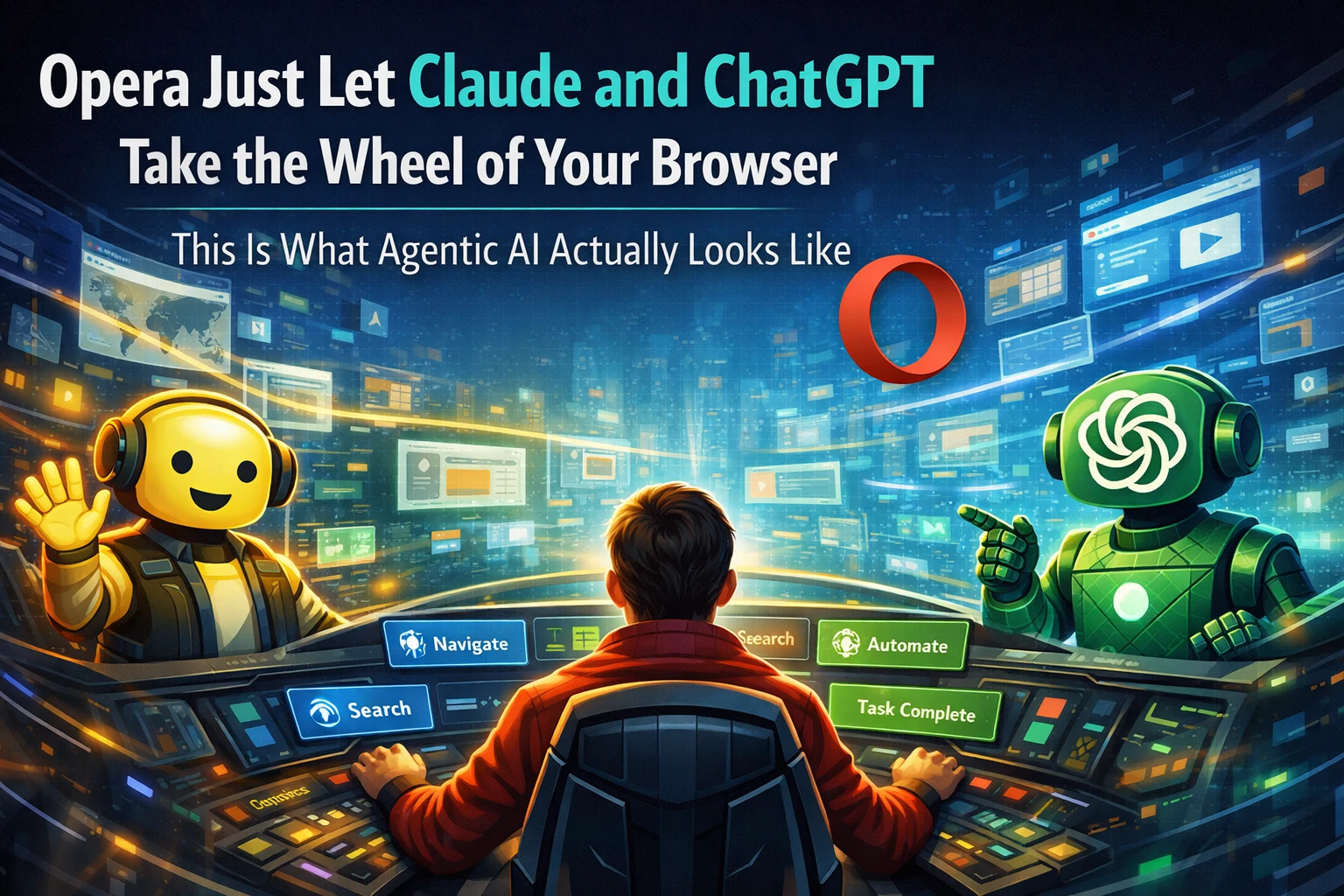
AI used to answer questions. Now it's navigating websites for you.
Remember when ChatGPT was just a text box you typed into and got answers from? Those days feel surprisingly distant. The direction AI has been moving for the last year is toward agency — AI that doesn't just respond to you but actually does things on your behalf. Books a flight, fills out a form, extracts data from a webpage, completes a multi-step task while you do something else.
Opera just took one of the most concrete steps toward that future. Its AI-focused browser, Opera Neon, has launched something called an MCP Connector — and what it enables is genuinely interesting: external AI tools like Claude and ChatGPT can now directly connect to and control your Opera Neon browser session.
What is MCP and why does it matter?
MCP stands for Model Context Protocol. It's an open standard originally developed by Anthropic — the company behind Claude — and released in late 2024. Before MCP existed, if you wanted an AI tool to connect with some other app or service, someone had to build a custom integration specifically for that pair. AI tool A wants to talk to App B? Developer writes a bespoke connector. AI tool A then wants to talk to App C? Another bespoke connector. It didn't scale.
MCP solves this by creating a universal language that AI tools and apps can speak to each other. Think of it like USB — before USB, every device had its own cable and port. USB created one standard that everything could use. MCP is trying to do the same thing for AI-to-app communication.
When Opera Neon runs as an MCP server, it's essentially saying: "Any AI tool that speaks MCP can connect to me and get access to what I can do." Claude speaks MCP. ChatGPT speaks MCP. A growing number of automation tools speak MCP. They can all now plug into Opera Neon.
What can Claude and ChatGPT actually do inside your browser?
This is where it gets practically interesting. With the MCP Connector active, an external AI client connecting to Opera Neon can:
See your open tabs — the AI knows what pages you currently have open and can switch between them or reference their content.
Read on-screen content — the full text and structure of whatever page is currently loaded is accessible to the AI. This means it can summarise, extract, or act on information from any webpage without you copying and pasting anything.
Navigate pages — the AI can click links, navigate to URLs, scroll through pages.
Fill out forms — this is huge for repetitive tasks. Booking forms, registration pages, data entry — the AI can handle these.
Take screenshots — the AI can capture what the browser is showing at any moment, useful for visual tasks or confirmation.
Open new tabs — the AI can independently open pages it needs to access as part of completing a task.
Put those capabilities together and you have something powerful: an AI that can complete a multi-step web workflow with minimal input from you. "Book me the cheapest train from Chennai to Bengaluru next Friday on IRCTC" is the kind of instruction that could theoretically trigger a full booking flow — search, compare, select, fill details, confirm — without you touching the keyboard again.
Opera Neon was already doing some of this internally
Opera Neon isn't new — it launched as an "agentic browser" concept, with a built-in AI called Browser Operator that could already perform autonomous browsing tasks within the browser itself. What the MCP Connector does is open that capability up to external AI tools. Instead of being limited to Opera's own built-in AI, you can now bring whichever AI you prefer — Claude if that's your workflow, ChatGPT if you're a Plus subscriber, or automation tools like n8n and Lovable if you're building automated pipelines.
The architecture makes sense: Opera builds and maintains the browser, the browsing capabilities, the MCP server interface. AI companies build and maintain the intelligence. The MCP standard connects them cleanly without either side needing to maintain a dedicated integration.
Security — the obvious concern
The immediate question anyone should ask: if Claude can see my tabs, fill my forms, and take screenshots of my browser — what's stopping this from going horribly wrong?
Opera has built authentication into the MCP Connector. Access is controlled through a secure MCP server URL and a persistent proxy layer — only AI clients you've explicitly authorised can connect to your browser session. The AI doesn't just get open access to your browser; you have to set up the connection intentionally and authenticate it.
That said, this is genuinely new territory. The security model for AI agents with browser access is still being worked out across the industry. Giving an AI tool access to a browser session that's logged into your email, your bank, your UPI apps — that's a significant trust decision. Opera's implementation requires deliberate setup, which is the right approach, but users should be clear-eyed about what access they're granting and to which AI tools.
Who gets this and when?
Currently, the MCP Connector is available to Opera Neon subscribers. Opera Neon is a separate product from the main Opera browser — it's positioned as an experimental, AI-forward browser for power users and developers exploring agentic workflows.
Opera has said a simplified version of the MCP Connector will come to Opera One (the main browser) and Opera GX (the gaming-focused browser) in the future. Timeline isn't confirmed, but the direction is clear: this isn't staying locked in an experimental product.
The bigger picture — the browser as AI interface
For the last thirty years, the browser has been the primary interface through which humans access the web. You type, click, read, scroll. The browser executes what you tell it.
What's being built now — across Opera, OpenAI's Atlas browser, Perplexity's Comet, and others — is a vision where the browser becomes the primary interface through which AI agents access the web on your behalf. The human sets the goal. The AI handles the navigation.
This has massive implications for how we use the internet. Repetitive web tasks — filling forms, extracting data, comparing prices across sites, managing bookings — all become candidates for automation. The question shifts from "how do I do this on the web" to "what do I want done on the web."
India specifically has an enormous amount of repetitive web workflow — IRCTC bookings, government portal form-filling, price comparison across Flipkart and Amazon India, Swiggy and Zomato comparison, utility bill payments across multiple portals. The kind of tasks that are tedious not because they're hard but because they're repetitive. Agentic browsing with MCP is pointing directly at that problem.
TamilTech's take
This is genuinely one of the more interesting AI developments of the year, and it's getting less attention than it deserves because it's buried in browser news rather than splashed across AI headlines. The MCP Connector isn't a demo or a concept — it's a working implementation that you can use today if you're on Opera Neon. The security model needs scrutiny before you connect anything sensitive, but for research workflows, data extraction, form automation on non-sensitive tasks — this is real and usable right now. Watch this space closely. The AI agent that can browse the web competently is probably the most practically useful AI application most people haven't tried yet.




Comments (0)
Be the first to comment!