


Key Takeaways
Key Takeaways
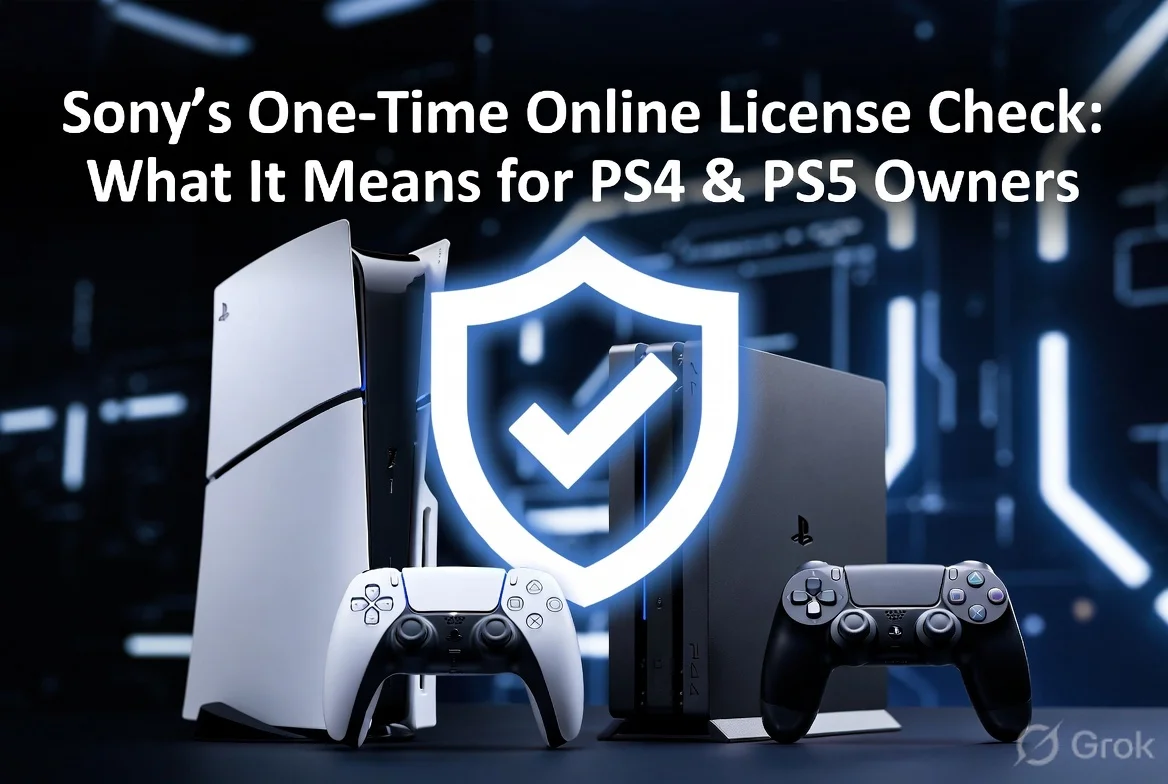
- Sony will require a one‑time online license check for about 30% of digital PS4 and PS5 titles.
- The verification happens the first time you launch the game after purchase or after a system restore.
- Indian users with slow internet may face a brief delay, but the check is free and only needed once per title.
- If the check fails, you’ll be prompted to reconnect or contact Sony support to restore access.
Opening Hook – Why This Is Worth Your Attention
Imagine you just bought a brand‑new digital copy of "Elden Ring" on your PS5, but when you fire it up, the console tells you it can’t verify your license. Suddenly, a simple game night turns into a support ticket marathon. That’s the exact scenario Sony is trying to prevent – but the fix they’re rolling out has its own quirks.
Starting this month, Sony will enforce a one‑time online license verification for a select group of digital games on both PS4 and PS5. The move is aimed at stopping refund scammers who abuse the 14‑day return window, but it also means every legit buyer will have to go online at least once per game. Let’s break down what this means for you, especially if you’re gaming in India.
Background – How We Got Here
For years, PlayStation users have enjoyed the convenience of buying games directly from the PlayStation Store and downloading them instantly. However, that same convenience opened a loophole: some users would purchase a game, play it for a day, then request a refund, claiming they never used it. Sony’s internal data showed a rise in such abuse, especially on high‑ticket titles.
In response, Sony introduced stricter refund policies last year, tightening the criteria for “unused” games. Yet, scammers found ways around the system by using secondary accounts or exploiting offline play. The new online license check is the next logical step – it forces a brief connection to Sony’s servers, confirming that the game’s license is tied to the purchasing account before you can actually play.
Full Details – How the One‑Time Check Works
When you purchase a digital title, the PlayStation Store records a license token on Sony’s cloud. The next time you launch the game, the console reaches out to Sony’s authentication servers and validates that token. If the token matches the account that bought the game, the console unlocks the title and you can play.
Key points:
- One‑time only: The check occurs the first time you launch the game after purchase, after a system restore, or after a major firmware update that resets licenses.
- No ongoing internet requirement: Once verified, you can play offline just like before. The check is not a recurring online‑only DRM.
- Scope: Sony says roughly 30% of the digital catalog will be affected initially – mainly big‑budget releases and titles that have seen high refund rates.
- Failure handling: If the console can’t reach the server (e.g., no internet), it will show a retry screen. After a few attempts, you’ll be guided to contact Sony support.
The process is designed to be quick – most users report a verification time of under 10 seconds on a stable broadband connection. For mobile data users, the data usage is negligible (under 1 MB per verification).
India Impact – What Indian Gamers Should Know
India’s average broadband speed sits around 45 Mbps, with many users relying on 4G or even 3G in tier‑2 cities. While the verification itself is lightweight, the initial connection can be a hiccup for those on spotty networks. Sony has assured that the check will be retried automatically for a few minutes before prompting the user.
Pricing isn’t directly affected – the verification is free. However, if you frequently switch consoles or perform system restores, you might encounter the check more often. For gamers who keep a single console in a stable internet environment, it will be a one‑off event per game.
Another India‑specific angle is the rise of “offline‑only” gaming cafes that use PS4/PS5 consoles without internet. Those establishments will need to ensure at least one online session per game before offering it to customers, or risk the title being locked.
Step‑by‑Step: How to Complete the License Check
If you’re staring at that “License verification required” screen, follow these simple steps:
- Navigate to
Settings→Network→Test Internet Connectionto confirm your console is online. - Press the
PlayStationbutton on your controller to return to the game. - The console will automatically ping Sony’s servers. Wait for the “Verification successful” message.
- If the verification fails, select
Retry. Ensure your router isn’t blocking PSN ports (TCP 80, 443, 5223). - Still stuck? Go to
Help & Support→Contact Usand provide your transaction ID.
That’s it – after this, you can launch the game offline without any further interruptions.
Comparison & Alternatives – How This Stacks Up
Other platforms have taken similar steps. Microsoft’s Xbox introduced a “License Check” for certain titles back in 2022, but it runs in the background and rarely surfaces for users. Steam, on the other hand, relies on persistent online authentication for most games, which many gamers dislike.
Pros of Sony’s approach:
- Minimal impact on offline play – only a single verification.
- Targets fraud without imposing heavy DRM.
- Clear user feedback when something goes wrong.
Cons:
- Potential friction for users with unreliable internet.
- May inconvenience gamers who regularly reinstall or restore consoles.
For Indian gamers, the Xbox model feels smoother if you have a constant broadband connection, while Steam’s always‑online model can be a pain in areas with data caps. Sony’s middle‑ground seems reasonable, provided the one‑time check works as advertised.
TamilTech’s Honest Take & What to Expect Next
We think Sony’s move is a pragmatic compromise. It hits the refund scammers where it hurts without turning every digital game into a perpetual online‑only title. For most Indian users, the impact will be negligible – a quick ping and you’re good to go.
That said, the real test will be in the rollout. If Sony’s servers get overloaded during a big launch (think “Hogwarts Legacy” or “Final Fantasy XVI”), users could face verification delays. Sony should invest in regional servers or CDN nodes in India to keep latency low.
Looking ahead, we expect Sony to expand the verification to more titles over the next year, especially as they gather data on which games are most targeted by scammers. Keep an eye on PlayStation’s official blog for a list of affected titles, and make sure your console is patched to the latest firmware (12.0 or newer) to avoid any compatibility hiccups.
Bottom line: stay online for that first launch, keep your system updated, and you’ll enjoy your games without further hassle.




Comments (0)
Be the first to comment!