


Key takeaways
- A hacked WhatsApp usually means someone used your SMS code, a Linked devices QR, a fake APK, or a swapped SIM — not a cinematic password crack.
- If a verification code arrives and you did not tap register, do not share it. Open official WhatsApp and register the number yourself.
- Recovery on the real app is ₹0. Two-step verification is ₹0. Anyone selling a hack or an unhack is running a scam pattern.
- Check Settings → Linked devices and log out anything you do not own.
- Money already gone? Call 1930 and file on cybercrime.gov.in. WhatsApp will not call you from a random Indian mobile to verify you.
If your WhatsApp is hacked, someone else is sending or reading chats from your number — usually because they got the SMS code, scanned a Linked devices QR, or tricked you into a fake app. This Tamil Nadu guide covers how to check the signs, take the number back on official WhatsApp for free, turn on two-step verification, and avoid paying anyone who claims they can hack or unhack an account.
If your WhatsApp is hacked, someone else is sending or reading chats from your number — usually because they got the SMS code, scanned a Linked devices QR, or tricked you into a fake app. You take the number back on official WhatsApp, kick unknown devices, and turn on two-step verification. You do not pay a stranger to do it.
What does WhatsApp hacked actually mean?
In plain terms: your chats are running on a phone or laptop that is not yours.
WhatsApp does not use a password like Gmail. Your phone number is the key. The six-digit SMS — or the missed verification call — is the lock. Whoever types that code owns the session on that device. WhatsApp's own help pages describe this as verification, not some secret backdoor.
This is why the search shows up so much in Tamil Nadu. The app is not just gossip. It is the gold-rate group, the apartment UPI split, the shop order book, the homework PDF. When the number moves, trust moves with it.
Four everyday ways the lock gets copied.
You share the code. A profile that looks like support says your account will close in 24 hours. You panic. You forward the SMS. They are in.
Someone scans Linked devices while your phone is unlocked — a shop counter, a cousin, a laptop QR you did not mean to approve. You still see WhatsApp on your phone, so it feels fine. Then money requests go out in your name.
You install WhatsApp Gold, GB WhatsApp, or a mod APK from a random channel because a thumbnail promised deleted messages and secret blue ticks. The official app on Play Store and App Store is free. There is no Gold. Those clones often steal the session.
Or the SIM itself moves. A duplicate SIM is issued you did not ask for, and the SMS code goes to them, not you. If SMS dies and WhatsApp suddenly wants to verify again, call the operator. Do not call a recovery agent.
Limits, said plainly: TamilTech cannot pull old chats out of a device you no longer control. If you had no Google Drive or iCloud backup, those media files may be gone. A police complaint also does not unlock WhatsApp for you. The app follows the number and the code.
How do you check if your WhatsApp is hacked?
Look for boring signs, not movie signs.
You get a verification SMS or a missed WhatsApp call you did not trigger. Someone is trying to register your number right now. Do not share that code.
Contacts say you asked them to send money, or to share their OTP. You did not. Treat the account as speaking in your name.
You are logged out, or the app says the number is registered on another device.
Under Settings, then Linked devices, you see Windows, Mac, or an Android you do not own. That is enough. Log it out.
Your photo, name, or About text changed. A backup looks wiped. People say your ticks moved on messages you never opened.
Not every glitch is a hack. WhatsApp crawling on Jio at 8 pm is not a hack. One delayed tick is not a hack. A mystery code plus messages you did not send — that pairing is the real thing.
How do you get your WhatsApp back, step by step?
You register the number again on the official app, log out every unknown linked device, and switch on two-step verification.
If you still have the phone and the SIM, open WhatsApp first. Go to Settings → Linked devices. Log out everything you do not recognise. Do this before you start a fight in the family group.
Install WhatsApp only from Google Play or the App Store. Delete Gold, Plus, GB, and any modified clone. If you sideloaded an APK, that package can sit on the phone even after you think you are safe. Uninstall it.
Then register your number again. Enter the SMS that comes to your SIM. This usually knocks the other phone off. The old device typically shows that the number is now registered elsewhere.
Turn on two-step verification the same evening: Settings → Account → Two-step verification. Pick a PIN you will never type into a chat. Add the email WhatsApp asks for, and lock that email properly. If you forget the PIN, WhatsApp can make you wait several days. The wait is annoying. It is also what stops the next person.
Tell family on a call or SMS — not inside the compromised chat — that your number may send junk. Ask them to ignore UPI requests until they hear your voice.
If you cannot get the SMS at all, the fight is with the SIM, not the green icon. Call Jio, Airtel, or Vi. Ask whether a replacement SIM was issued. Set a SIM PIN. Say clearly if you did not request one.
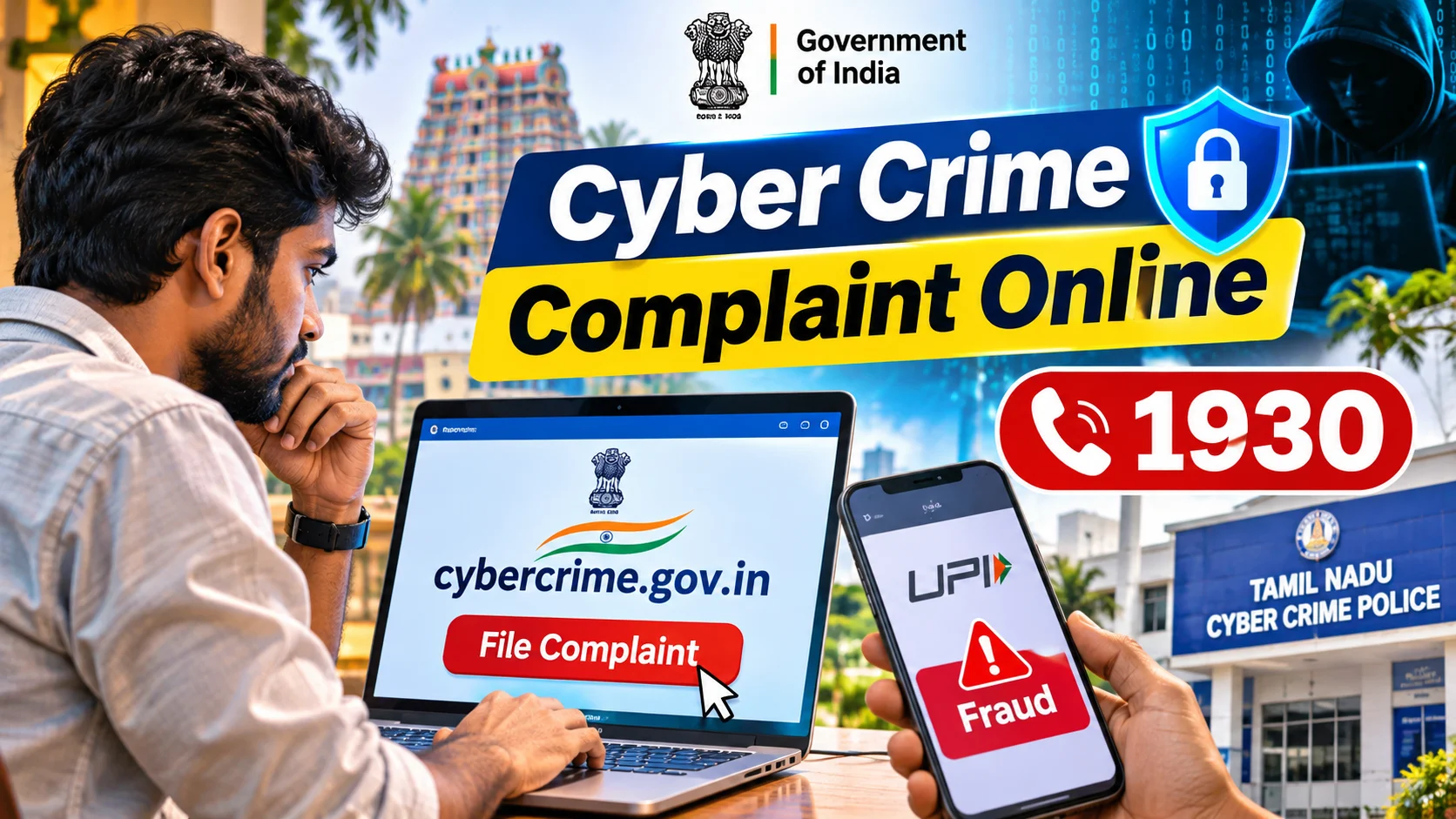
If money already left GPay, PhonePe, or a bank account, that is a cyber-fraud clock, not a chat problem. In India you can call 1930 and file on cybercrime.gov.in. Do it fast. Banks look at the time stamp.
WhatsApp will not phone you from a random +91 number and ask for a code. Anyone who does is acting. Report the in-app spam and stop talking.
What does it cost to fix a hacked WhatsApp?
Doing it yourself on the official app costs ₹0. The paid options people see in search are the trap.
| Option | Price | Should you use it? |
|---|---|---|
| Official WhatsApp (Play Store / App Store) | ₹0 | Yes — only this |
| Two-step verification | ₹0 | Turn it on today |
| WhatsApp Business | ₹0 | Fine for a shop number |
| WhatsApp Gold / Plus / GB APK | Not a real product | No — malware risk |
| Paid recovery or hack offer on Instagram / Telegram | They will name a fee | No — scam pattern, and hacking someone else is illegal |
| 1930 / cybercrime.gov.in | ₹0 | Use if money moved |
People still pay. A profile quotes a few thousand rupees to recover a girlfriend's chat or to peek at a husband's phone. That is not a product. That is a crime-shaped invoice. Paying also hands them your number, your OTP, and often a remote-access app.
Play Store WhatsApp is free. Two-step is free. The helpline is free. Keep the money in the bank app.
Which mistakes get people into more trouble?
Forwarding the six-digit code to anyone who claims they are from WhatsApp, Meta, the bank, or a cyber cell. Real agencies do not need that code to verify you.
Scanning a Linked devices QR for a stranger who says they are checking your backup.
Installing an APK because a YouTube thumbnail said Gold shows deleted messages. Those spy promises are how sessions get stolen.
Paying to hack someone else's WhatsApp. That is illegal. You also get emptied. You do not get the chats. We will not walk through anything like that.
Using your ATM PIN as the two-step PIN.
Treating a SIM with no SMS as a network mood. If it lasts and WhatsApp is asking to verify, it is urgent.
Pasting the OTP in the family group to ask is this you. The group may already include the person who asked.
What should you do now?
If a code landed tonight, do not forward it. Register on your phone. Linked devices, log out. Two-step on. Call people, do not type, until the number is yours again.
If you already lost the account, fight for the SIM first, then register. Then 1930 if money moved.
If nothing is wrong and you only searched this out of fear, spend ten boring minutes anyway: official app, linked devices check, two-step PIN, SIM PIN, Play Store auto-update. That is the whole sport.
Treat the WhatsApp SMS like the ATM PIN. The rest of the internet noise can wait.


Comments (0)
Be the first to comment!