


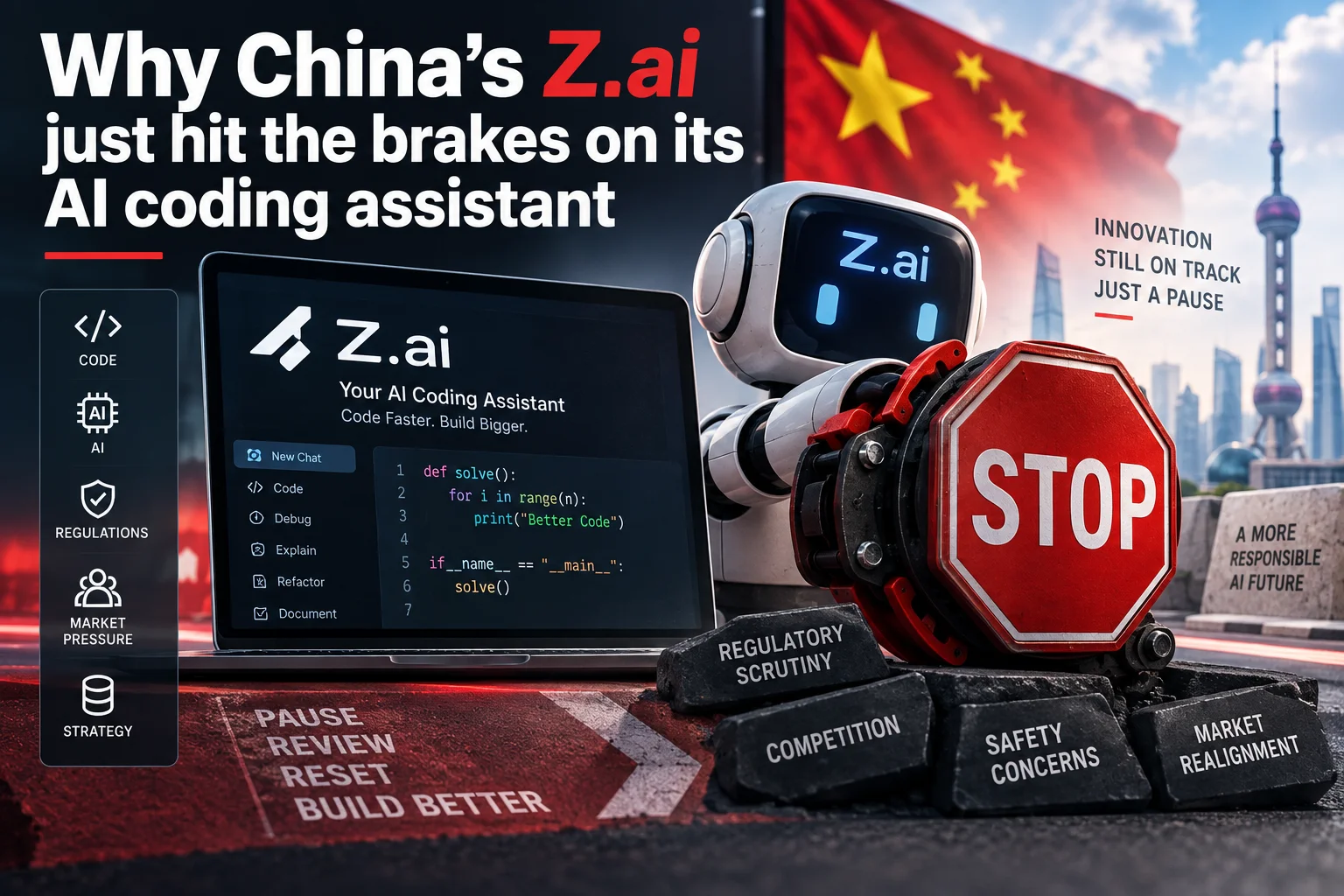
- Z.ai has disabled its AI-powered coding helper after discovering a bug tied to an auto-enabled setting.
- An independent review confirmed that the flaw caused user-stored code snippets to be deleted from cloud storage.
- Security disclosures like this remain extremely rare from Chinese AI research teams.
- Indian developers building backend services or apps should check their cloud settings and keep local offline backups.
What actually went wrong with Z.ai?
Imagine pushing your evening code commits after a long day of debugging, only to wake up the next morning and find your custom helper functions gone from your cloud workspace. That nightmare became uncomfortably real for several developers using Z.ai, a prominent Chinese artificial intelligence lab.
The company confirmed that it has pulled the plug on its AI coding assistant across its platform. The helper, designed to autocomplete functions and suggest fixes on the fly, had a critical bug baked directly into its setup. The flaw did not just cause bad syntax recommendations or wrong indentations. Instead, it triggered unexpected data wipes inside cloud-stored repositories.
Following user reports, an independent review verified that code snippets saved on the platform's remote infrastructure were mistakenly deleted. To stop the bleeding, Z.ai disabled the assistant entirely while its engineering team works on a fix.
Why was this feature turned on by default anyway?
Here is where product design choices clash with developer privacy. When you spin up a new account or workspace on modern developer platforms, tools love shipping with every shiny AI feature switched on. The goal is simple: get users hooked on auto-complete suggestions immediately without making them hunt through complex preference menus.
Z.ai followed this exact playbook. New developer profiles had the AI coding assistant activated automatically. Every time an engineer opened an active file, the editor started indexing code fragments and syncing project context with Z.ai's backend servers.
Because the feature was active by default, many developers never realized their active files and scratchpads were being continuously analyzed and synced to remote servers. When the underlying sync logic broke, it did not just affect power users who opted into experimental betas. It hit everyone who simply accepted standard account defaults.
How did cloud code snippets end up getting deleted?
To give you smart code suggestions—like auto-filling a payment gateway webhook or finishing a database query—the AI model needs context. It grabs small chunks of code, function signatures, and comments around your cursor, bundles them up, and shoots them to cloud servers for rapid token processing.
Under normal conditions, a cleanup routine on the server clears out temporary tokens after the prediction response gets sent back to your editor. But in Z.ai's case, the server-side deletion routine went haywire. Instead of scrubbing only the ephemeral inference cache, the system mistakenly purged persistent user files and saved cloud snippets.
The bug scrambled the boundary between temporary context pipelines and permanent cloud storage. Once the independent audit confirmed that real user code was vanishing from cloud storage buckets, Z.ai had no choice but to disable the entire assistant feature globally.
Why is this public admission turning heads in tech circles?
If an American tech firm or an open-source project encounters a security flaw, we usually see an incident postmortem within days. It is standard practice across GitHub, GitLab, or major cloud providers.
For Chinese AI labs, however, things rarely work that way. Security incidents, model failures, and data management hiccups are traditionally handled behind closed doors, often patched quietly without public announcements. That makes Z.ai's open acknowledgment and third-party review confirmation quite unusual.
The disclosure shows that as AI toolmakers compete globally against rivals in the US, Europe, and Asia, they cannot afford silence. Developers everywhere demand transparency. When your daily tool has the power to read and erase your codebase, silence after a data loss incident is the quickest way to kill developer trust permanently.
Does this hit developers and startups in India?
A surprising number of freelance developers, indie hackers, and engineering students across Bengaluru, Chennai, Hyderabad, and Pune experiment with alternative AI coding tools. With API costs adding up quickly on mainstream platforms, many developers try out international platforms like Z.ai for free tiers, fast trial tokens, or specialized local model experiments.
If you used Z.ai to test microservices, build lightweight scripts for e-commerce stores, or prototype UPI payment handling logic, you need to check your cloud files immediately. While your local drive is untouched, any scrapbooks, API test snippets, or cloud-hosted test scripts kept on Z.ai might have been caught in the cleanup bug.
Even if you do not use this specific tool, the incident is a wake-up call for Indian dev teams. Relying blindly on cloud-only AI editors without offline version control is a recipe for trouble. If a service wipes a custom authentication script an hour before production deployment, no AI auto-complete is going to make up for the lost time.
What steps should you take right away to safeguard your code?
Take five minutes today to audit your developer environments and secure your daily workflow:
First, log in to any Z.ai accounts you maintain and check your Settings page. Verify that AI data-sharing and cloud sync toggles are disabled until the team releases a verified patch note.
Second, ensure every single project lives in a proper local Git repository. Push your commits to your own private remotes on GitHub, GitLab, or a self-hosted server. Never treat an AI tool's online scratchpad or cloud workspace as your primary source of truth.
Third, audit the permissions of all AI extensions running inside your code editor. Look at whether extensions have permission to read all open tabs or upload telemetry data in the background. If a feature says 'Enabled by default', make sure you understand what data leaves your machine every time you hit spacebar.
Are default-on AI settings becoming an industry headache?
This incident is not an isolated quirk; it points to a wider dilemma across modern software tools. From web browsers to IDEs and note-taking apps, companies are racing to embed AI helpers into every workflow. To show high engagement numbers to investors, product managers frequently make these AI helpers active out of the box.
The problem is that code is not plain text. Code contains sensitive logic, proprietary algorithms, database schemas, and occasionally unredacted API tokens. When software vendors treat user code as throwaway test data for background models, bugs like the one at Z.ai are bound to happen.
Developers have always valued control over convenience. The convenience of having an AI finish your loop is great, but losing your files to an overzealous cloud scrubber is not a fair trade. Until AI providers adopt strict 'opt-in only' policies and publish clear data boundaries, treating default AI features with a healthy dose of skepticism remains your best defense.





Comments (0)
Be the first to comment!