


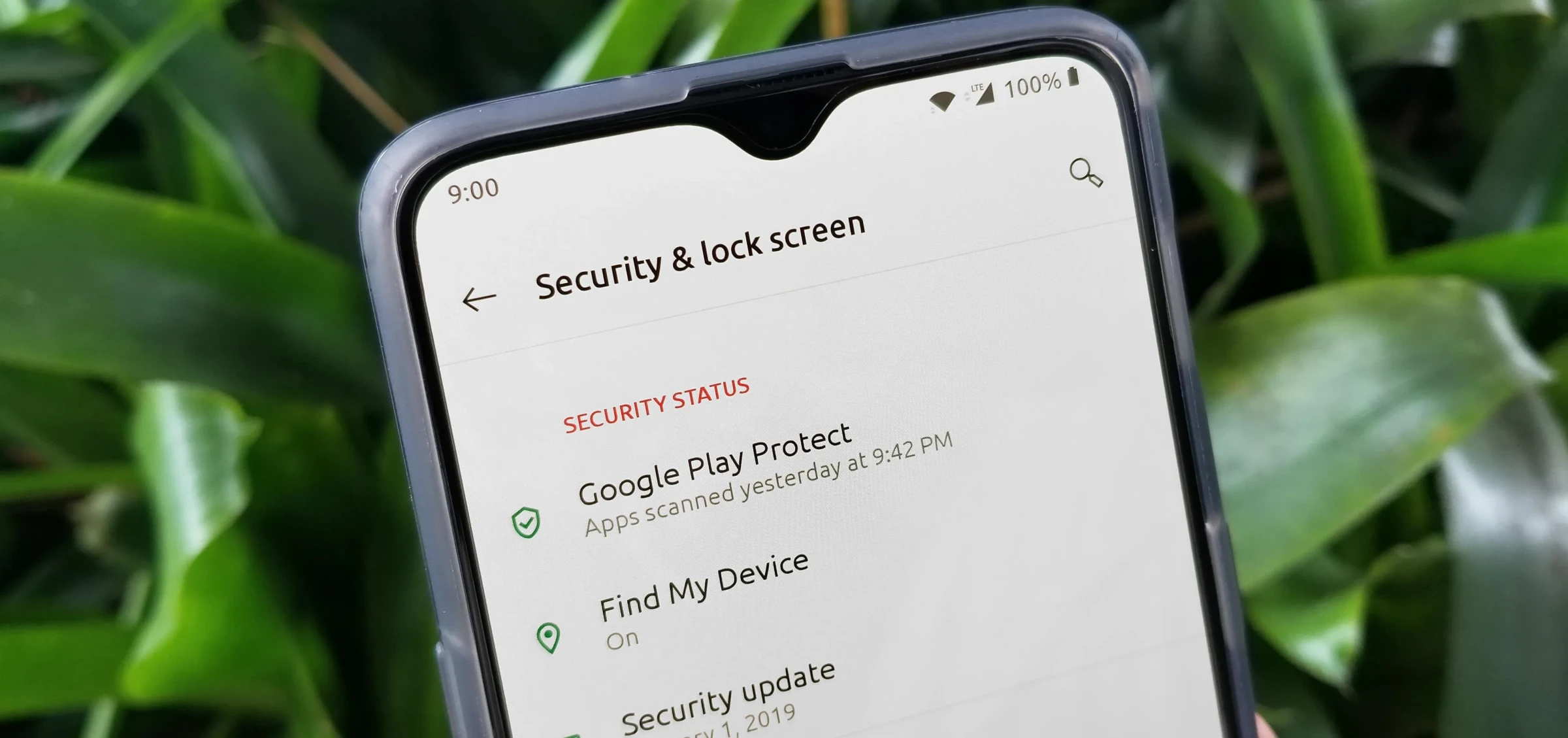
உங்கள் OnePlus போனில் முக்கியமான தனிப்பட்ட தரவு உள்ளது. இந்த வழிகாட்டி அனைத்து பாதுகாப்பு அம்சங்களையும் உள்ளடக்கியது.
Device Unlock Security
Settings → Security & Privacy → Device Unlock:
- Fingerprint - 5 fingerprints வரை register செய்யலாம்
- Face Unlock - "Require eyes open" enable செய்யுங்கள்
- PIN/Password - குறைந்தது 6 digits பயன்படுத்துங்கள்
App Lock
Settings → Security & Privacy → App Lock:
Advertisement
- Banking, Photos, Messages போன்ற apps lock செய்யுங்கள்
- Fingerprint, Face அல்லது Password தேர்வு செய்யுங்கள்
Private Safe
Settings → Security & Privacy → Private Safe:
- Photos, videos, documents encrypted storage
- File managers-ல் இருந்து hidden
Privacy Dashboard
எந்த apps என்ன permissions access செய்கின்றன என்று monitor செய்யுங்கள்.
Lockdown Mode
Power button hold → Lockdown tap. Biometrics disable ஆகி PIN மட்டும் வேலை செய்யும்.
Advertisement
Find My Device
android.com/find மூலம் phone locate, lock அல்லது erase செய்யலாம்.





கருத்துகள் (0)
Be the first to comment!