


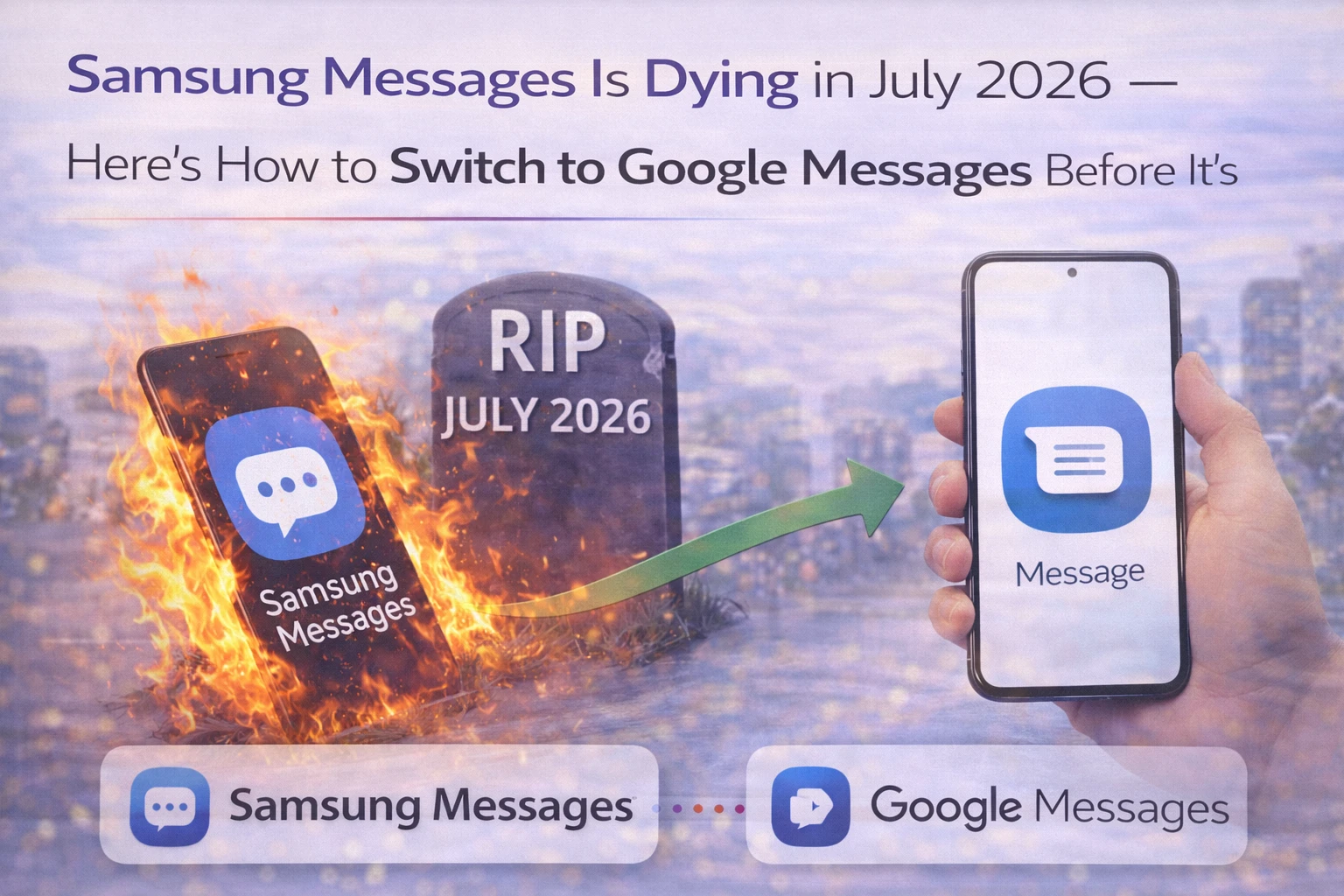
Samsung Messages July 2026-ல் Shut Down ஆகுது — Official Announcement வந்துவிட்டது
Samsung Galaxy phone use பண்றீங்கள், default-ஆ Samsung Messages-ல் (blue speech bubble icon) SMS அனுப்புகிறீங்களா? July 2026-ல் அந்த app work பண்றதை stop பண்ணும். Samsung official-ஆ End of Service announcement post பண்ணியிருக்கு.
அதற்கு பிறகு, Samsung Messages emergency service numbers மற்றும் phone-ல் pre-set பண்ணிய emergency contacts-க்கு மட்டும் work ஆகும் — regular SMS அல்லது messaging யாருக்கும் செய்ய முடியாது. Galaxy Store-லயும் Samsung Messages download பண்ண கிடைக்காது. Android 12 மற்றும் newer-ல் run ஆகும் Galaxy phones affect ஆகும் — Android 11 அல்லது older-ல் இருந்தா affect ஆகல.
Replacement: Google Messages — white icon, blue chat bubble. Galaxy S26, S26 Plus, S26 Ultra recently buy பண்ணவங்களுக்கு Google Messages already default ஆக இருக்கும் — Samsung அந்த models-ல் Samsung Messages-ஐ include பண்ணவேயில்லை.
Samsung ஏன் இதை பண்றது?
Samsung சில years-ஆவே Google Messages-க்கு move ஆகிட்டிருக்கு. Galaxy S26 series clear signal-ஆ இருந்தது — Samsung Messages option கூட இல்லாம Google Messages default-ஆ வந்தது. July 2024-ல் Samsung announce பண்ணியிருந்தது: Galaxy phones-க்கு Google Messages default ஆகும். இப்போ July 2026-ல் Samsung Messages-ஐ officially end பண்றது அந்த transition-ஓட formal conclusion.
Reason simple: separate messaging app maintain பண்றும்போது Google Messages-உம் pre-install ஆகியிருந்தது — same thing பண்றும் two products. Samsung app portfolio consolidate பண்றது — duplicates remove பண்றது, browser, gallery, messaging போன்றவற்றுக்கு Google-ஓட versions default ஆகுது. One less app, phone-ல் storage save ஆகுது.
Genuine quality difference-உம் இருக்கு. Google Messages-கிட்ட Samsung Messages-ல் இல்லாத features இருக்கு: RCS (Rich Communication Services) Android மற்றும் iOS-ல் work ஆகுது, AI-powered ஸ்கேம் டிடெக்ஷன் மற்றும் spam filters, Gemini AI features — smart replies, photo remixing — multi-device messaging phone, tablet, watch எல்லாத்திலும். Samsung Messages features-ல் behind-ஆ போயிருந்தது.
RCS என்னன்னு — India-ல் ஏன் Important?
RCS (Rich Communication Services) SMS-ஓட modern upgrade — WhatsApp-மாதிரி experience, separate app வேண்டாம். RCS-உடன் இரண்டு Android phones-இல் message பண்ணும்போது: high-quality photos மற்றும் videos share (compressed thumbnails இல்லை), real-time typing indicators (opponent type பண்றாங்க-ன்னு தெரியும்), read receipts, proper group chat features.
India-ல் WhatsApp personal conversations-க்கு dominant-ஆ இருக்குது. ஆனா SMS இன்னும் critical: OTPs, SBI, HDFC, ICICI bank transaction alerts, Flipkart, Amazon India, Swiggy, Zomato delivery notifications, Aadhaar-linked services, DigiLocker government communication. Google Messages SMS, MMS, RCS — எல்லாத்தையும் one app-ல் handle பண்றது, plus AI-powered scam detection added benefit.
Scam detection feature India-ல் especially useful. Fake bank alerts, UPI fraud attempts, fake parcel delivery messages — Google Messages இவற்றை suspicious-ஆ identify பண்ணி, உங்களுக்கு act பண்றதற்கு முன்னாடி flag பண்றது. UPI fraud India-ல் persistent concern — இந்த feature alone Google Messages-ஐ Samsung Messages-ஐ விட better choice-ஆக பண்றது.
Samsung Messages-ல் இருந்து Google Messages-க்கு எப்படி Switch பண்றது?
July வரை wait பண்ணாதீங்க. இப்போவே switch பண்ணுங்க. எப்படின்னு step-by-step பாக்கலாம்.
முதல்ல, Google Messages phone-ல் already இருக்கா-ன்னு check பண்ணுங்க. 2022-ல் இருந்து பெரும்பாலான Samsung Galaxy phones-ல் Google Messages pre-installed-ஆ வருது. App drawer-ல் white icon with blue speech bubble தேடுங்க. இல்லாட்டா Play Store-ல் "Google Messages"-ன்னு search பண்ணி official Google app install பண்ணுங்க.
Google Messages install ஆனதும் open பண்ணுங்க. First time open பண்ணும்போது prompt வரும்: "To use Messages, make it your default SMS app." "Set default SMS app" button tap பண்ணுங்க. List-ல் இருந்து Google Messages select பண்ணுங்க. "Set as default" tap பண்ணுங்க. Done — Google Messages இப்போ உங்கள் default messaging app.
Existing SMS messages phone-ஓட SIM மற்றும் device memory-ல் store ஆகியிருக்கு — switch பண்ணும்போது disappear ஆகாது. ஆனா Samsung Messages-ல் இருந்த RCS conversation history Google Messages-க்கு automatically transfer ஆகாது. Regular SMS history visible ஆகும், RCS chats-ல் gap show ஆகலாம். Going forward, new messages எல்லாம் Google Messages-ல் போகும்.
Samsung Smartwatch Users-க்கு என்ன ஆகும்?
Tizen OS Samsung Galaxy Watch — Galaxy Watch 4-க்கு முன்னாடி launch ஆனது — use பண்றவங்களுக்கு ஒரு limitation: Samsung Messages discontinue ஆனதும், இந்த watches Google Messages-உடன் full message conversation history sync பண்ண முடியாது. Text messages read மற்றும் send பண்றது possible-ஆக இருக்கும், ஆனா full conversation thread sync ஆகாது.
Galaxy Watch 4, 5, 6, 7 அல்லது any Samsung Watch running Wear OS — Google Messages-உடன் smooth-ஆ work பண்றது, conversation history limitation இல்லை.
2022-க்கு முன்னாடிய Samsung Phones-க்கு என்ன?
Android 11 அல்லது older-ல் run ஆகும் Samsung devices — Samsung-ஓட notice explicitly சொல்றது: affected இல்லை. Samsung Messages continue ஆகுது. ஆனா Android 11-ல் இருக்கும் phones இப்போ 3-4 years old. Upgrade plan பண்றீங்களா — new Galaxy phone-ல் Google Messages already default-ஆ இருக்கும்.
2022-ல் இருந்து Samsung phones — Android 12 அல்லது newer — Galaxy A-series, M-series, S-series — July 2026 deadline apply ஆகுது. Phone-ஓட Android version check பண்ண: Settings → About Phone → Software Information. Android version listed-ஆ இருக்கும்.
TamilTech-ஓட கருத்து
Samsung Messages years-ஆவே borrowed time-ல் இருந்தது. Google Messages-உடன் last two years-ல் compare பண்ணினவங்களுக்கு Google Messages better app-ன்னு already தெரியும் — better scam protection, RCS support, Gemini AI features, multi-device sync. July 2026 deadline Samsung Galaxy S26-உடன் already make பண்ணிய decision-ஐ honestly finalize பண்றது. Indian Samsung users-க்கு: July-ல் இல்லை, இப்போவே switch பண்ணுங்க. Transition painless, Google Messages India context-ல் — fraud detection-உடன் — genuinely better. Deadline mandatory ஆவதற்கு முன்னாடி three months comfortable-ஆ use பண்ண opportunity இருக்கு. Give up பண்றது: years-ஆக meaningfully improve ஆகாத app-ஓட familiarity மட்டும்.



கருத்துகள் (0)
Be the first to comment!