


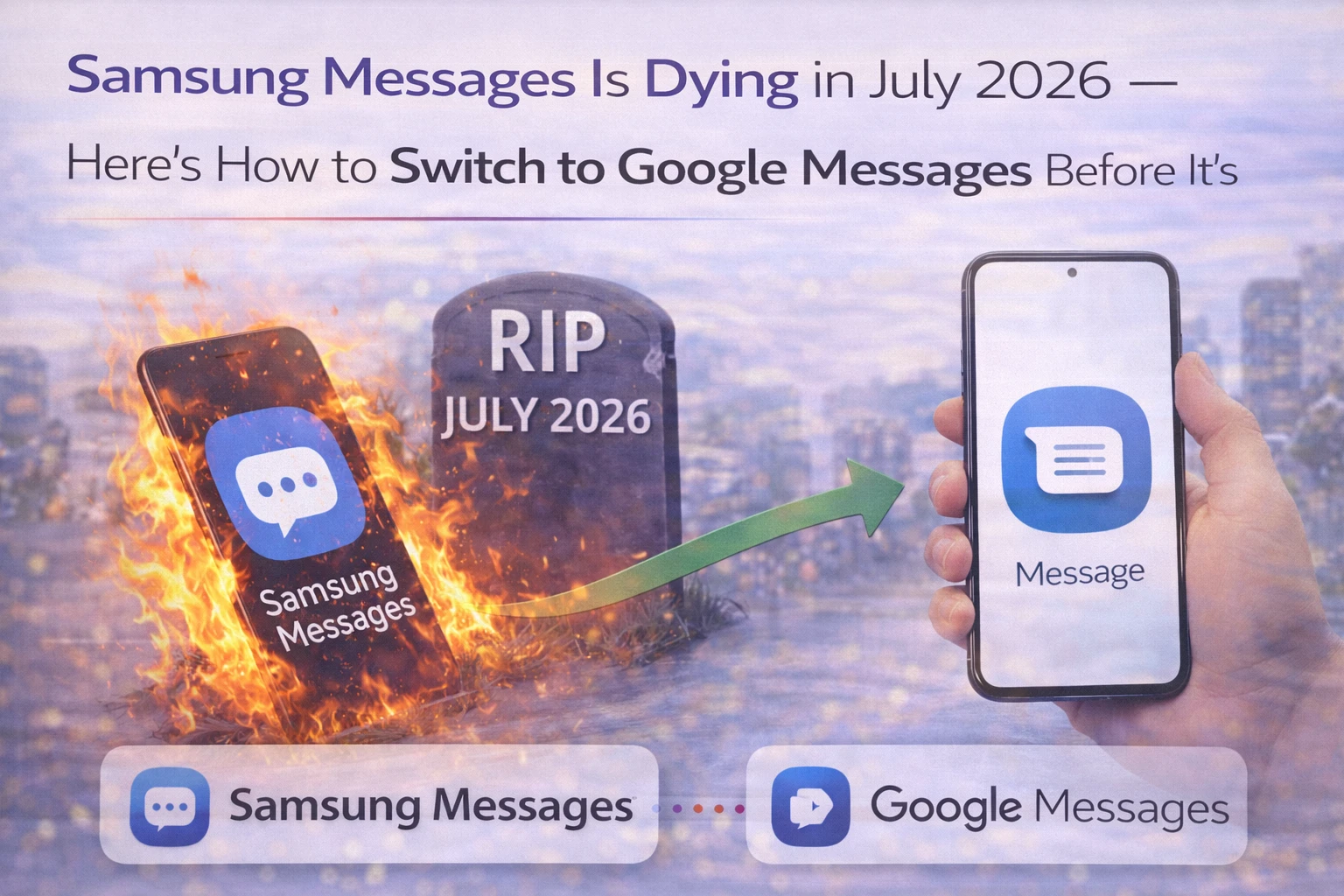
Samsung Messages is officially shutting down — July 2026 is the deadline
If you use a Samsung Galaxy phone and you've been texting with the default Samsung Messages app — the one with the blue speech bubble icon — it's time to make a change. Samsung has officially posted an End of Service announcement for Samsung Messages, with July 2026 as the shutdown date. After that, the app will no longer function for regular SMS or messaging of any kind, except for emergency service numbers and emergency contacts you've preset in your phone.
This is not a rumour. Samsung posted the notice directly on its official website and the app itself will show you an in-app notification guiding you toward the switch. The Galaxy Store will also remove Samsung Messages from being downloadable after July. This affects Galaxy phones running Android 12 and newer — if your phone is on Android 11 or older, you're not affected by this change.
The replacement is Google Messages — the white app with the blue chat bubble. If you've bought a Galaxy S26 or S26 Plus or S26 Ultra recently, you've already been using Google Messages as the default because Samsung excluded Samsung Messages entirely from that lineup.
Why is Samsung doing this — and why now?
Samsung has been quietly moving toward Google Messages as its preferred messaging platform for a few years now. The Galaxy S26 series was the clearest signal — Samsung didn't even offer Samsung Messages as an option on those devices. This July 2026 announcement is the formal end of the transition that's been underway since Samsung announced in July 2024 that it would be switching Galaxy phones to Google Messages as the default.
The reasoning is straightforward: maintaining a separate messaging app while also pre-installing Google Messages meant Samsung was running two overlapping products doing the same thing. Samsung has been consolidating its app portfolio — removing duplicates, defaulting to Google's versions for things like browser, gallery, and now messaging. One less app to maintain, one less app taking up storage on your phone.
There's also a genuine quality difference. Google Messages has features that Samsung Messages simply doesn't offer at the same level: RCS (Rich Communication Services) that works across Android and iOS, AI-powered scam detection and spam filtering, Gemini AI features including smart replies and photo remixing, and multi-device messaging that works across your phone, tablet, and watch simultaneously. Samsung Messages is a legacy app that stopped keeping up with the competition some time ago.
What exactly is RCS and why does it matter for Indian users?
RCS (Rich Communication Services) is the modern upgrade to SMS — it's what makes messaging feel like WhatsApp without needing a separate app. With RCS enabled between two Android phones, you get high-quality photo and video sharing (no more tiny compressed thumbnails), real-time typing indicators (you can see when someone is typing), read receipts, and group chat features that work properly.
In India, where WhatsApp is the dominant messaging platform for personal conversations, SMS is still critical for OTPs, transaction alerts from banks (SBI, HDFC, ICICI), delivery notifications from Flipkart, Amazon India, Swiggy, and Zomato, and government communication including Aadhaar-linked services and DigiLocker. Google Messages handles all of this — SMS, MMS, and RCS — in one app, with the added benefit of AI-powered scam detection that's specifically useful for Indian users who receive phishing-style messages attempting to steal UPI credentials or bank details.
The scam detection feature in Google Messages identifies suspicious texts — fake bank alerts, UPI fraud attempts, fake parcel delivery messages — and flags them before you act on them. With UPI fraud being a persistent concern for Indian smartphone users across all income levels, this feature alone makes Google Messages a better choice than Samsung Messages for the Indian context.
How to switch from Samsung Messages to Google Messages right now
Don't wait for July. Make the switch now and get comfortable with Google Messages before the forced transition. Here's exactly how to do it.
First, check if Google Messages is already on your phone. Most Samsung Galaxy phones from 2022 onward come with Google Messages pre-installed. Go to your app drawer and look for the white icon with the blue speech bubble. If it's not there, download it from the Play Store — search for "Google Messages" and install the official Google app.
Once you have Google Messages installed, open it. The first time you open it, you'll see a prompt: "To use Messages, make it your default SMS app." Tap "Set default SMS app," then select Google Messages from the list that appears, then tap "Set as default." Google Messages is now your default messaging app for all SMS, MMS, and RCS communication.
Your existing SMS messages are stored on your phone's SIM and device memory — they won't disappear when you switch. However, the message history from Samsung Messages won't automatically transfer to Google Messages for RCS conversations. Regular SMS history should still be visible, but if you had ongoing RCS chats in Samsung Messages, those may show a gap. Going forward, all new messages will go through Google Messages.
A quick note on RCS specifically: if you switch to Google Messages and the person you're texting is also on Google Messages (or any Android phone where Google Messages is default), RCS will activate automatically and you'll see the improved messaging features. If they're still on Samsung Messages or another SMS app, you'll communicate via regular SMS until they also switch.
What about Samsung smartwatch users?
If you have a Samsung Galaxy Watch running Tizen OS — these are the older watches launched before Galaxy Watch 4 — there's a limitation to know about. After Samsung Messages is discontinued, these Tizen watches won't be able to sync full message conversation history with Google Messages. You'll still be able to read and send text messages from your watch, but the full conversation thread sync won't work the way it does with Samsung Messages today.
For users with Galaxy Watch 4, 5, 6, 7 — or any Samsung watch running Wear OS — the transition to Google Messages works fine. These watches will sync with Google Messages without the conversation history limitation.
Does anything change for Samsung phones released before 2022?
If your Samsung device is running Android 11 or older, Samsung's notice explicitly says you are not affected by this End of Service announcement. Samsung Messages will continue to work on those devices. However, Samsung's pace of software updates means most phones on Android 11 right now are at least 3-4 years old. If you're planning to upgrade, your new Galaxy phone will come with Google Messages as the default anyway.
For Samsung phones from 2022 onward on Android 12 or newer — this means Samsung Galaxy A-series, M-series, and S-series from that year onward — the July 2026 deadline applies. If you're not sure which Android version your phone is running, go to Settings, then About Phone, then Software Information. Your Android version will be listed there.
TamilTech's take
Samsung Messages has been on borrowed time for years. Anyone who's compared it side by side with Google Messages in the last two years already knows Google Messages is the better app — better scam protection, RCS support, Gemini AI features, and multi-device sync. The July 2026 deadline is Samsung finally being honest about a decision it already made with the Galaxy S26. For Indian Samsung users: switch now, not in July. The transition is painless, Google Messages is genuinely better for the Indian context with its fraud detection, and you'll have three months to get comfortable with it before the deadline makes it mandatory. The only thing you're giving up is familiarity with an app that hasn't improved meaningfully in years.





Comments (0)
Be the first to comment!