


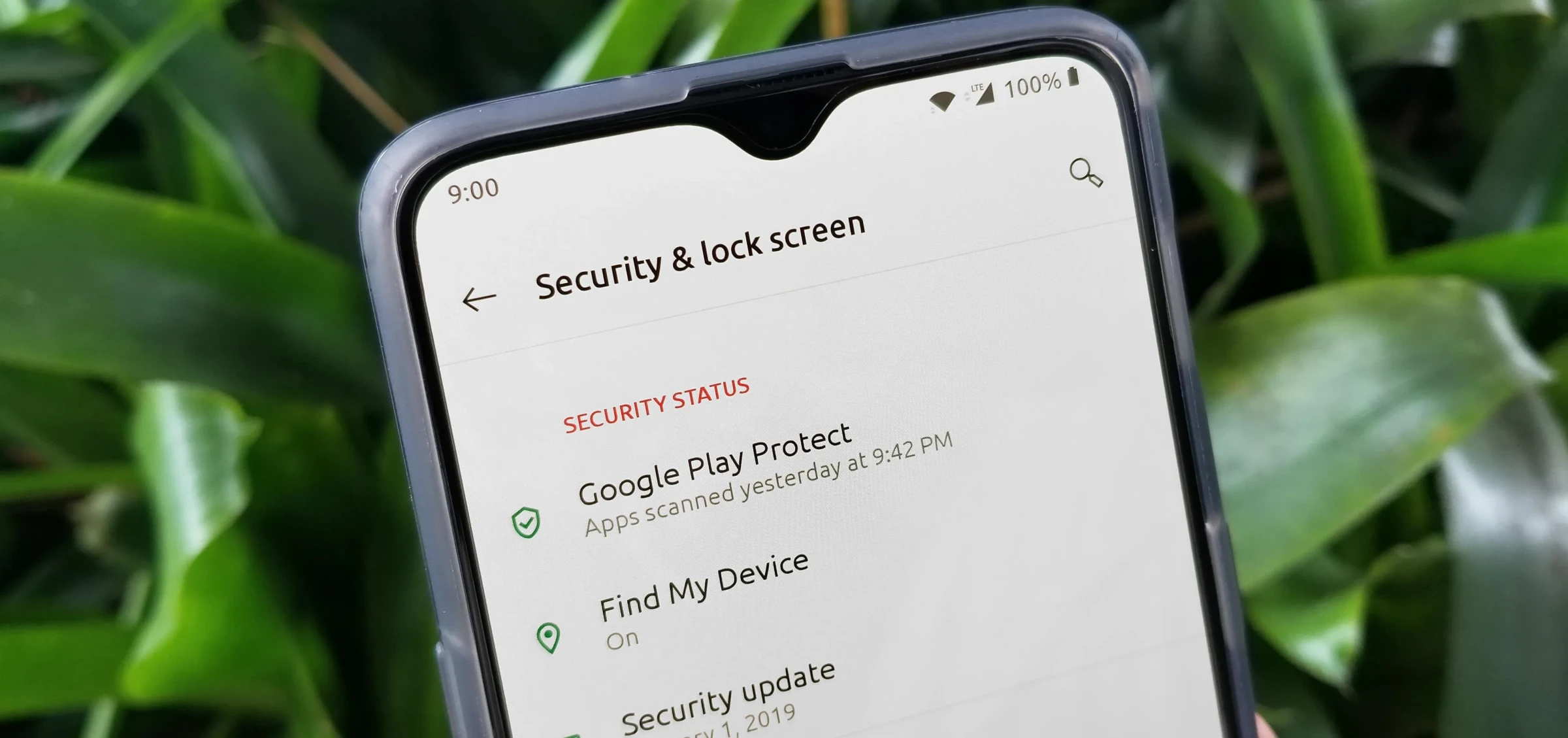
Your OnePlus phone contains sensitive personal data. This guide covers all security features to protect your privacy.
Device Unlock Security
Navigate to Settings → Security & Privacy → Device Unlock:
- Fingerprint - Register up to 5 fingerprints. Use different fingers for different unlock scenarios.
- Face Unlock - Fast but less secure than fingerprint. Enable "Require eyes open" for added security.
- PIN/Password - Use at least 6 digits. Enable "Scramble pad" to prevent shoulder surfing.
App Lock
Lock sensitive apps behind biometrics. Go to Settings → Security & Privacy → App Lock:
- Select apps to protect (Banking, Photos, Messages, Email)
- Choose unlock method: Fingerprint, Face, or Password
- Enable "Lock when screen off" for immediate protection
- Set custom lock timeout per app
Private Safe
Hidden encrypted storage for sensitive files. Access via Settings → Security & Privacy → Private Safe:
- Store photos, videos, documents, audio files
- Content is encrypted and hidden from file managers
- Requires separate password from device unlock
- Import directly from Gallery or File Manager
Privacy Dashboard
Monitor which apps access your data at Settings → Security & Privacy → Privacy Dashboard:
- View timeline of camera, microphone, location access
- See which apps accessed what permissions and when
- Quickly revoke permissions from offending apps
Permission Manager
Control what apps can access. Go to Settings → Security & Privacy → Permission Manager:
- Location: Set to "While using app" instead of "Always"
- Camera/Microphone: Disable for apps that dont need them
- Contacts/SMS: Only grant to essential apps
Privacy Indicators
Green dots appear when camera or microphone is in use. Enable at Settings → Security & Privacy → Privacy:
- Camera indicator shows when any app uses camera
- Microphone indicator for audio recording detection
- Tap indicator to see which app is accessing
Lockdown Mode
Instantly disable biometric unlock. Useful in emergencies:
- Hold power button, tap "Lockdown"
- Disables fingerprint and face unlock
- Requires PIN/password to unlock
- Hides sensitive notifications on lock screen
Find My Device
Enable at Settings → Security & Privacy → Find My Device:
- Locate your phone on a map
- Play sound to find nearby device
- Remote lock and display message
- Factory reset if stolen
System Security
- Google Play Protect - Scans apps for malware automatically
- Security Updates - Enable automatic security patches
- Verify Apps - Block harmful app installations
- Encryption - Enabled by default on OnePlus
Network Security
- Avoid public Wi-Fi for sensitive tasks
- Use VPN on untrusted networks
- Disable auto-connect to open networks
- Enable MAC randomization for privacy





Comments (0)
Be the first to comment!