


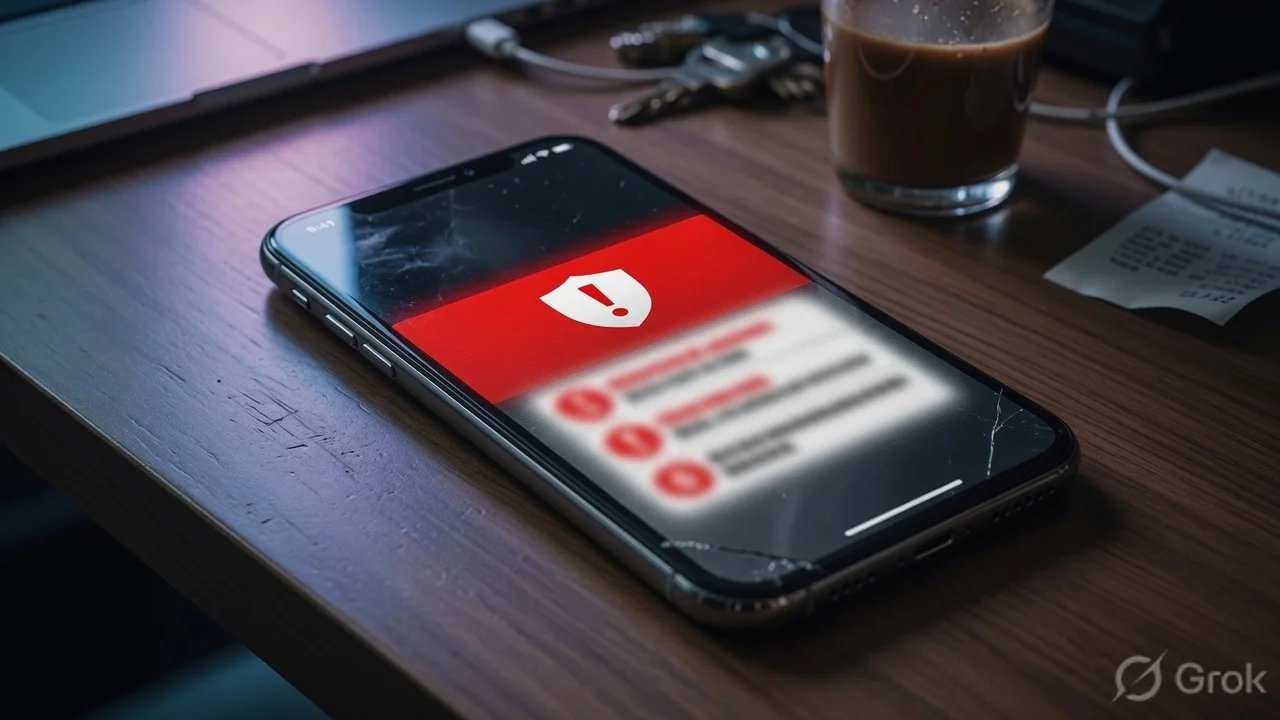
You might be getting a security warning on your iPhone lock screen — don't ignore it
iPhone users across the world have been seeing an unusual notification pop up directly on their lock screens: a "Critical Software" alert from the Settings app telling them that Apple is "aware of attacks targeting out-of-date iOS software" on their device. Many people initially thought it was a phishing attempt — a fake warning designed to trick them into clicking something malicious. It's not. This is Apple doing something it almost never does: pushing a direct security warning before the user even unlocks their phone.
This is serious enough that Apple published an official support document specifically urging customers to "update iOS to protect your iPhone from web attacks." Let's break down what's actually happening here.
What's the actual threat — web-based exploit kits targeting older iPhones
Security researchers identified two sophisticated exploit kits actively targeting older iOS versions right now. They go by the names "Coruna" and "DarkSword."
Coruna is designed to attack iPhones running iOS versions 13.0 through 17.2.1. That's a massive range — anyone who hasn't updated their iPhone in the last couple of years could be in this window.
DarkSword is particularly alarming because it targets a newer range — iOS 18.4 through iOS 18.7 — and it operates as what security researchers call a "watering hole attack." You don't have to click on anything suspicious. You just have to visit a compromised website, and the exploit can run automatically in the background. It leverages six different vulnerabilities in iOS's browser and operating system stack. If successful, it can potentially access photos, passwords, saved credentials, and even cryptocurrency wallet data on your device.
DarkSword got worse when the full exploit kit was leaked publicly on GitHub in late March, meaning it's now available to a much wider group of bad actors who didn't build it themselves. The barrier to using it just dropped significantly.
Which iPhones are at risk right now
The quick version: if you're not on the very latest iOS update for your device, you may be exposed. Here's how to know where you stand:
iOS 13 and iOS 14 users: You need to update to iOS 15 immediately. These older versions have no patches for the Coruna exploit and Apple has specifically flagged them as the most at-risk group. Once you're on iOS 15, you'll receive a Critical Security Update to fully close the vulnerability.
iOS 15 users: You need to be on iOS 15.8.7 — the security update Apple released on March 11, 2026. If you're on an older iOS 15 build, update now.
iOS 16 users: You need to be on iOS 16.7.15, also released on March 11. If your device can't run iOS 18 or newer, iOS 16.7.15 is what gives you the current protection.
iOS 18 users: The DarkSword exploit targets iOS 18.4 through 18.7. iOS 18.7.6 has the current patches. Update to it if you haven't.
iOS 26 users: iOS 26.4 — released in late March — addressed 35+ security issues including multiple WebKit and sandbox escape vulnerabilities. Stay on the latest build.
Why this matters so much for Indian iPhone users
India has one of the world's largest populations of older iPhones still in active use. The iPhone 6S, iPhone 7, iPhone 8, and iPhone X — devices that sold massively in India at reduced prices on Flipkart and Amazon India over 2019-2022 — are all in iOS 15 and iOS 16 territory at best. Many of them haven't been updated in months because owners assume "it's working fine, why update?"
Here's the real risk for Indian users specifically: these iPhones are used for UPI payments, GPay, PhonePe, Paytm, net banking. If a web-based exploit silently runs on your device after you visited a compromised link — maybe a forwarded WhatsApp link, a fake news site, or even a legitimate site that was temporarily compromised — your banking credentials, UPI PINs saved in autofill, and payment app data could be exposed.
The DarkSword watering hole vector is the scariest part of this. You don't have to do anything stupid. You don't have to click a fake prize notification or enter your details somewhere shady. Just visiting a compromised website on an unpatched iPhone is enough. And with how much browsing Indians do on mobile — news sites, YouTube links, social media redirects — the attack surface is genuinely large.
How to check your iOS version and update right now
Open Settings on your iPhone. Tap General. Tap Software Update. If an update is available, install it immediately — connect to Wi-Fi and plug in your charger first if the battery is below 50%.
If your iPhone is showing "iOS is up to date" and you're on iOS 15.8.7, iOS 16.7.15, iOS 18.7.6, or iOS 26.4 — you're protected. If you're on anything older than these specific versions, update now.
For devices that absolutely cannot update beyond iOS 15 or 16 for hardware reasons: enable Lockdown Mode. Go to Settings, then Privacy & Security, then Lockdown Mode and turn it on. Apple has confirmed that no devices running Lockdown Mode have been successfully compromised by these exploit kits. The trade-off is that some web features and app functionality become restricted — but for a phone that holds your banking apps, it's worth it.
What Apple's lock screen alerts actually mean
Apple has never done this before at this scale — pushing notifications to the lock screen before users even unlock their phones. The fact that they're doing it now signals how seriously they're taking the active exploitation happening in the wild. This isn't precautionary messaging ahead of a patch. These are devices being actively targeted right now.
Apple's support document language is unusually direct: "if you're using an older version of iOS and were to click a malicious link or visit a compromised website, the data on your iPhone might be at risk of being stolen." For Apple, a company that usually speaks in corporate euphemisms about security, that's as blunt as it gets.
Apple also released what it calls a "Background Security Improvement" this week — a mechanism that can push security fixes to devices without requiring a full iOS update or user action. This is relatively new as a deployment method and shows Apple is expanding how it can respond to active threats quickly.
TamilTech's take
This is one of those situations where the advice is simple and the cost of ignoring it is high. Updating your iPhone takes ten minutes. Getting your banking credentials stolen because you visited a compromised website on an unpatched iOS takes one second. The math is obvious.
If you have family members — parents, grandparents, anyone — using older iPhones that they haven't updated in a while, do it for them this weekend. The people who know least about software updates are often the ones most at risk. DarkSword requiring no user action beyond visiting a website means technical savviness doesn't protect you — only the patch does.
Check your iOS version. Update if needed. Enable Lockdown Mode if your device can't get the latest updates. That's it.




Comments (0)
Be the first to comment!