


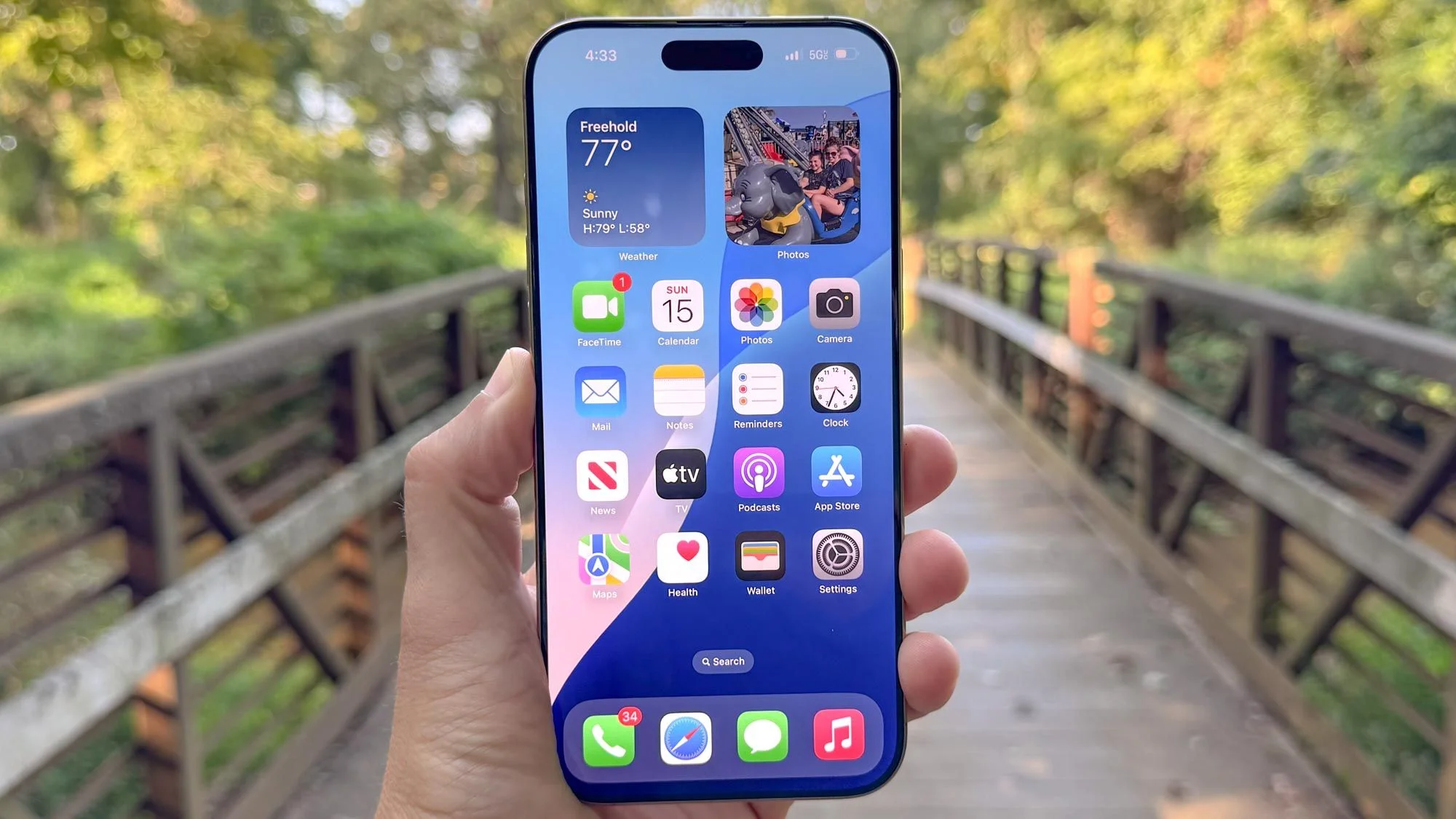
Check your iPhone lock screen — if there's a red security warning, this is why
Apple rarely sends unsolicited notifications about security threats. The company's usual approach is to quietly patch vulnerabilities and release update notes that most users never read. So when iPhones running older iOS versions started showing "Critical Software" warnings directly on the lock screen, coming from the Settings app, it got attention fast — and for good reason.
The alerts are real, they're urgent, and they're tied to two active exploit toolkits — Coruna and DarkSword — that security researchers have been tracking for months. If your iPhone received one of these lock screen warnings, your device is currently vulnerable to web-based attacks. That means visiting a compromised or malicious website could expose your personal data without you doing anything else wrong.
What are Coruna and DarkSword?
Coruna and DarkSword are exploit kits — collections of code that attackers use to take advantage of known vulnerabilities in iOS. Think of them as toolboxes for hacking iPhones. They don't require you to install a fake app or enter your password. They work through the browser — specifically through flaws in WebKit, the engine that powers Safari and all other browsers on iOS.
Coruna targets iPhones running iOS 13 through iOS 17.2.1. That's a wide range covering several years of devices — iPhone 8, iPhone X, iPhone 11, iPhone 12, even some iPhone 13 models that haven't been updated recently fall into this range. If your iPhone is in this bracket and running an older iOS version, Coruna can exploit vulnerabilities in how Safari processes certain web pages. Visiting a page that hosts Coruna's attack code can give an attacker access to your contacts, messages, photos, and banking app data.
DarkSword is more sophisticated and more alarming. It's what security researchers call a "zero-click" exploit for certain iOS versions — meaning the victim doesn't even need to tap a link. Simply loading a page, receiving a message with a malicious preview, or visiting a compromised site while running a vulnerable iOS version can trigger it. DarkSword reportedly targets specific iOS 18.x versions, though the exact range is still being verified by researchers. What's confirmed is that part of the DarkSword codebase leaked publicly on GitHub, dramatically lowering the barrier for anyone to deploy it. Previously this level of attack required nation-state resources. Now it doesn't.
Who is at risk — and are Indian iPhone users in the target zone?
The vulnerable population is large. A significant percentage of iPhones in use globally are running iOS 17 or earlier — partly because older iPhone models can't run iOS 26, and partly because many users simply delay updates. In India, where iPhone resale and refurbished markets are active, there's a substantial base of iPhone 8, iPhone X, and iPhone 11 devices that may not have been updated in months or years.
Indian iPhone users should pay specific attention for a few reasons. First, India has a growing number of iPhone users who access banking apps, UPI, GPay, and PhonePe on their devices. An exploit that can silently extract data from an iPhone has direct financial risk implications. Second, older iPhone models are popular in the Indian market precisely because they're more affordable — and those are exactly the models running the vulnerable iOS versions. Third, India's large population means it's a high-value target for automated exploit deployments that work at scale.
How to check if you received the alert — and what to do right now
If your iPhone showed a "Critical Software" notification from the Settings app on your lock screen, that's Apple's warning system triggering for your device. But even if you didn't receive a notification — if you're running iOS 17 or earlier on any iPhone — you should treat this as an urgent action item.
Here's what to do immediately:
1. Open Settings on your iPhone.
2. Tap General.
3. Tap Software Update.
4. Install whatever update is available for your device model.
If your iPhone can run iOS 26 (iPhone Xs or newer), update to the latest iOS 26 release. If you're on an older model that maxes out at iOS 15 or iOS 16, Apple has released iOS 15.8.7 and iOS 16.7.15 specifically to address Coruna-related vulnerabilities. Install those. Devices already on iOS 15 through iOS 26 that are fully updated are protected from Coruna. DarkSword patches are included in the most recent iOS 26.x releases.
If your device is too old to receive any further updates — iPhone 6s, iPhone 7, some iPad models — your device is in a genuinely difficult position. The practical recommendation at that point is to stop using that device for anything sensitive: no banking apps, no UPI, no email containing financial information. Consider it a media player or alarm clock only until you upgrade.
What is Lockdown Mode and should you enable it?
Lockdown Mode is an extreme security setting that Apple introduced in iOS 16 for users who face targeted digital threats — journalists, activists, executives, anyone who might be personally targeted by sophisticated attackers. It severely restricts what your iPhone can do: no complex web technologies, no link previews in messages, no certain attachments, no incoming FaceTime from unknown contacts.
The relevant fact here: no iPhone in Lockdown Mode has been successfully compromised by any known exploit kit, including Coruna and DarkSword. If you have a high-risk profile — you handle sensitive financial information, run a business, or have reason to believe you could be individually targeted — enabling Lockdown Mode while you wait for an update or while using a vulnerable device is a meaningful protective measure.
To enable: Settings → Privacy & Security → Lockdown Mode → Turn On Lockdown Mode. Understand that it will restrict functionality noticeably. Most everyday users don't need it. But if you're on a device that can't be updated and you need to keep using it temporarily, it's your best available defense.
The WebKit angle — why all browsers on iPhone are affected
Here's something many iPhone users don't know: Apple requires all browsers on iOS to use WebKit as their rendering engine. This means Chrome, Firefox, Opera, and Brave on iPhone all use the same underlying web processing code as Safari. When WebKit has a security vulnerability, every browser on your iPhone is affected — not just Safari. Switching from Safari to Chrome on an unpatched iPhone does nothing to protect you from these exploits.
This is why Apple's security updates for iOS carry more urgency than Android updates for the same type of vulnerability. On Android, individual browsers can patch their own engines independently. On iOS, the entire platform needs a system update to fix WebKit flaws. If your iOS is outdated, every browser you use is vulnerable.
Background Security Improvements — the feature you should check is on
Apple has a feature called "Background Security Improvements" (sometimes listed as rapid security responses) that allows the company to push small security patches without requiring a full iOS update install. These are often delivered silently and automatically.
Check that this is enabled: Settings → General → Software Update → Automatic Updates → Security Responses & System Files — make sure this toggle is ON. This ensures Apple can deliver emergency patches to your device without waiting for you to manually trigger a software update.
TamilTech's take
Apple sending lock screen security alerts is a significant departure from normal behavior — they're essentially admitting that the passive "just update" approach isn't reaching enough users quickly enough. The DarkSword leak on GitHub is what changed the threat calculus here. When government-grade exploit tools become publicly available, Apple has to respond at scale.
The honest message: if you're using an iPhone running iOS 17 or earlier in 2026 and you haven't updated, you're running genuine financial risk. This isn't hypothetical vulnerability disclosure — these exploit kits are in active deployment. Update today, not next week. And if you have a family member or friend using an old iPhone with a banking app on it, help them update. This is one of those moments where ignoring the notification has real consequences.




Comments (0)
Be the first to comment!