


முக்கிய விஷயங்கள்
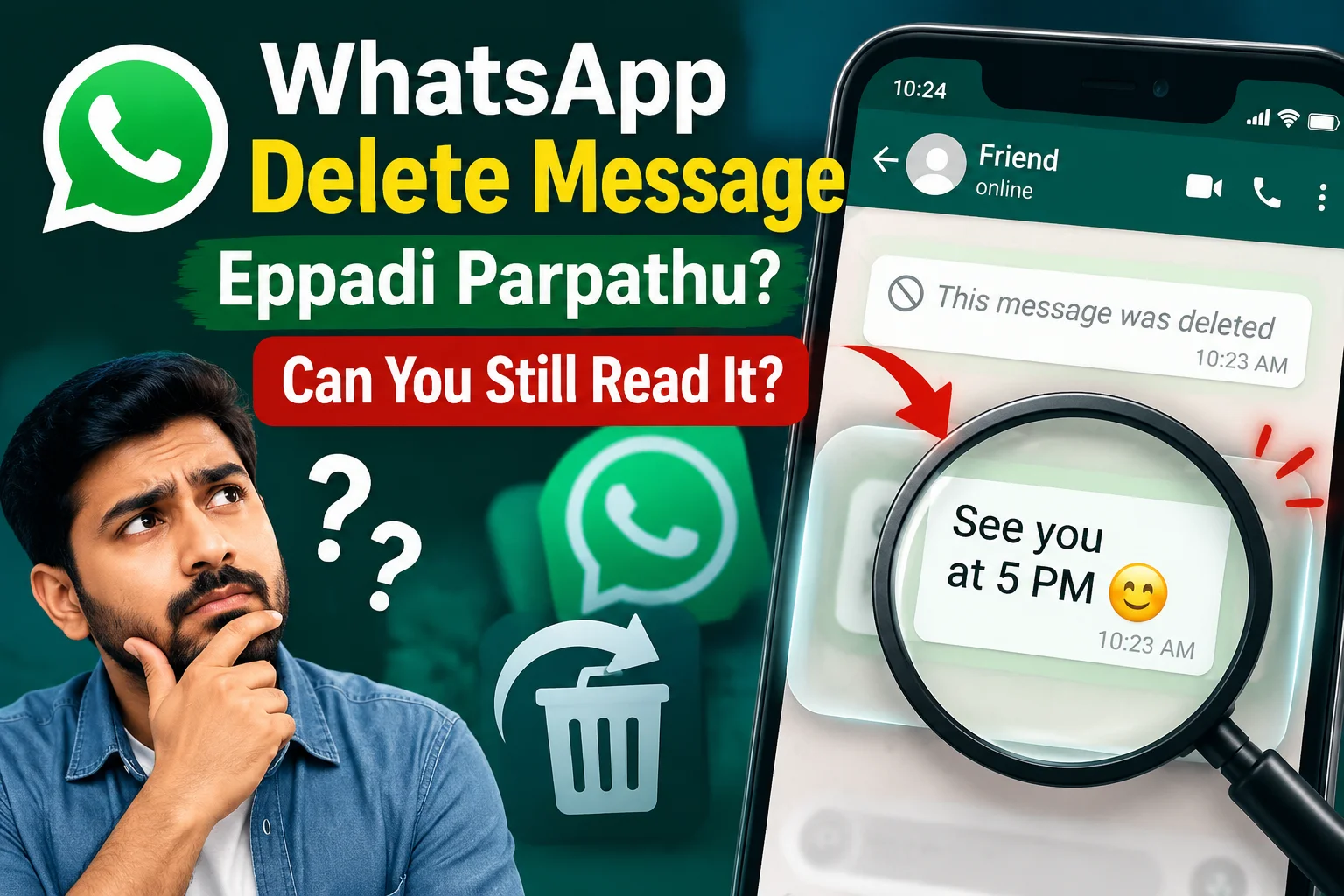
- WhatsApp does not give you an official button to open a message after the other person used Delete for everyone.
- The only real chances are quick notification peeks, Android notification history, or a chat that was already open on WhatsApp Web or another phone.
- Most “WhatsApp deleted message reader” apps on random sites are scams, data stealers, or both—skip them.
- Your Google or phone backup restores your account history in limited ways; it is not a spy tool for other people’s deleted chats.
- If privacy matters at home or work, assume a deleted message may still live in a screenshot, notification shade, or someone else’s backup.
What just happened?
After someone uses Delete for everyone on WhatsApp, there is no official way to read that message again inside the app. Your best real chances are a quick look at the phone notification, Android notification history, or another open WhatsApp Web session before it refreshes. This guide walks through those time-sensitive options, what backups can and cannot do, the scams to avoid, and the hard privacy limits Tamil Nadu users should know in 2026.
That exact moment is why people type whatsapp delete message eppadi parpathu tamil into Google. Office gossip, family drama, a wrong number, a price quote that vanished—curiosity hits fast.
Short answer first: after Delete for everyone has fully cleared the message on your phone, WhatsApp will not show the original text again. There is no secret official “view deleted” switch in the app settings.
What you can do is use a few time-sensitive tricks and know the hard limits. That is the whole game.
How does this actually work?
WhatsApp has two delete paths. Delete for me only clears the bubble on your side. Delete for everyone tries to pull the message from the other person’s chat too, within WhatsApp’s time window.
When Delete for everyone works, your screen gets the placeholder. The Server stops delivering that content as a normal chat bubble. That is why “open WhatsApp again and magically read it” is usually a fantasy.
So where do people still catch the text?
First, the notification. On many Android phones—especially common Jio / Samsung / Xiaomi / Vivo setups in Tamil Nadu—the lock screen or notification shade still shows the message body for a few seconds. If you saw it there before opening the chat, you already read it. WhatsApp cannot un-see your eyes.
Second, Android notification history. Some phones keep a Notification history or buffered notifications list under Settings. If that feature is on, a deleted chat line may still sit there even after the bubble is gone inside WhatsApp. It is not guaranteed. It depends on your phone maker, Android version, and whether you cleared all notifications.
Third, another logged-in session. If WhatsApp Web or Desktop was already open on a laptop, or the same account was active on a secondary phone, the message may still be visible there until that session refreshes. This is luck and timing, not a permanent archive.
Fourth, your own backups. Chat backup to Google Account on Android, or the phone’s local backup, is for restoring your WhatsApp after a reinstall. It helps when you lose your own history. It is not built as a tool to pull one message a friend deleted five minutes ago. Restoring an old backup can also wipe newer chats, so treat it carefully.
Fifth, View once photos and videos. Those are a different design. Open them and they are meant to disappear from the chat flow. Screenshot alerts and privacy rules around View once keep changing with app updates, but the intent is the same: one look, not a permanent gallery file inside the chat.
What does not work, no matter what a YouTube thumbnail screams: a random APK that says “see all deleted WhatsApp messages,” a Chrome extension that wants your full chat export plus phone number, or a “WhatsApp Tracker” that asks you to forward an OTP. Those are classic Indian scam patterns—same energy as fake KYC links.
What changes for people in India?
In daily Indian use, WhatsApp is not just chat. It is school groups, apartment associations, shop orders, UPI payment screenshots, job forwards, and family festivals. So a deleted message feels bigger than a joke that vanished.
On cheaper Android phones that keep fat notification previews, deleted text is easier to catch than on a locked-down setup where previews are hidden. If your notification content is set to “show all,” you are more exposed—and you also have a better chance of reading something before it disappears.
Data packs on Jio or Airtel do not change the delete rules. The app behaviour is the same. What changes is device habit: many people never turn on notification history, never lock WhatsApp with a fingerprint, and leave Web sessions open in a browsing centre or office PC. That is where privacy actually leaks.
Also watch the fake-app economy. Search results in Tamil and English are full of “recover deleted messages” pages pushing sideloaded apps. They want storage permission, notification access, sometimes Accessibility access. That is enough to read OTPs and empty a UPI app. For a curiosity itch, the cost is too high.
Courts and workplace fights are another real-life angle. People screenshot early. People export chats. A delete does not guarantee the other side has zero copy. If the stakes are money, rent, or harassment, assume a delete is not a legal eraser.
What should you do now?
If you are the one who just saw “This message was deleted” and you still want the text:
Check the notification shade and any notification history on your phone immediately. Do not clear all notifications first. If WhatsApp Web was open, look there before it syncs away. That is the practical list. After that, stop hunting.
If nothing is left, accept the limit. Installing a “message recovery” tool from outside Play Store is how accounts get phished. Paid “hacker” Telegram ads that promise any number’s chat are fraud.
If you want to protect your own messages:
Turn off detailed lock-screen previews for WhatsApp. Use the app fingerprint or face lock. Log out of WhatsApp Web sessions you do not recognise—inside WhatsApp, Linked devices. Be careful with chat export files; those .txt dumps travel easily on Drive or email.
If you sent the wrong message:
Use Delete for everyone as soon as you notice. Then send a clean follow-up if needed. Do not assume success. The other person may have already read the notification, taken a screenshot, or kept Web open. For money or private photos, prevention beats delete every single time.
If this is about a child’s phone or office handset, set expectations clearly. Parental monitoring and company devices follow different rules than silently spying on a partner’s personal chat. Secret tracker apps create bigger legal and safety problems than the original curiosity.
Simple habit that saves drama: important prices, addresses, and decisions—ask for a repeat message or move them to a note you both agree on. Do not build life plans on a bubble someone can yank back.
Common mistakes to avoid
Waiting an hour, then searching for APKs. The useful window is seconds to minutes, not “install this tool tonight.”
Restoring a week-old backup just to chase one line. You can lose newer chats and media. Bad trade.
Giving notification access to unknown “cleaner” or “recovery” apps. That permission is powerful.
Believing iPhone and Android behave the same for notification history. Features differ. Your cousin’s trick may not exist on your handset.
Forwarding chat exports to random “recovery support” numbers on Telegram. That is handing over private conversations.
Who this suits
This explainer suits anyone in Tamil Nadu who uses WhatsApp daily and wants a clear, safe answer—not a hack fantasy. Students, shop owners, parents, and office groups all hit the same delete wall.
It does not suit someone looking for spyware on another adult’s phone. That path is unsafe, often illegal, and full of scams.
If your goal is simply “I deleted something by mistake on my own phone,” check your own backup and whether the message still exists for others. That is a recovery problem on your account, not a spy feature.
FAQs people actually ask
Below are the same doubts that show up around whatsapp delete message eppadi parpathu tamil—answered without the clickbait.



Comments (0)
Be the first to comment!