

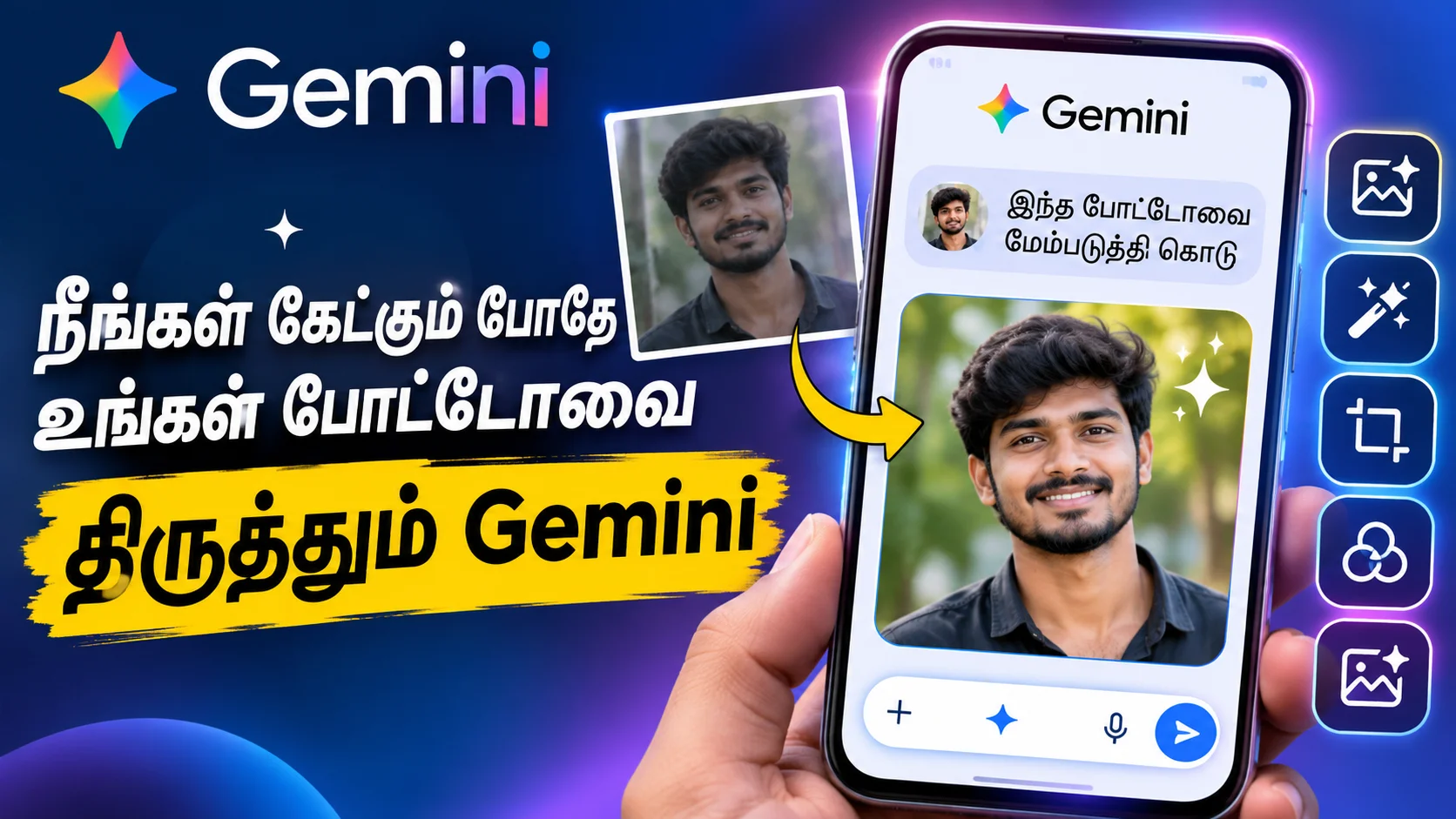
Gemini AI Tamil voice means speaking Tamil to Google's Gemini and getting a spoken reply inside the official Gemini app or gemini.google.com — there is no separate Tamil download. This guide covers how to turn the mic on, set Tamil if the list shows it, what is free versus paid in rupees, daily uses from kitchen to shop counter, where Tamil still lags English, and the APK traps to skip.
- Gemini AI Tamil voice means speaking to Google's Gemini in Tamil and getting a spoken reply. It lives inside the official Gemini app, not a separate Tamil download.
- Start free on the Gemini app or gemini.google.com. Turn the mic on. Set language to Tamil if the list shows it.
- Tamil typing is ahead of Tamil speaking. English still sounds more natural.
- Google Assistant is still better for short Tamil phone commands like alarms and calls.
- Skip random APKs and Telegram "lifetime Pro" links. Those steal accounts. They do not improve the accent.
Gemini AI Tamil voice is you speaking Tamil to Google's Gemini and getting a spoken reply, not just a wall of text. It sits inside the official Gemini app and website — there is no separate Play Store app with that name. It is free to try, usable for everyday Tanglish, and still weaker than English when it has to actually talk.
You're at a tea stall near the bus stand, glass in one hand, and you don't want to type a long Tamil message with one thumb. You just want to talk. That itch is the whole search.
What does Gemini AI Tamil voice actually mean?
Gemini AI Tamil voice is Google's Gemini answering you in Tamil by voice, not only by text. If that is what you typed, you want a call-like chat in the language you use at home.
It is not its own product. You are looking at the microphone and language controls inside the Gemini app, gemini.google.com, and the Gemini shortcut on many Android phones.
This matters in India because we don't live in one language. Office WhatsApp is English. Home is Tamil. School homework is a mix. An AI that only sounds like a US podcast host feels useless when you need a leave letter for your kid or a polite reply to a relative.
Use it to draft a wedding-invite line in Tamil, explain a science chapter while cooking, or turn a rambling thought into a clean email. Voice is for busy hands — scooter, kitchen, shop counter.
English voice is still smoother. Tamil text-to-speech — that's the computer reading the answer aloud — can sound stiff, skip a sandhi, or flip to English mid-sentence. Gemini often understands your Tamil better than it speaks it. That's a product gap, not a broken mic.
How do you switch on Gemini Tamil voice, step by step?
You switch it on inside the official Gemini app or website with your Google account, not through a random Tamil-voice APK.
Install Gemini from Google Play or the App Store, or open gemini.google.com in Chrome. Sign in with the Gmail you already use for YouTube.
Open Gemini settings. Look for language, spoken language, or Gemini Live. If Tamil is in the list, pick it. If it isn't, leave English on and still speak Tamil. Plenty of Chennai users do this, and Gemini still catches Tanglish.
Tap the microphone. Start small. Ask how CGST shows up on a sample bill, or how to write one polite Tamil WhatsApp line. Don't dump a three-minute family saga on the first try. Pause. Let it answer. Then continue.
If your phone shows Gemini Live — Google's live conversation mode, like a phone call with the bot — try that for back-and-forth talk. Headphones help. A noisy route bus wrecks Tamil recognition faster than English.
On many Androids you can hold the power button or use the nav-bar Gemini shortcut, the same muscle memory from Google Assistant. iPhone has the Gemini app too. You still need decent internet. City Jio 5G is fine. Weak 4G in a concrete basement is not.
If a Tamil voice never comes out, you're not imagining it. Google has been adding Indian languages to Gemini in stages. App version, phone model, and whether Live is on for your account all change what you hear. Update the app. If the mic is dead, clear cache and try a short Tamil sentence again.
How much does Gemini AI Tamil voice cost in India?
The Gemini app is free with a Google account. You do not pay extra only to unlock Tamil.
Paid Gemini plans — the screen may say Gemini Advanced, Google AI Pro, or a Google One bundle — buy higher usage limits and the stronger model. They do not guarantee a radio-quality Tamil voice. Check the live rupee price inside Gemini or Google One. Old YouTube thumbnails lie.
| Option | Tamil text | Tamil voice | What you pay |
|---|---|---|---|
| Free Gemini app / website | Everyday Tamil and Tanglish | Mic works; spoken Tamil replies vary | ₹0 with a Google account |
| Paid Gemini / Google AI plan | Higher limits, longer chats | Same language rules, more headroom | Monthly fee — confirm in the app |
| Google Assistant | Short commands, not essays | Tamil voice has been on Indian Androids for years | Free on most phones |
| ChatGPT app | Tamil text is usable | Voice mode is still English-first for most people | Free tier; Plus is paid |
| Phone Gemini shortcut | Same as the Gemini app | Hands-free is the win, not a special Tamil engine | No extra voice fee |
Voice uses more mobile data than typing. On a normal prepaid pack it's a small bite, unless you leave Live mode running. No Flipkart combo adds Tamil. If a Telegram channel sells "Gemini Tamil Pro lifetime", treat it as a fake storefront.
Which mistakes get people into trouble with Gemini voice?
The first mistake is a Gemini Tamil Voice MOD APK. That path loses Google accounts. It does not gift you a better accent.
The second is trusting a spoken answer for money, medicine, or legal steps. Gemini can deliver a confident Tamil sentence that is simply wrong. For an electricity-bill fight or a court date, read the text. Don't just nod at the voice.
The third is performing. People switch to textbook Tamil, slow dictation style, then get angry. Talk like you talk. "Sir, intha bill reverse panna enna documents venum?" beats a school-essay sentence.
Leaving the app in English and expecting a full Tamil radio voice is the quiet one. Set language if you can. If it replies in English, say "Tamil-la pesu" or "Answer in Tamil". Sometimes you get speech. Sometimes you get Tamil text with an English mouth. That's the software, not your hardware.
Don't pay for a higher plan only because a reel said Tamil voice is locked there. If the free app already understands you, the paid tier may not change the accent. And don't pour Aadhaar numbers, bank SMS, or a client's price list into the chat. Treat Gemini like a smart stranger at the tea stall — useful, not your CA.
What should you do now if you want Tamil voice AI?
Install the official Gemini app, set language, and throw three real questions at it — school homework, a shop WhatsApp reply, one line from a government form. If the Tamil voice is good enough for those, stay on the free tier.
If you mostly need "Call Amma", "Set alarm", or "Open GPay", keep Google Assistant. Short Tamil phone chores are still its job. Gemini is the long-answer cousin.
For anything you would actually send to a person — a leave letter, a complaint, a price quote — type, then listen if you want. Voice is the convenience layer. Typing still wins on mixed Tamil-English office wording.
If the Tamil voice feels robotic, you're not missing a hidden toggle. Use it where it saves time. Don't bet your whole day on the accent.


Comments (0)
Be the first to comment!