


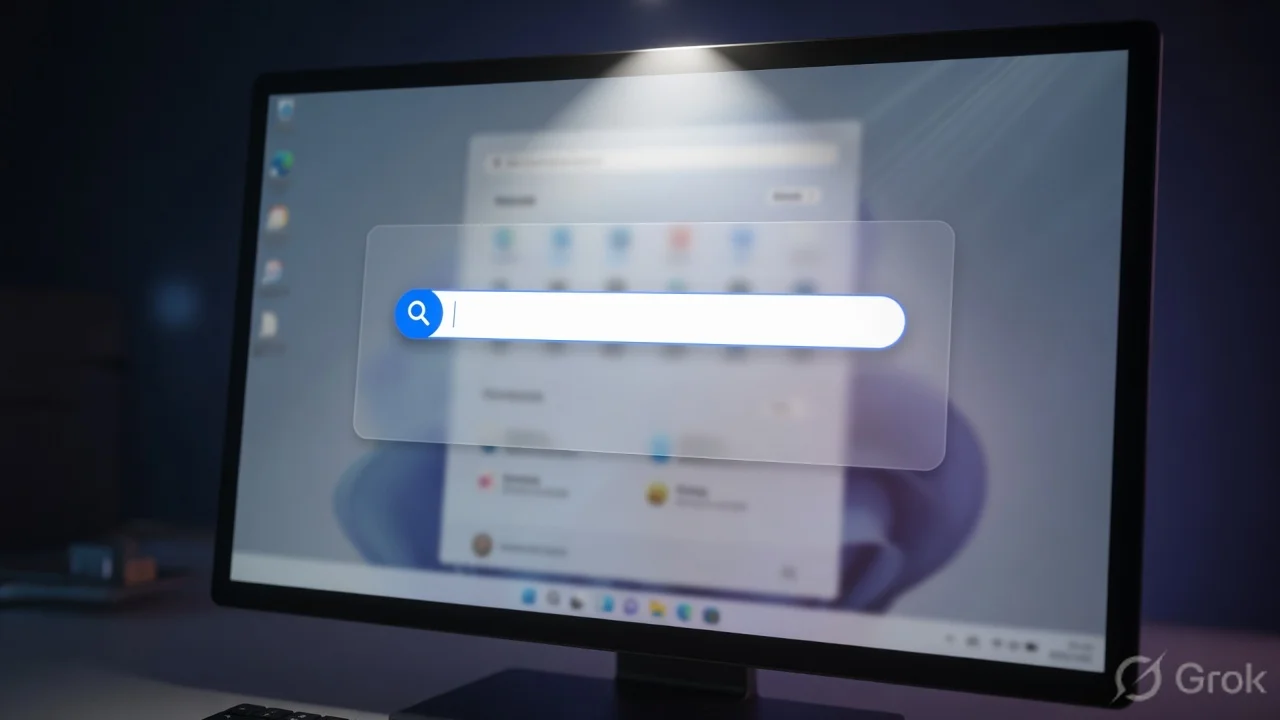
What’s the buzz?
Google has quietly rolled out a brand‑new Windows desktop application that bundles a Spotlight‑like search box, quick access to Google Drive, and a native screen‑sharing feature. Think of it as a Swiss‑army knife for everything you do on a PC – from hunting a webpage to pulling up a PDF stored in Drive, all without opening a browser.
Why this matters now
Windows still dominates the Indian desktop market – over 70% of PCs in homes and offices run Windows 10 or 11. Yet Google’s ecosystem has always been web‑first, forcing us to juggle between Chrome, Drive, and separate screen‑share tools like Zoom or Teams. This new app aims to shrink that friction.
Feature deep‑dive
- Spotlight‑style universal search – A single bar that instantly queries the web, Google Search, your Chrome history, Drive files, and even local folders. Results appear in a clean list with previews, just like macOS Spotlight.
- One‑click Drive access – Your Drive shows up as a virtual drive (G:), letting you open, edit, or share files straight from the search results.
- Built‑in screen sharing – Click the ‘Share Screen’ button, pick a window or entire desktop, and generate a shareable link that works on any browser. No extra download required.
- Lightweight footprint – The installer is under 150 MB and runs on Windows 10 (1809+) and Windows 11. It stays in the system tray, consuming < 50 MB RAM when idle.
How to get it
Google is offering the app as a free download from the official Google website. Here’s a quick install guide:
1. Open your browser and go to google.com/desktopapp
# 2. Click "Download for Windows"
# 3. Run the .exe and follow the wizard
# 4. Sign in with your Google account
Once signed in, you’ll see the new icon beside the clock. Click it or press Ctrl + Space to summon the search bar.
Indian context – why you’ll love it
For Indian users, the biggest win is the native screen‑share. Most of us still rely on data‑heavy Zoom calls for work and family chats. With this tool, you can share a window without consuming extra bandwidth for a separate meeting link – the share link uses Google’s lightweight WebRTC backend, which performs well on 4G/5G networks.
Another point: many small businesses use Google Workspace for Docs, Sheets, and Drive. Having Drive mounted as a virtual drive means you can open a spreadsheet directly from Windows Explorer, edit it in Chrome, and save without any sync hassles.
TamilTech’s take – pros and cons
Pros
- All‑in‑one search cuts down on app‑switching.
- Screen share works straight from the desktop – no extra login.
- Free and light on resources.
- Works offline for local file search.
Cons
- Still early – some file types (e.g., .psd) don’t preview.
- Search indexing can take a few minutes on large hard drives.
- Screen‑share link expires after 24 hours; not ideal for long‑term webinars.
Overall, TamilTech thinks this is a smart move by Google to tighten its grip on the Windows ecosystem. It won’t replace Chrome, but it will become the go‑to launcher for many power users.
What’s next?
Google hinted at future updates: integration with Google Meet, AI‑powered suggestions in the search bar, and a dark‑mode theme. Keep an eye on the app’s update channel – the next version might even let you pin favorite files for instant access.
So, if you’re tired of juggling Chrome tabs, Drive folders, and third‑party screen‑share tools, give Google’s new desktop app a spin. It’s free, it’s fast, and it could shave a few seconds off your daily workflow – and those seconds add up.




Comments (0)
Be the first to comment!