


What’s the headline?
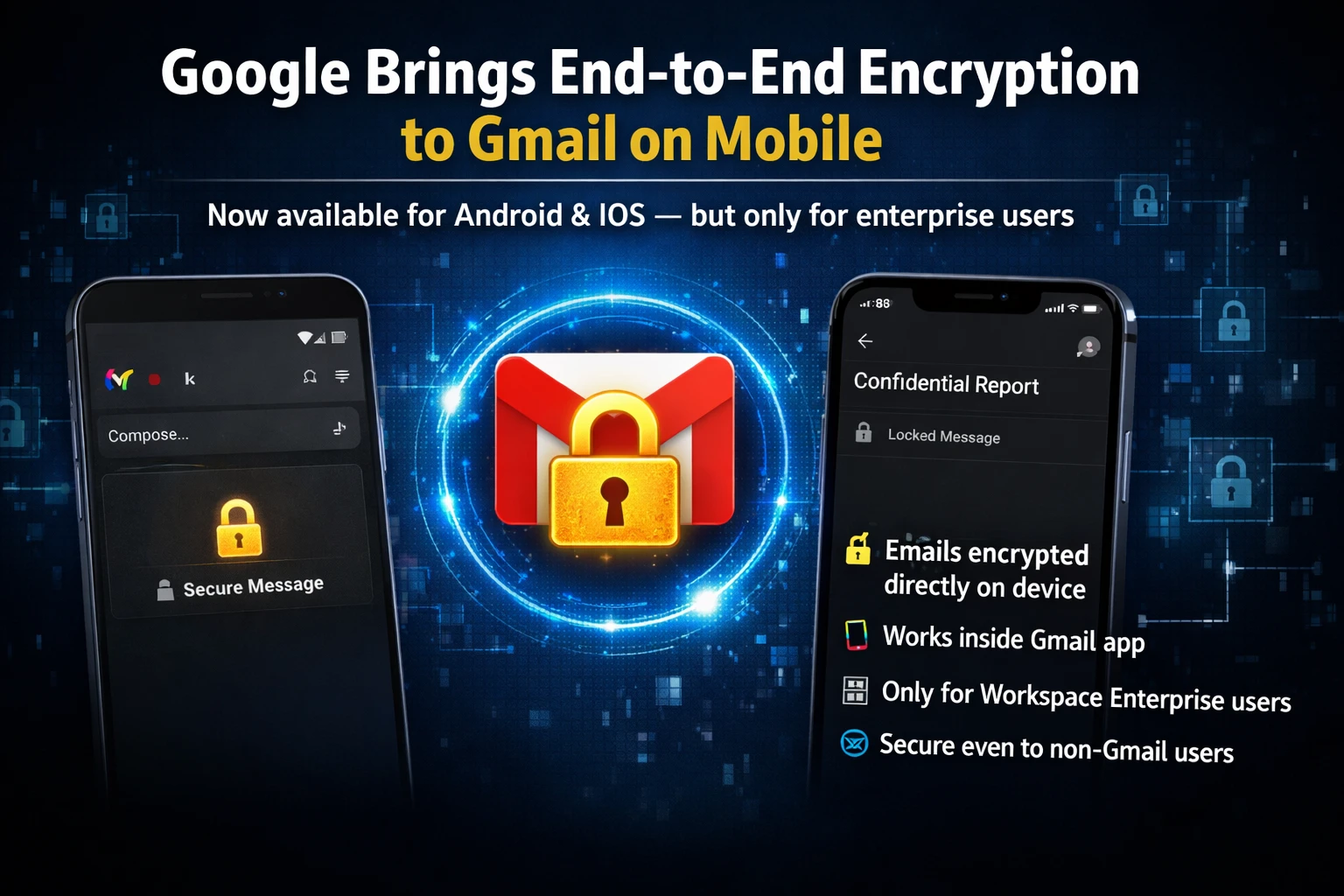
Google has finally turned on end‑to‑end encryption (E2EE) for Gmail on Android and iOS – but only for Google Workspace (enterprise) accounts. In plain English, your email content will now be encrypted on the device, stay encrypted in transit, and only be decrypted on the recipient’s device. No Google server can read the body of the mail.
Why does it matter now?
Until today, Gmail’s default encryption was TLS – it protected data while it moved between Google’s data‑centers, but Google could still scan the content for spam, ads, or AI‑based suggestions. With E2EE, that scanning stops. The move is a direct response to growing demand from businesses that handle confidential data – think financial reports, legal contracts, or health records.
How does it work?
The feature uses the same cryptographic primitives as Google’s existing “confidential mode”, but upgrades them to true end‑to‑end. When you hit Compose, the app generates a one‑time symmetric key, encrypts the email body with it, then encrypts that key with the recipient’s public key (derived from their Google Workspace directory). The encrypted payload travels over the usual internet routes, but only the intended device can decode it.
Step‑by‑step to enable it
- Open the Gmail app on your Android or iOS device.
- Tap the three‑dot menu → Settings → your Workspace account.
- Scroll to “Encryption” and toggle “End‑to‑end encryption” ON.
- When composing, you’ll see a lock icon next to the subject line – tap it to confirm encryption.
- Recipients must also be on a Workspace account with E2EE turned on; otherwise the mail falls back to regular TLS.
What’s new for Indian enterprises?
India’s corporate sector is still catching up with data‑privacy norms. The new rule from the Ministry of Electronics & Information Technology (MeitY) pushes companies to protect “sensitive personal data”. With Google’s E2EE, a Bengaluru‑based startup can now assure investors that their pitch decks aren’t being read by anyone except the intended VC.
For companies using G‑Suite for Education, the feature is also rolling out, meaning school admins can protect student records without buying a separate encrypted mail service.
Impact on everyday users
For the average Tamil‑speaking professional who uses Gmail on the go, the change is subtle – you’ll just see a lock icon. But the peace of mind is huge. Imagine you’re sharing a GST‑filing spreadsheet with your accountant; now that file is locked down end‑to‑end.
Our take – TamilTech‑ஓட கருத்து
We think Google finally got the memo that “privacy‑by‑design” is not optional for businesses. The rollout is limited to Workspace, so personal Gmail users still have to rely on third‑party tools like ProtonMail if they need true E2EE. That’s a bit of a let‑down, but it’s a smart first step.
Pros:
- Zero‑knowledge encryption – Google can’t read your mail.
- Native experience – no extra app, no extra password.
- Works with existing Gmail features (labels, search, offline mode).
Cons:
- Only works between two E2EE‑enabled Workspace accounts.
- Large attachments (>25 MB) are still uploaded to Google Drive and not end‑to‑end encrypted.
- Admins need to enable the setting – many SMEs may miss it.
What’s next?
Google hinted that the feature will eventually expand to personal accounts and to other Google services like Chat and Drive. If they follow the same timeline as other rollouts, we could see a broader launch in the next 6‑12 months.
For now, Indian businesses should audit their email policies, turn the switch on, and inform partners that they need to opt‑in. A quick internal memo can save a lot of headaches later.
Bottom line
End‑to‑end encrypted Gmail on Android and iOS is a game‑changer for Indian enterprises that care about data‑privacy. It’s free, native, and easy to enable – just flip the lock switch and you’re good to go.




Comments (0)
Be the first to comment!